The module enables efficient backend management of auto parts by associating products with vehicle characteristics such as make, model, type, and year. It integrates deeply with product variants, simplifying catalog structuring and enhancing search effectiveness. This module is ideal for automotive businesses looking to streamline auto parts classification and improve product-to-vehicle matching.
Allow vehicle attributes make, model, type, and year to be assigned to product variants
Simplify part retrieval by connecting products directly to specific vehicle profiles
Support precise auto parts classification for backend operations
Improve inventory image clarity and variant matching accuracy
Reduce catalog confusion with structured auto-part categorization
Accelerate product lookup and management through vehicle-based filters
Enhance operational precision for sales and inventory teams
Facilitate consistent product organization aligned with vehicle attributes
In automobile shops have numerous auto parts there is no count for parts and it's variants that's the way it is quite difficult to manage into the shop. So that's why we created a model that will help you to manage it. This module will help to manage an auto part by make, model, year, type. You can also assign vehicles in auto parts product variants so it will become very easy to find the product using vehicle details. In this module provide two groups for user and manager so you can easily apply access rights for user and manager. This is very clean and transparent so the user can easily understand how it works.
- Easily manage vehicle range with a start and end year.
- You can add common products for all vehicles.
- Easily apply access rights for auto parts user and auto parts manager.
- Easily manage auto parts with types, makes, models and year of the model.
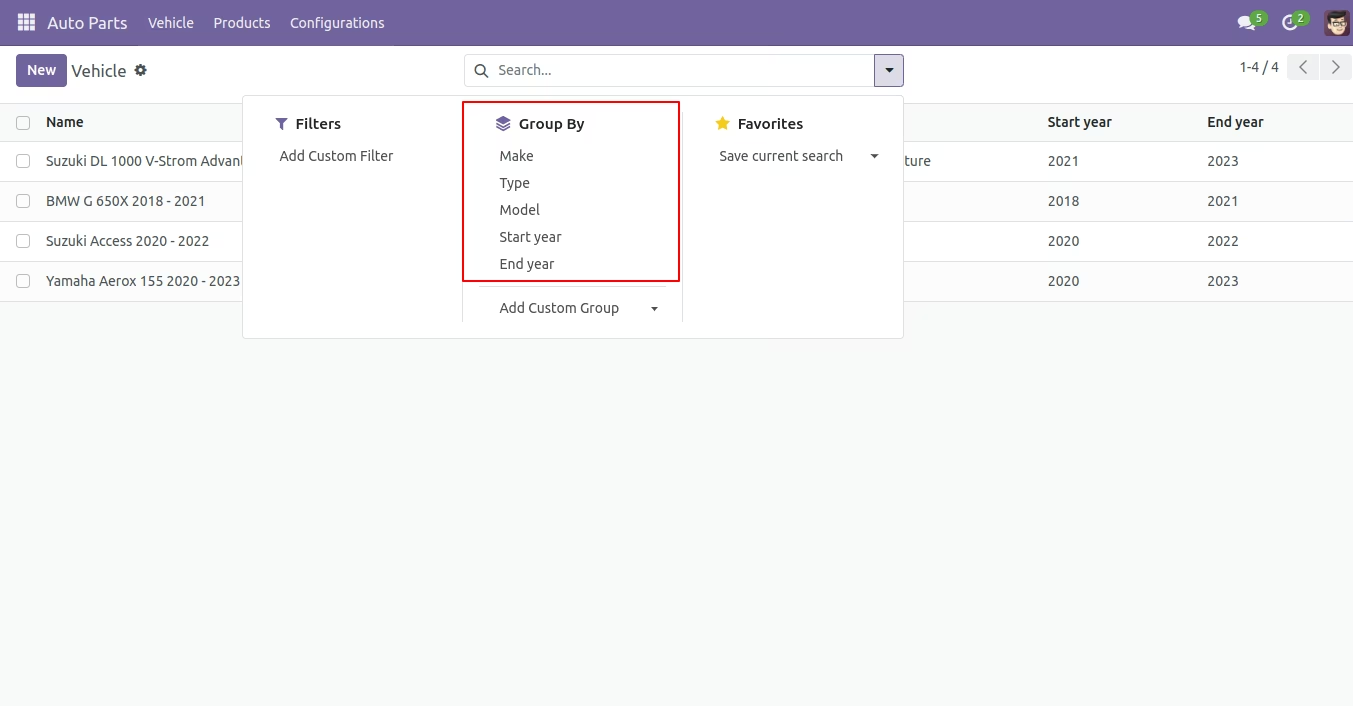
- Easy to group by auto parts list by vehicle make, vehicle model, year, vehicle type.
- Easily group by models by using the vehicle model, the vehicle makes and vehicle type.
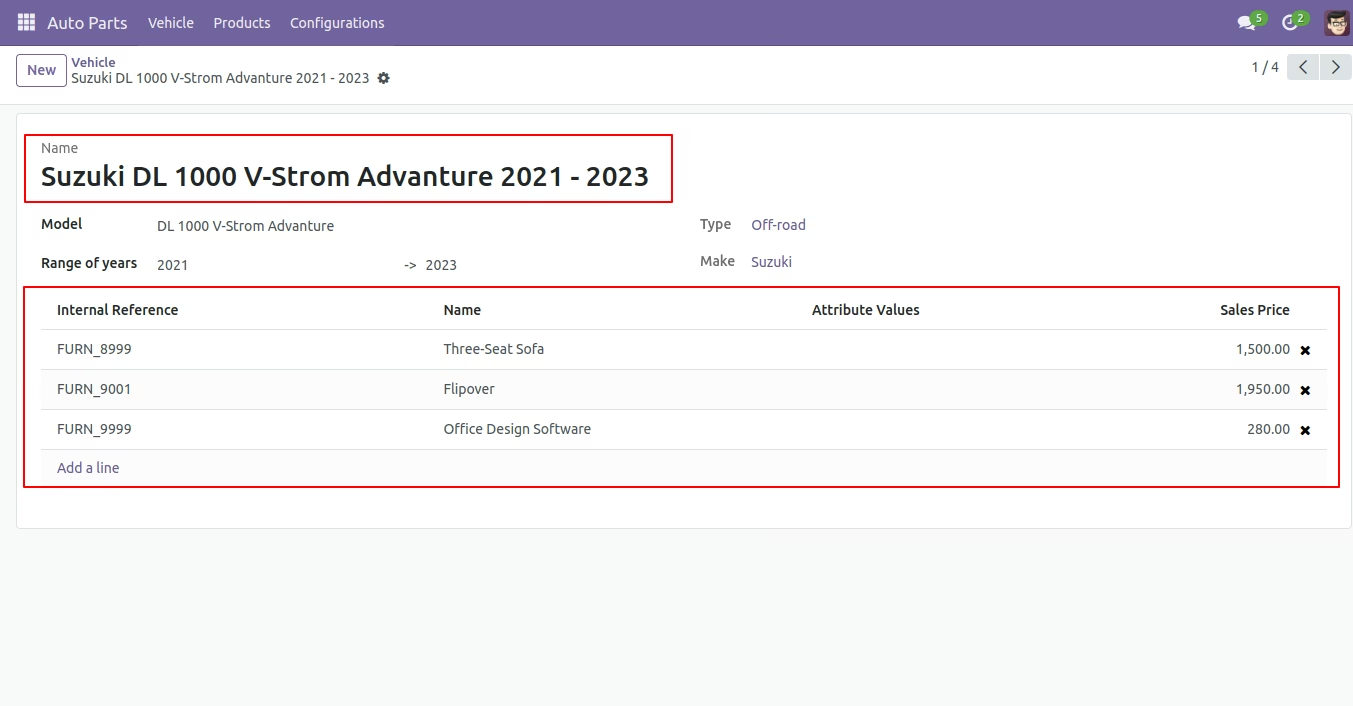
- Easy to add product(auto parts) into the vehicle and also add vehicle into the product(auto parts).
- You can add and manage the associated website and company for the Type, Make, Cubic Capacity, Model, Year and vehicle.
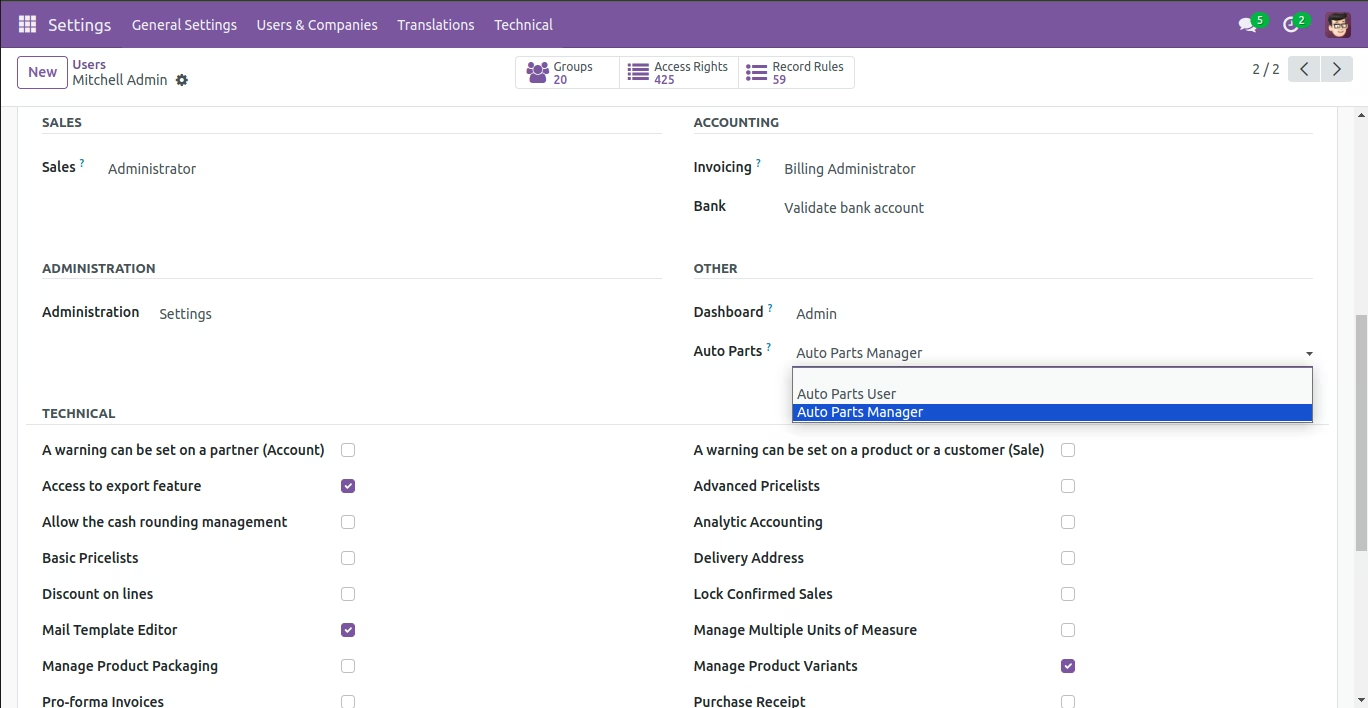
Select Auto Parts user or Auto parts manager.
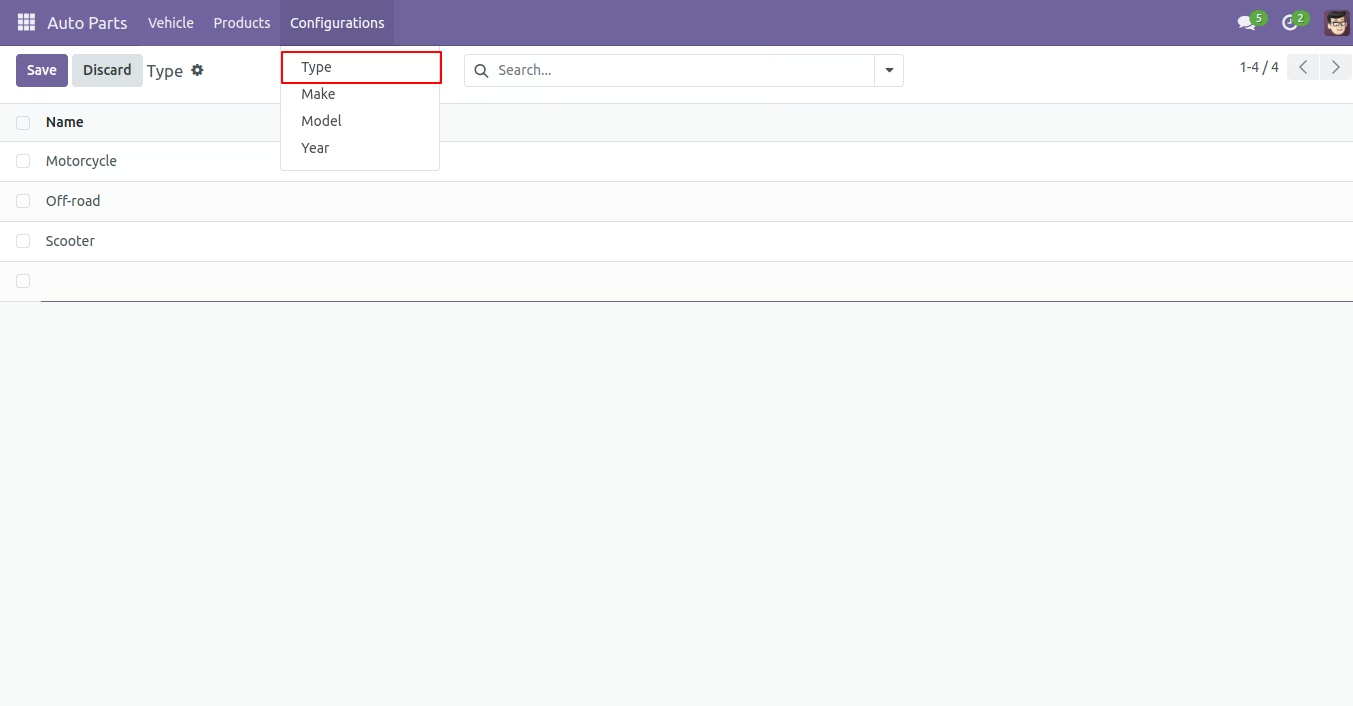
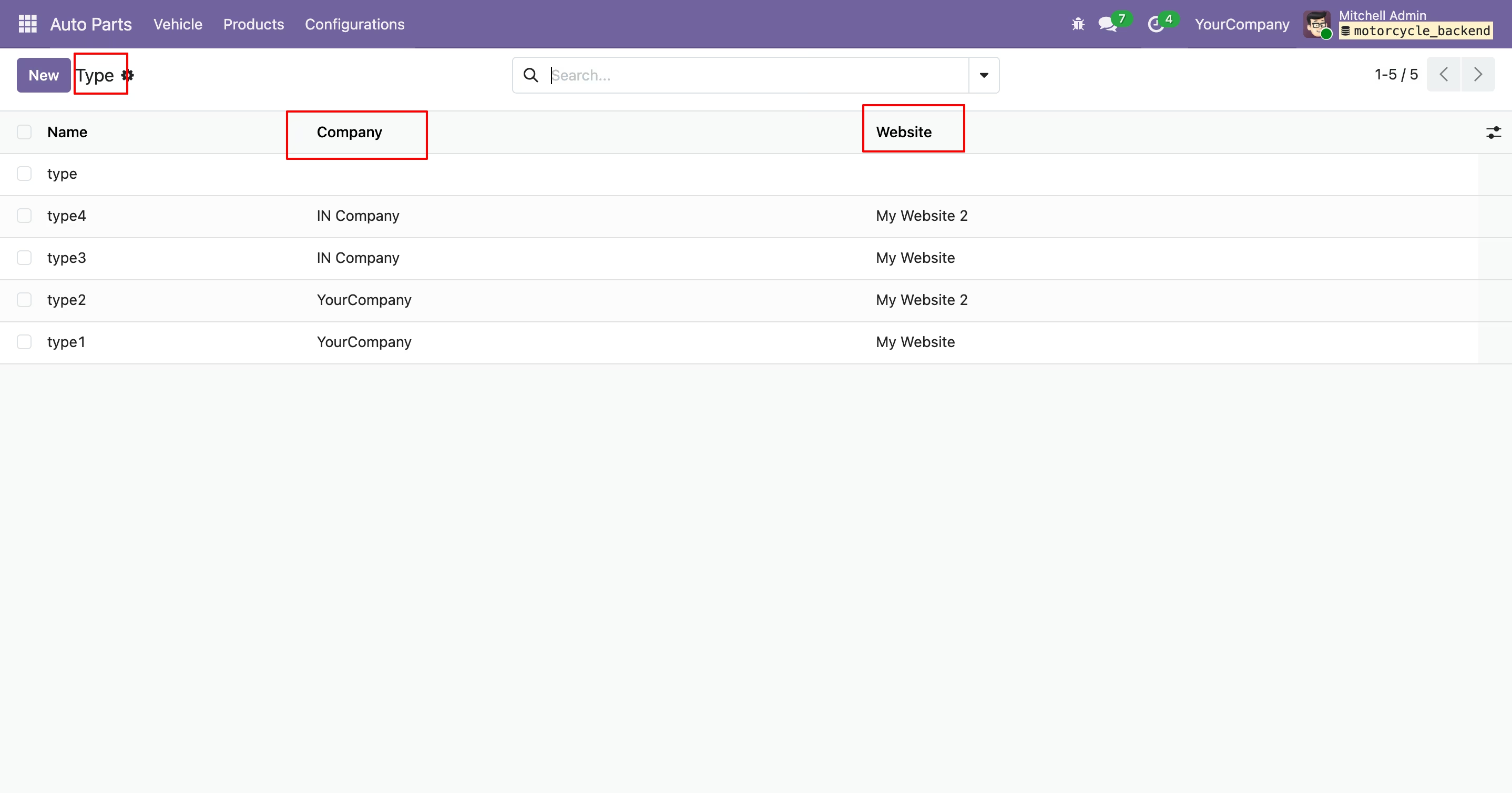
Auto Parts Type Menu and tree view.
Auto Parts make menu and tree view.
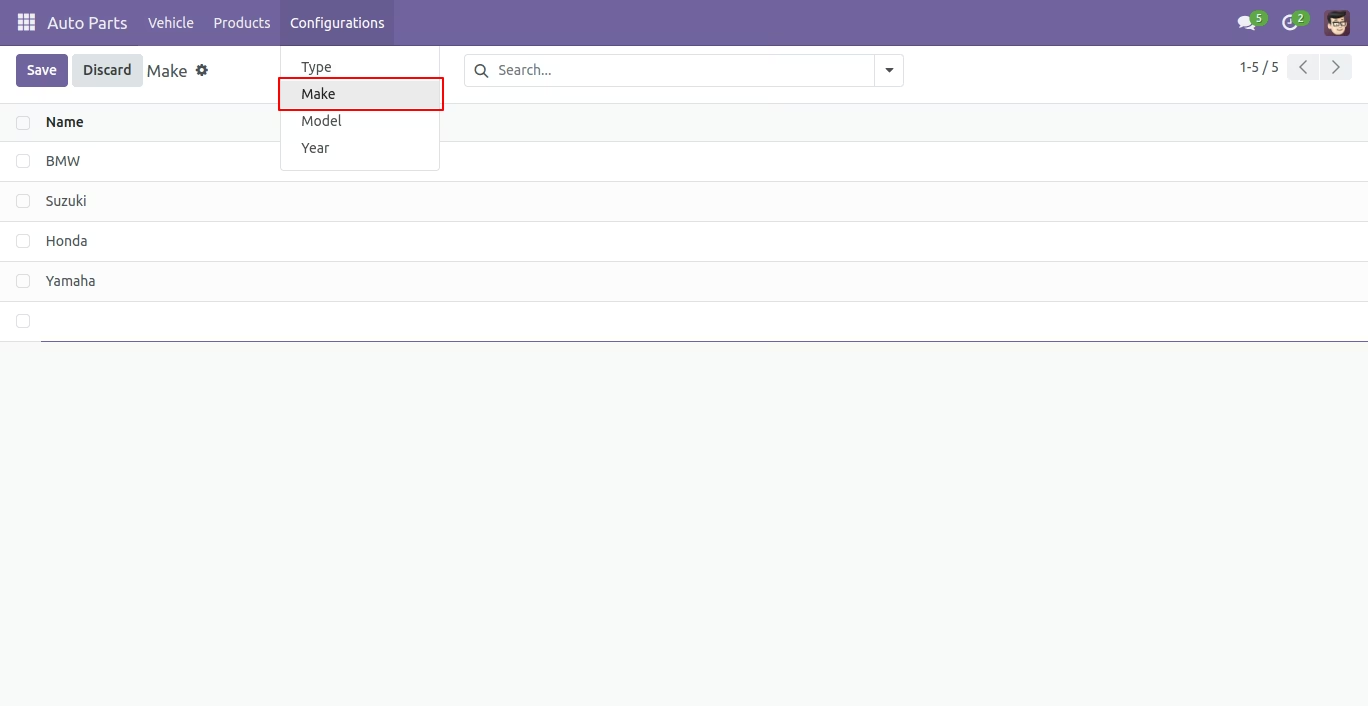
Auto Parts Model menu and tree view.
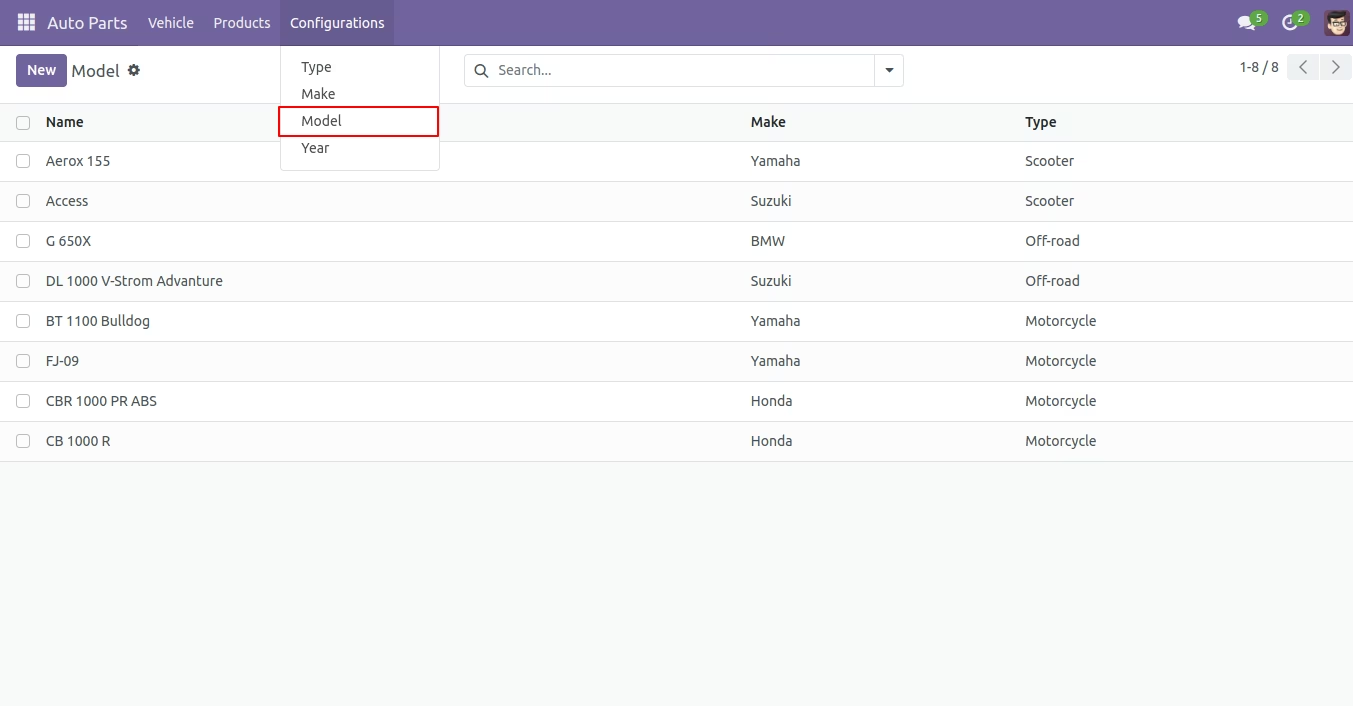
Auto Parts Model group by.
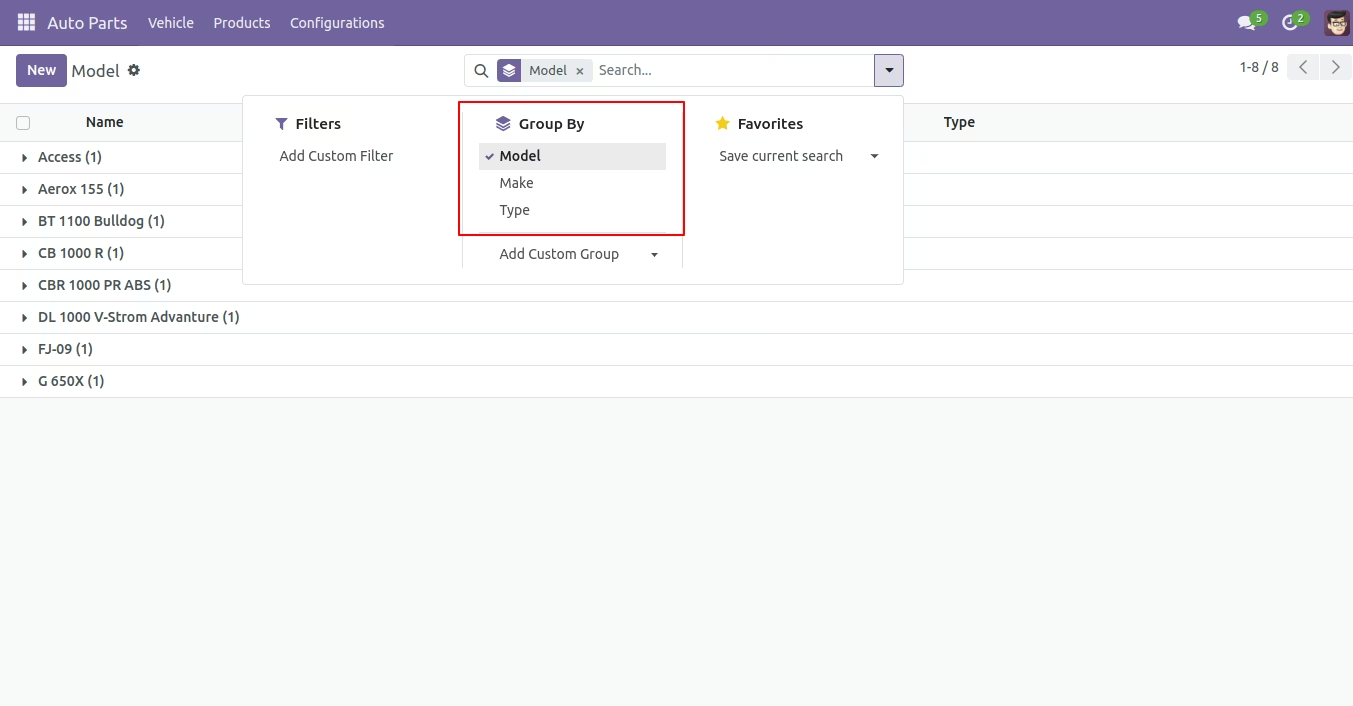
Auto Parts Model form view.
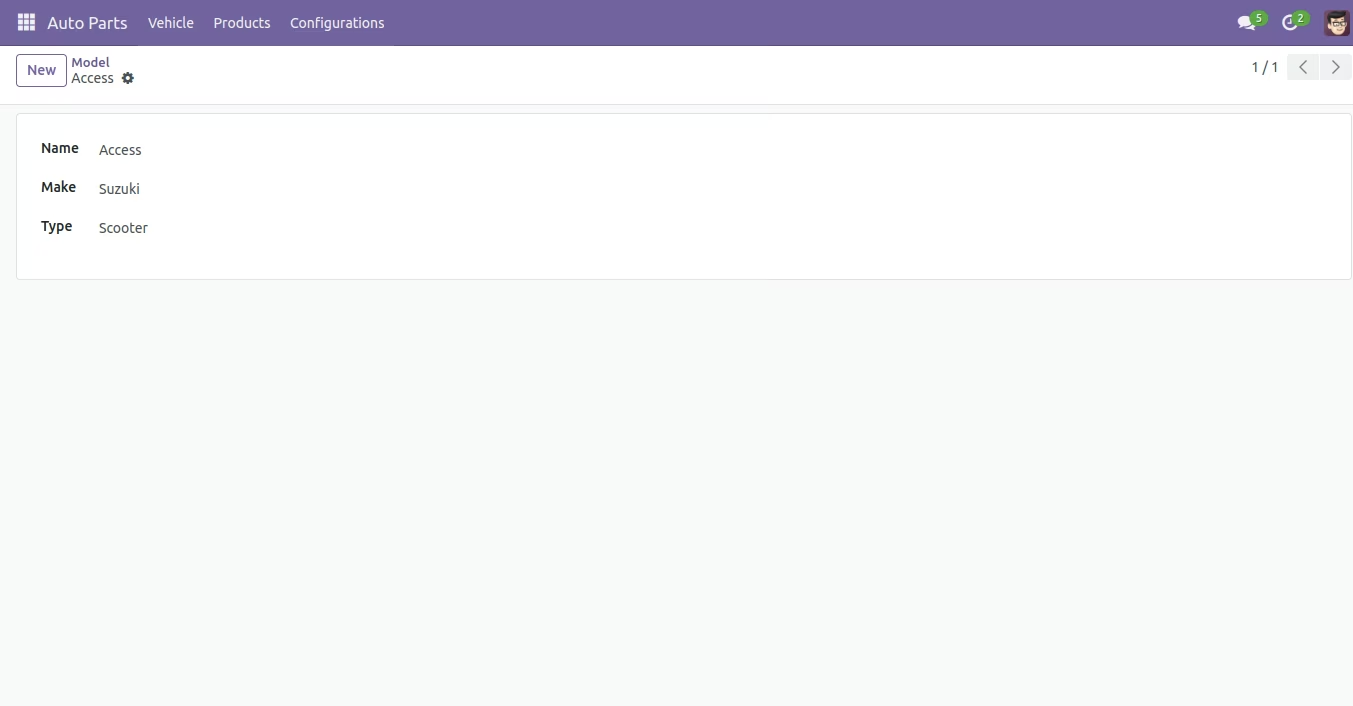
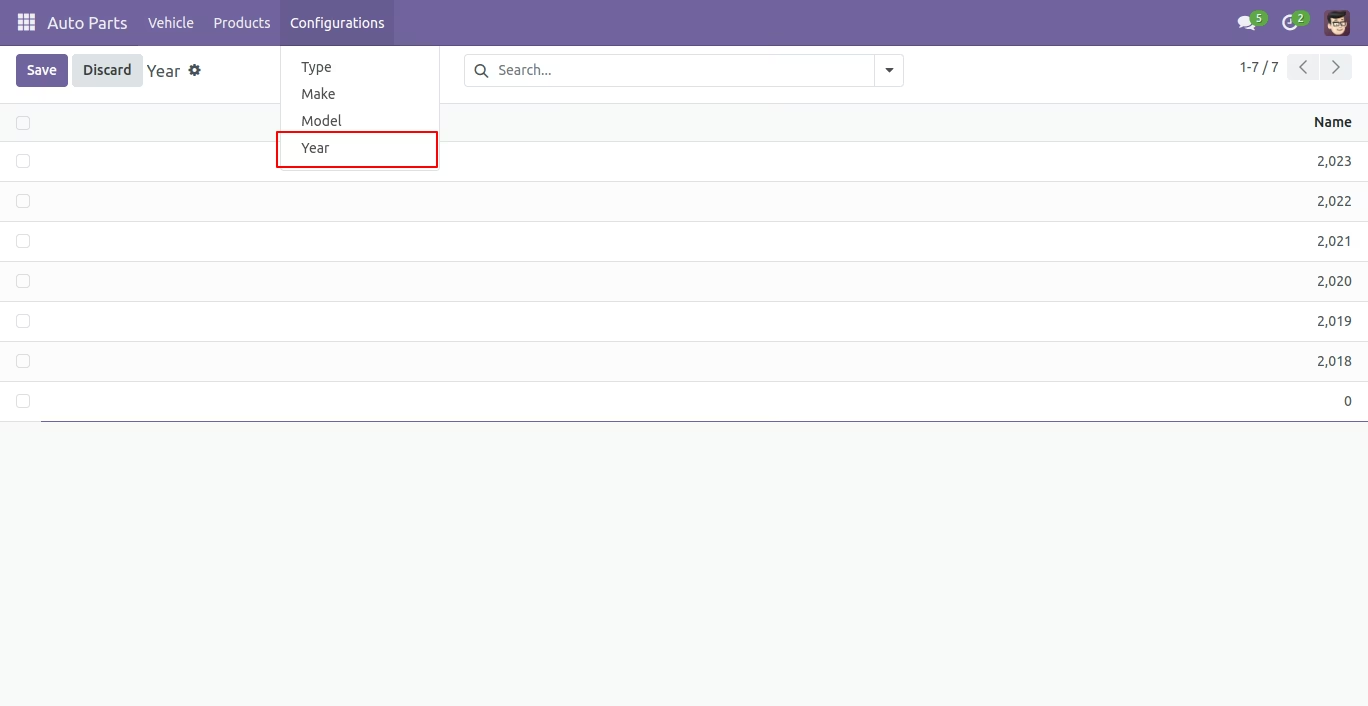
Auto Parts year menu and tree view.
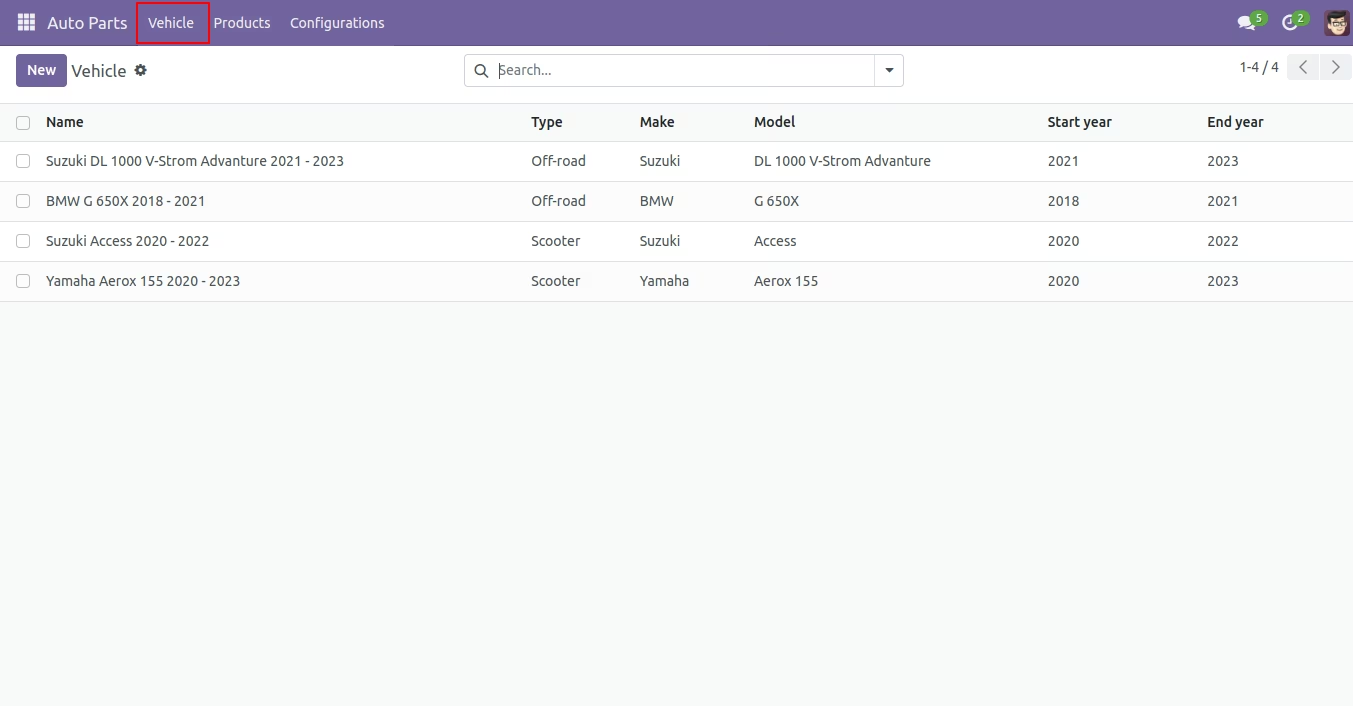
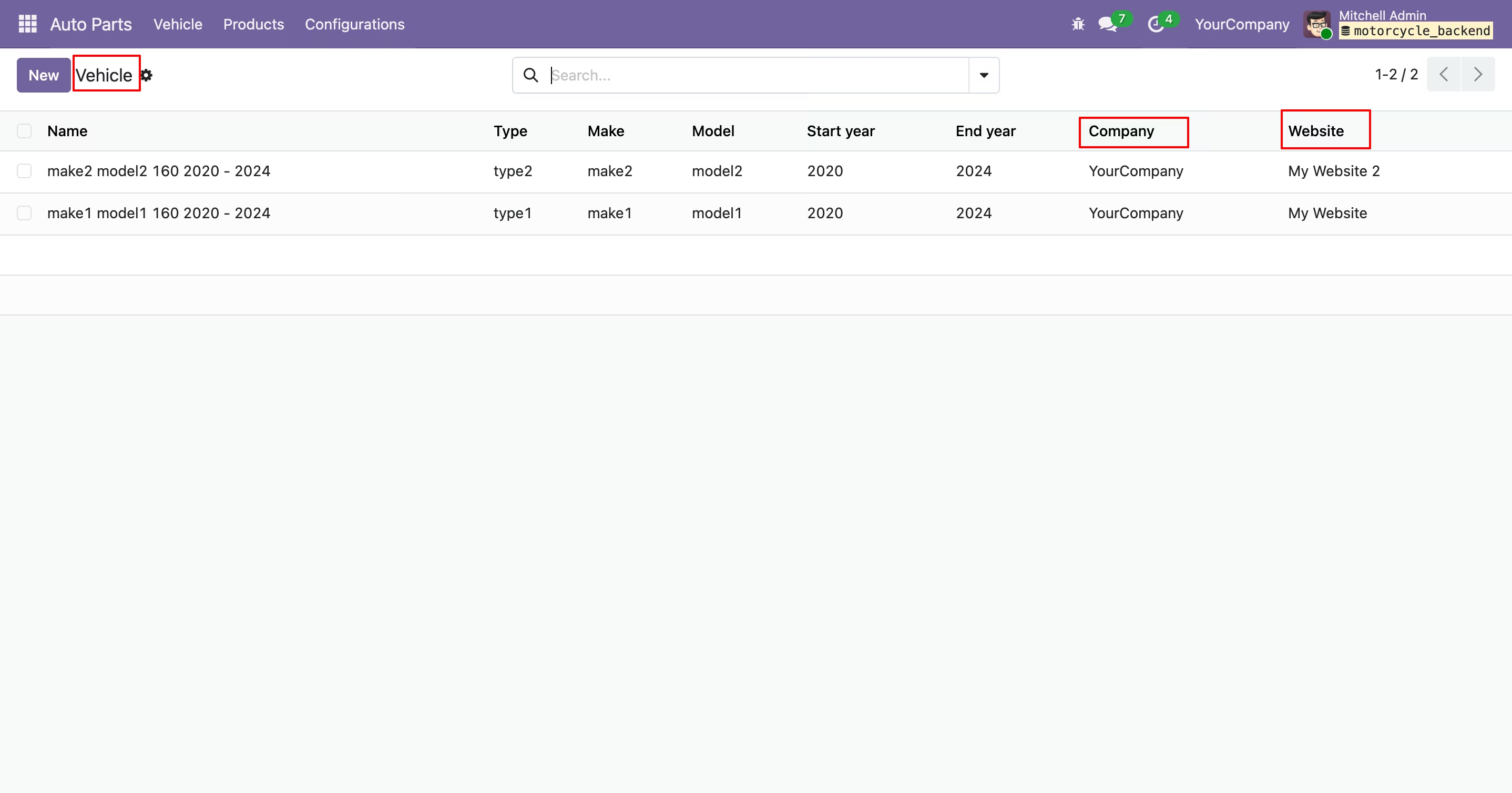
Vehicle menu and tree view.
Vehicle group by.
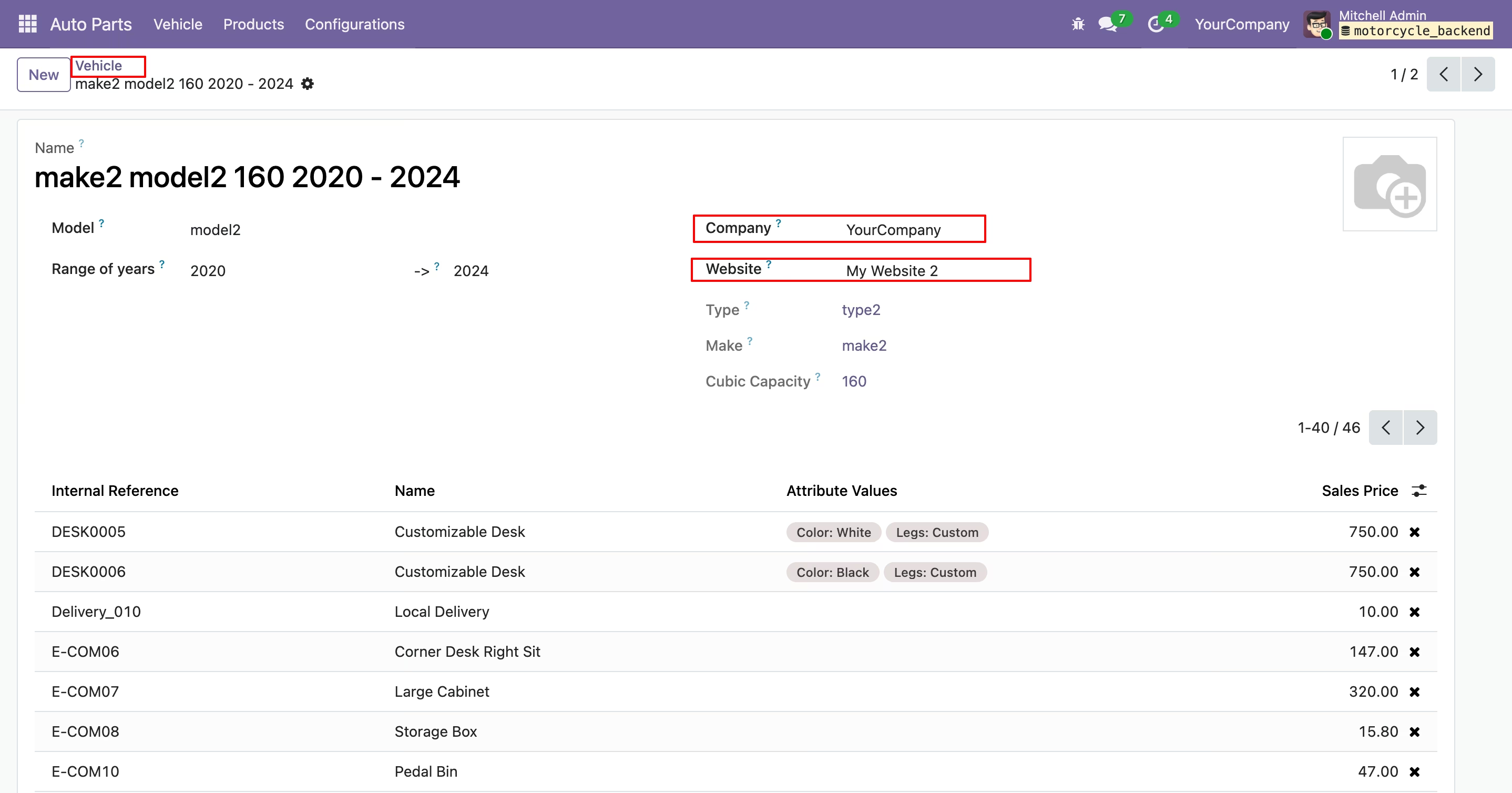
Vehicle form view.
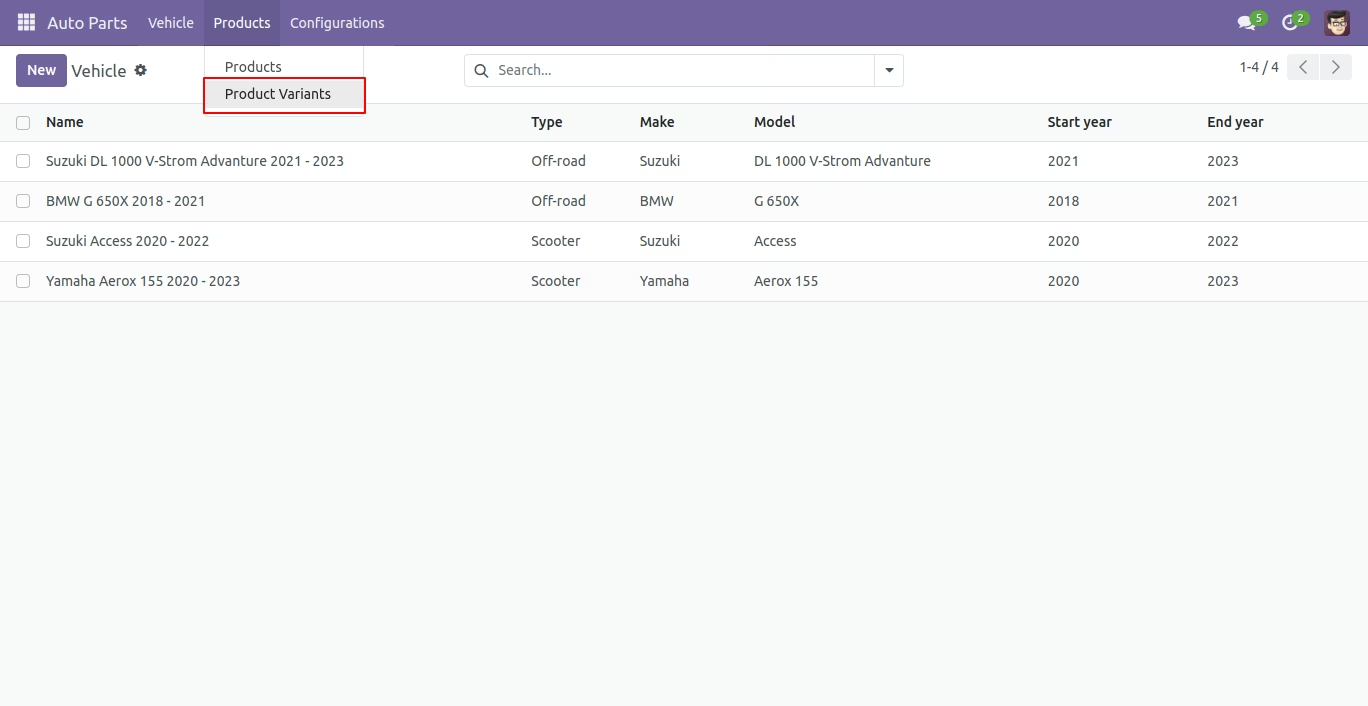
The product menu helps to update products in auto parts.
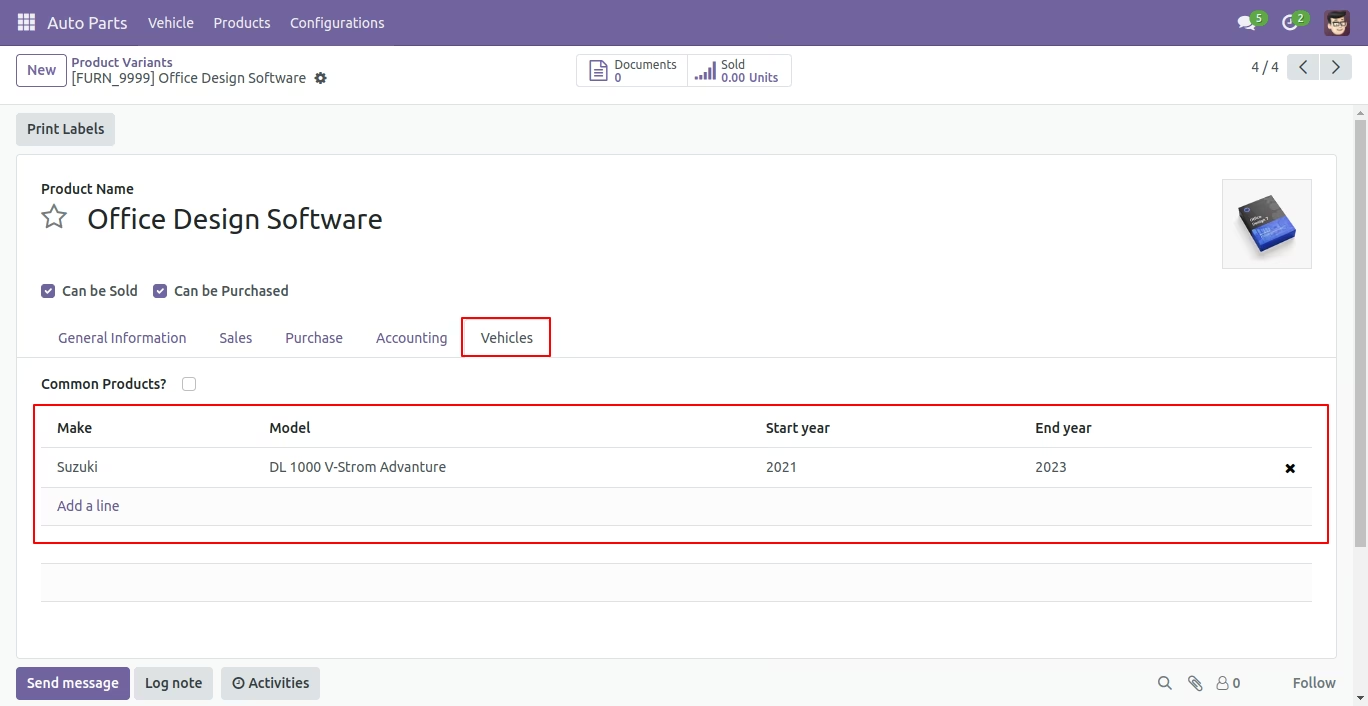
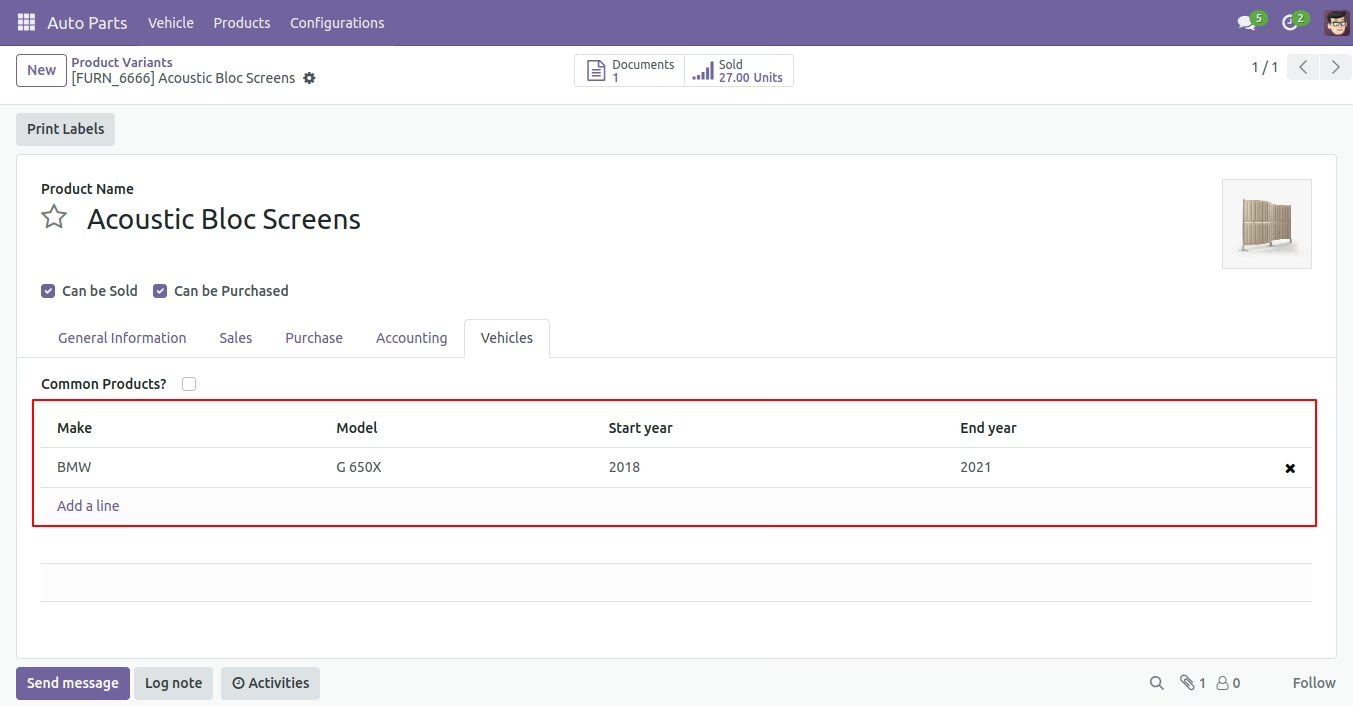
Form view of the product variants.
In the Auto Part Type Tree view, you can see the associated website and company.
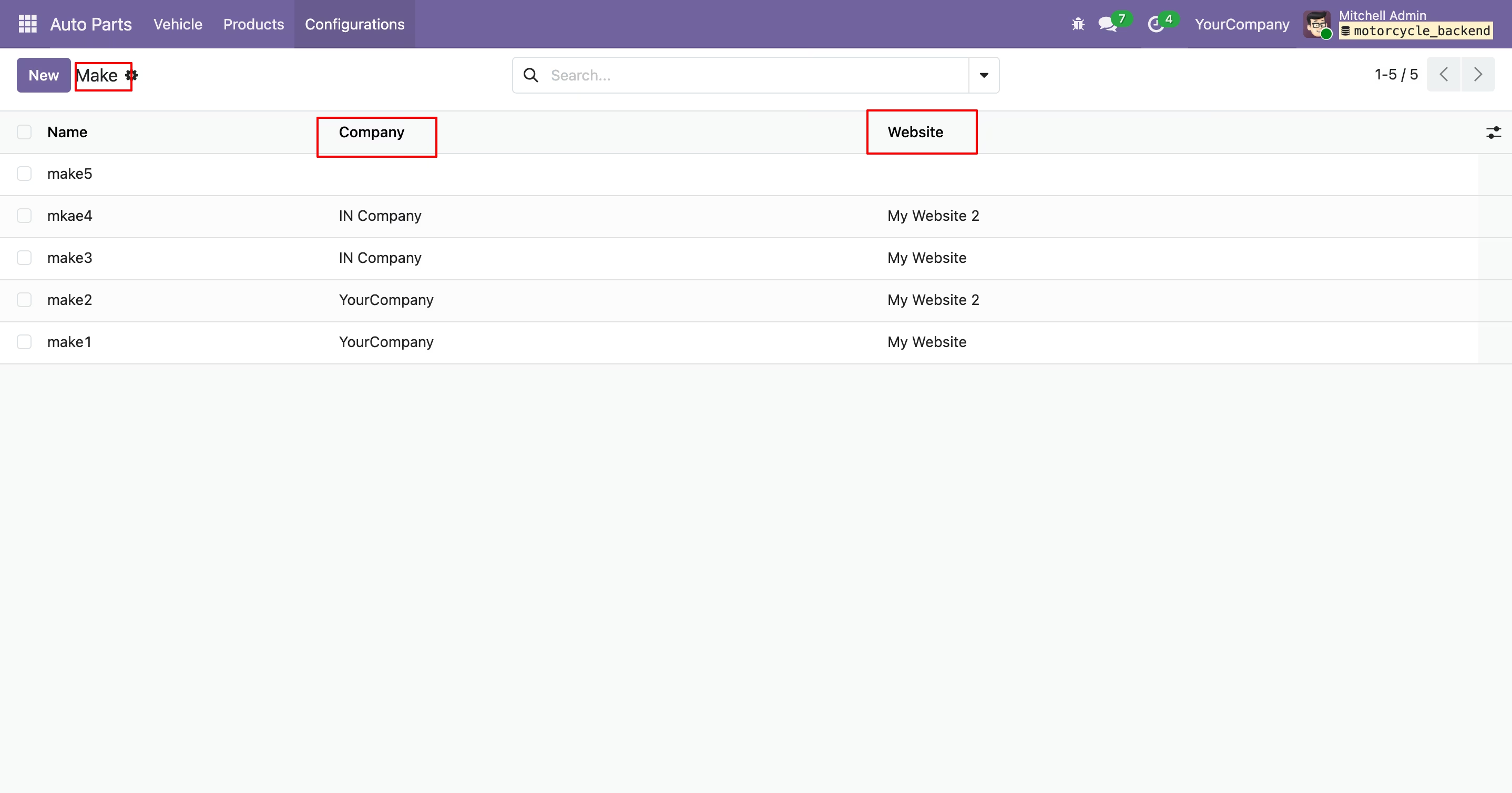
In the Auto Part Make Tree view, you can see the associated website and company.
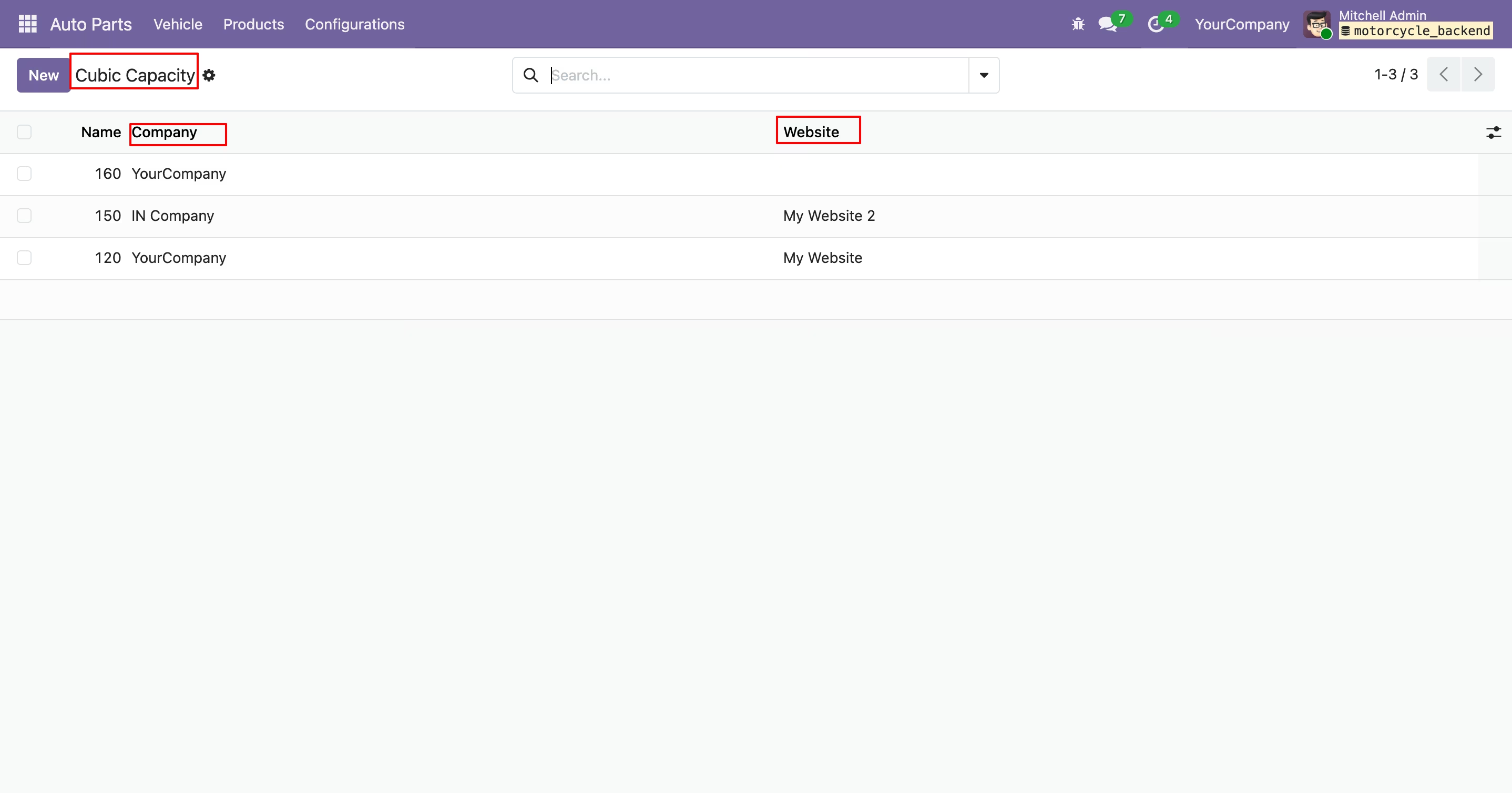
In the Auto Part Cubic Capacity Tree view, you can see the associated website and company.
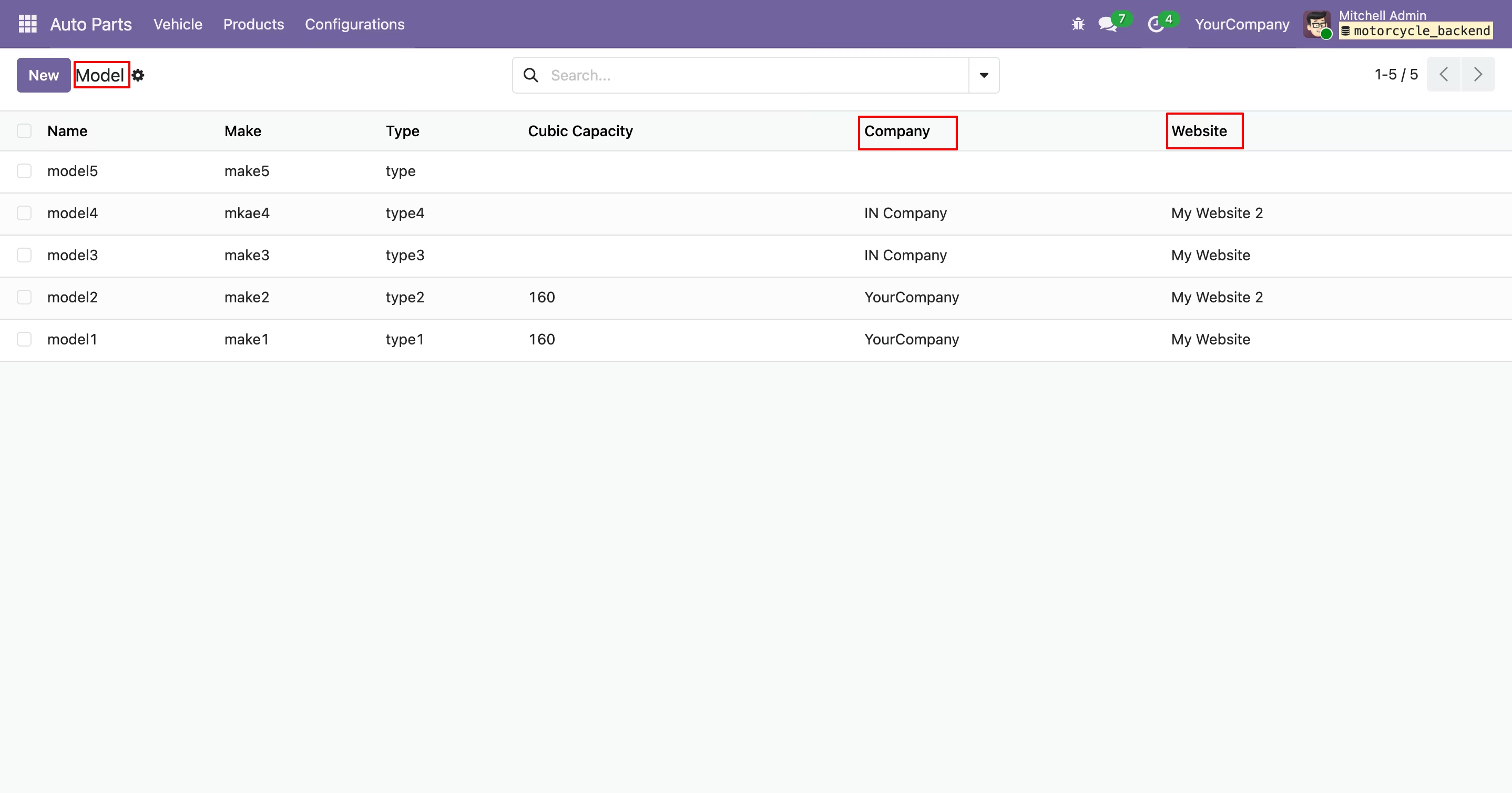
In the Auto Part Model Tree view, you can see the associated website and company.
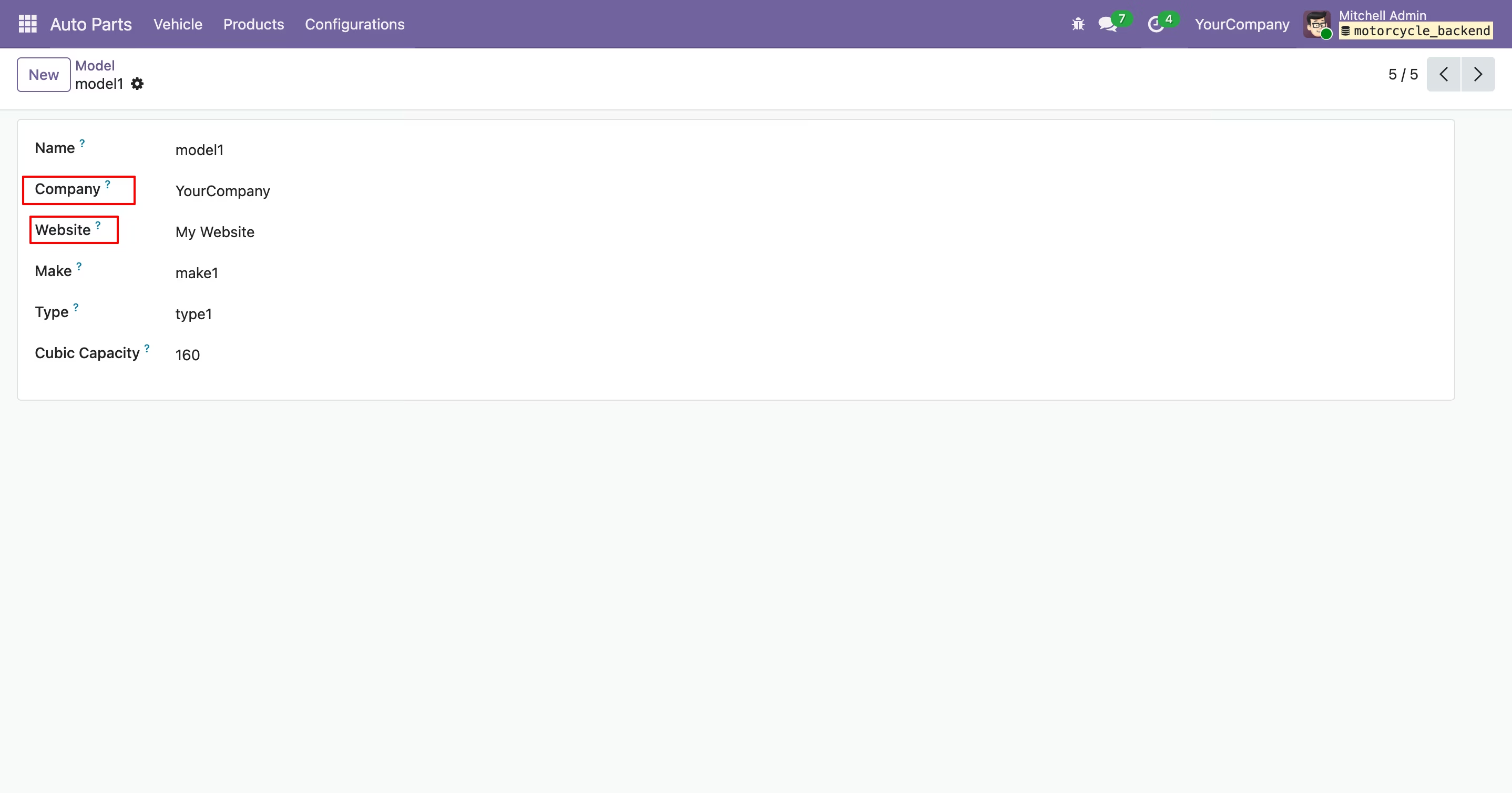
In the Auto Part model form view, you can add the associated website and company.
In the Auto Part Tree Year view, you can see the associated website and company.
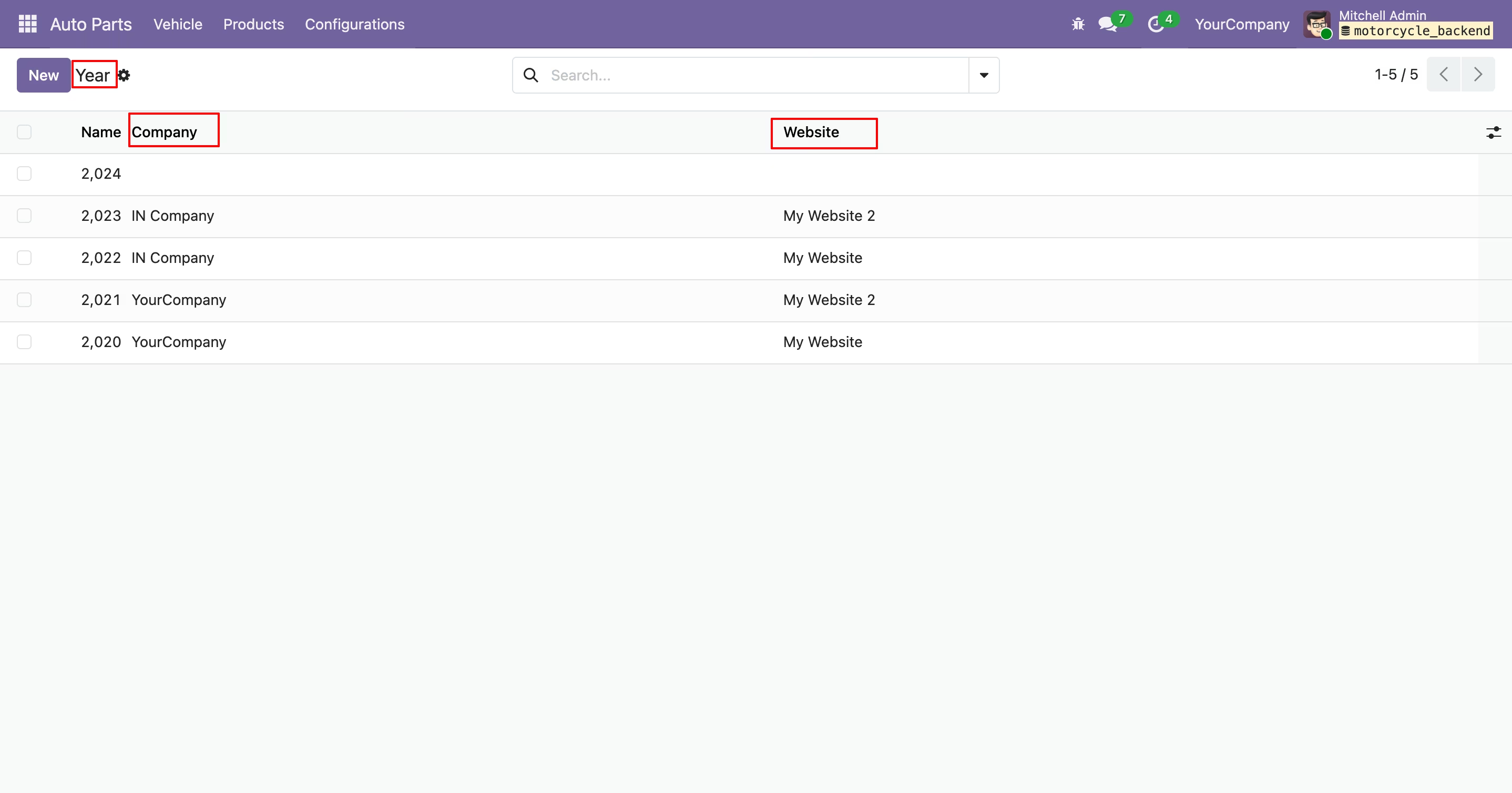
In the Auto Part Tree Vehicle view, you can see the associated website and company.
In the Auto Part Vehicle form view, you can add the associated website and company.