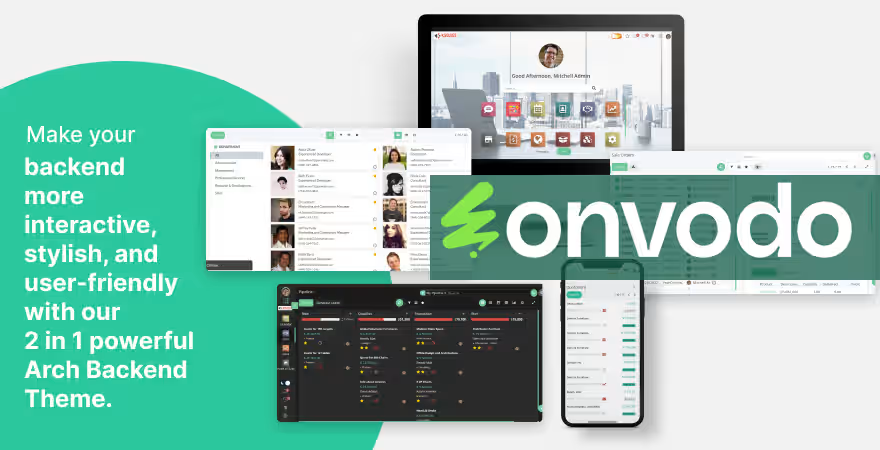
The enhances the backend user interface with a modern, intuitive, and highly customizable design. It provides light and dark modes, an app drawer for quick navigation, and flexible layout options, delivering a smoother and more efficient user experience users.
Light/Dark Mode: Easily switch between light and dark themes to match the work environment or personal preference.
App Drawer: Quick access to frequently used apps, saving time and improving productivity.
Customizable Interface: Adjust colors, icons, and layouts to align with your brand or personal workflow.
Responsive Design: Works seamlessly across multiple devices and screen sizes.
PWA Support: Provides a mobile-like experience without requiring a separate app installation.
Enhanced User Experience: Modern and intuitive interface allows users to work efficiently.
Increased Productivity: Features like the app drawer and customizable interface reduce redundant actions.
Brand Consistency: Customization options help organizations maintain a consistent look and feel.
Cost-Effective: Eliminates the need to develop a custom backend interface from scratch.
Bring productivity and enthusiasm into your work by applying the Odoo Arc Backend Theme.
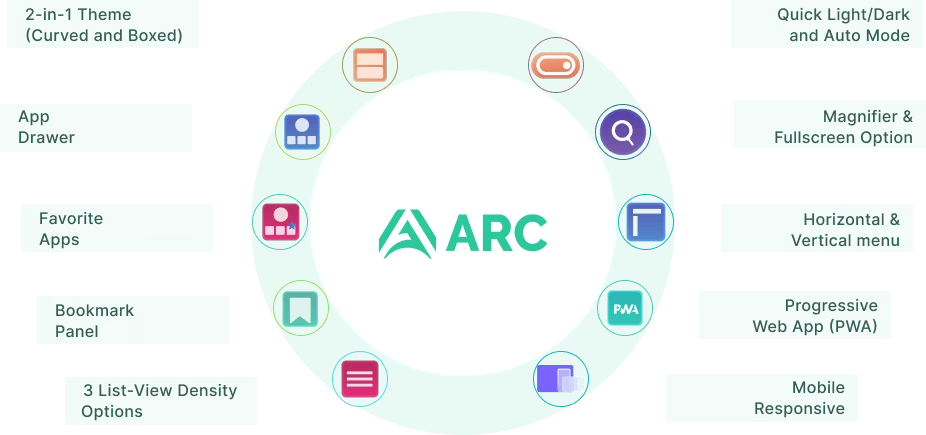

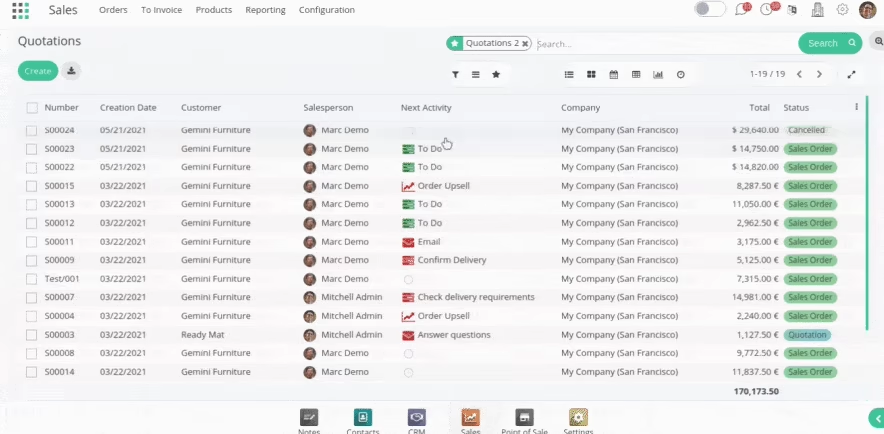
2-in-1 Theme (Curved and Boxed)
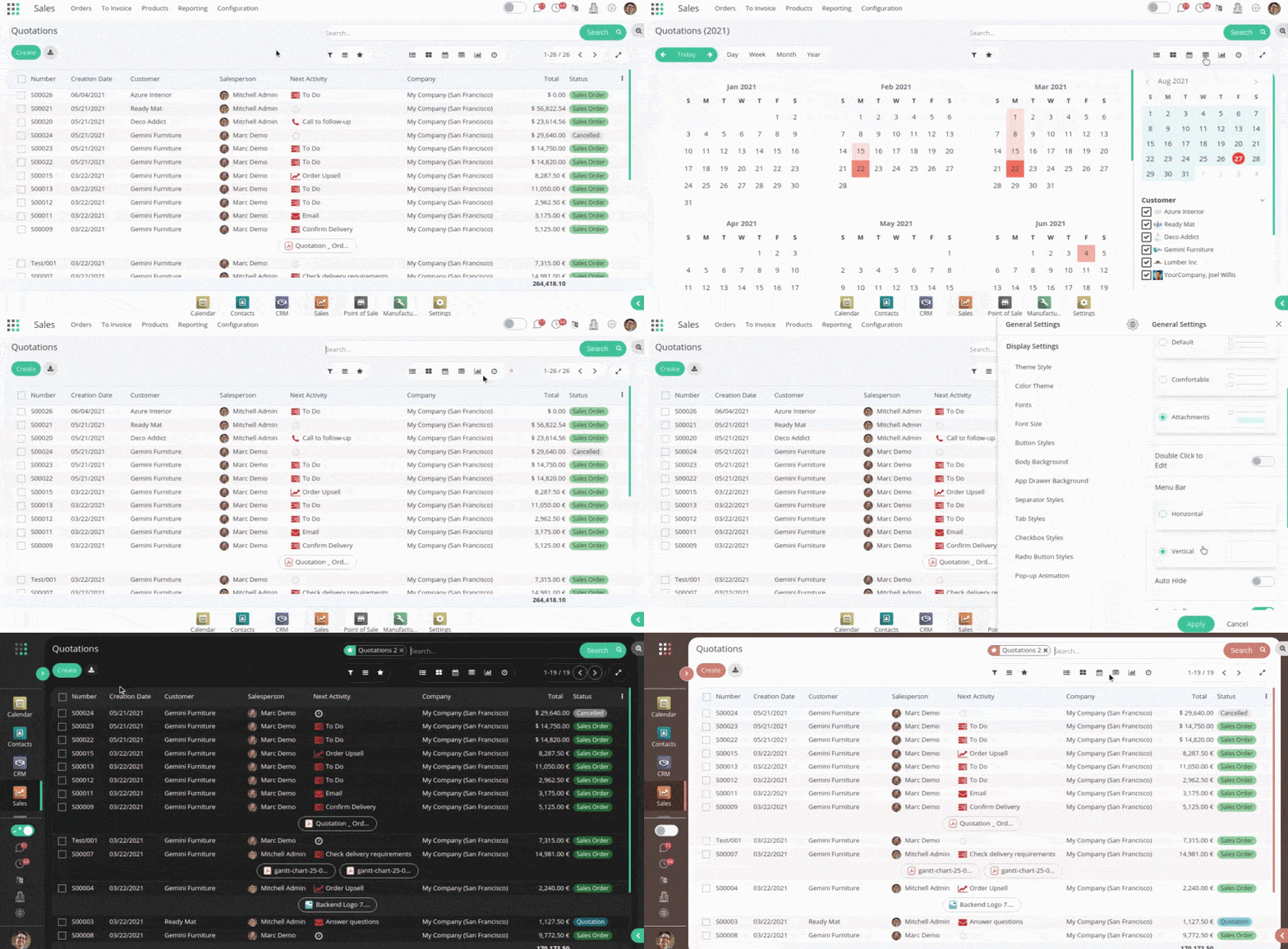
2-in-1 Theme offers customizable curved and boxed to let a user change the look and feel of the entire Odoo backend.

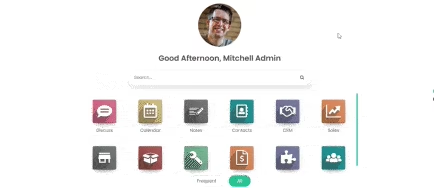
App Drawer
Find or access your required app with the App Drawer feature.
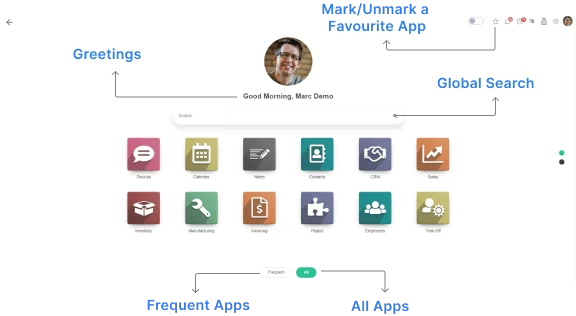

Global Search
Without following a time-consuming process, a user can search any term from any module or menu and redirect to the same from the app drawer of what you were looking for.
Without following a time-consuming process, a user can search any term from any module or menu and redirect to the same from the app drawer of what you were looking for.
App Drawer Background
Customize the App Drawer background of the theme with the option to choose a color or the image, and manage the transparency of the same.
Customize the App Drawer background of the theme with the option to choose a color or the image, and manage the transparency of the same.
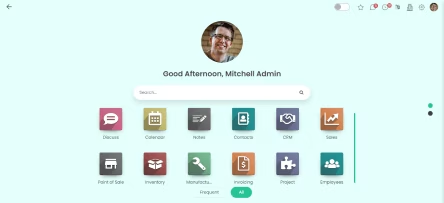

Favorite Apps
Using this option, a user can mark their favorite apps so that they do not have to search for their best-loved apps every time they use the application.
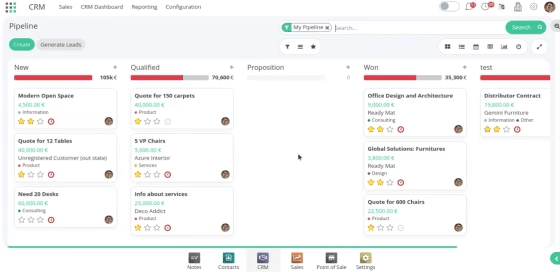

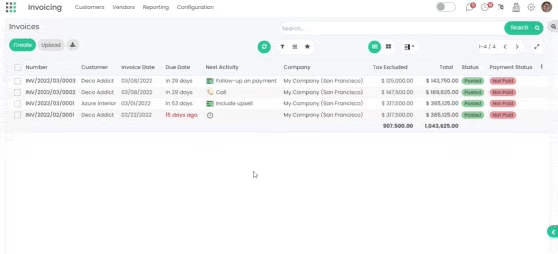
Bookmark Panel
If you visit any page in your Odoo backend frequently or regularly, then to save your time you can bookmark that page with the help of the Bookmark Panel feature.

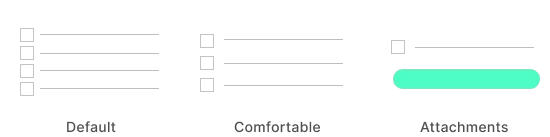
List-View Density Options
The List-View Density Option gives a smooth view to a user for comfortable reading.
Default: the list will be visible in the default view
Comfortable: the list will have enough gap between them for a comfortable view to the eyes.
Attachments let you see the files with the attachments so that you can access them from the list-view screen itself.
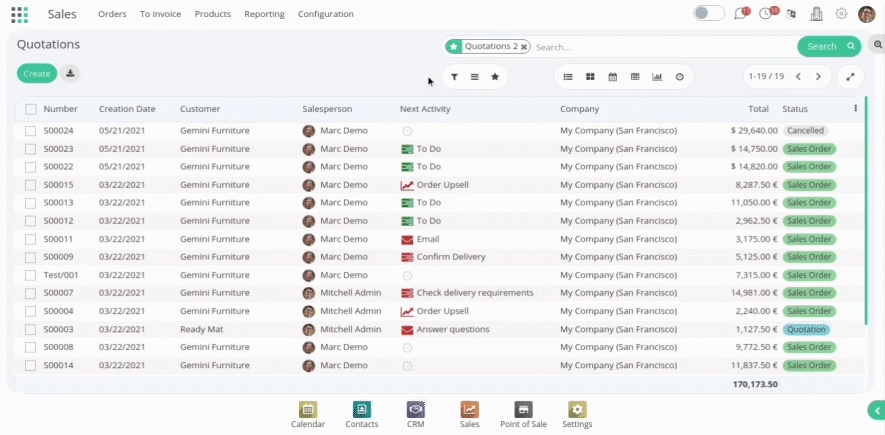
Quick Light/Dark And Auto Mode
- The display mode can be adjusted with Light, Dark, and Auto Mode options.
- A user can select the light mode time duration with the Sunset option, and the Dark Mode time duration with the Sunrise option from the settings.
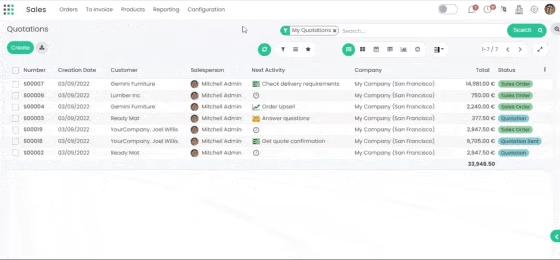

 Magnifier
Enlarge the part of your screen so that you can see the words and images better.
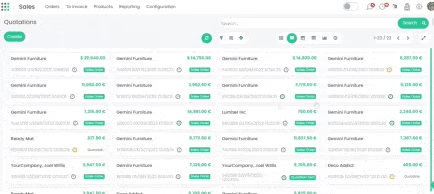
 Fullscreen
This feature is helpful when you want to use fullscreen for office presentation, tv mode, etc.,
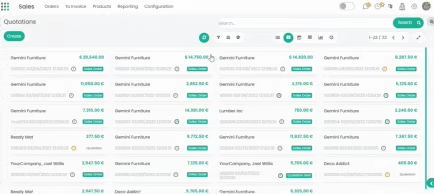
Horizontal & Vertical Menu
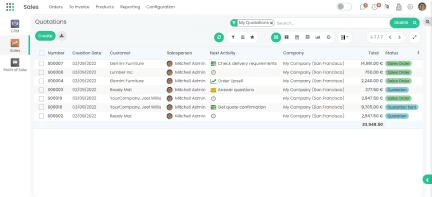
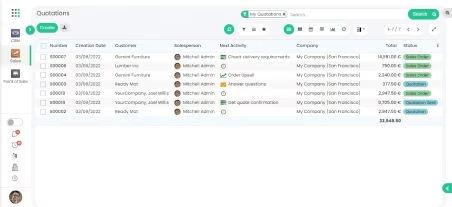
Arc Backend theme has the flexibility to switch from Horizontal (default) to the vertical menu bar or vice-versa.
Horizontal
Vertical

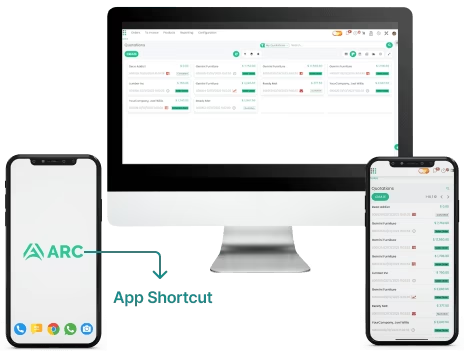
Progressive Web Apps (PWA)
Without investing a lot of money and time to build a mobile application, you can create a shortcut of the theme into your mobile. Enjoy the app-like experience for the faster, reliable, and engaging version of the theme. Change the name, icon, header color, and background color of the PWA as per the choice.
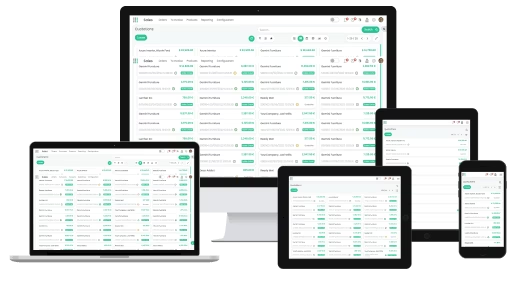
Mobile Responsive
The Arc Backend theme is fully responsive and works smoothly with Mobile, Tablet, Desktop.

Auto-Hide Menu Bar
Auto-Hide menu bar option allows a user to hide the menu bar for broader page view and is only visible when a user hovers the cursor over the menu bar area.
 Chatbox Layout Switch
To keep the page data readable as per your comfort view, resize and keep the Chatbox over right or bottom of the screen.

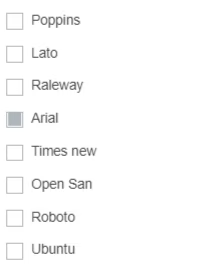
8 Google Font Styles
The user can change the font styles from the six handpicked Google font styles options.
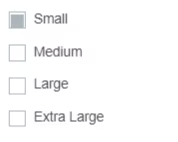
Font Size
For a comfortable view, the user can change the font size from the four given options.
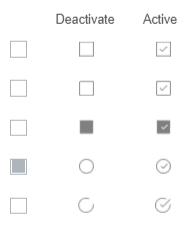
Checkbox Styles
A user can choose from 5 distinct checkbox styles that may be applied over the entire backend experience.

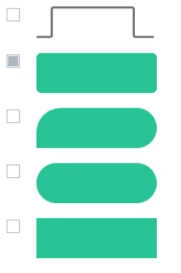
5 Tab Styles
A user can pick from the given 5 Tab styles for the different backend screens.
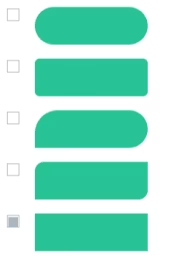
5 Buttons Styles
A user can choose from the 5 well-designed button styles for an interactive backend experience.
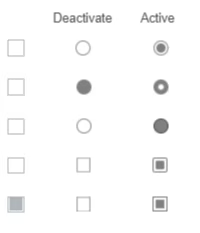
5 Radio Button Styles
5 well-crafted radio button styles are available for users to choose from as per their comfort.
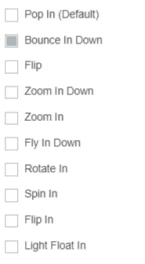
10 Pop-Up Animations
To make the pop-up window impressive, choose from the 9 animation styles over the default one.
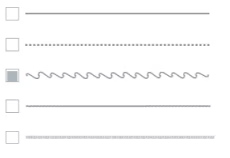
5 Separator Styles
Easily customize your separator lines with the given 5 amazing styles.
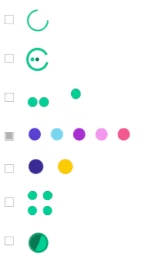
7 Loaders
Change the loading style of the cursor with the given 7 beautiful loader options.
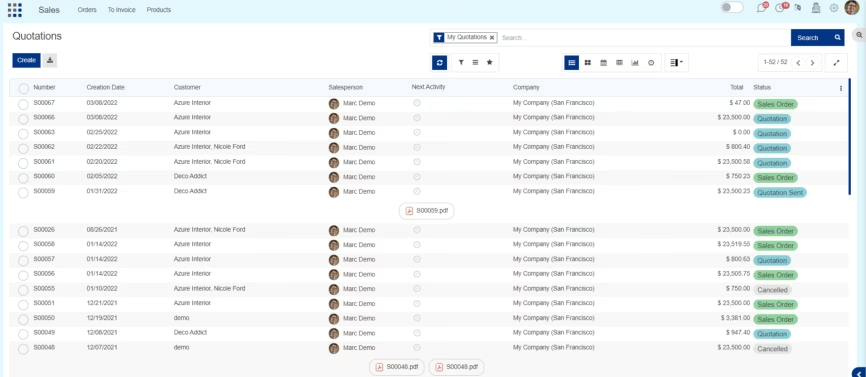
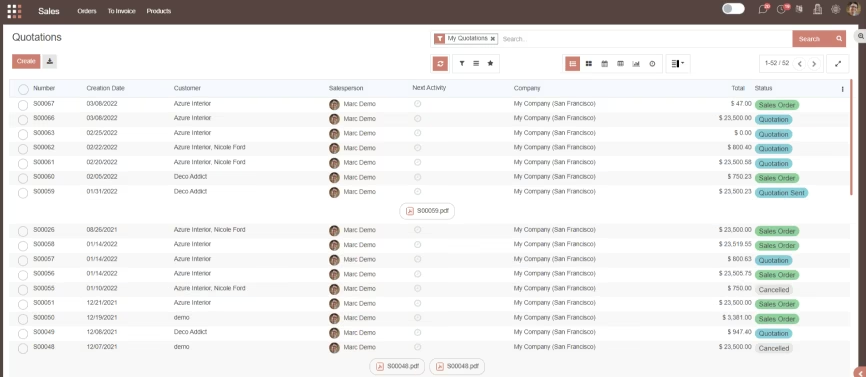
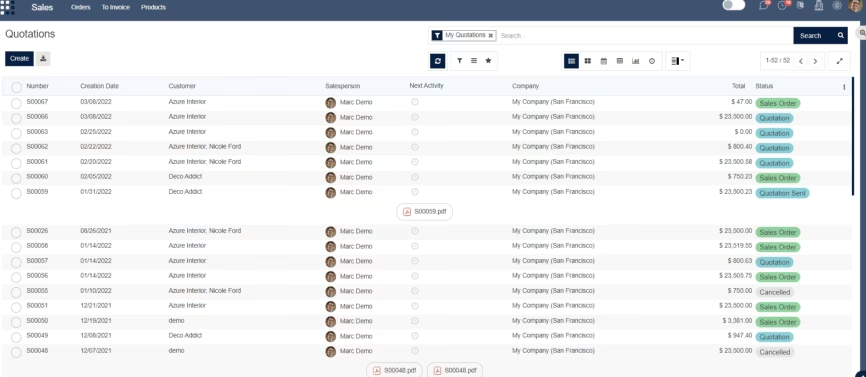
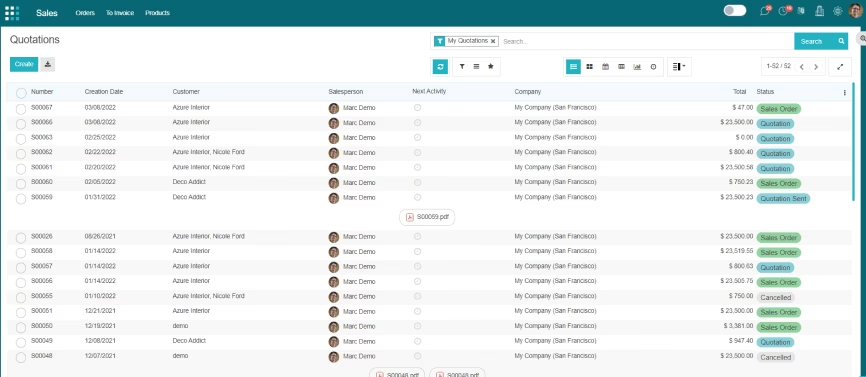



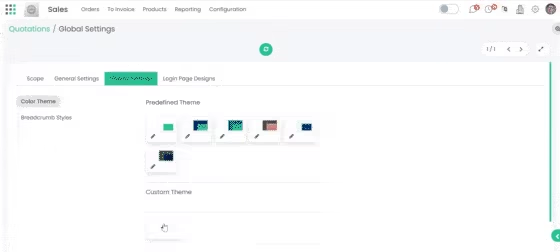
Customizable Color Theme
The feature is only accessible by the admin, where one can customize the colors of the theme as per his/her choice and apply it for all the users.

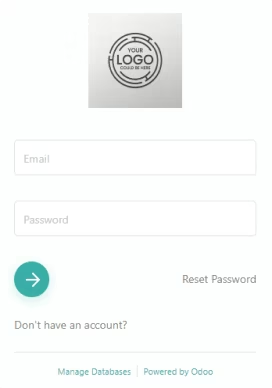
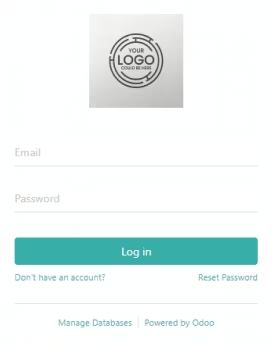
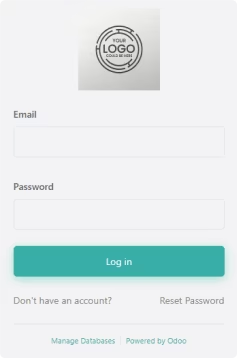
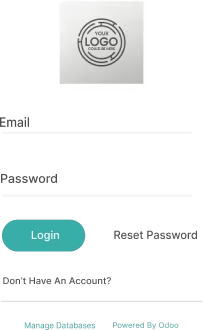
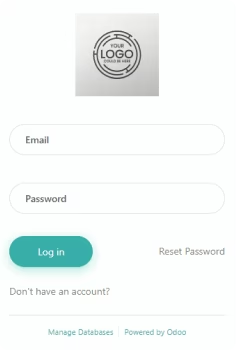
5 Login Page Design
Make your login experience elegant with the 5 login page designs for desktop and mobile views where this feature is only available to the Admin.
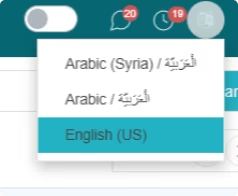
Easy Multi-Language Switch
With an Easy multi-language switch available on the header, you can select the language of your choice and switch between them easily.
Add Company Logo
One can add a company logo in their menu bar (vertical or horizontal) giving users a personalized view of their organization.
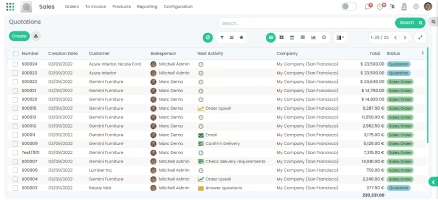
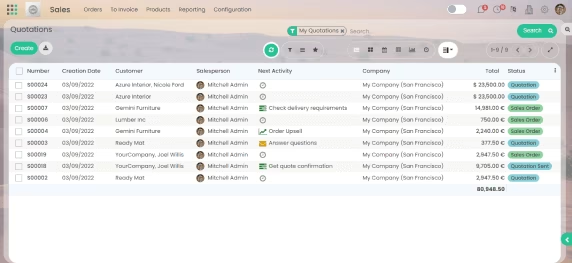
Body Background
Customize the body background of the theme with the option to choose a color or the image, and manage the transparency of the same.
Page Animation
To give that extra touch to your Kanban View, the Page Animation feature is used and is set by default.
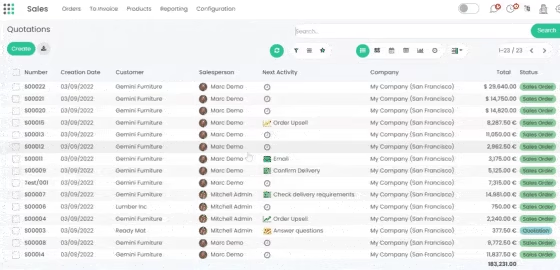

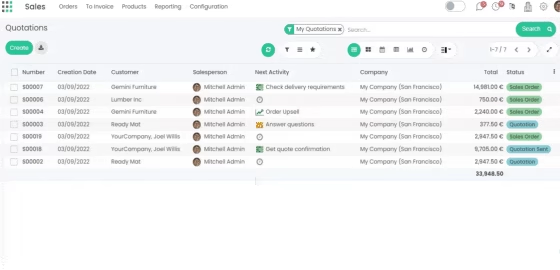

Refresh Button
Just using the refresh button, you can update the data on any View without reloading the entire page.

User-Access Management /Access Control
In User-access Management there are three options available as User, Company, and Global to configure each features' applicability.
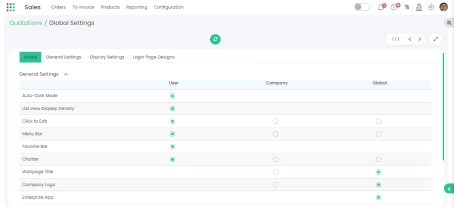
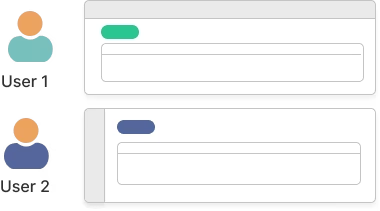
User Level: The user-level assigned features can be added, edited, or changed by individual users for their backend experience.
For instance, the 'Favorite App Bar' feature is provided at the user level. All the changes made will reflect differently in every individual user experience.
Company Level: The company-level assigned features can be added, edited, or changed by the company for their individual user experience.
For instance, the feature 'Menu Bar' is assigned at the company level. All the changes made by the company will reflect their users.
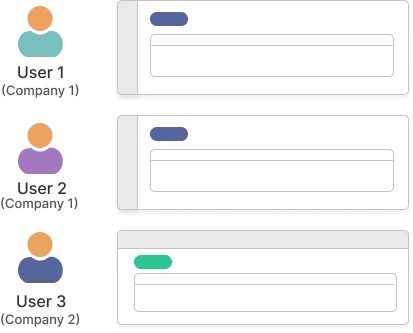
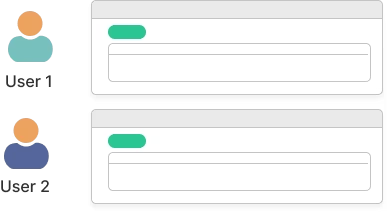
Global Level: A person having global-level access for functionality can only decide what will be applicable for the whole organization experience.
For instance, the 'Company Logo' feature is assigned at the Global level. It can only be customized by the person having Global Level access.


2 in 1 Theme
(Curved & Boxed)

App Drawer

Favorite Apps

3 List-View
Density Options

Quick Light/Dark
And Auto Mode

Magnifier

Fullscreen
Option

Horizontal &
Vertical menu

Progressive Web
Apps (PWA)

Mobile
Responsive

Global
Search

Auto-Hide
Menu Bar

Chatbox
Layout Switch

8 Google
Font Styles

Font Size

5 Checkbox
Styles

5 Tab
Styles

5 Button
Styles

5 Radio
Button Styles

9 Pop-up
Animations

5 Separator
Styles

6 Predefined
Colour Theme

7 Loaders

Customizable
Color Theme

Add Company
Logo

Body Background

App Drawer Background

Page
Animation

Refresh
Button

App Drawer-All &
Frequent Apps