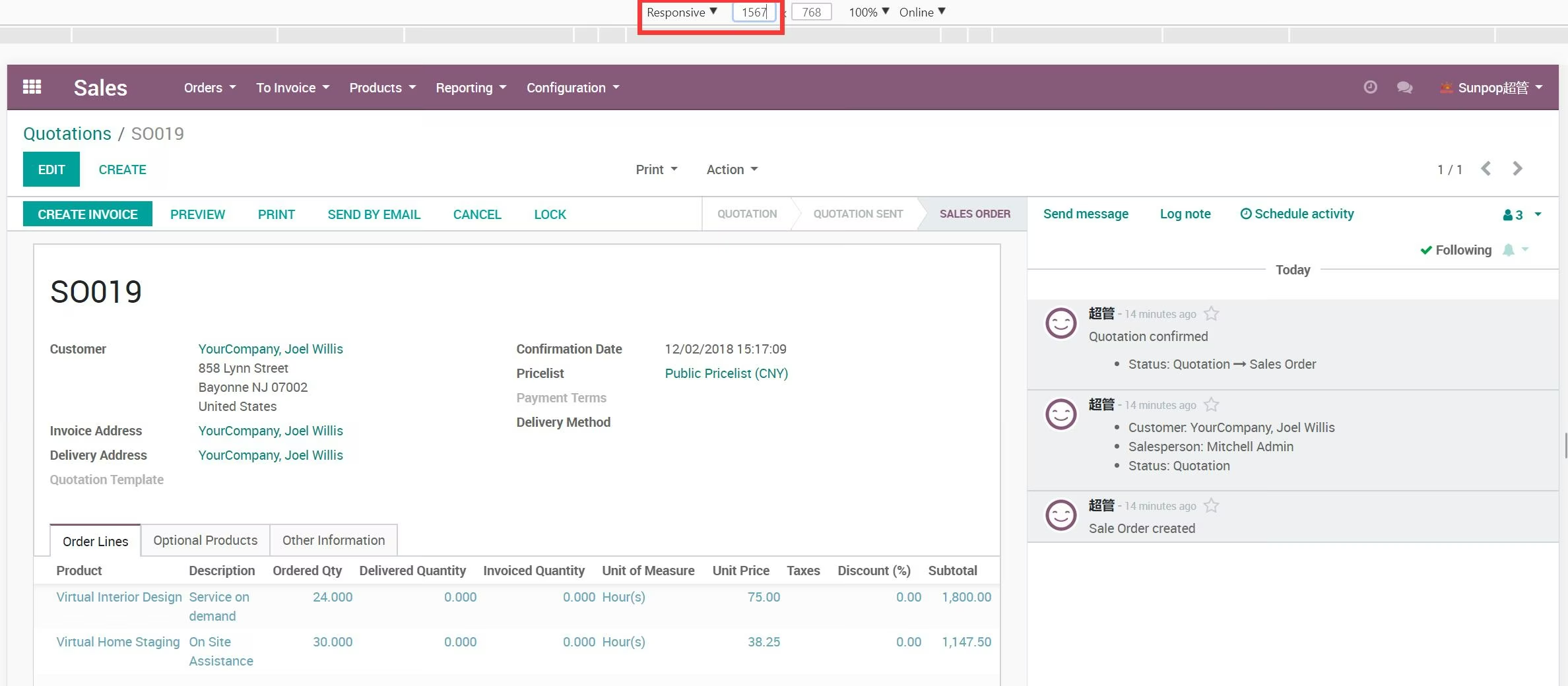
Enhance your backend experience with the Web Full-Width View module. This simple yet effective tool is designed to maximize your screen's real estate by expanding the standard form view to a full-width layout. By removing the restrictive margins, this module provides a more spacious and responsive interface, making it easier to view and work with large amounts of data. It is an ideal solution for users who work on wide-screen monitors and want a more comfortable and productive environment.
Automatically expands the backend form view to the full width of the screen.
Provides a responsive layout that adapts to different screen sizes.
Removes unnecessary empty space and margins for a cleaner look.
Improves readability and data visibility, especially on large monitors.
Requires no configuration; simply install the module to activate the feature.
Lightweight and compatible with other backend themes and modules.
Maximized Screen Real Estate: Utilize the full width of your monitor for a more expansive and immersive user experience.
Improved Productivity: View more information at a glance, reducing the need for horizontal scrolling and improving workflow efficiency.
Enhanced Readability: A wider view makes it easier to read and analyze data in complex forms and lists.
Modern and Clean Interface: Enjoy a more modern and less cluttered backend interface.
Better User Experience: Provides a more comfortable and visually appealing work environment for all users.
App Web Responsive Fullwidth(form view fullwidth)
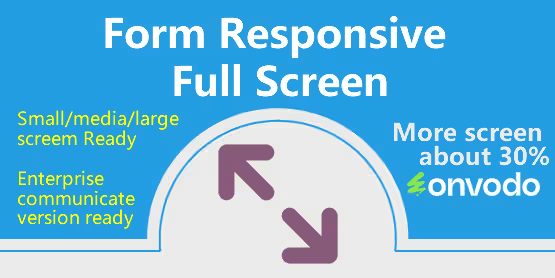
- Show the form view into full width, More screen show about 30%.
- Form view Responsive full width (fullwidth)
- Ready for small, medium, large, extra large screen.
- Ready for enterprise and communicate version.
Small screen. With or without this module
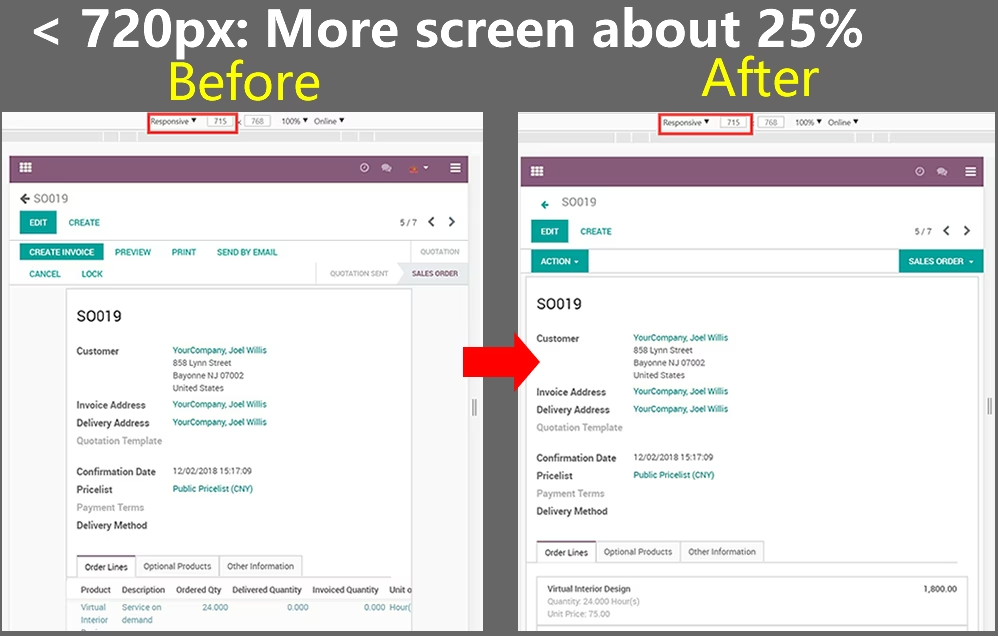
Medium screen. With or without this module
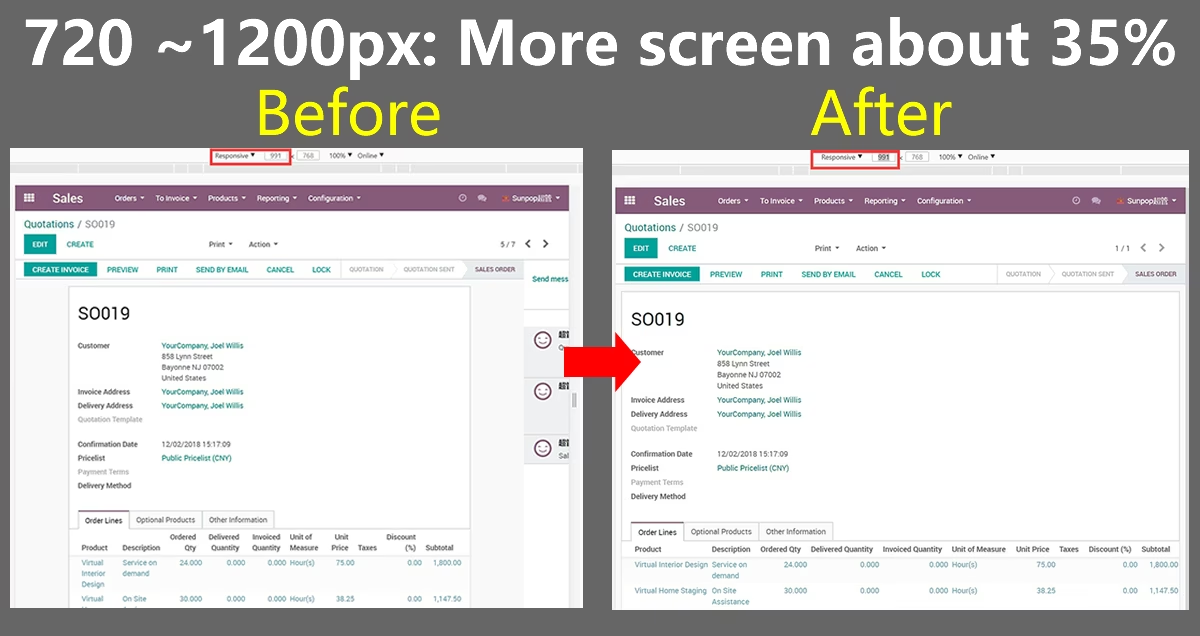
Large and extra large screen. Perfect for lots of columns.