Securely connect your web applications to with the API CORS Configuration module. This essential tool simplifies the management of Cross-Origin Resource Sharing (CORS), a critical security feature for modern web development. By allowing you to define and manage your CORS policies directly, this module ensures that your API can be safely accessed by authorized web applications from different domains. It is a must-have for any developer building headless applications, single-page applications (SPAs), or any web-based integration that requires cross-origin API requests.
Centralized CORS Management: Configure and manage all your CORS policies from a single, user-friendly interface.
Define Allowed Origins: Specify which domains are allowed to make cross-origin requests to your API.
Control Allowed Methods and Headers: Define the allowed HTTP methods (GET, POST, PUT, etc.) and headers for cross-origin requests.
Preflight Request Handling: The module handles preflight OPTIONS requests automatically, ensuring seamless communication between the browser and your server.
Enhanced Security: Protect your instance from unauthorized cross-origin requests and potential security vulnerabilities.
Easy Integration: Simple to install and configure, with no complex setup required.
Secure API Integrations: Build secure and reliable integrations with external web applications and services.
Enable Modern Web Development: A fundamental requirement for building modern, decoupled web applications with as the backend.
Improved Security Posture: Strengthen the security of your instance by implementing a robust and well-defined CORS policy.
Simplified Development: Streamline the development process by providing a simple and effective way to manage CORS.
Greater Flexibility: Gain the flexibility to securely connect your API with a wide range of web applications and services.
API CORS Configuration

Introduction
Cross-Origin Resource Sharing (CORS) is a security feature implemented by web browsers to allow or restrict web pages from making requests to a different domain than the one that served the web page. This mechanism is crucial for maintaining the security of web applications by controlling how resources are shared across different origins.
API CORS Configurator empowers you to seamlessly integrate APIs across different domains. By configuring CORS policies accurately, you ensure that your applications can securely access resources from disparate origins, fostering a more interconnected and efficient ecosystem.
CORS Configurator simplifies this process, offering a user-friendly interface to configure CORS policies with ease with APIs. With just a few clicks, developers can define allowed origins, ensuring secure access to resources across different domains and fostering a more interconnected and efficient ecosystem.
How CORS Works
- Simple Requests: Some requests are classified as simple if they meet certain criteria (e.g., using HTTP methods like GET, POST, HEAD with certain headers).
- Preflight Requests: For requests that are not simple (e.g., using methods like PUT or DELETE, or custom headers), the browser sends a preflight request (an OPTIONS request) to the server to check if the actual request is safe to send.
Configuring CORS Origin
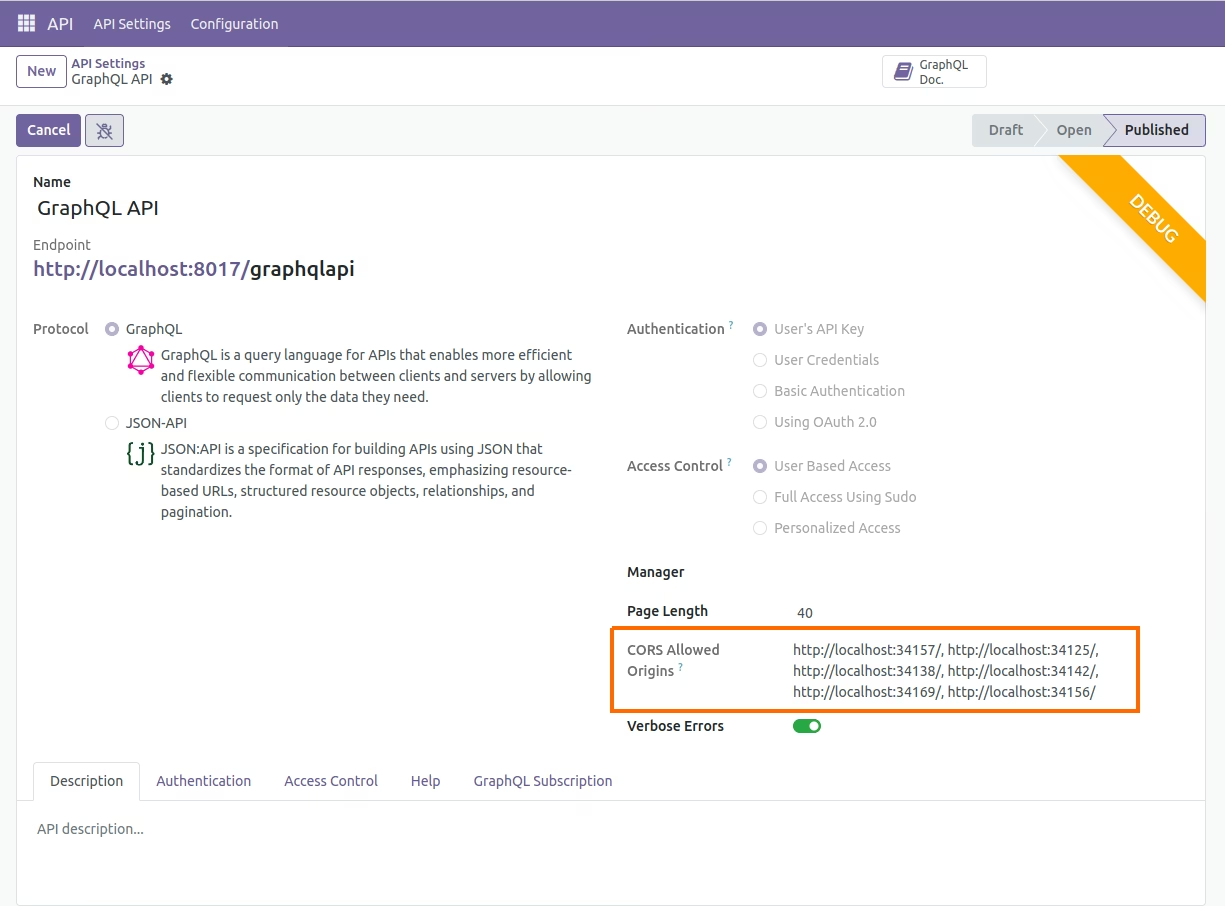
 Configuring Fixed Origins
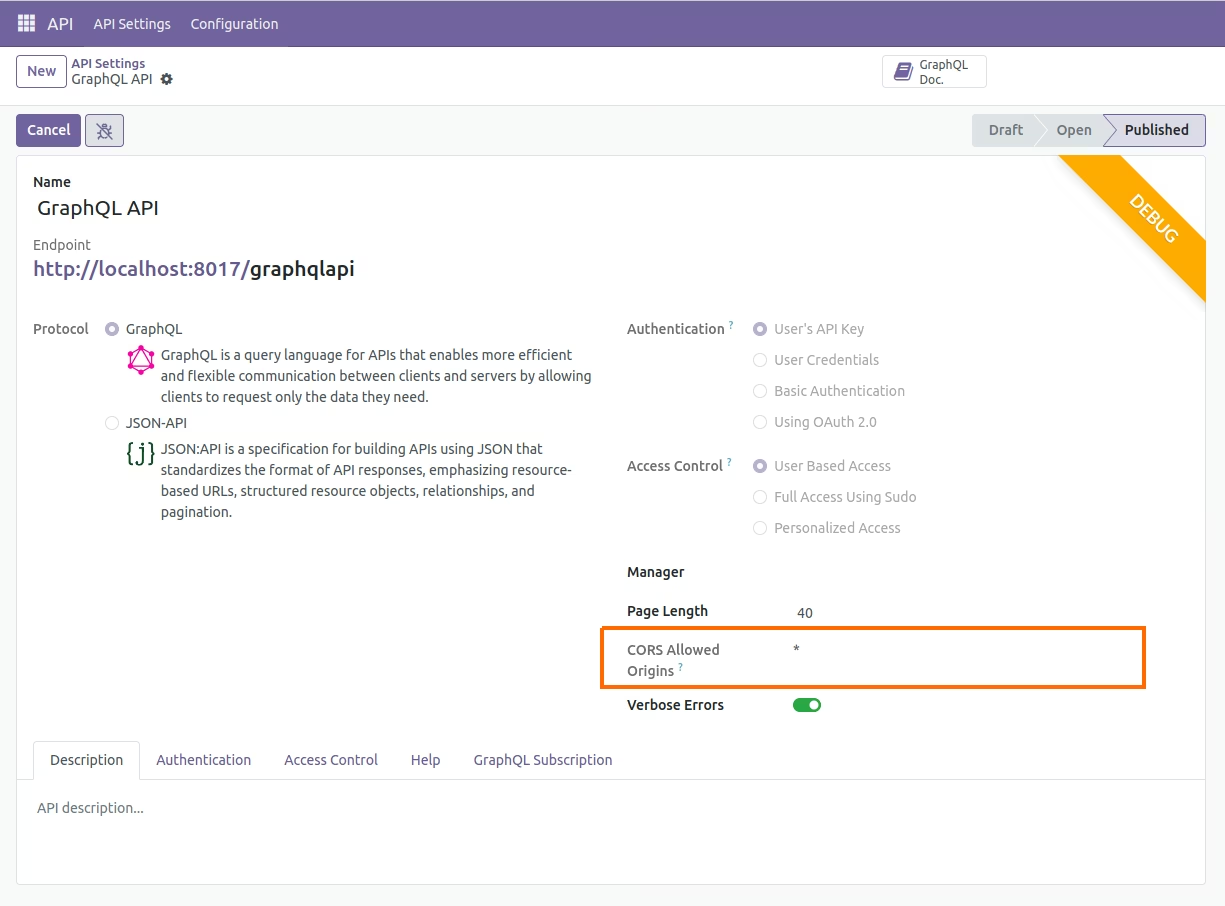
Configuring All/Wildcard Origins