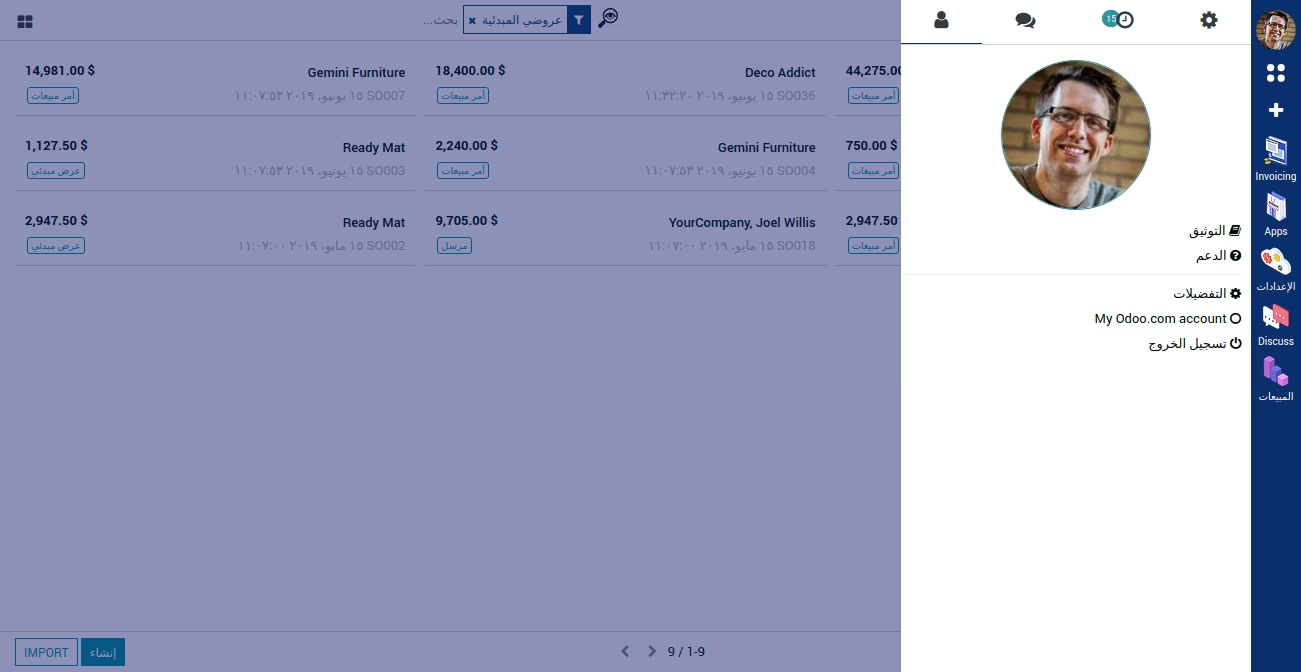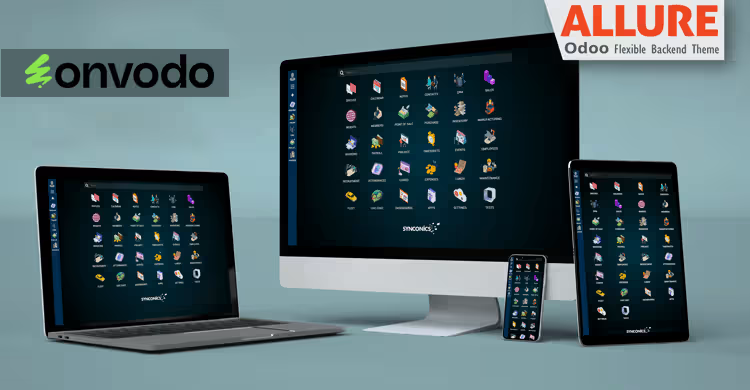
The Allure Backend Theme module for Community Edition is designed to transform the default Odoo backend interface into a more modern and visually appealing environment. With its sleek design and user-friendly layout, this theme enhances the overall user experience, making navigation more intuitive and efficient. Ideal for businesses seeking to improve the aesthetics and usability of their instance, the Allure Backend Theme offers a polished and professional appearance without compromising functionality.
Modern UI Design: A contemporary and clean interface that improves user interaction.
Enhanced Navigation: Streamlined menus and dashboards for quicker access to key features.
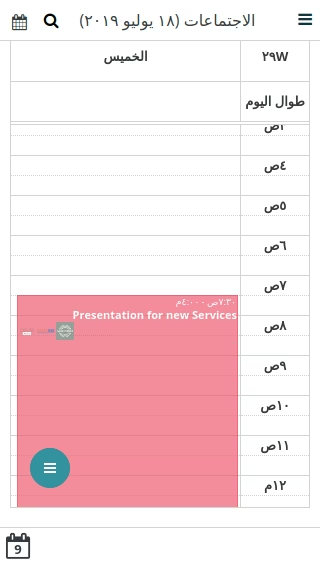
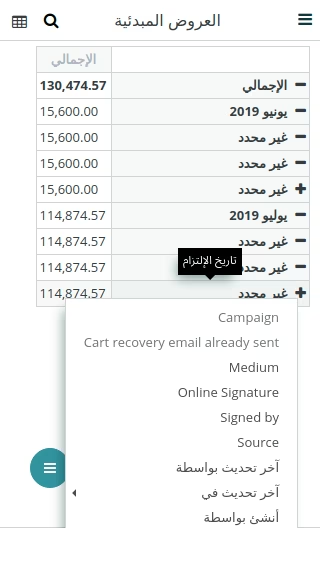
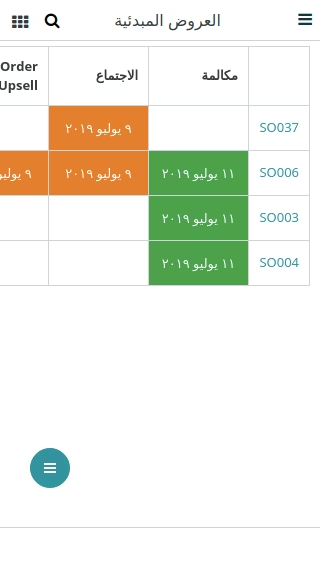
Responsive Layout: Optimized for various screen sizes, ensuring a consistent experience across devices.
Customizable Elements: Easily adjust theme settings to align with your brand's identity.
Performance Optimized: Designed to maintain performance while enhancing visual appeal.
User-Friendly Interface: Simplified workflows and intuitive design elements for improved usability.
Seamless Integration: Compatible with standard modules and workflows.
Improved User Experience: Aesthetic enhancements lead to a more engaging and efficient user interface.
Increased Productivity: Streamlined navigation and intuitive design reduce time spent on tasks.
Brand Alignment: Customize the theme to reflect your company's branding and style.
Enhanced Professionalism: A polished interface conveys a professional image to users and clients.
Cost-Effective Customization: Achieve a customized look without the need for extensive development.
This Theme is compatible with
 Community
 Enterprice
.sh
Enterprice
.sh
Allure Flexible, Powerful Backend Theme
Allure Easy User Interface with more flexibility to user to user
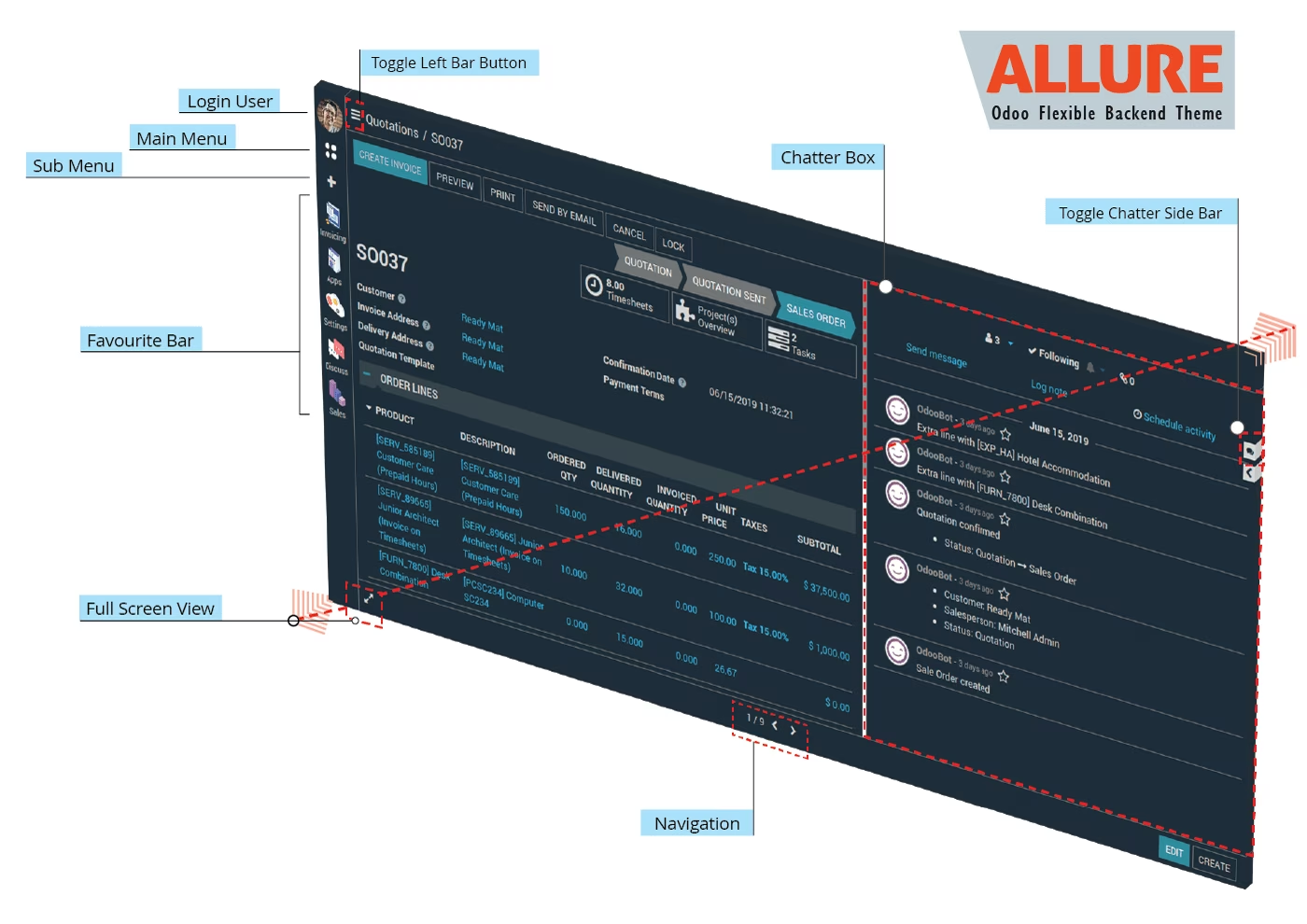
Allure look & feel and user experience
Attractive Login Screen
Configuration
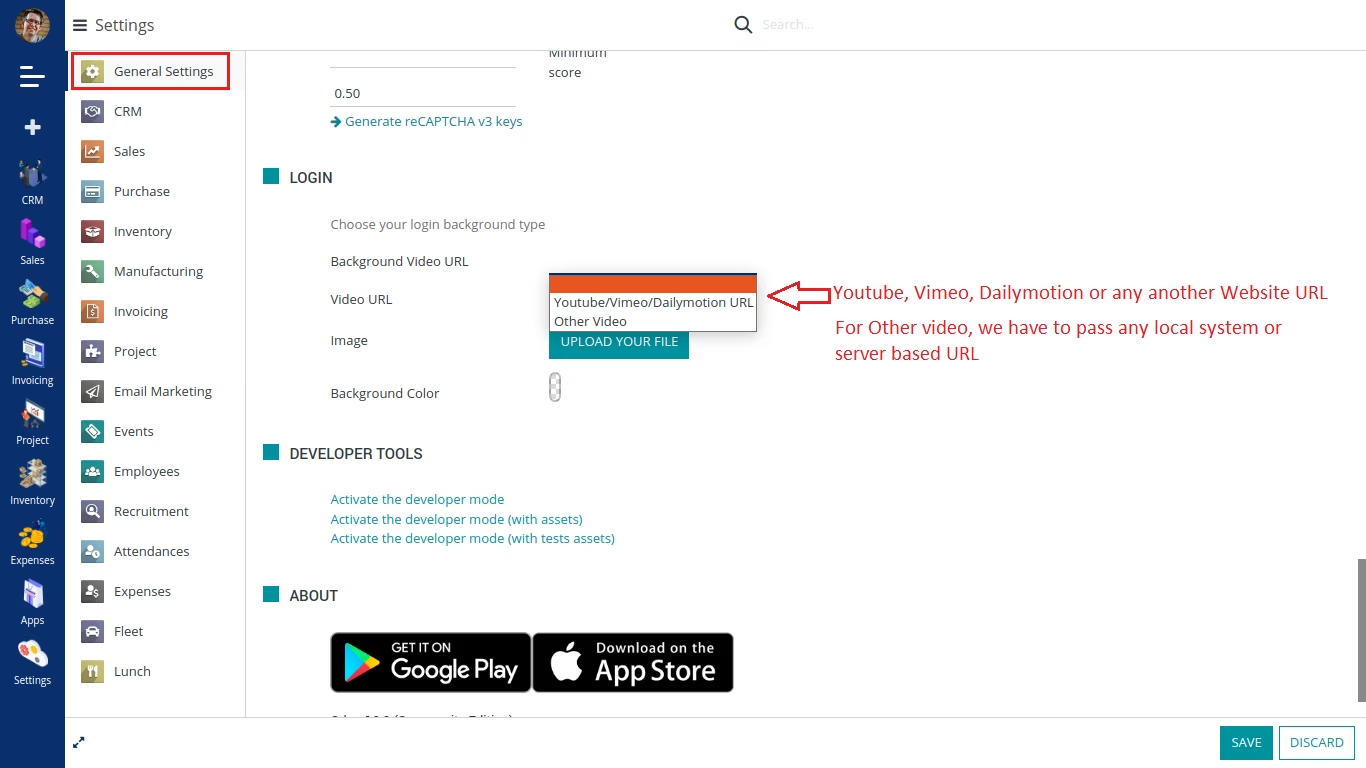
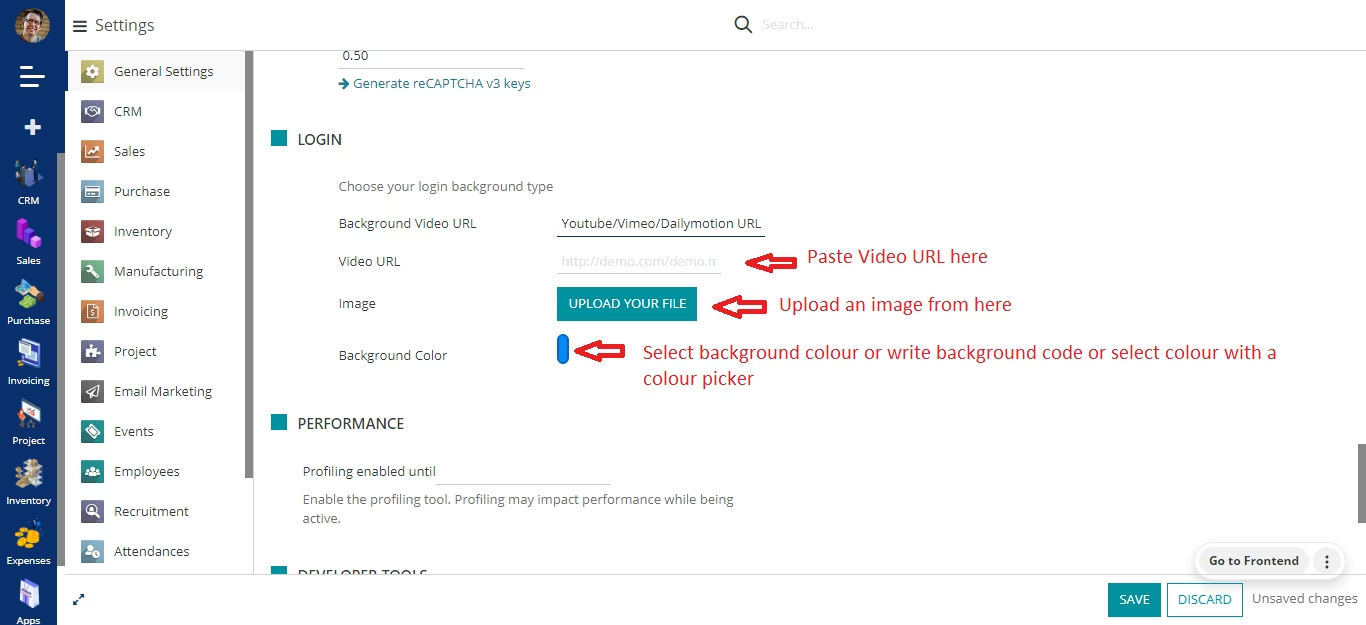
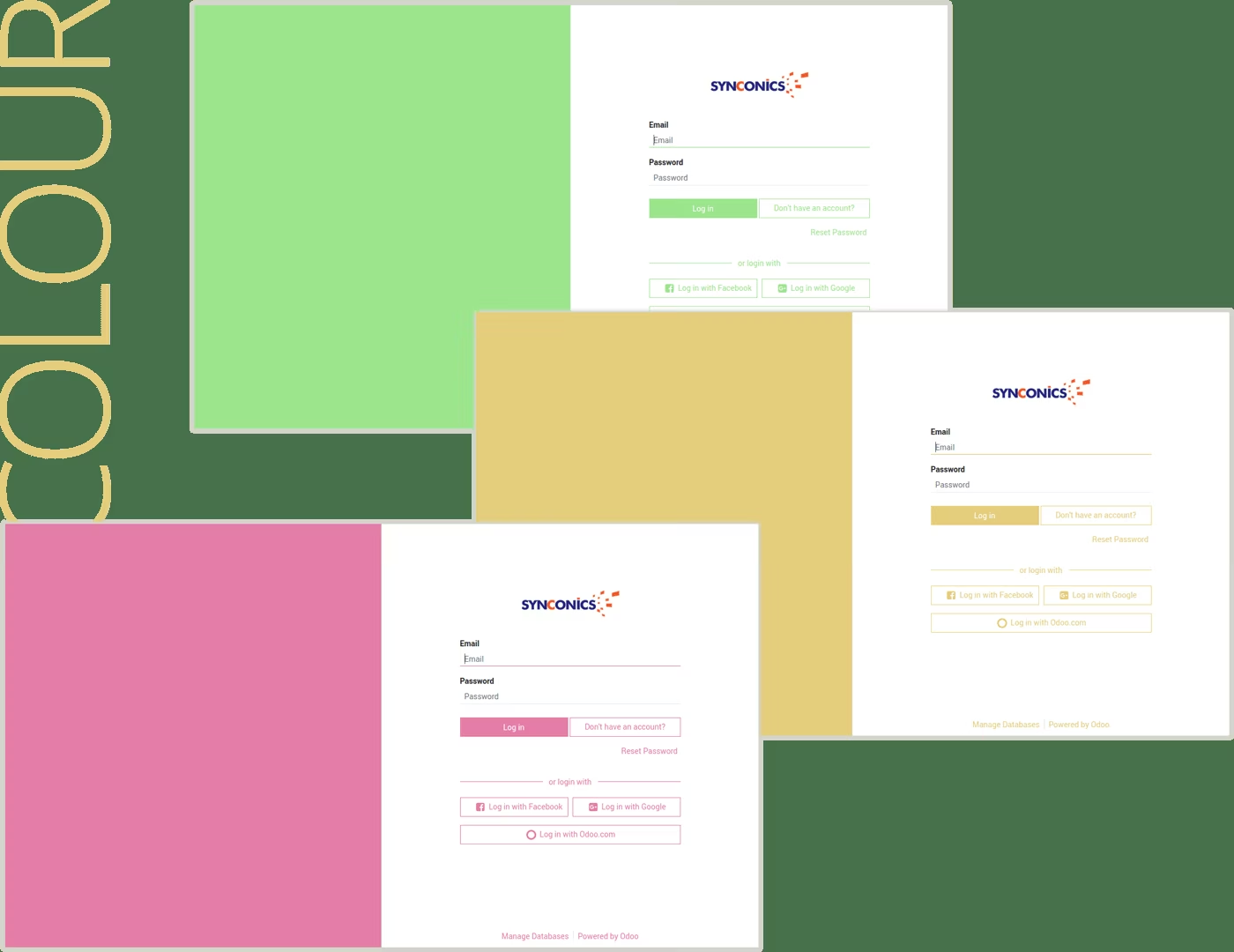
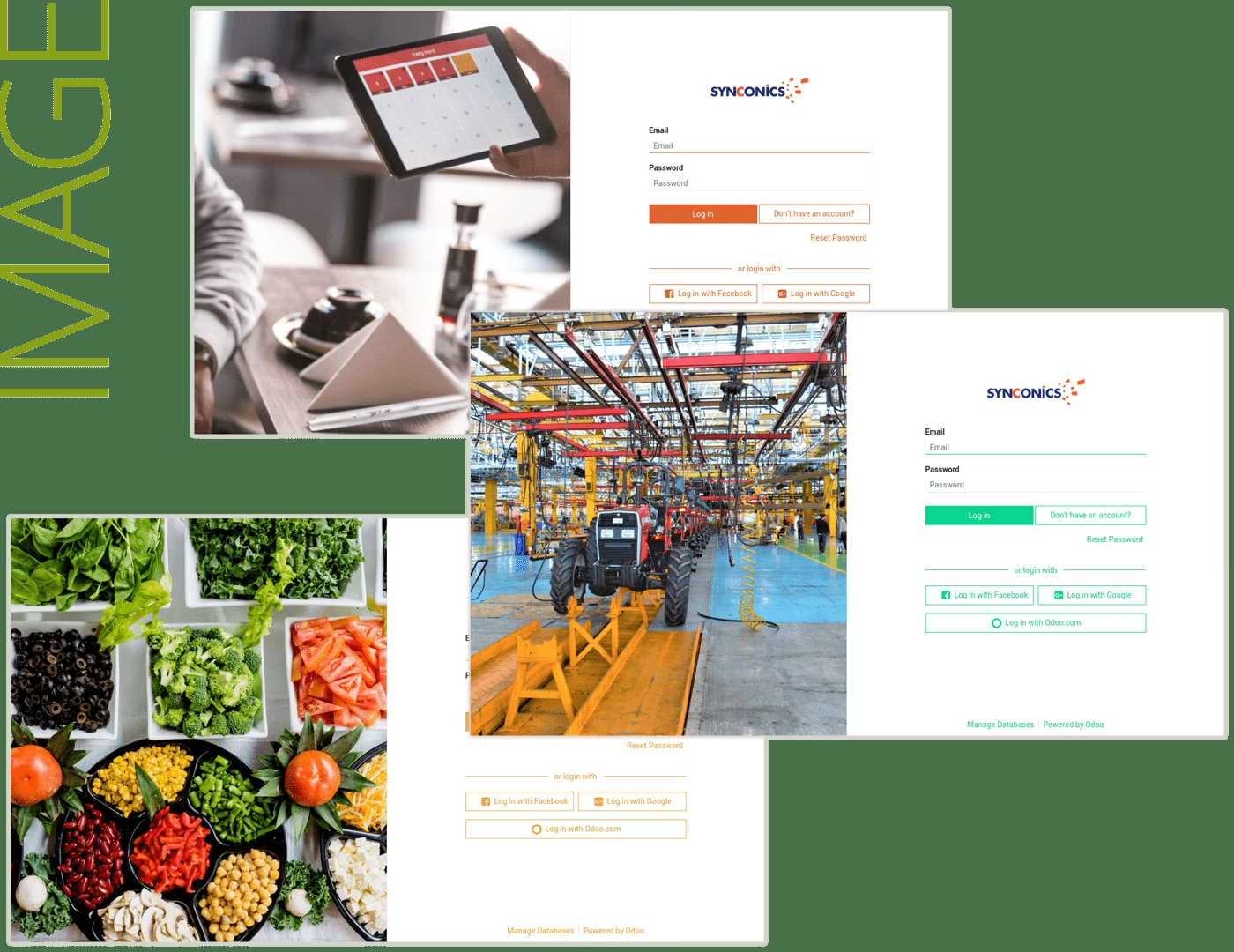
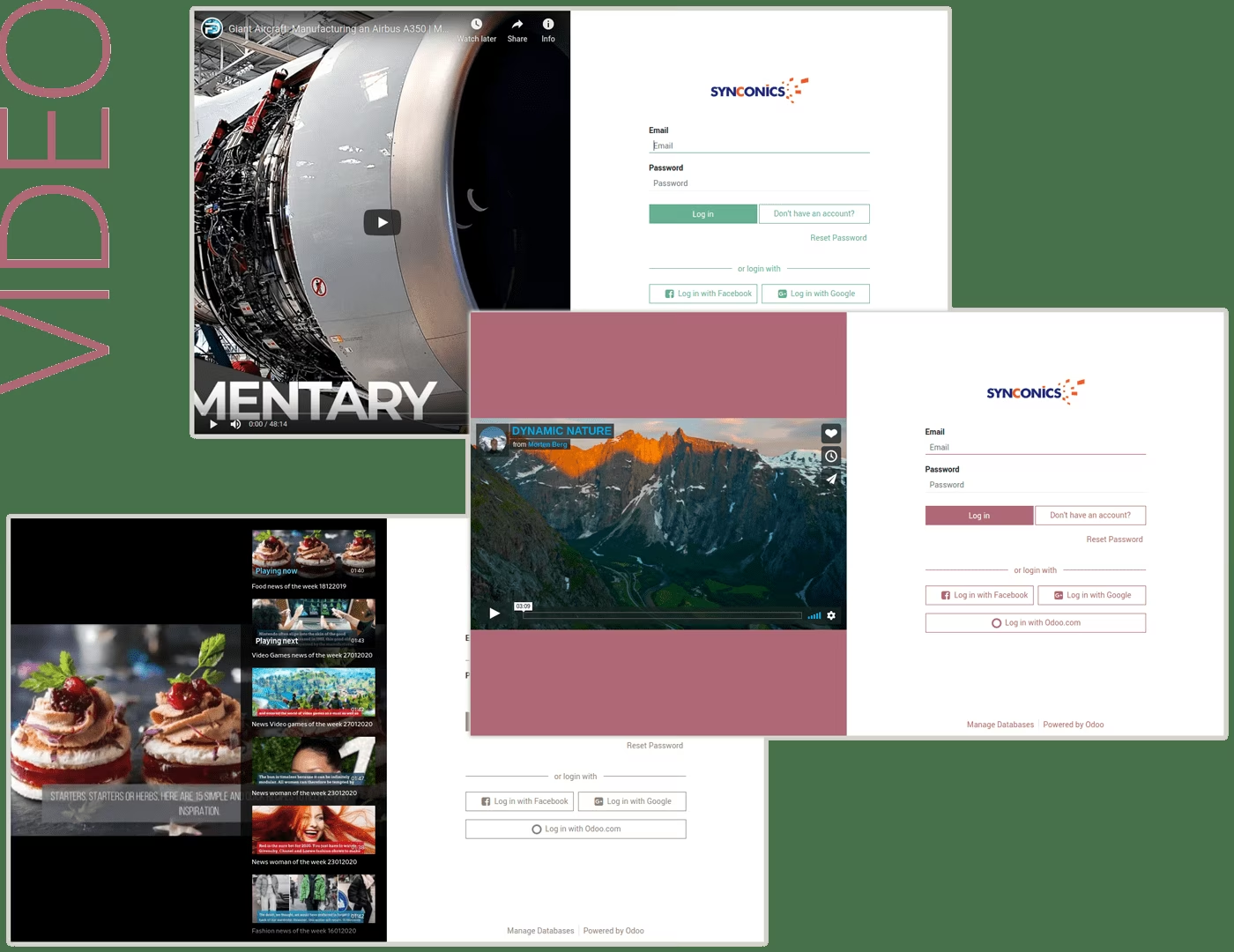
Users will be able to configure Login screen in their own way as per their business scenarios, they can set background colour, put any image or set video in the background of Login page.
Please note - when you will install standard website module then standard login page will take place.
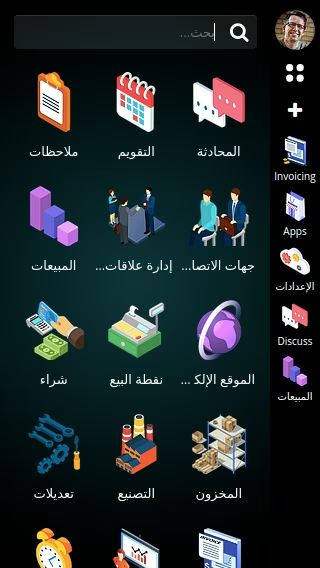
Responsive
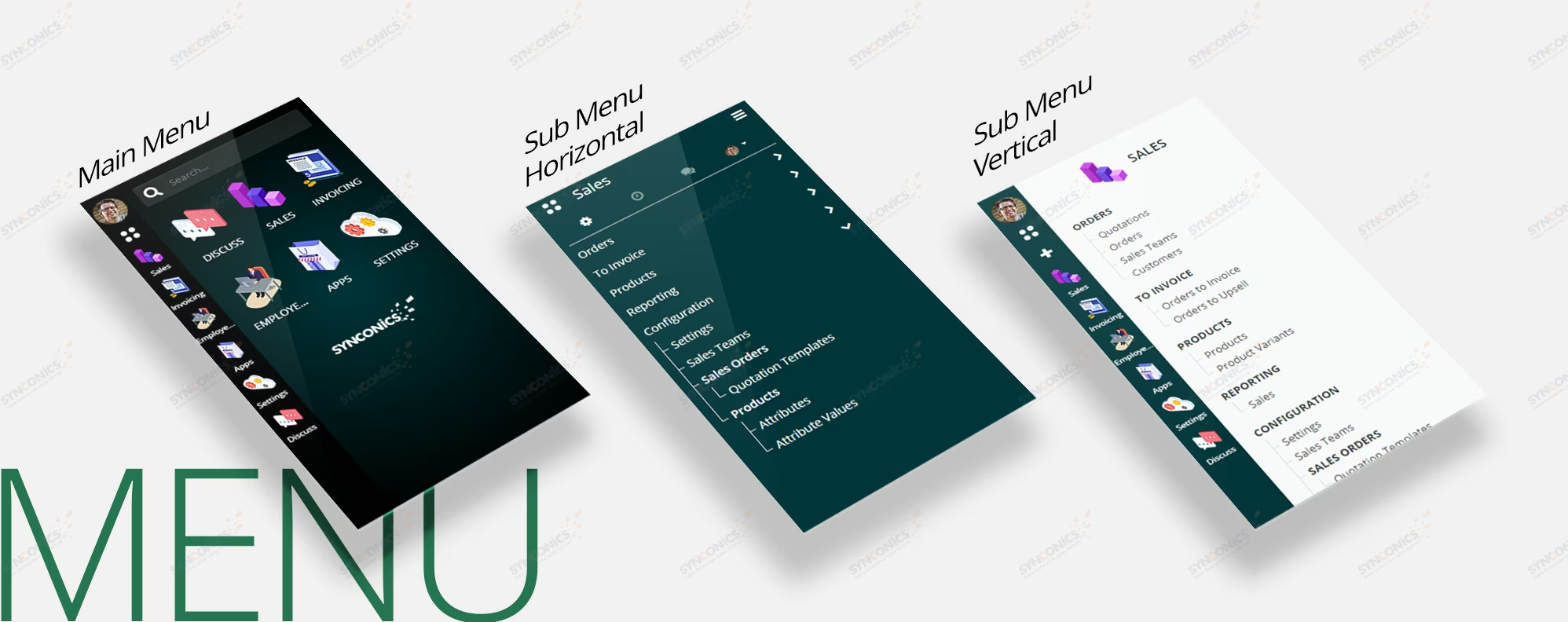
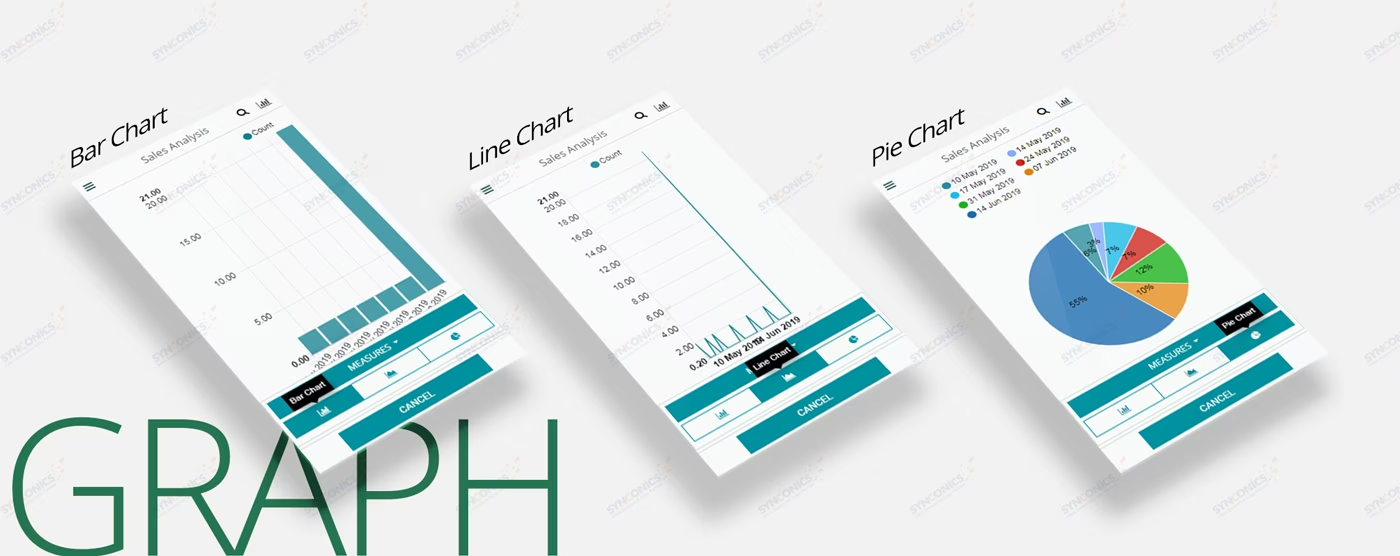
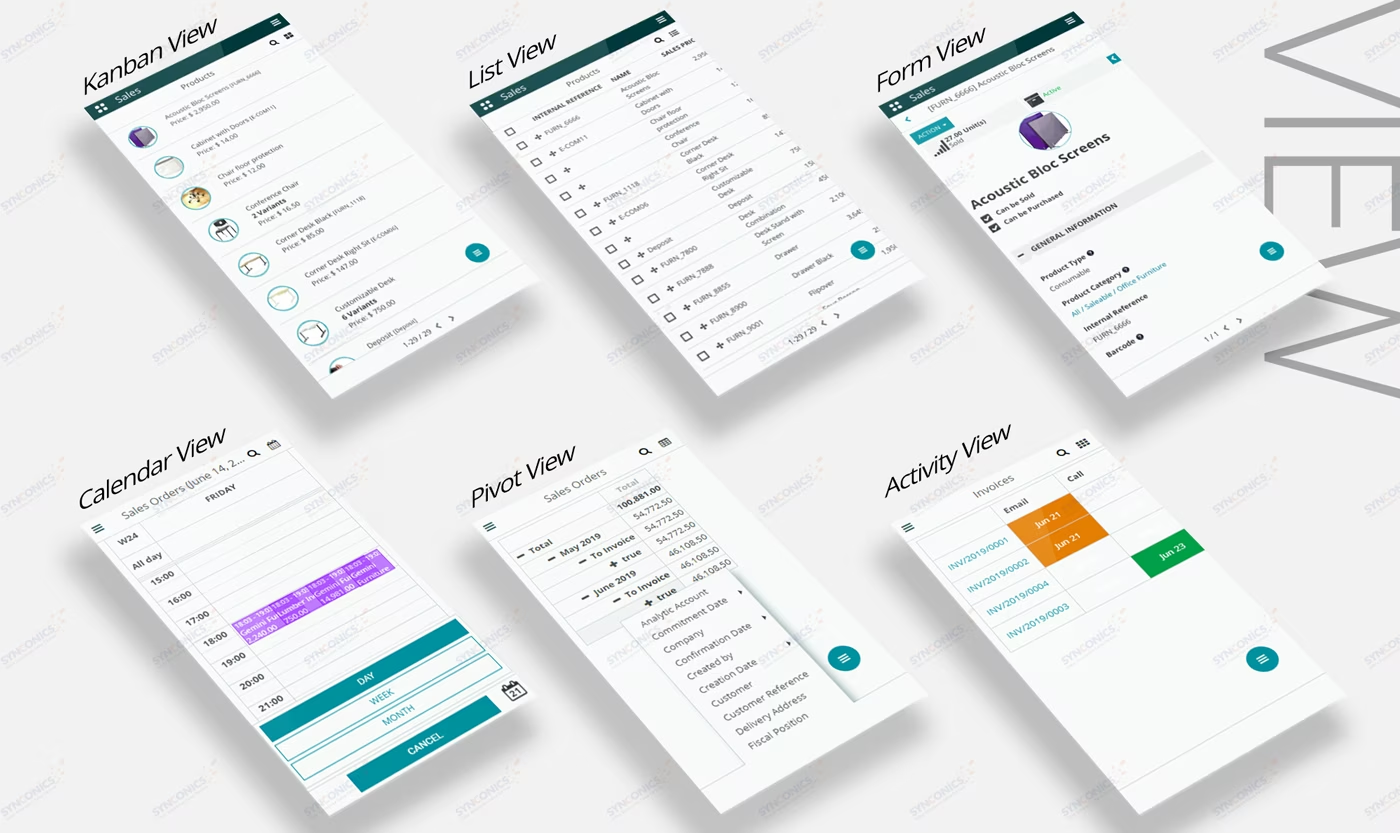
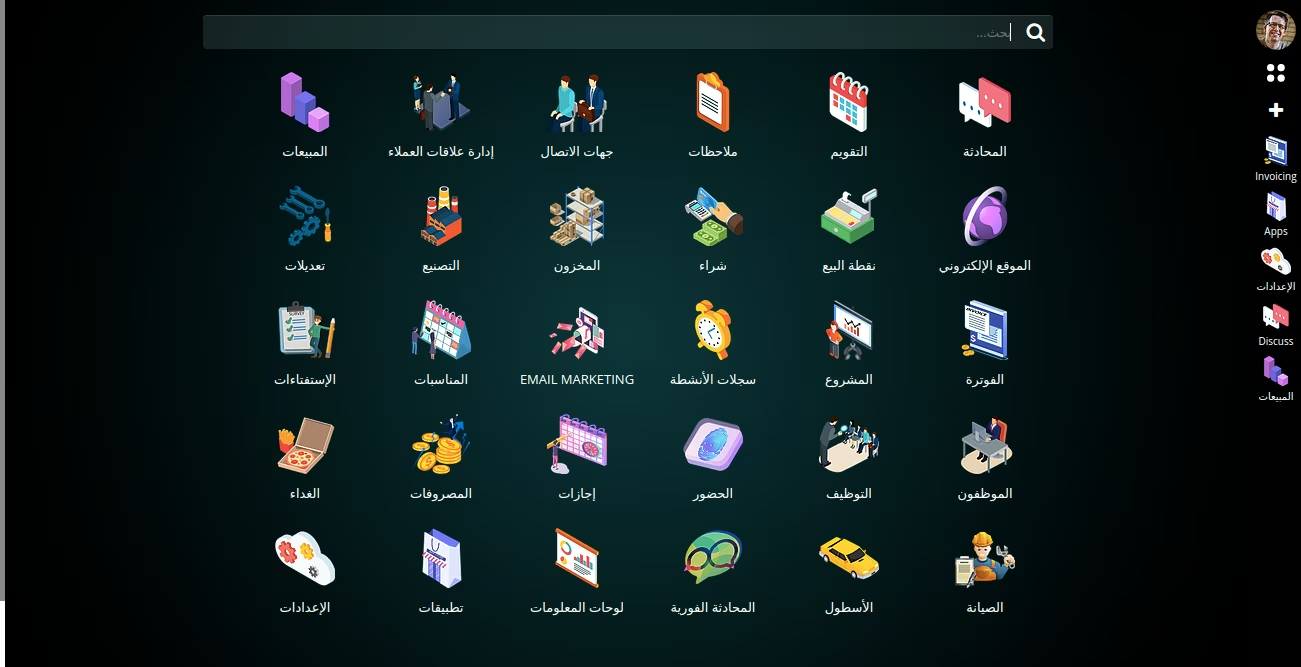
Desktop Menu
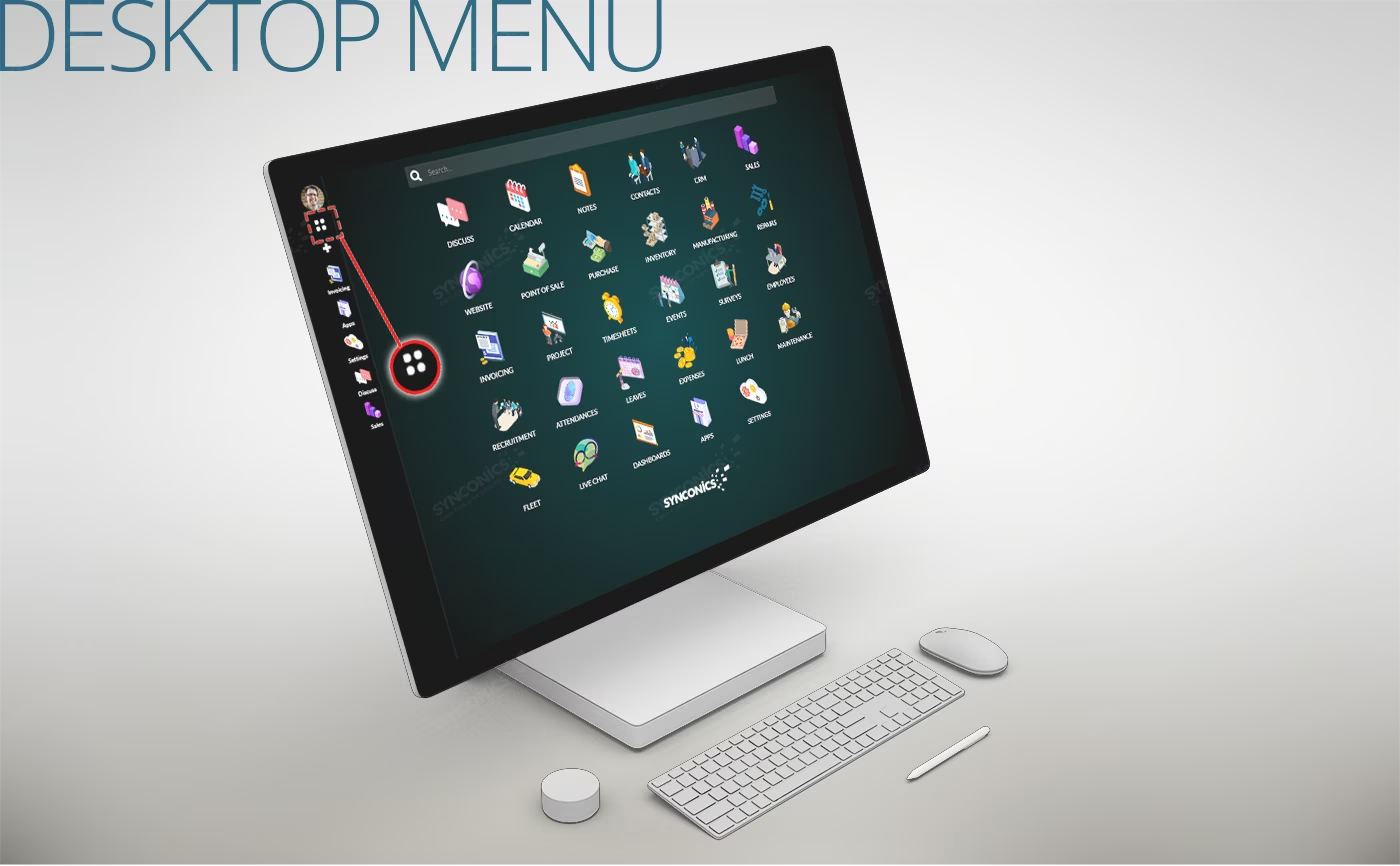
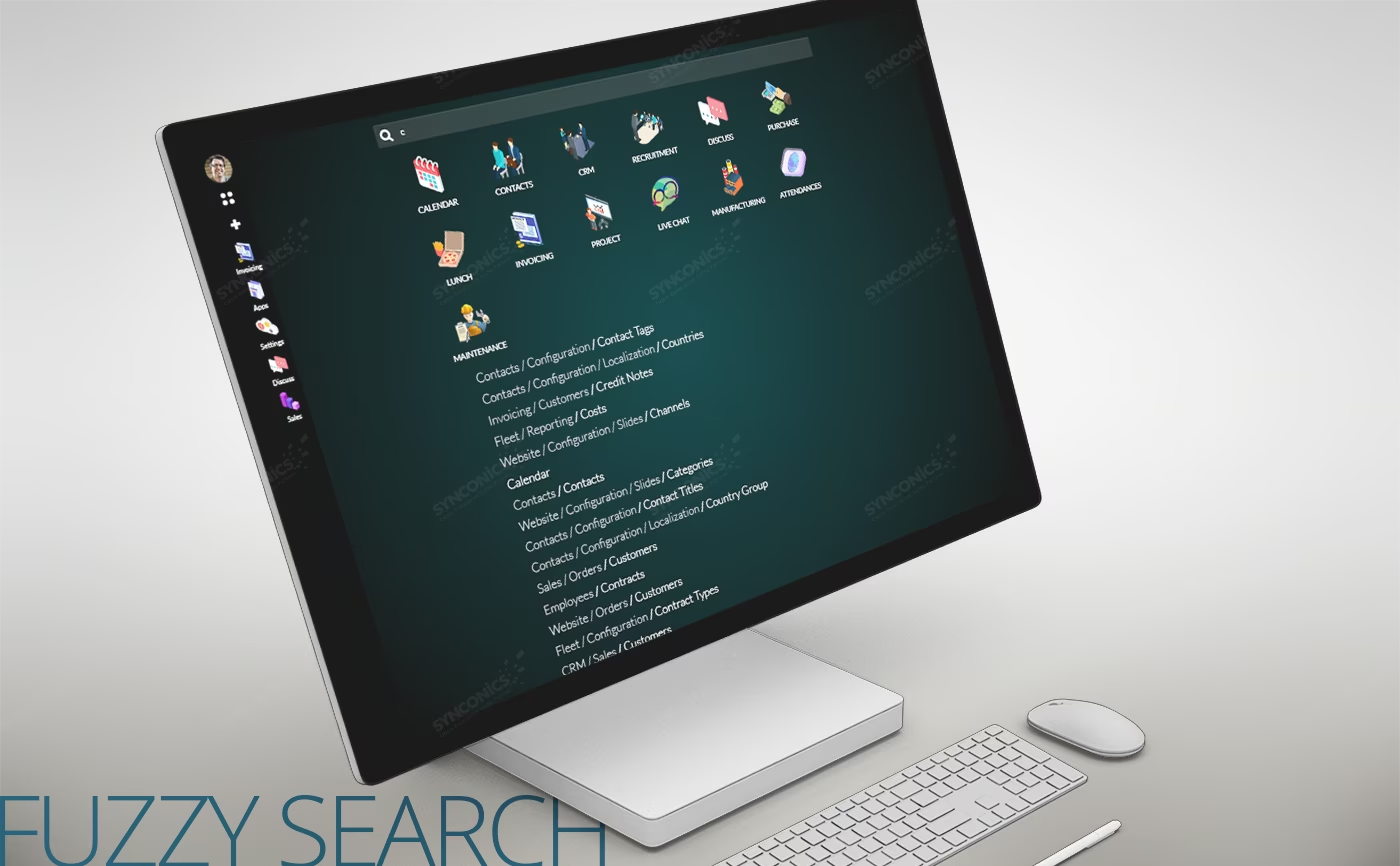
Fuzzy Search
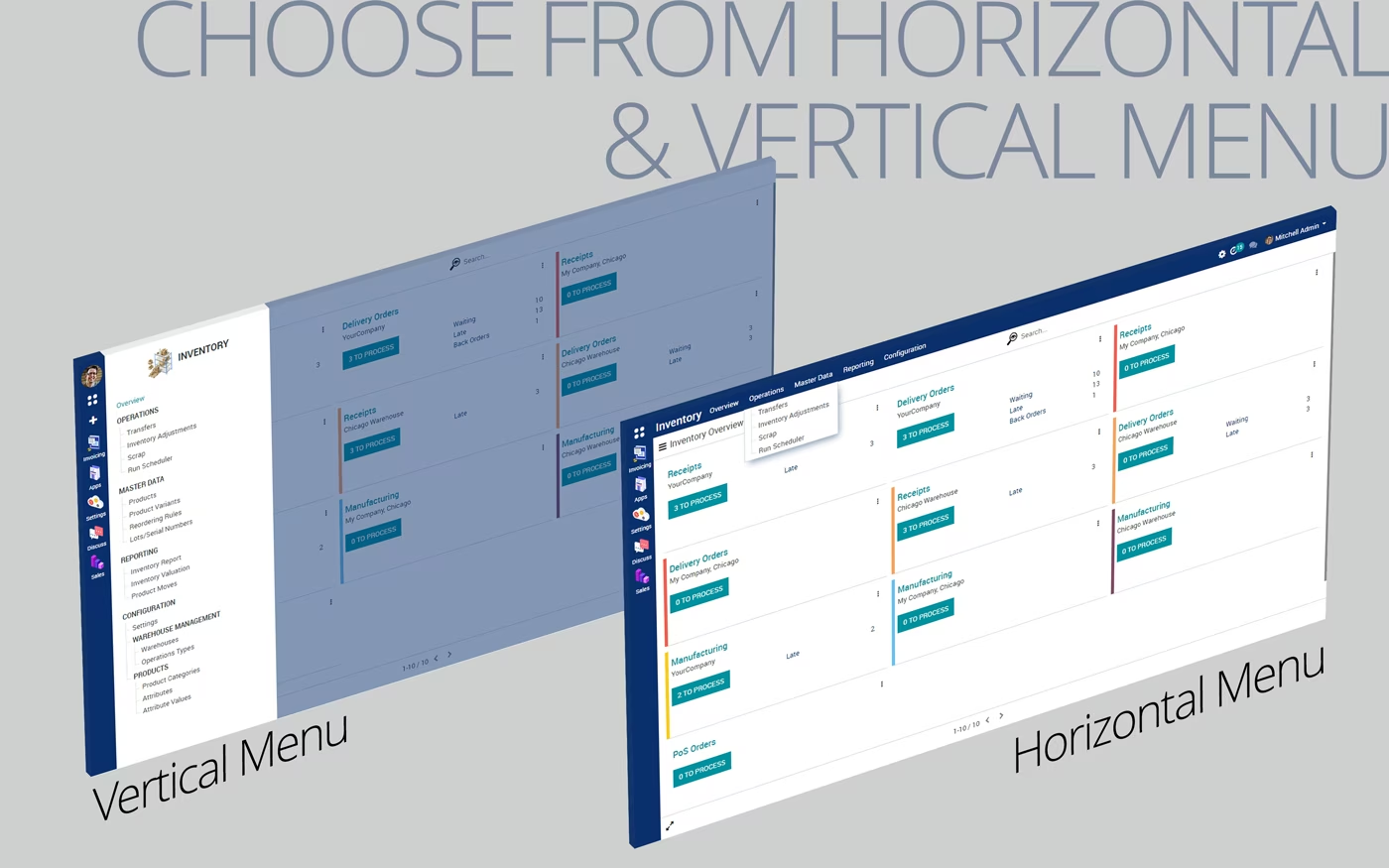
Horizontal/Vertical Menu options
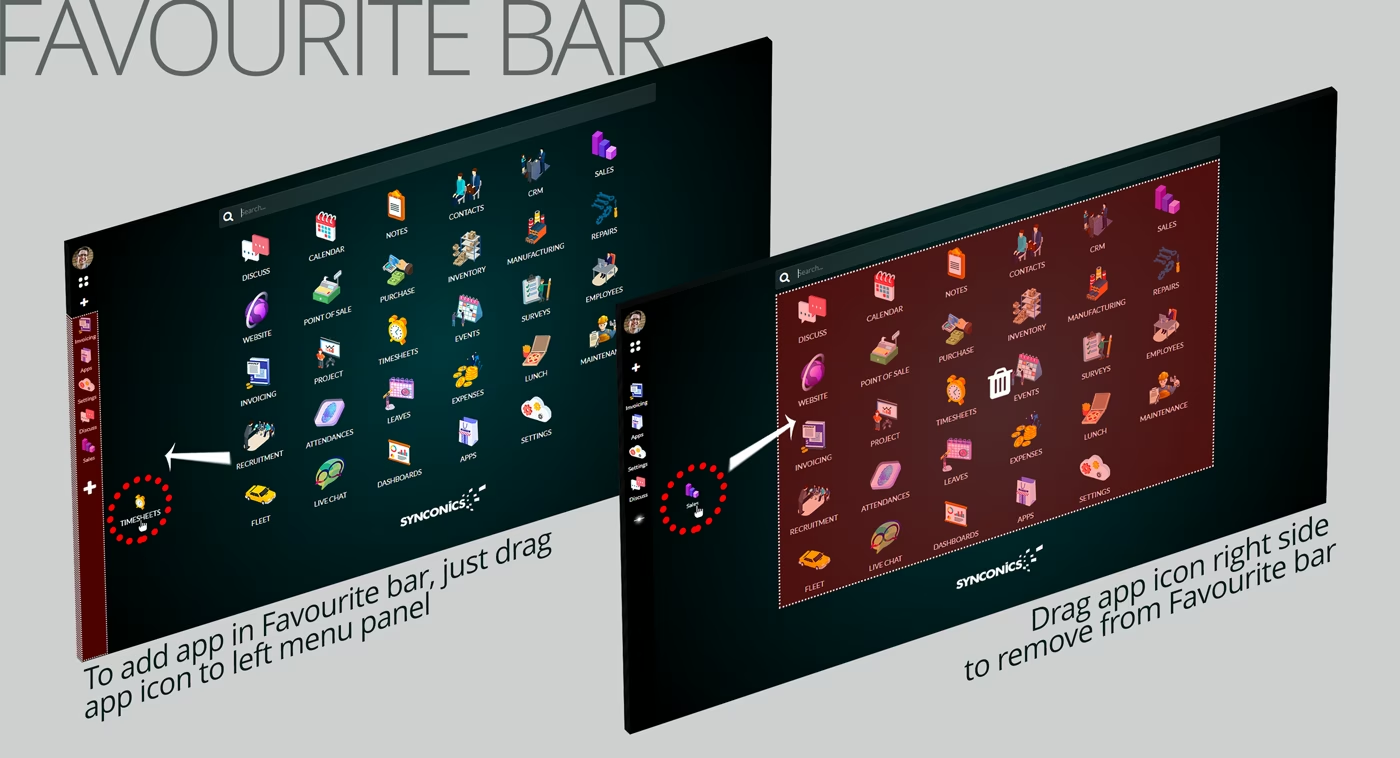
Favourite bar
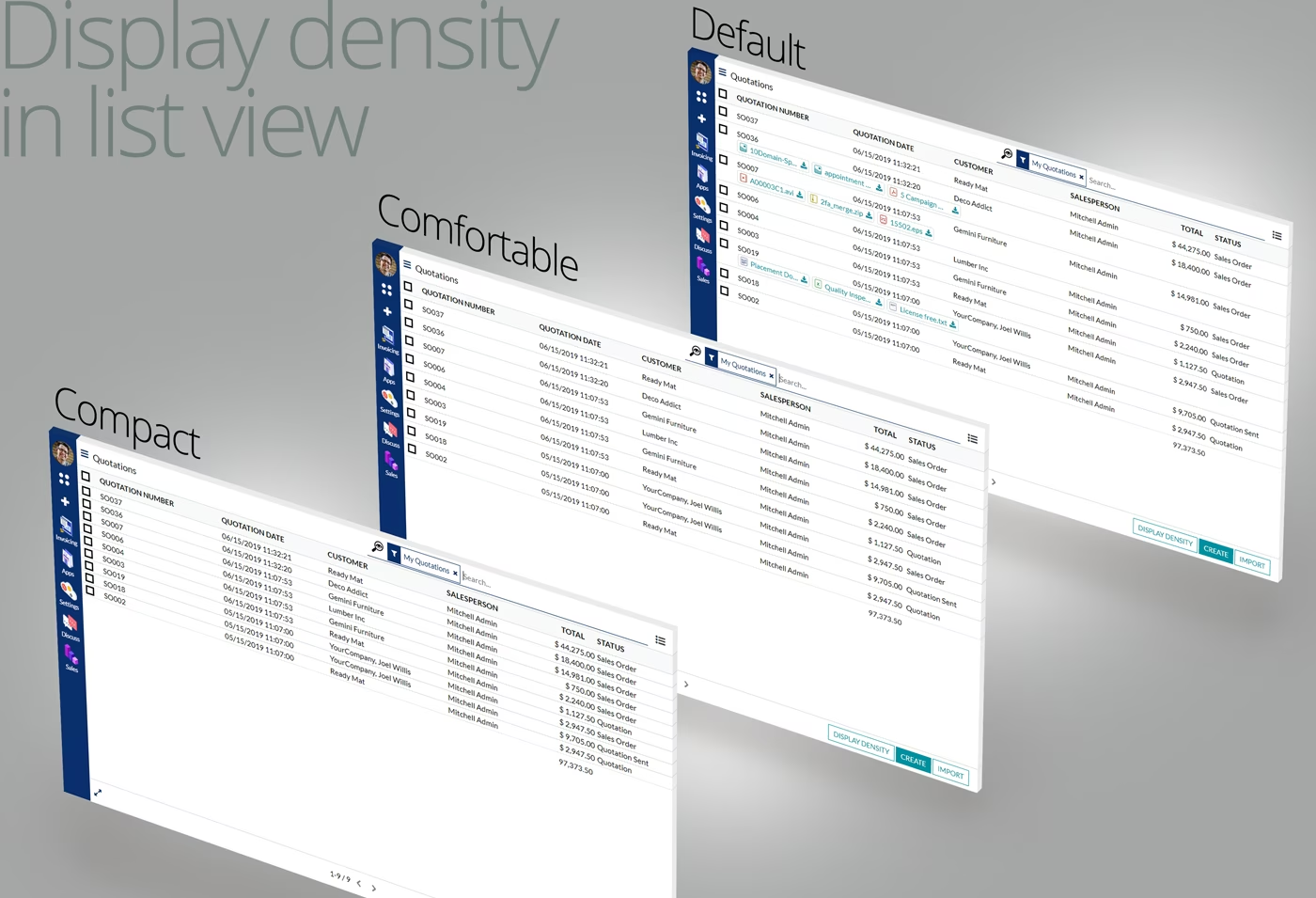
List view (Display density)
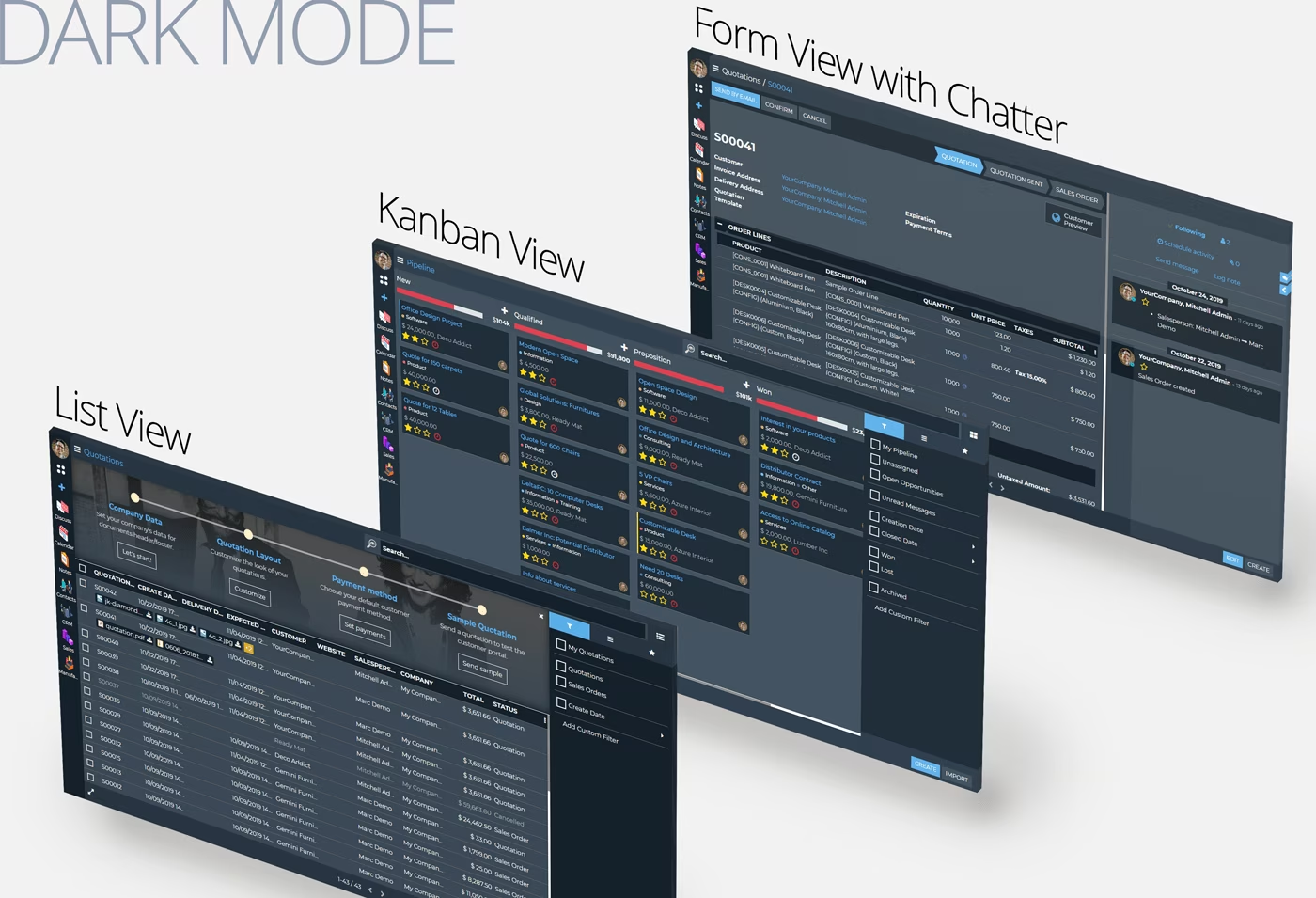
Display Mode
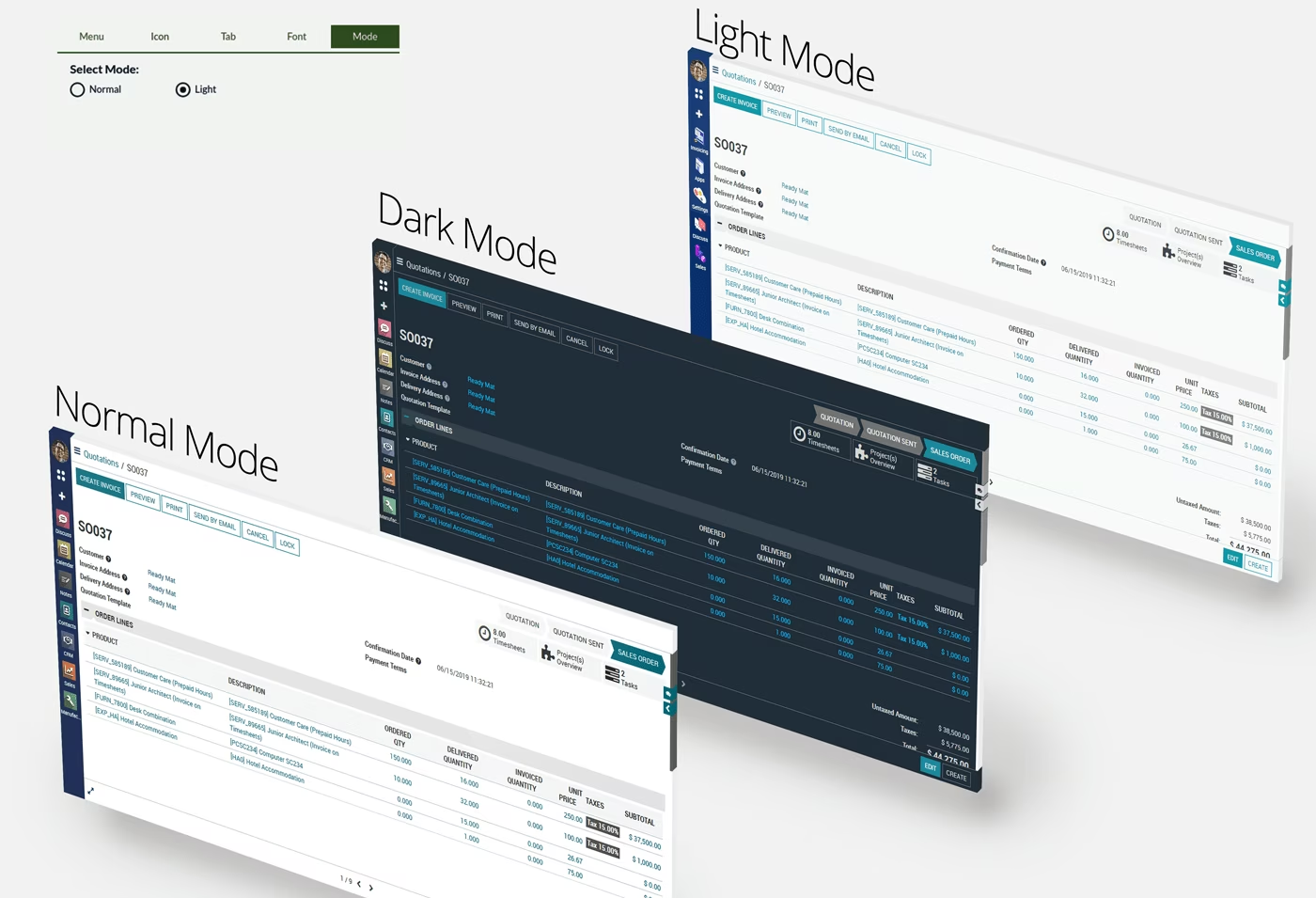
Night Mode Layout
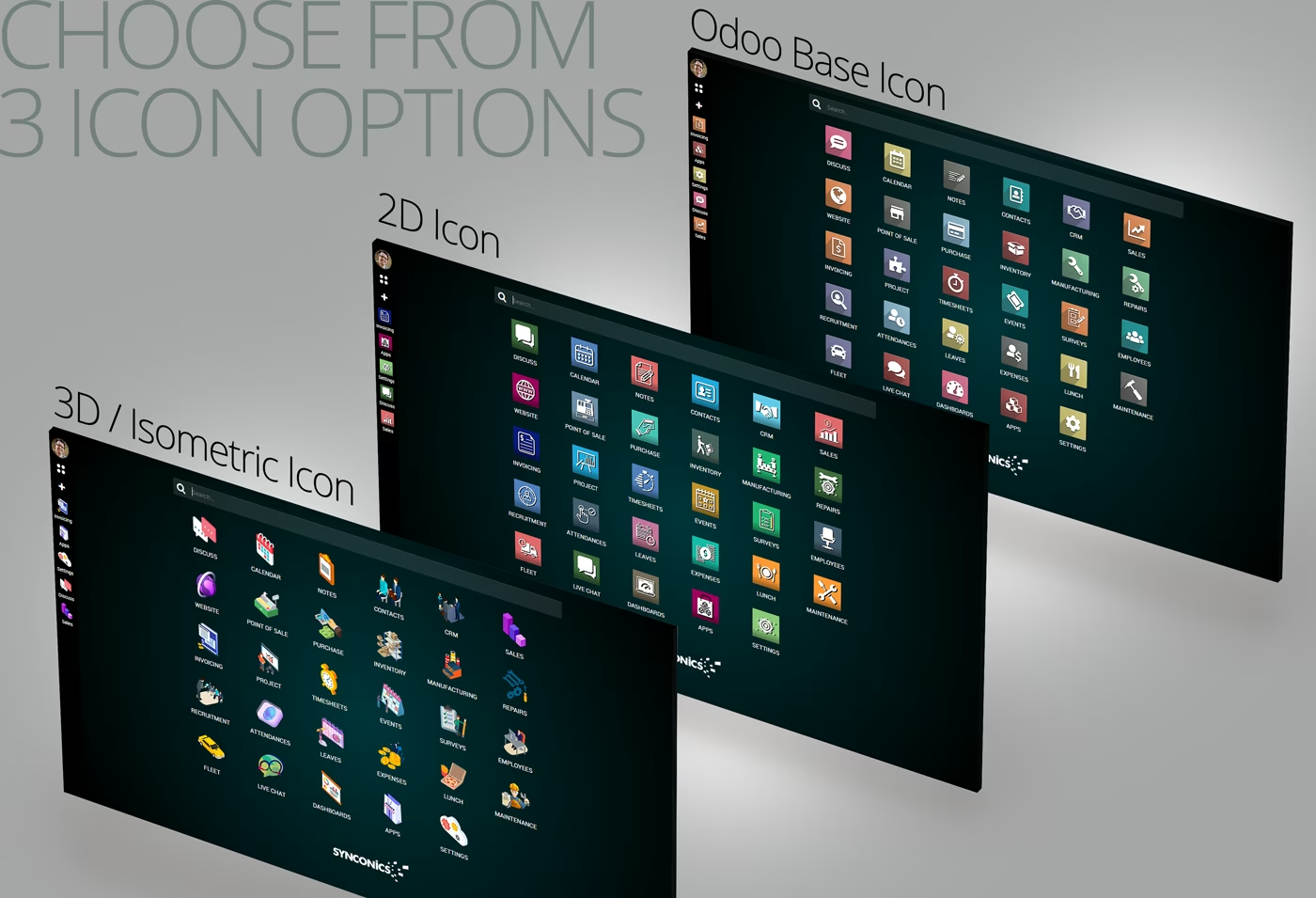
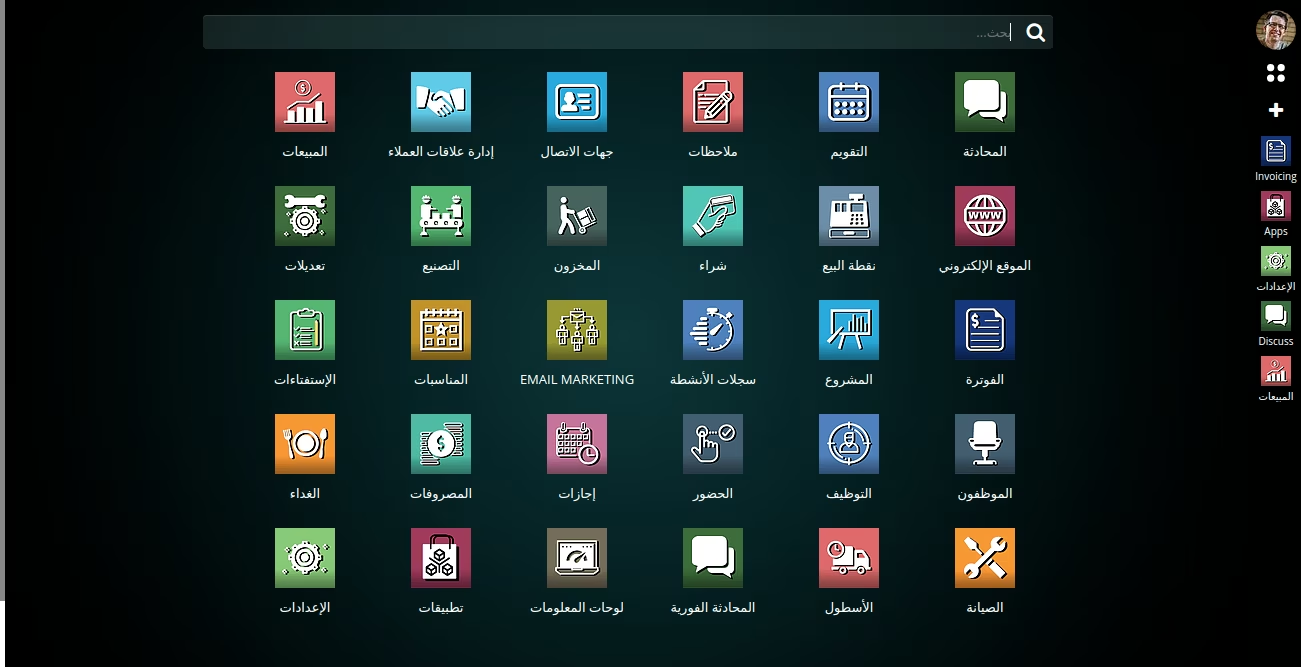
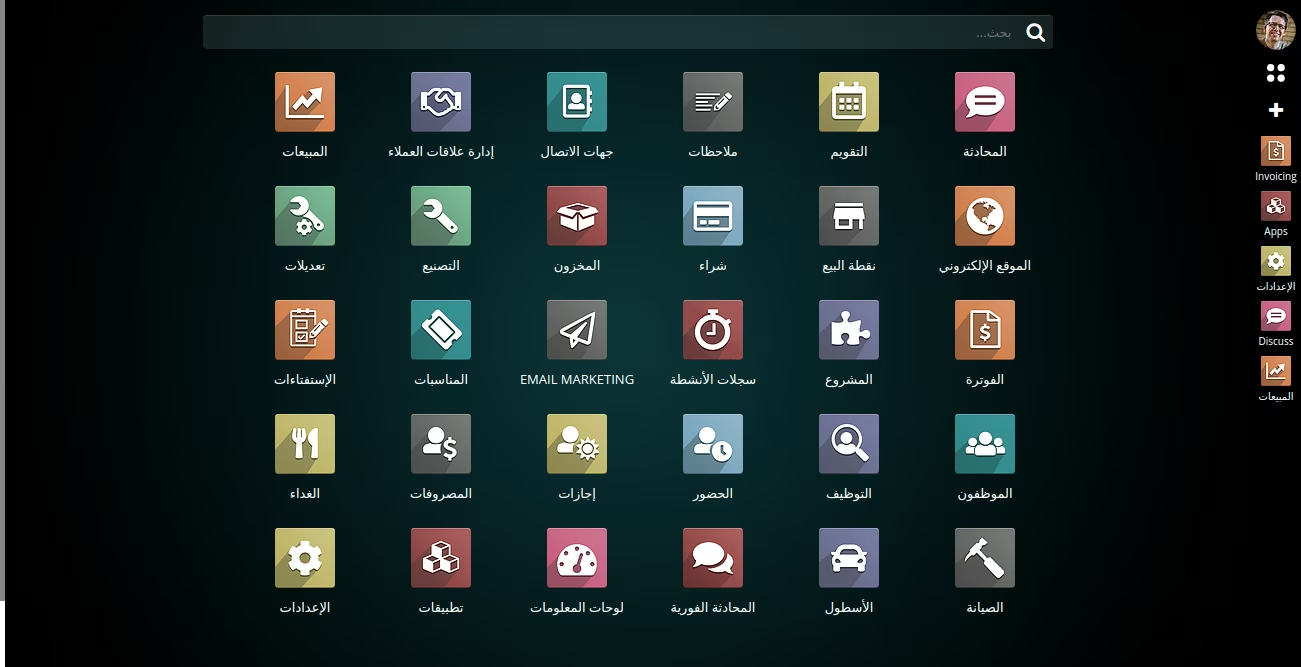
2D, 3D & default Icons
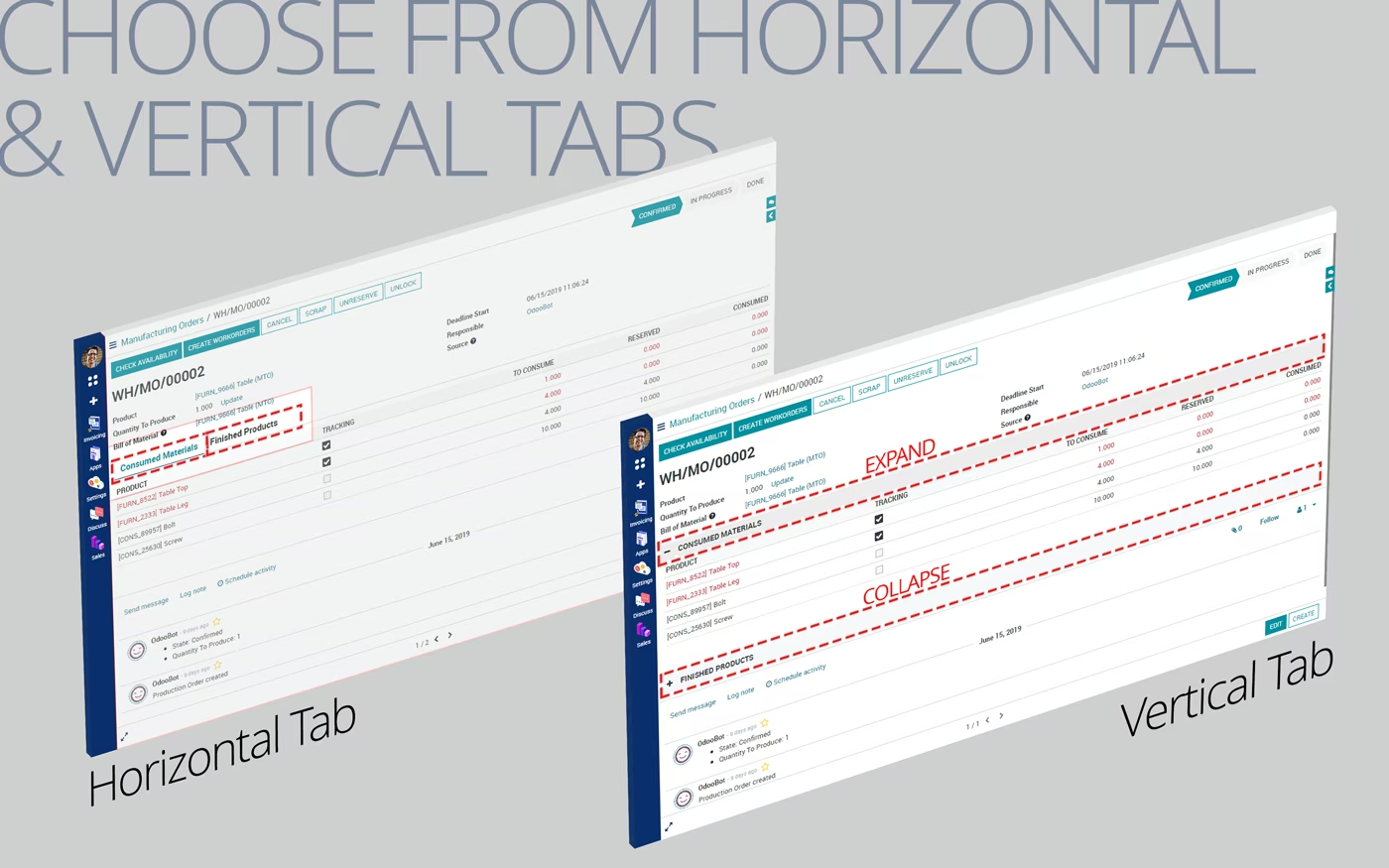
Horizontal/Vertical Tab options
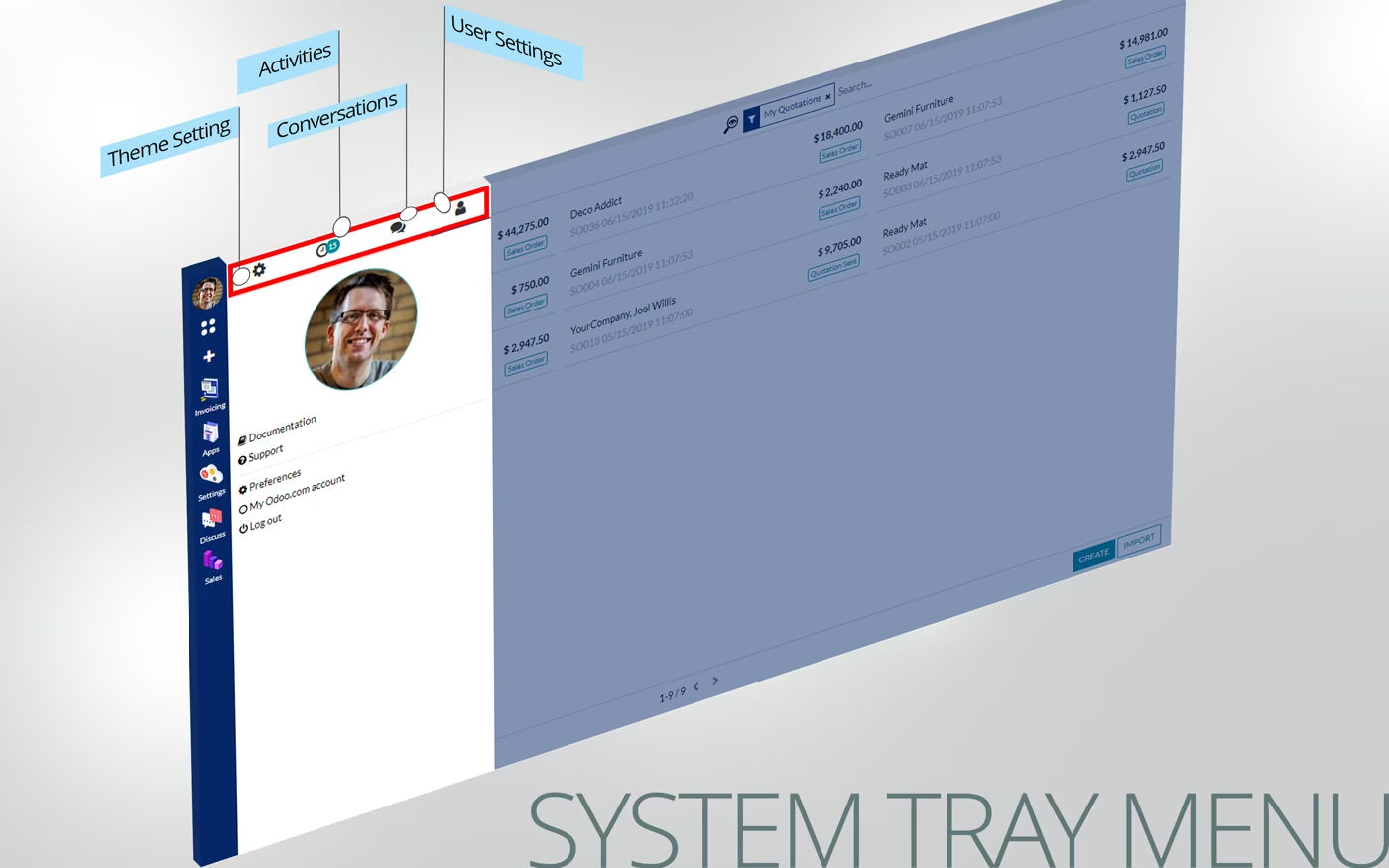
System Tray Menu
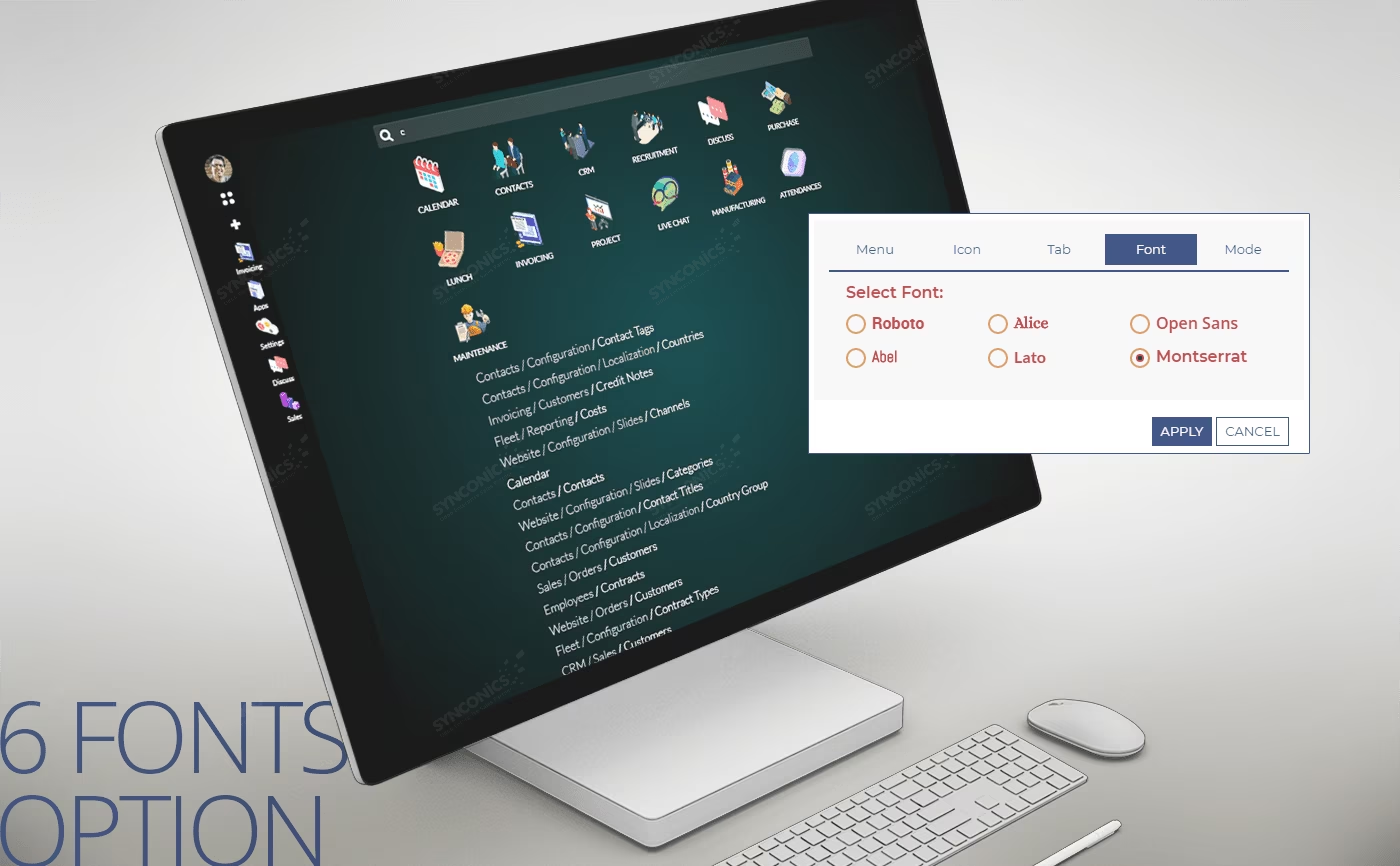
Choose Font from six options
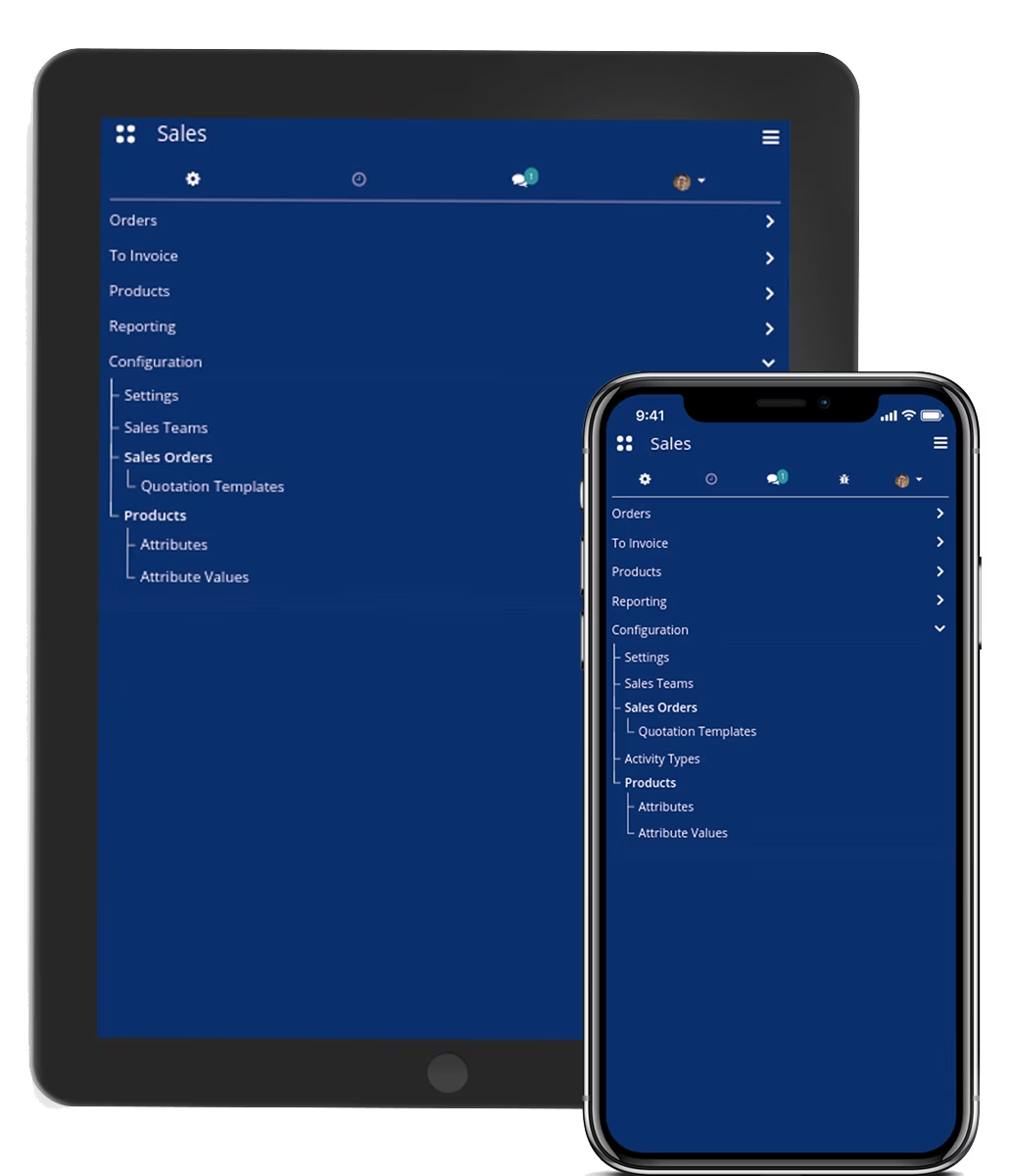
Menu's Tree view display
Global Search
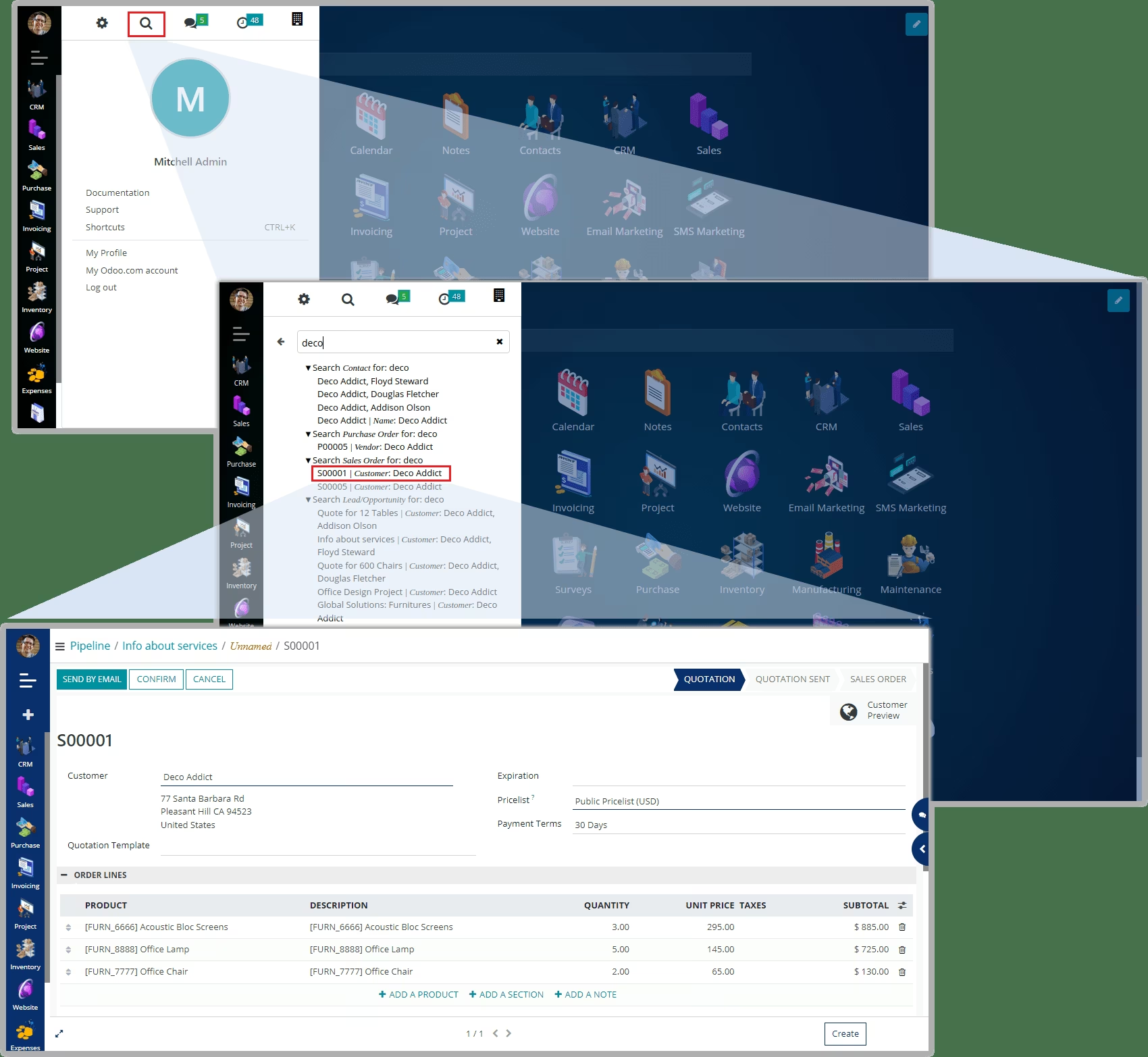
Global Search will reduce users time in case when they will search a keyword and system will display all posibilities where that keyword arrises.
Configuration
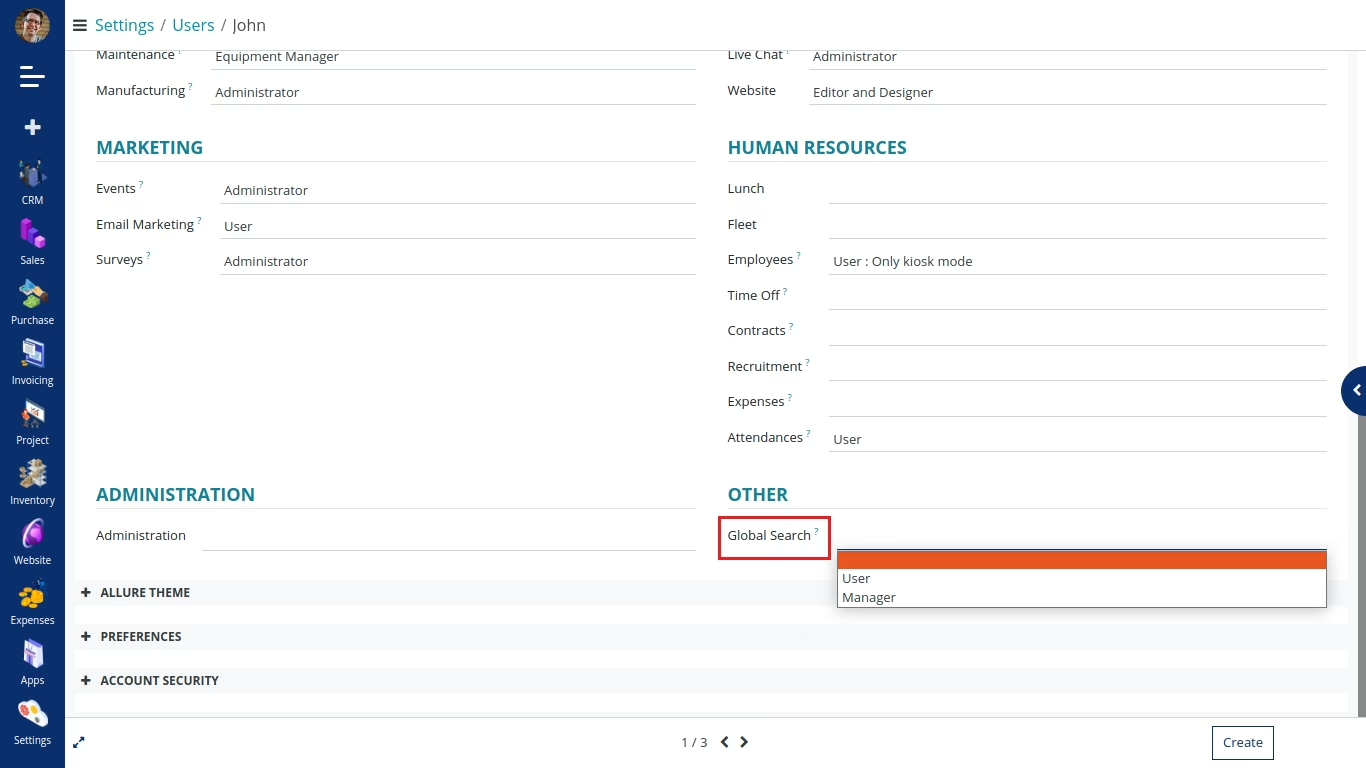
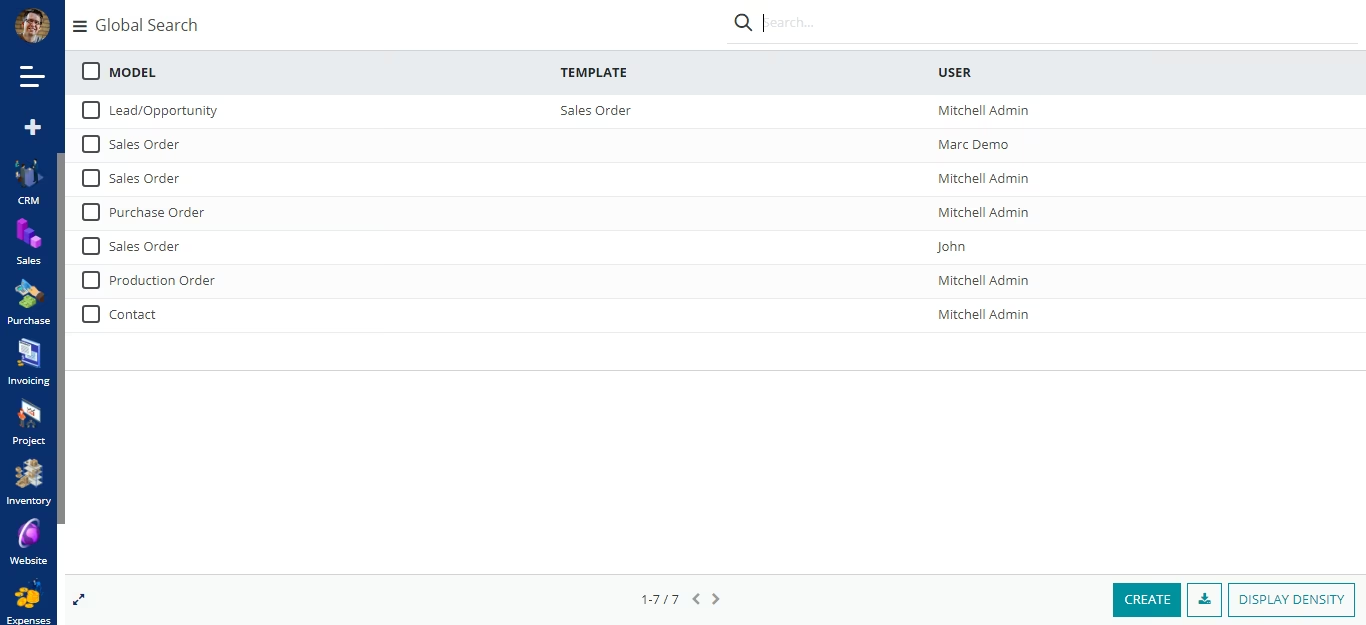
To allow global search to the respected user, please go to Settings->Users and allow global search rights.
Users will be able to define global search template in which they can select model and related fields, after that they can be able to apply that template on global search configuration.
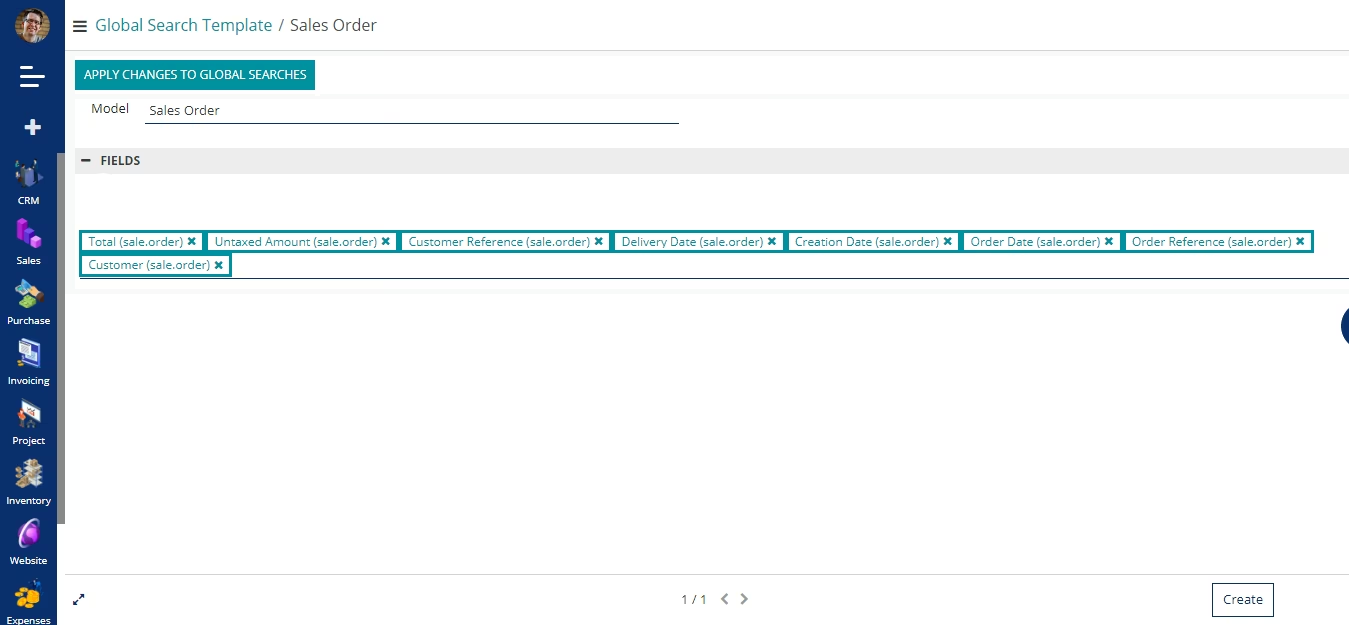
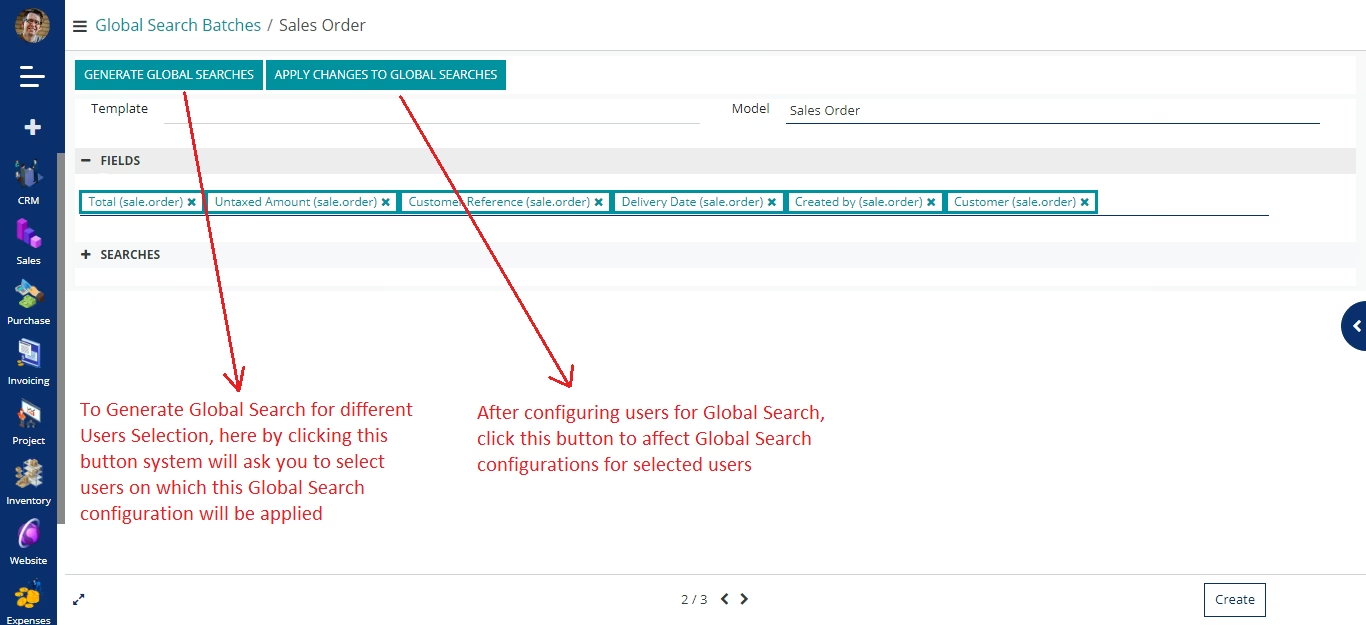
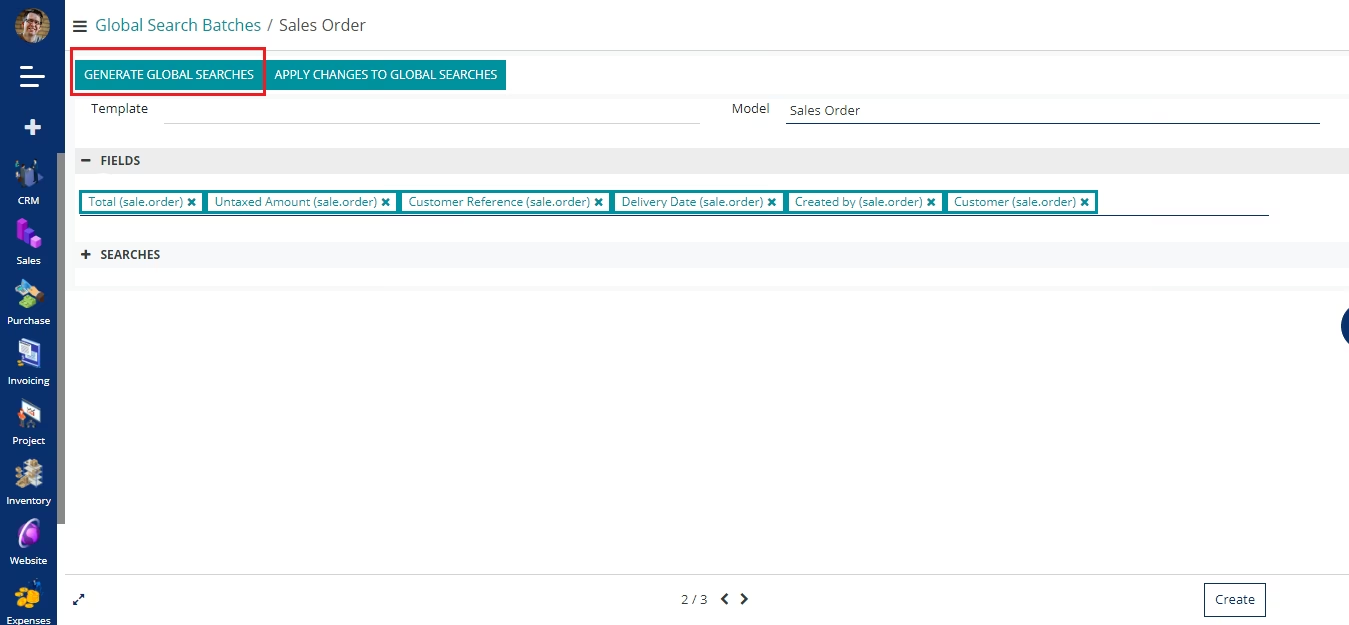
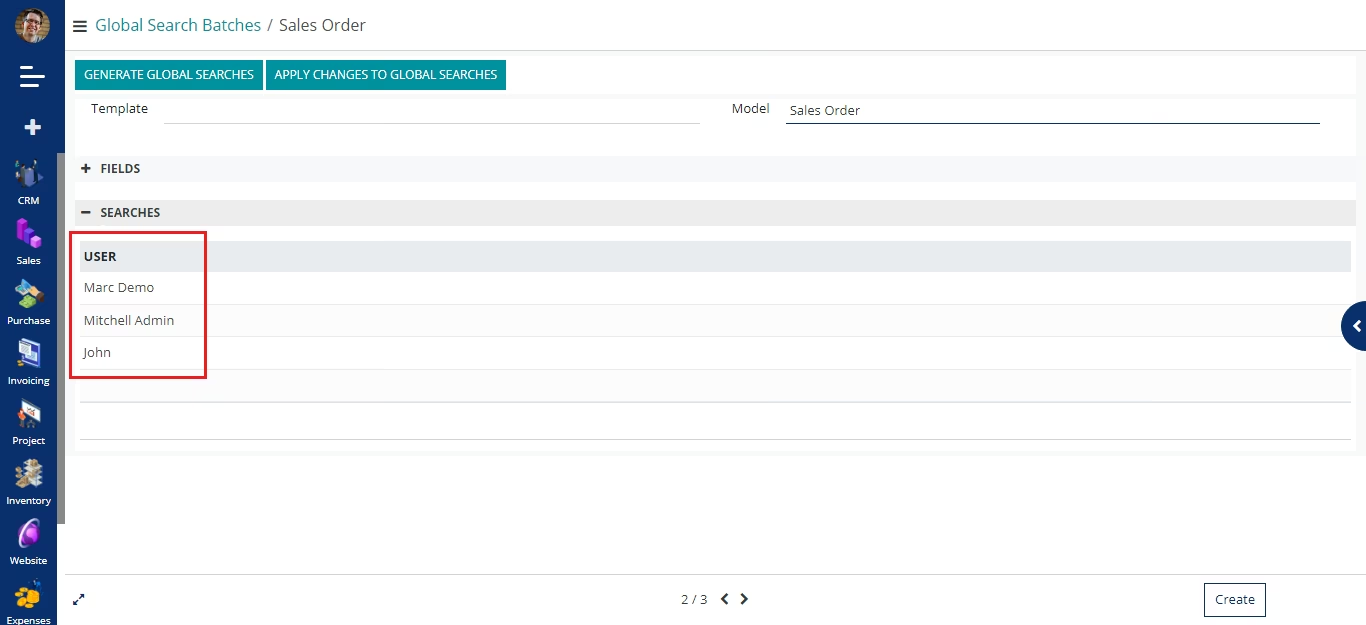
Users can be able to define global search configuration by selecting a model and related fields. After that they can also be able to select different users for which they want to apply that related Global Search configuration.
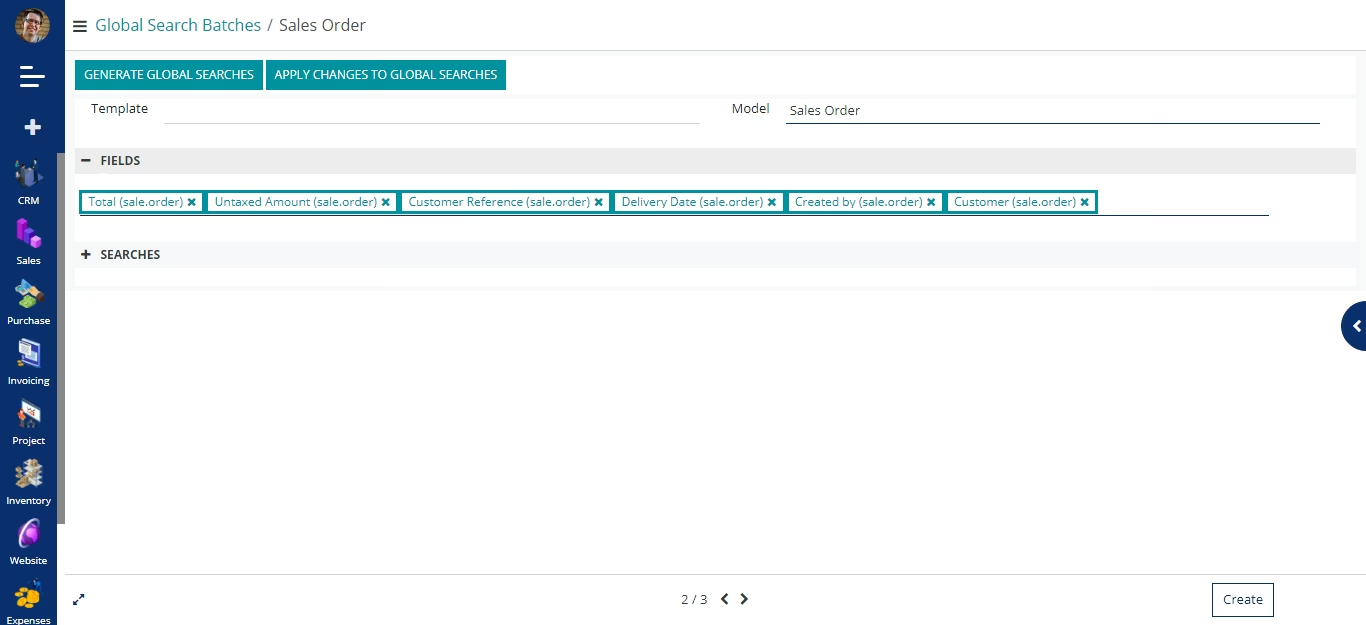
Apply Changes to Global Searches - After configuring users, by clicking on this button, a global search configuration will be applied to those selected users.
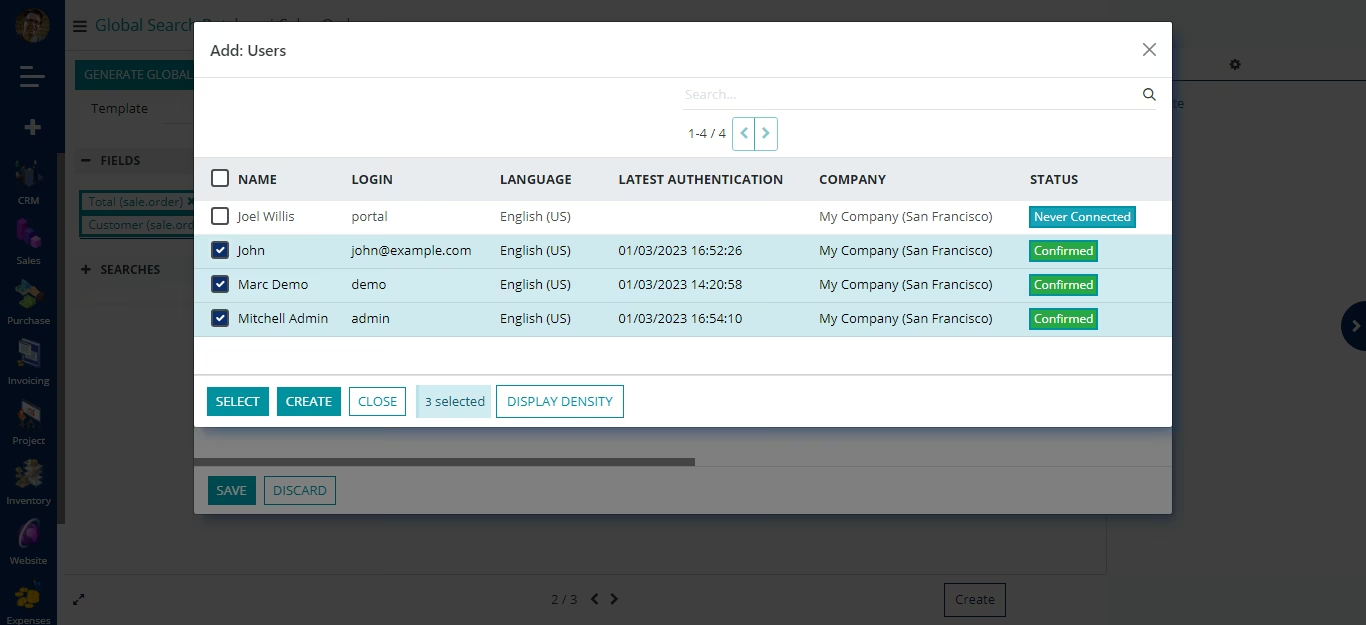
A user has to click it on a magnifying glass icon, after clicking on it he/she has to write a search keyword and based on the configuration done, system will define related search results.
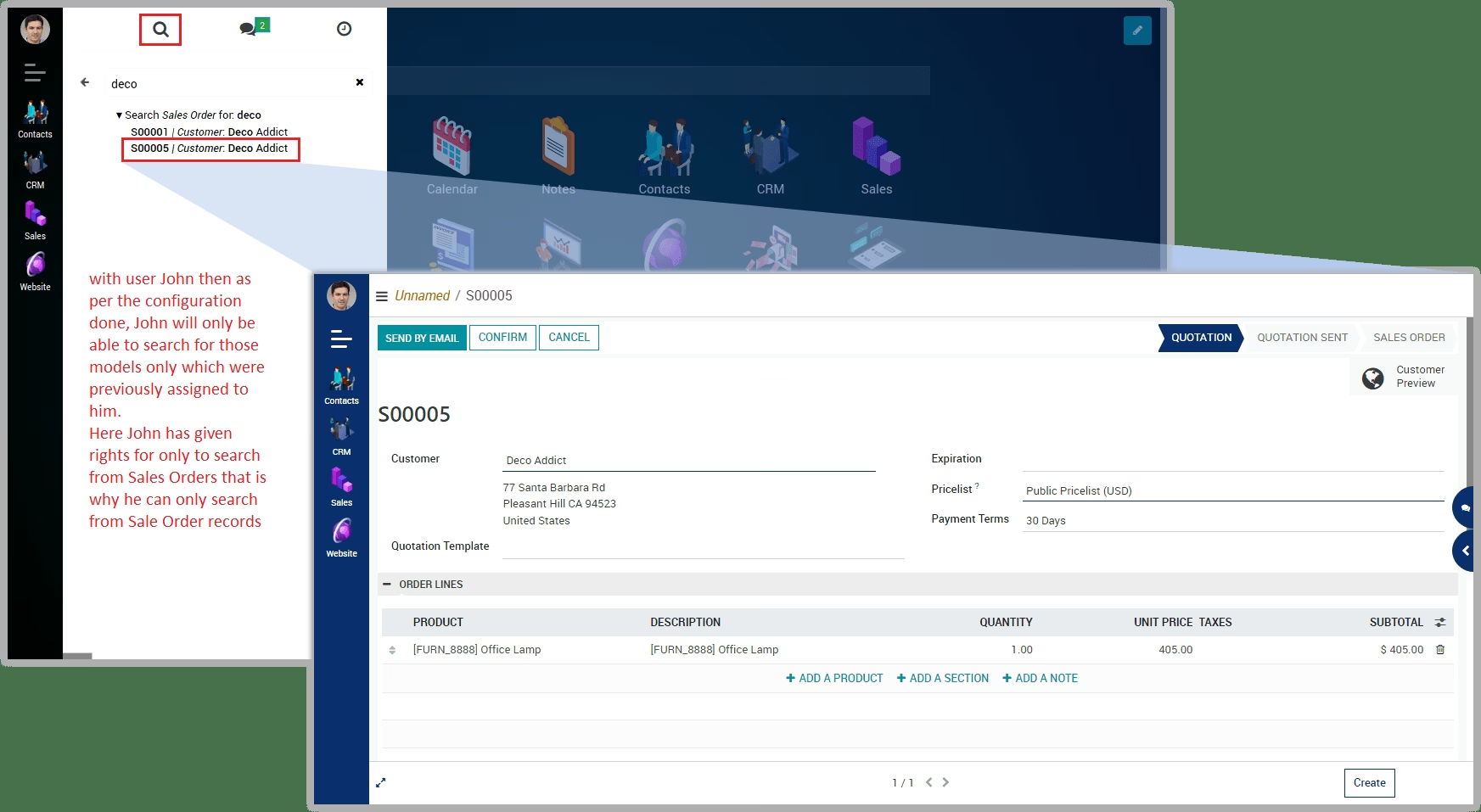
User Settings
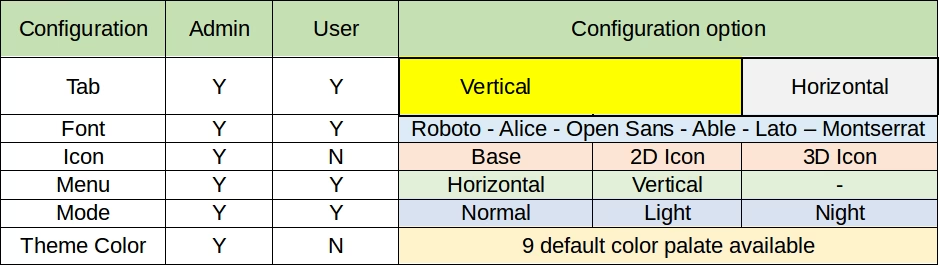
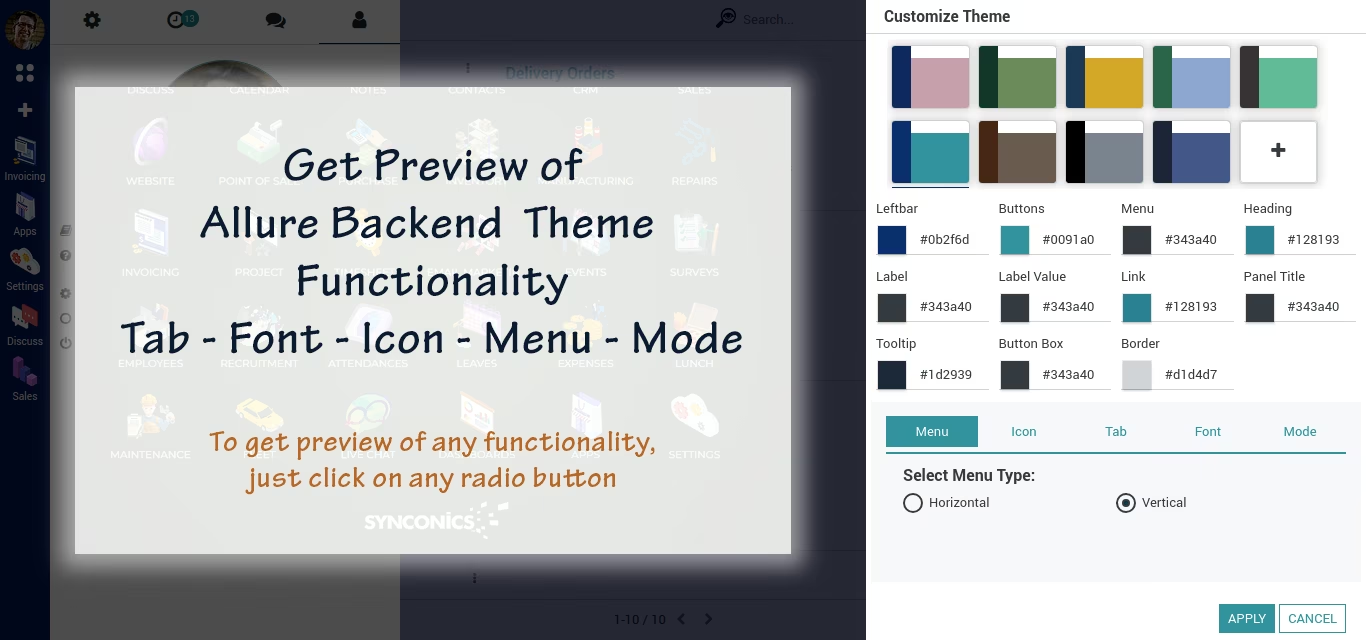
Customize Theme Colors
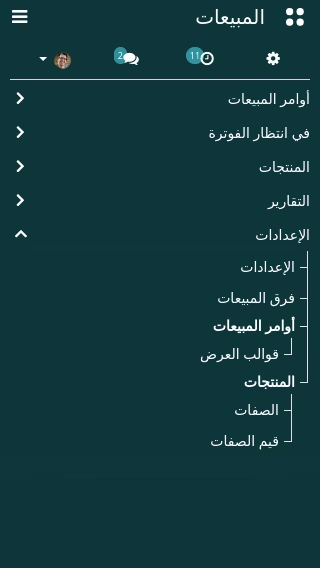
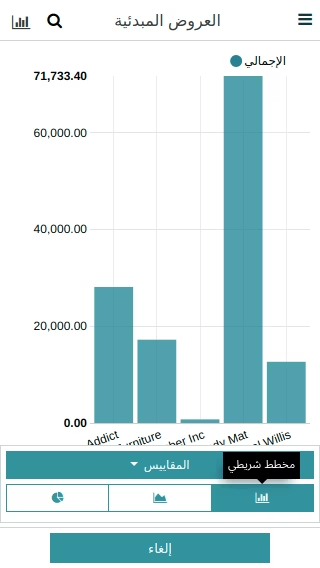
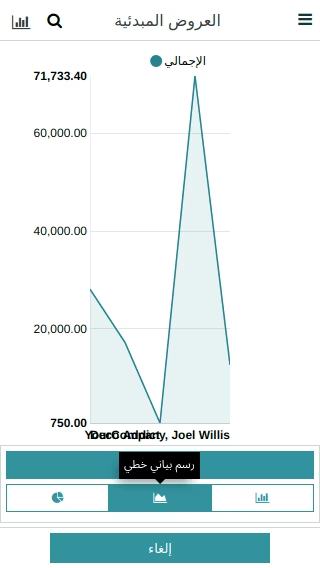
Responsive
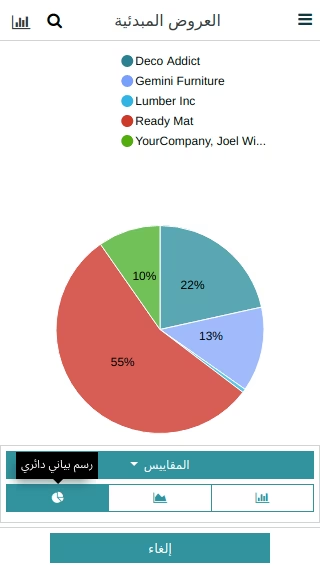
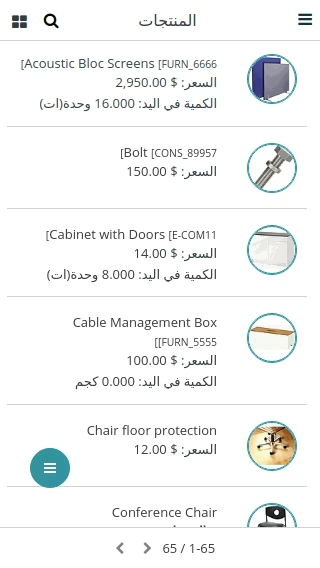
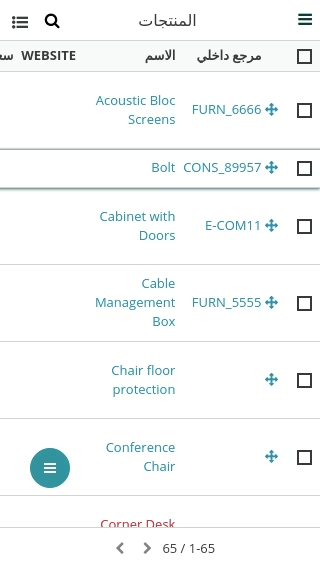
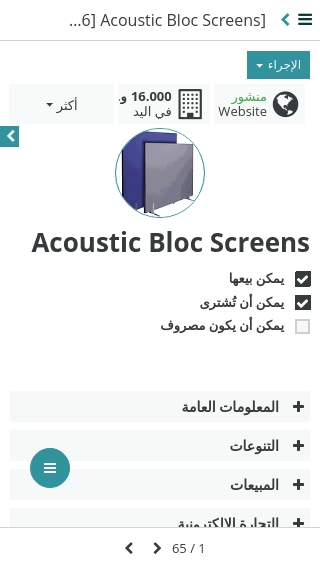
Desktop Menu
Fuzzy Search
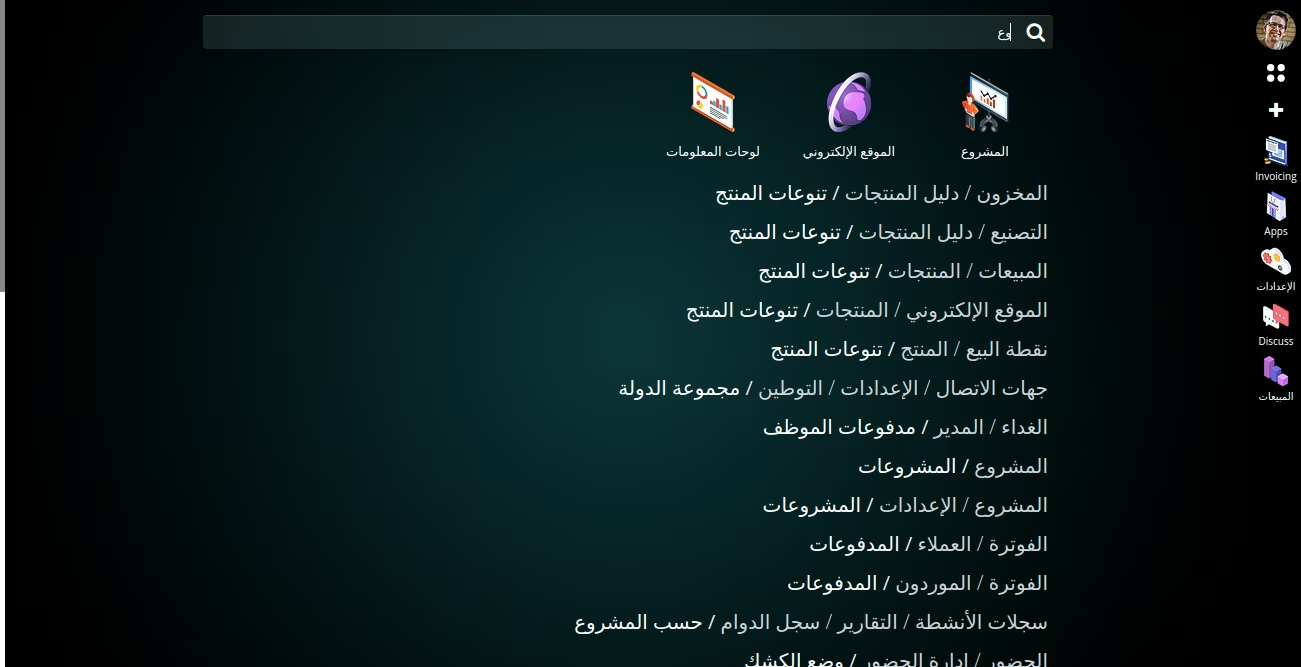
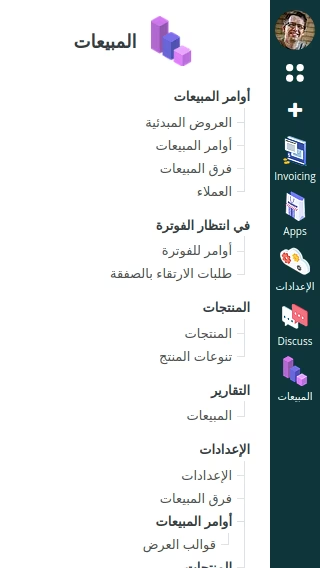
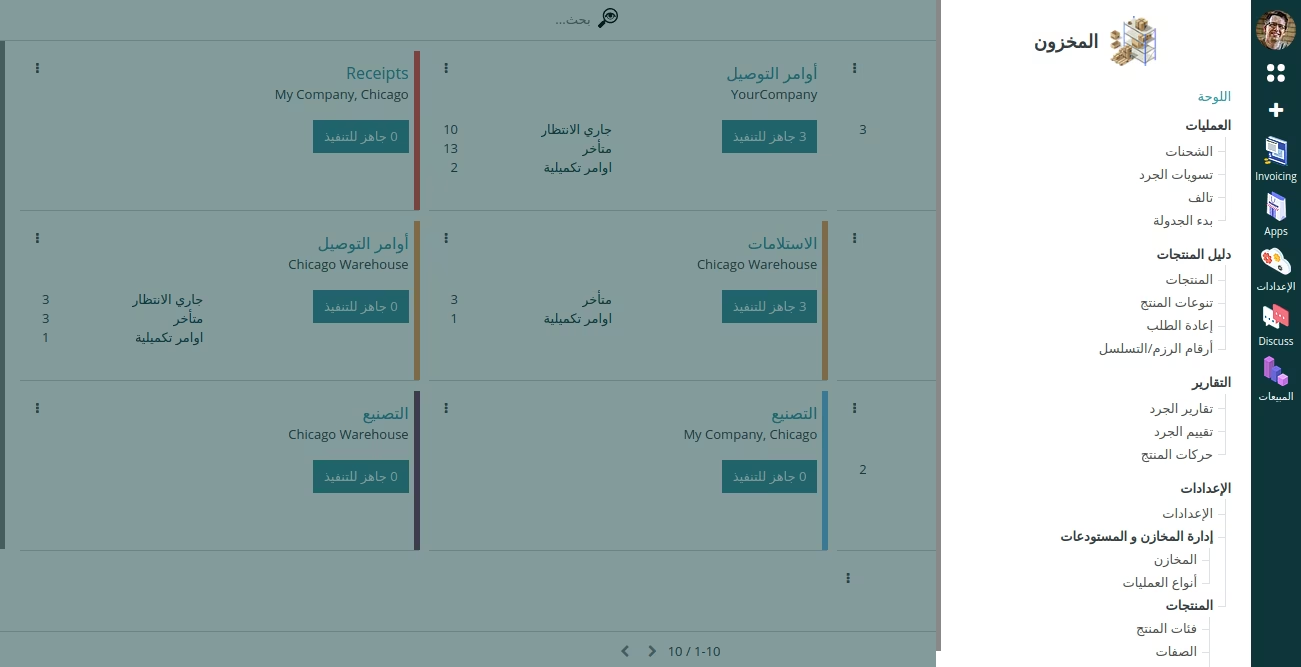
Horizontal/Vertical Menu options
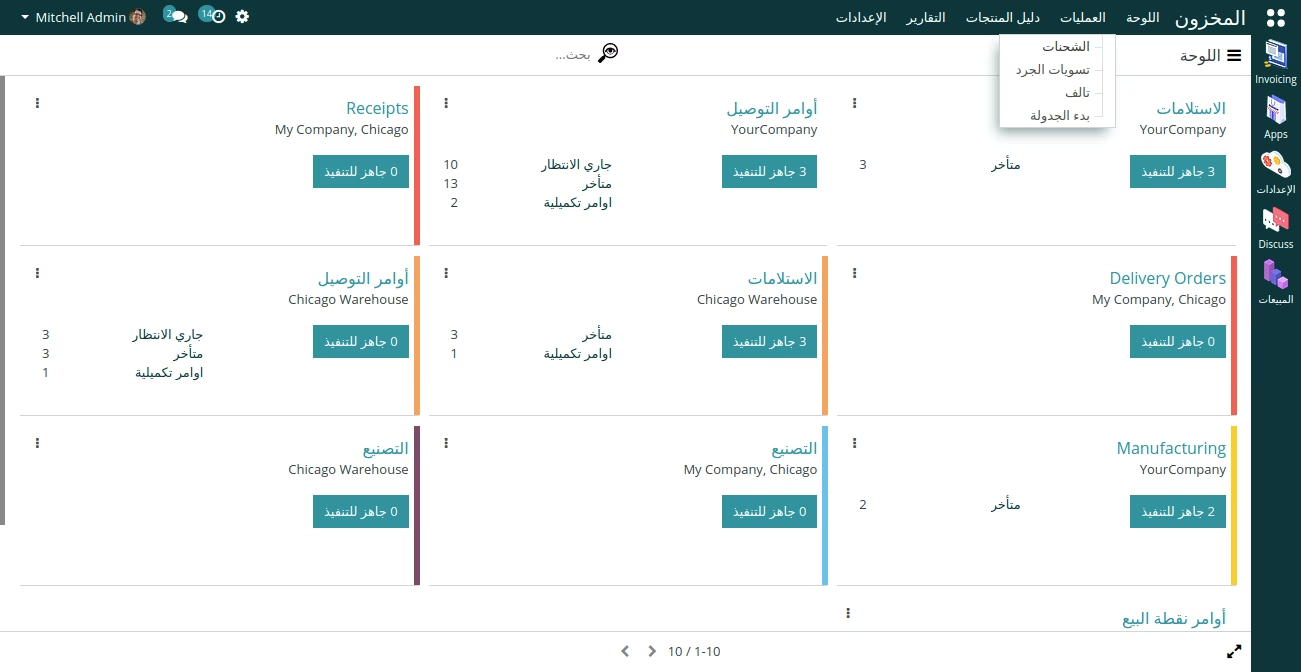
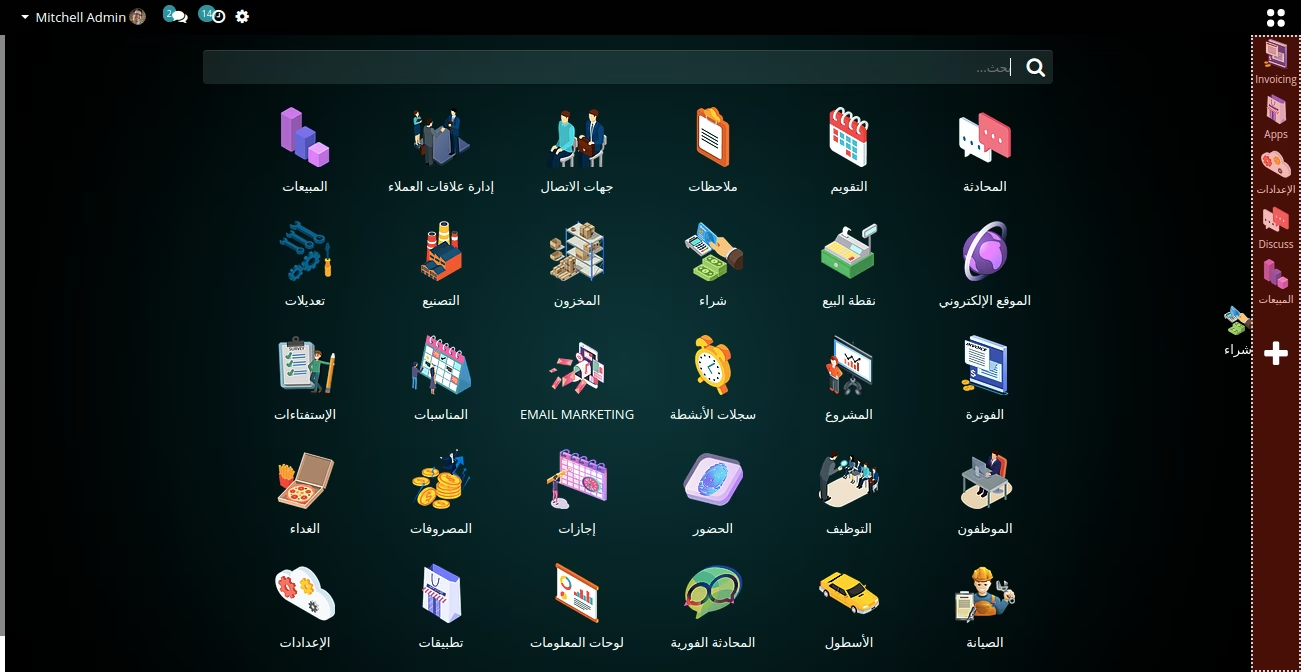
Favourite bar
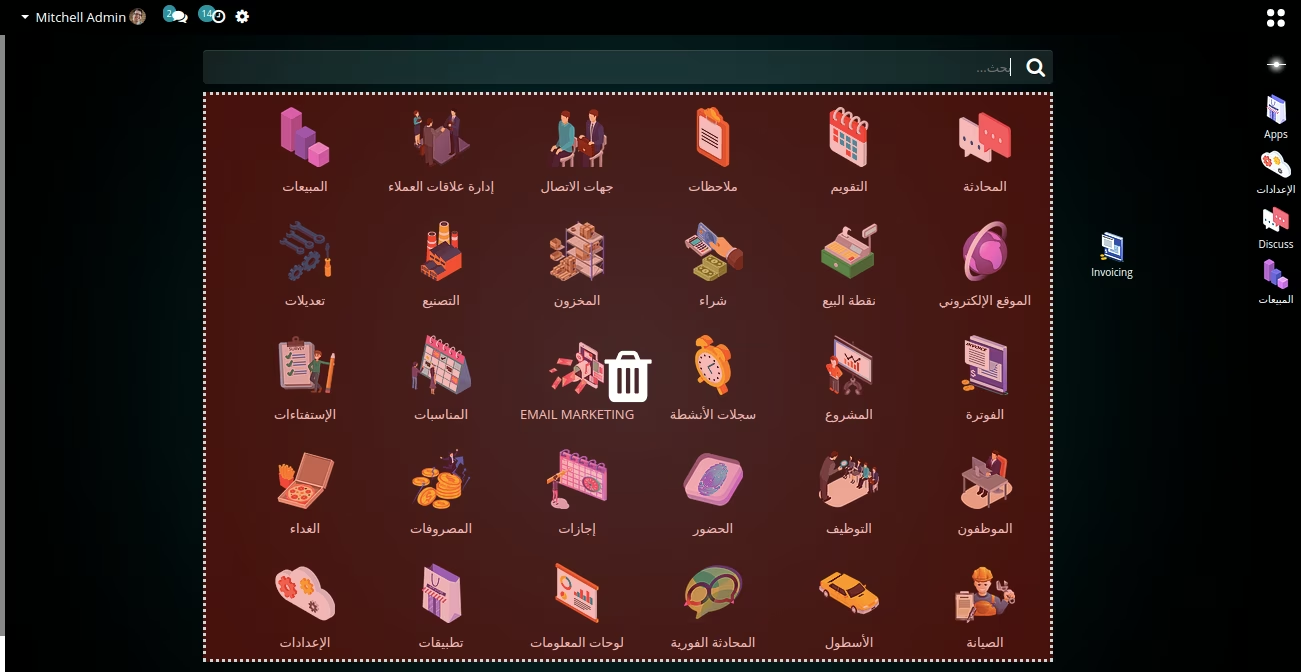
List view Display density(compact,comfortable & Default)
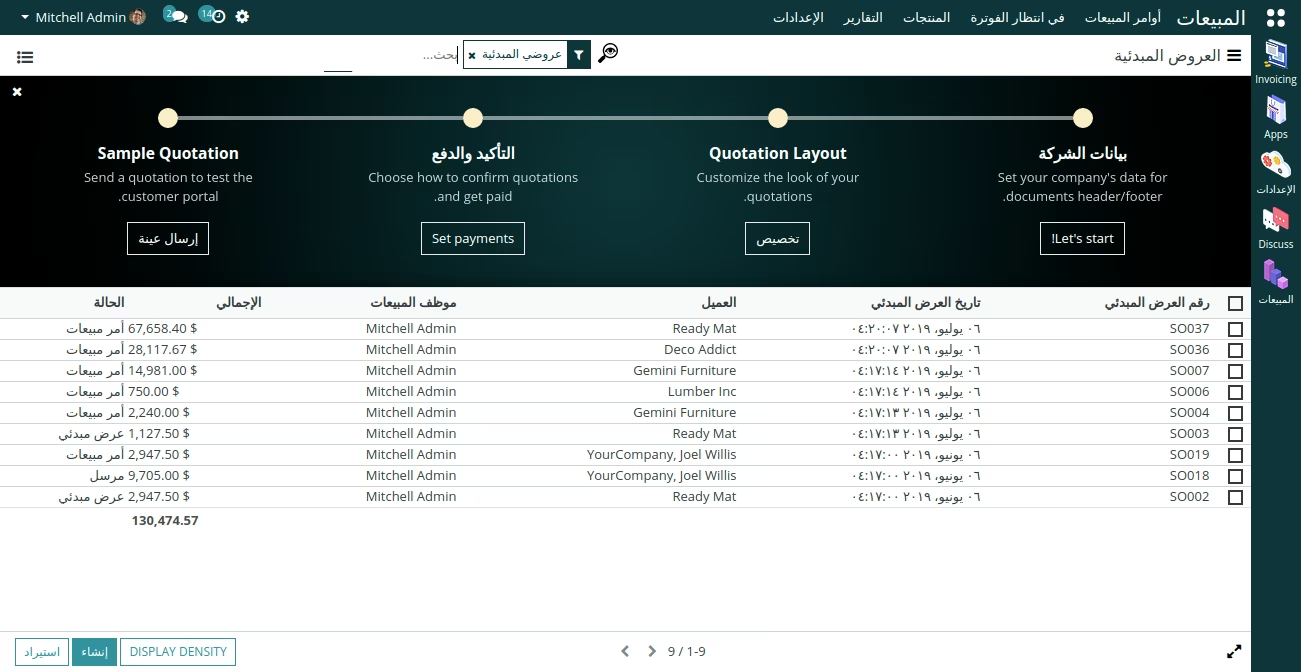
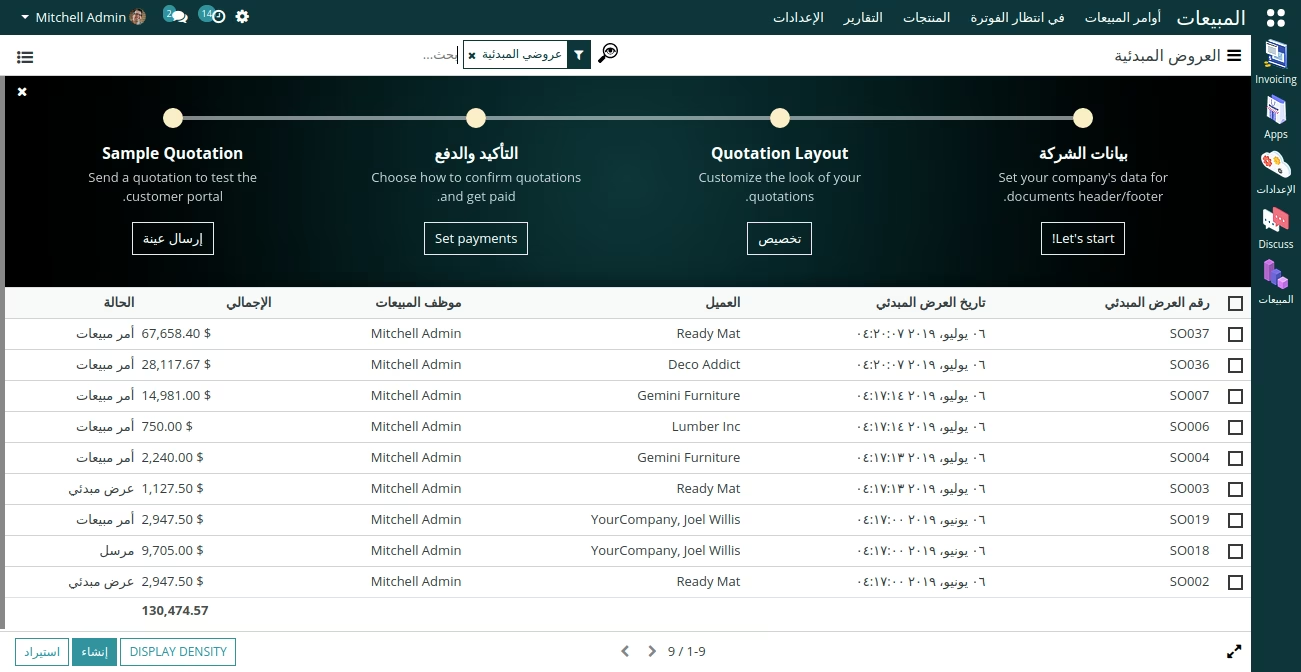
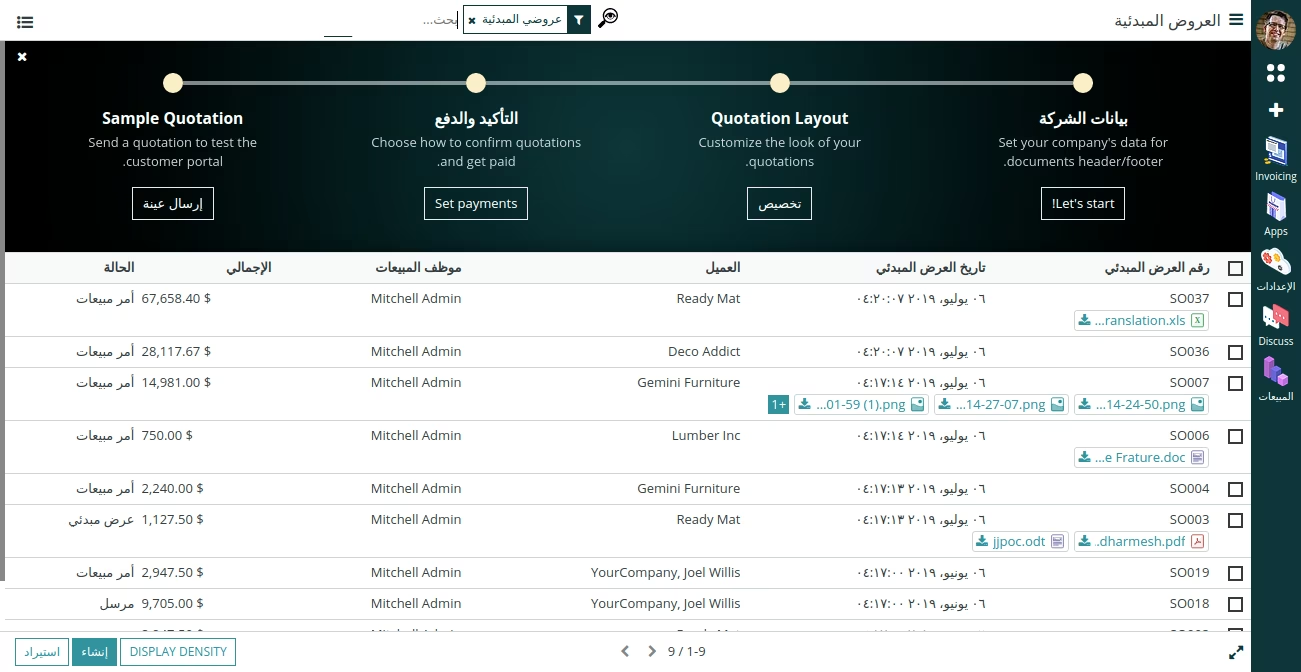
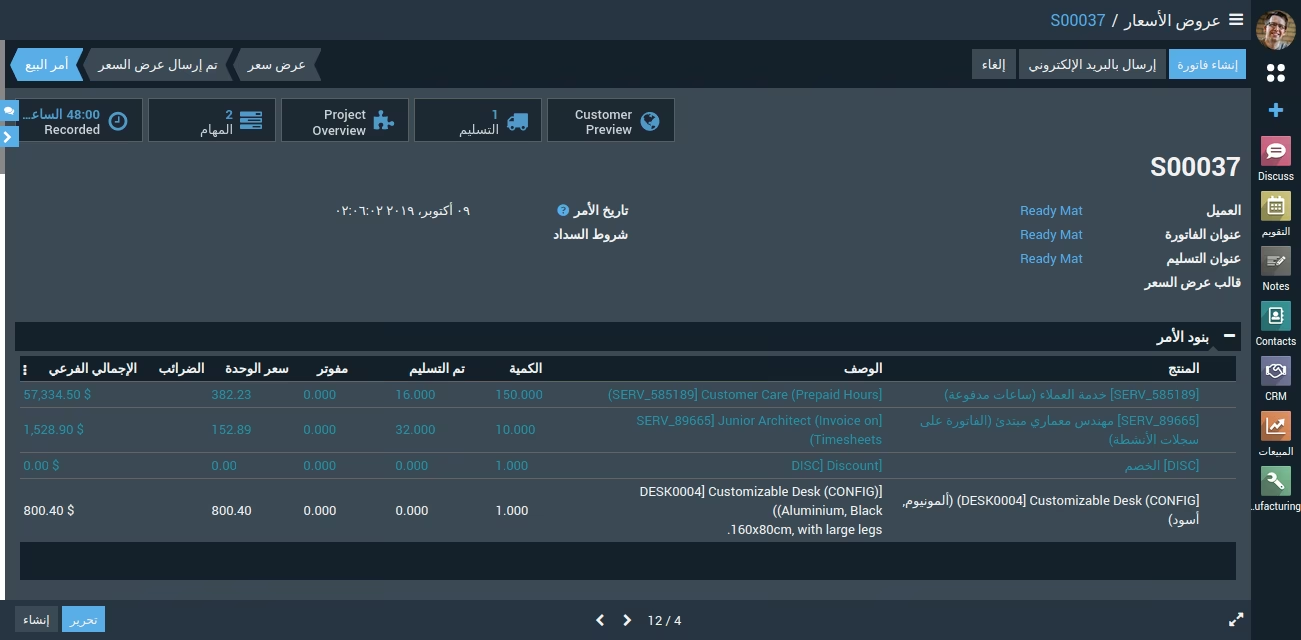
Display Mode(Normal, Dark & light mode)
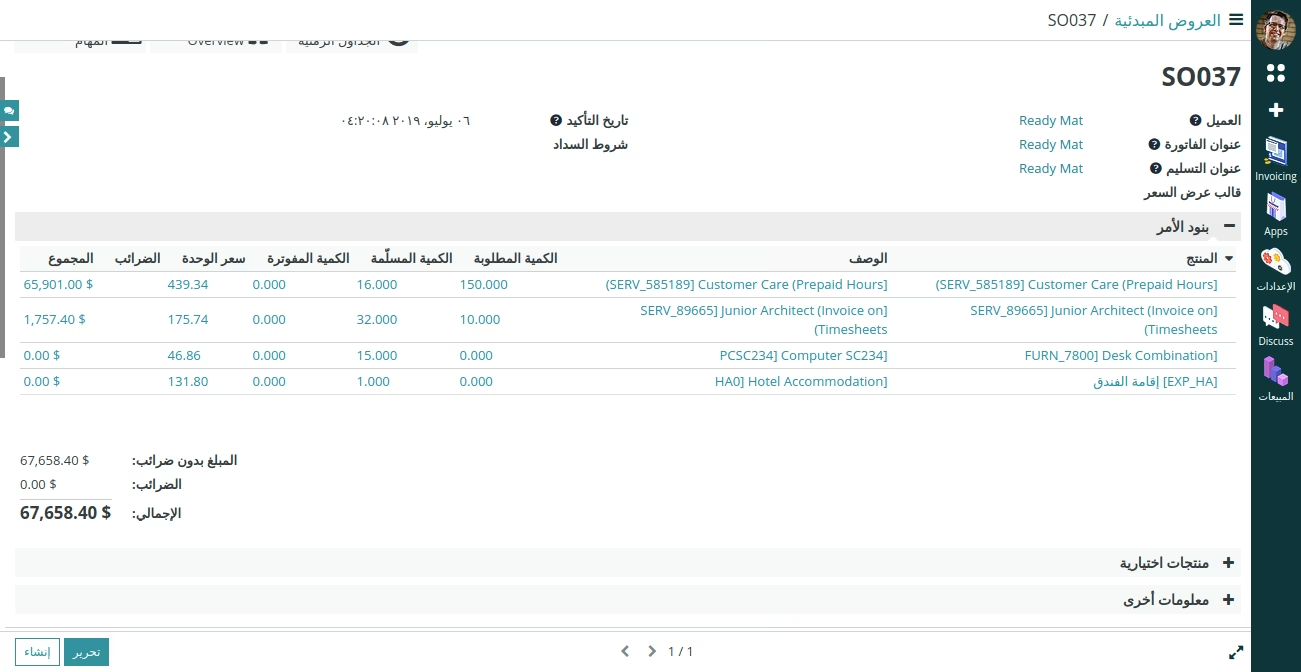
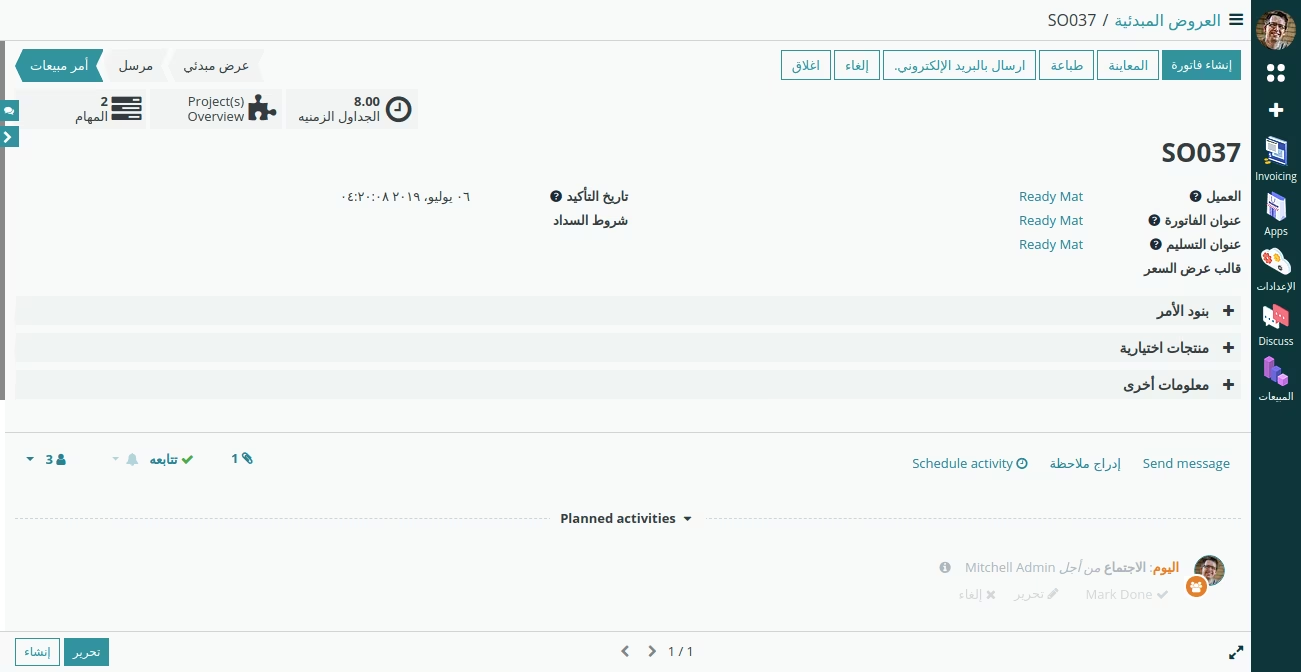
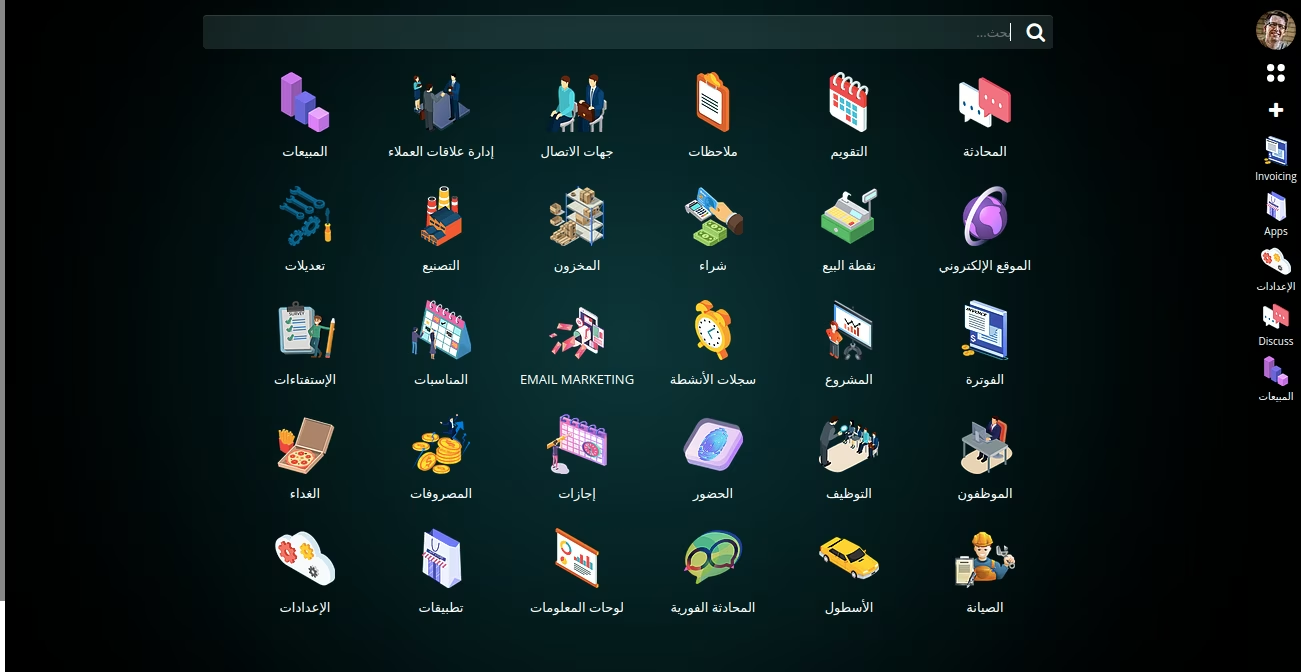
2D, 3D & default Icons
Horizontal/Vertical Tab options
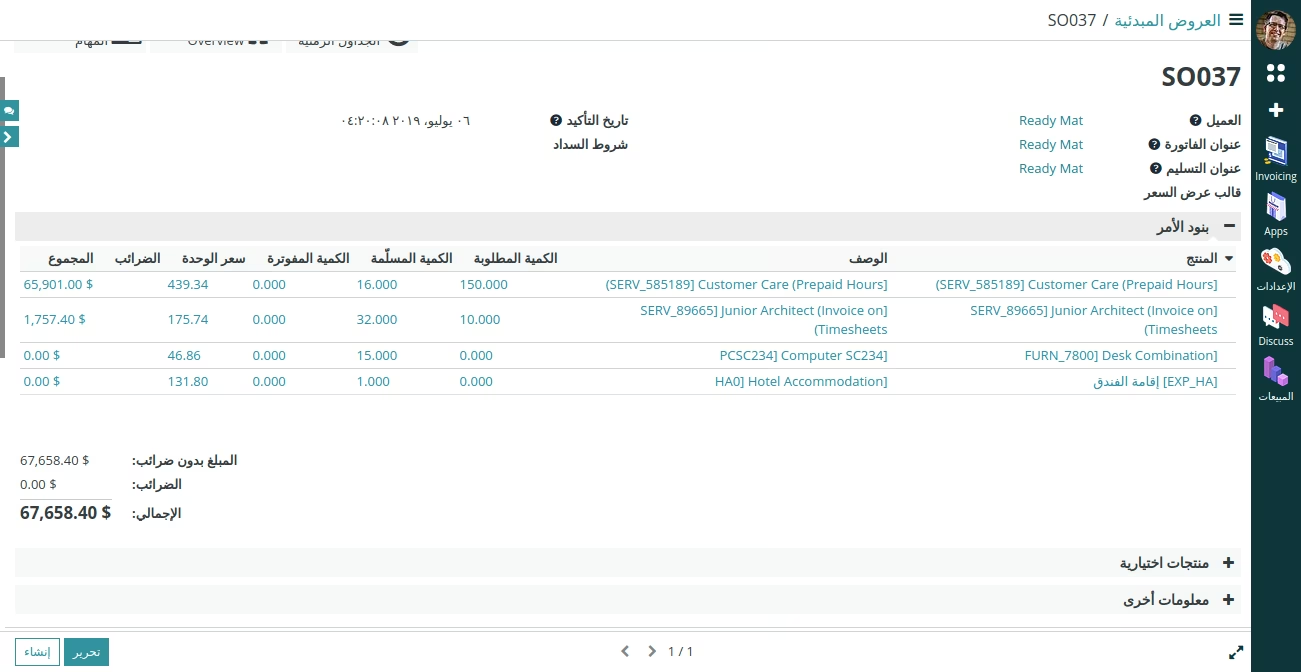
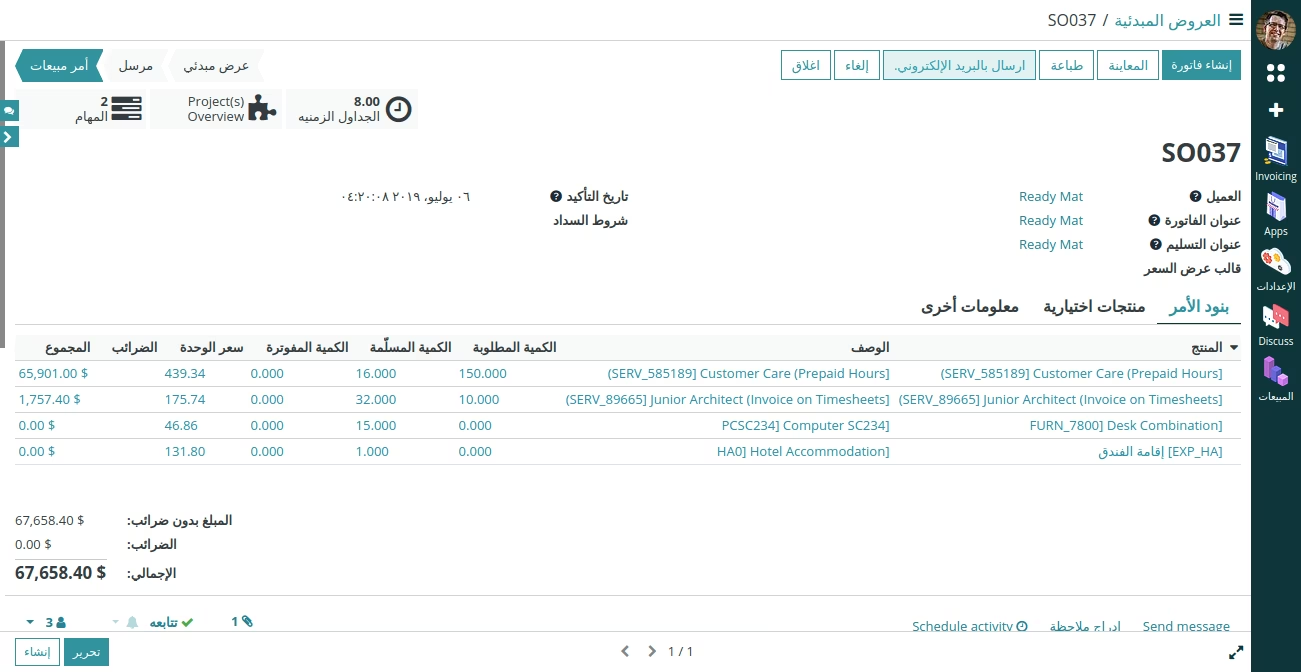
System Tray Menu