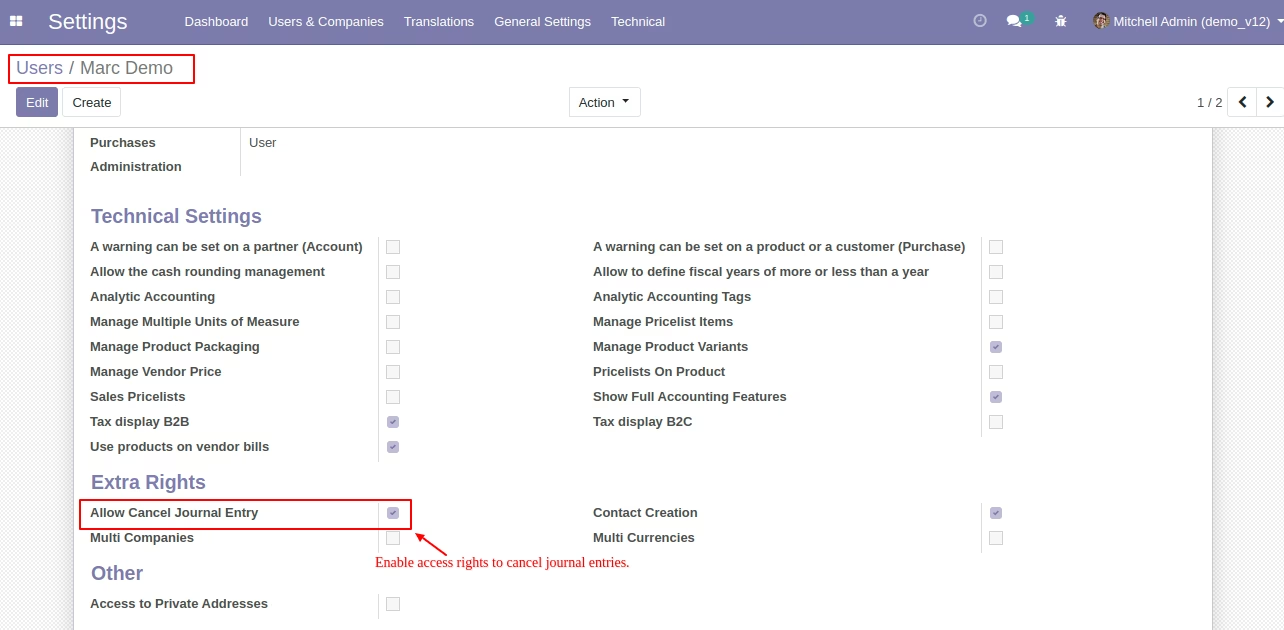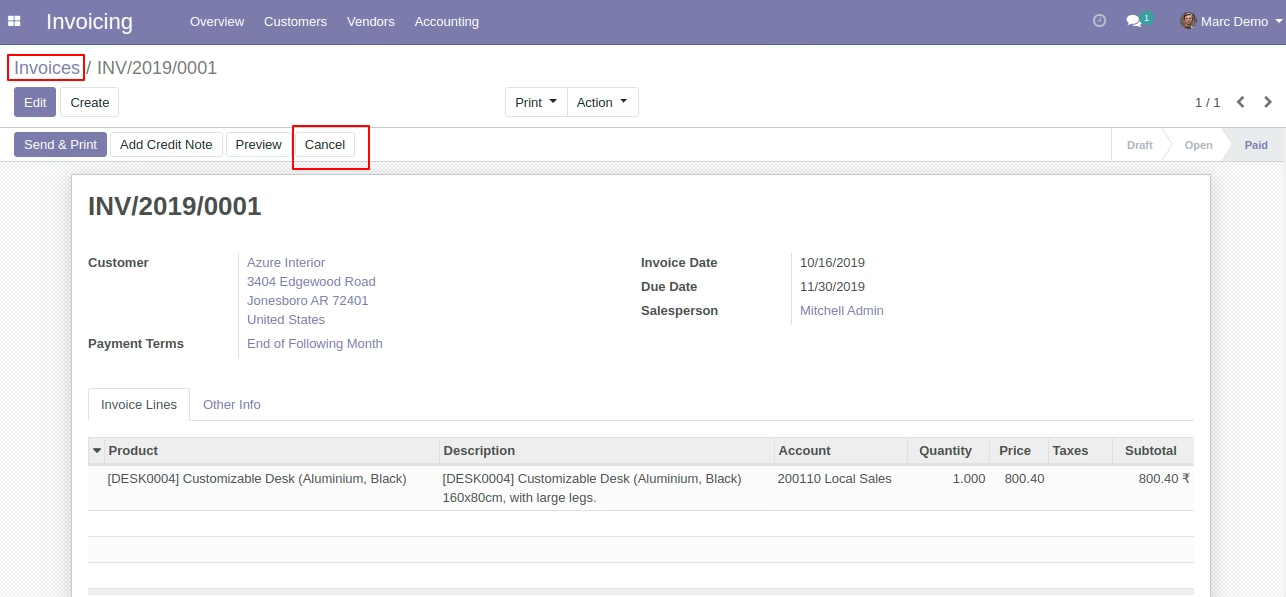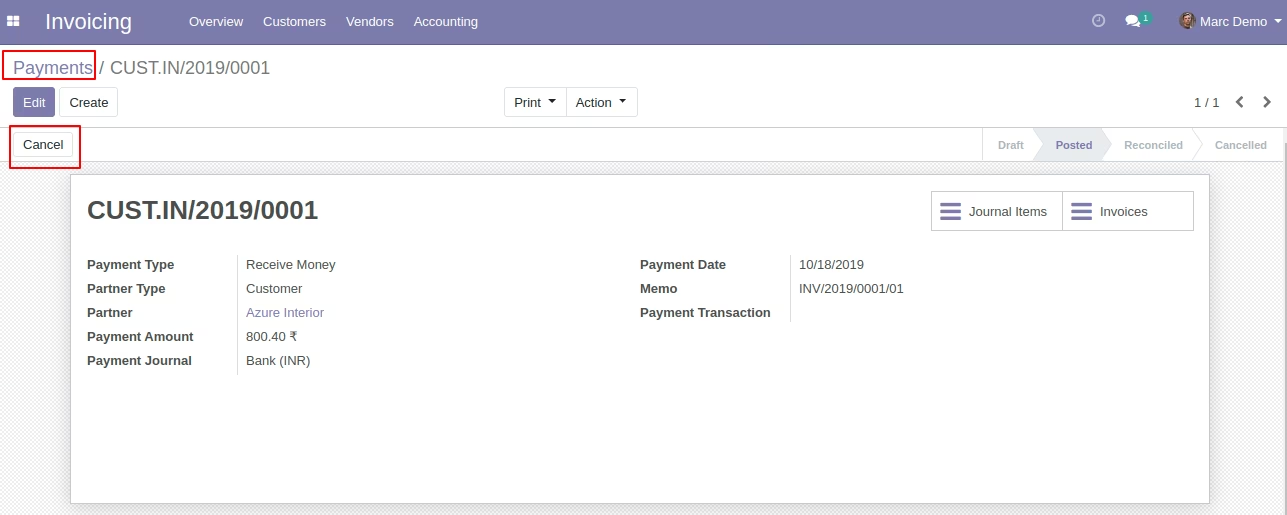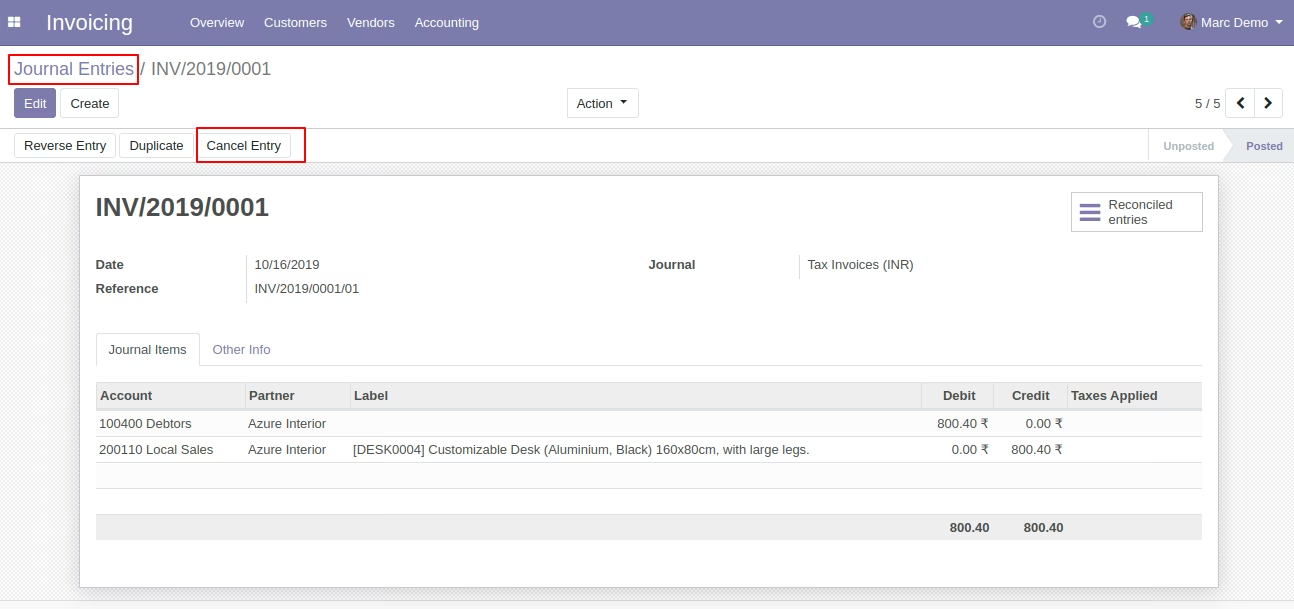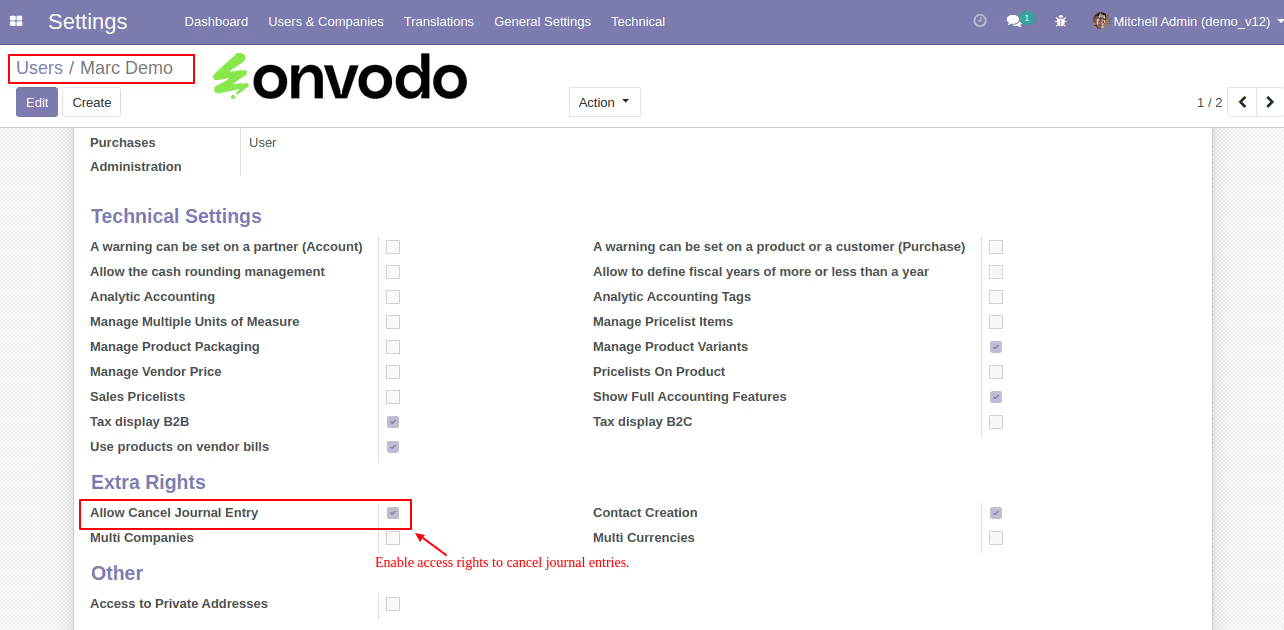
The Allow Cancel Journal Entry module for enables administrators to manage user permissions regarding the cancellation of journal entries, invoices, and payments. By configuring user-specific access rights, businesses can maintain control over financial transactions and ensure that only authorized personnel can perform cancellations. This functionality is essential for maintaining the integrity and accuracy of financial records.
User-Specific Configuration: Assign cancellation rights individually to users.
Control Over Financial Transactions: Restrict or allow cancellations of journal entries, invoices, and payments.
Seamless Integration: Works directly within the interface without additional configurations.
Enhanced Security: Prevent unauthorized cancellations that could affect financial integrity.
Audit Trail: Maintain a clear record of who performed cancellations and when.
Improved Financial Control: Ensure that only authorized users can cancel financial transactions.
Enhanced Security: Protect against unauthorized modifications to financial records.
Customizable Access Rights: Tailor permissions to fit the specific needs of your organization.
Compliance Assurance: Maintain adherence to internal policies and regulatory requirements.
Allow Cancel Journal Entries.
Key Features:
- Allows user to Cancel Journal entries, Invoices/Bills and Payments based on users access rights.
- User Wise Configuration.
Overview