The All-in-One Theme for Community Edition is designed to provide a unified and aesthetically pleasing user interface across various views. Developed by Innoway, this theme enhances the visual appeal and user experience of your instance, ensuring a cohesive design language throughout the application.
Unified User Interface: Ensures a consistent and professional look across all views.
Modernized Login View: Provides an elegant and modernized login screen.
Responsive Design: Adapts seamlessly to different screen sizes, ensuring usability across devices.
Customizable Elements: Allows for customization to align with your brand's identity.
Lightweight and Fast: Optimized for performance, ensuring quick load times.
Enhanced User Experience: A cohesive design improves usability and user satisfaction.
Professional Appearance: A unified theme presents a polished and professional image.
Increased Productivity: A consistent interface reduces the learning curve and increases efficiency.
Brand Alignment: Customization options allow the theme to align with your brand's identity.
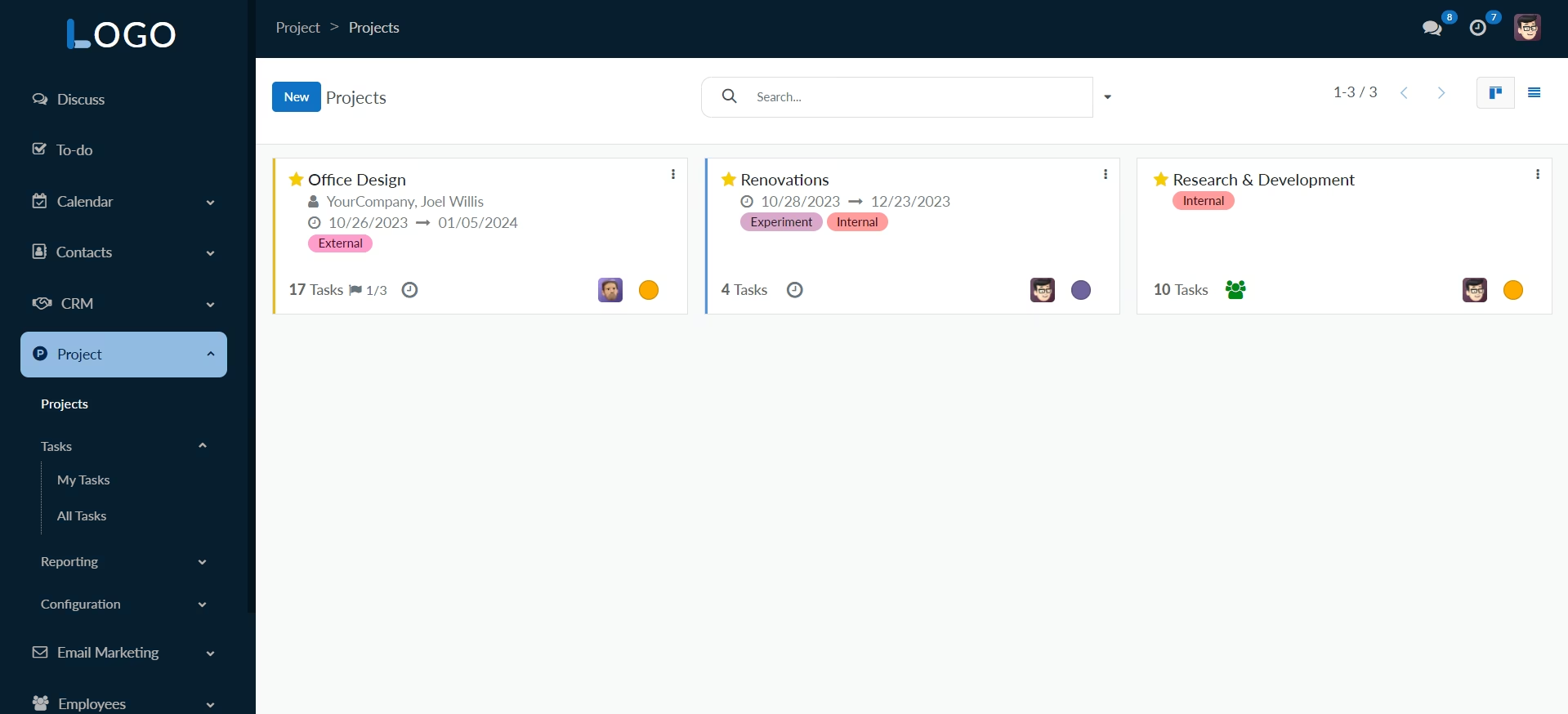
Elegant Sidebar
A stylish left sidebar that intuitively groups parent-child menus up to n levels, offering a seamless navigation experience. Smooth expand/collapse animations enhance user interaction.
Integrated Chatter Feature
Inclusion of a feature-rich chatter panel for streamlined communication, notes, and activities directly within the theme. Seamlessly manage and interact with notes, messages, and activities without leaving the main view.
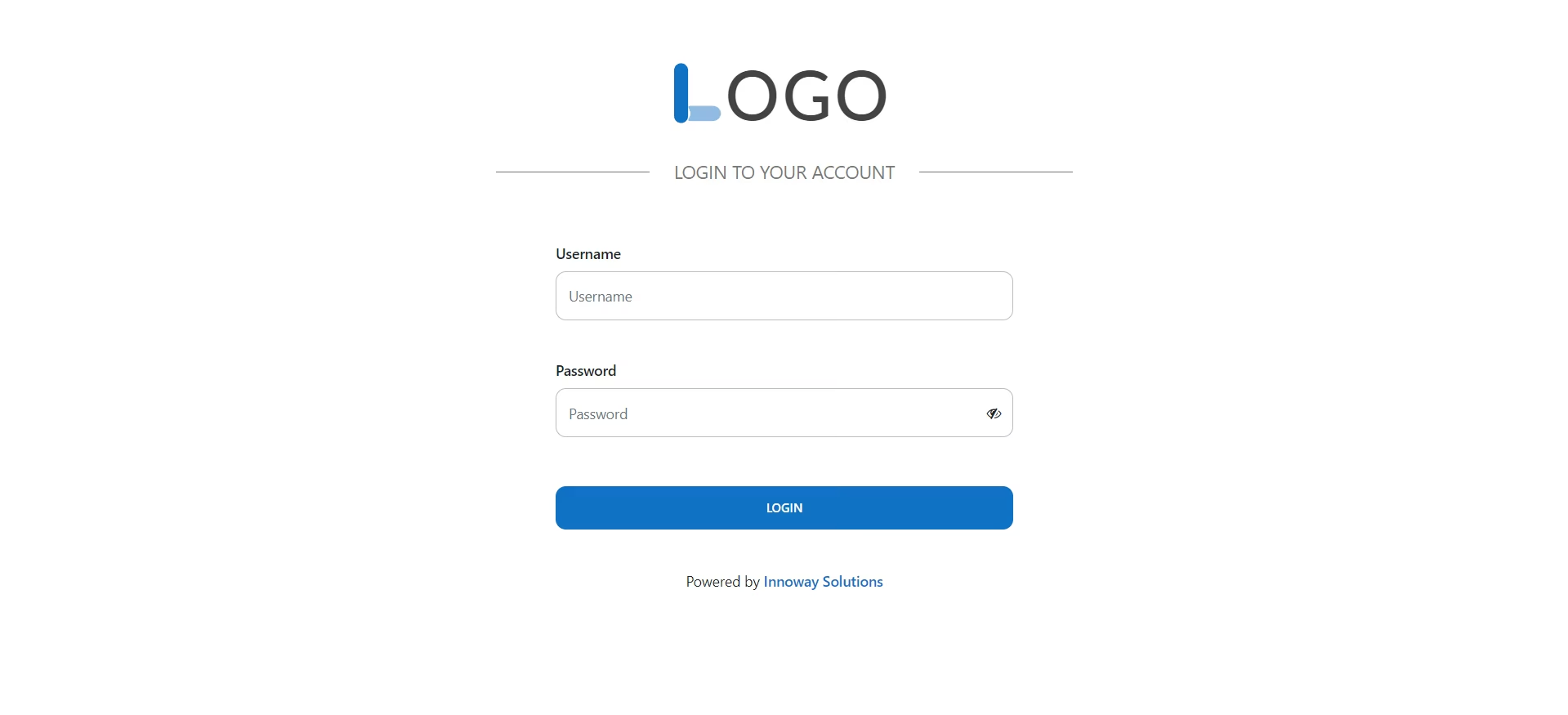
Login View Enhancement
Redesigned login view with an elegant and modern layout, providing a visually appealing entry point for users. Improved aesthetics and user experience for the login process.
Statusbar Styling
Revamped style for the form view's status bar, enhancing visual appeal and readability when changing statuses. Aesthetic improvements for a more pleasing and user-friendly form view.
Form View Components Styling
Enhanced styling for various components within the form view, including nav tabs and other elements. Modern and cohesive design for improved form interactions.
List View Enhancement
A fresh and modern style for the list view, optimizing the display of records for better readability. Improved organization and presentation of information in list format.
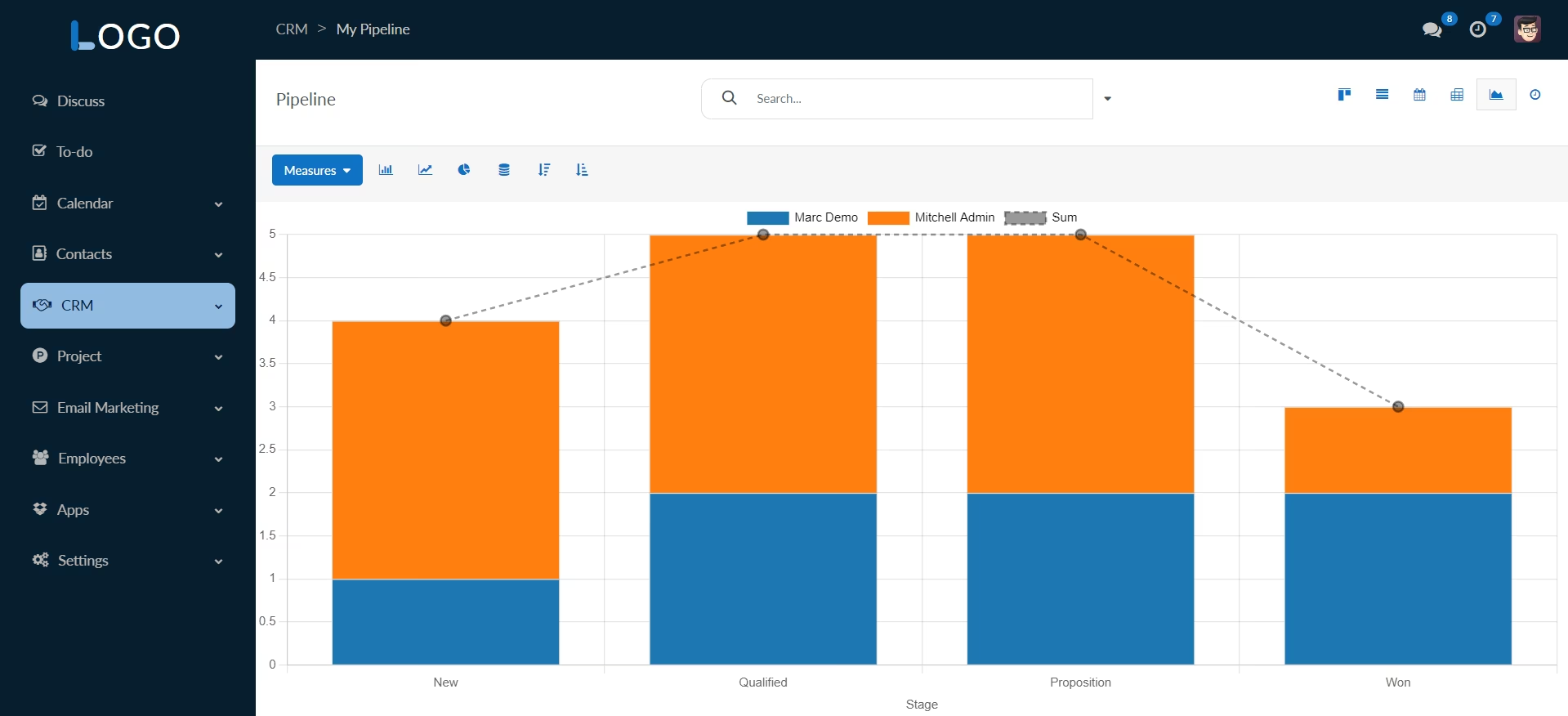
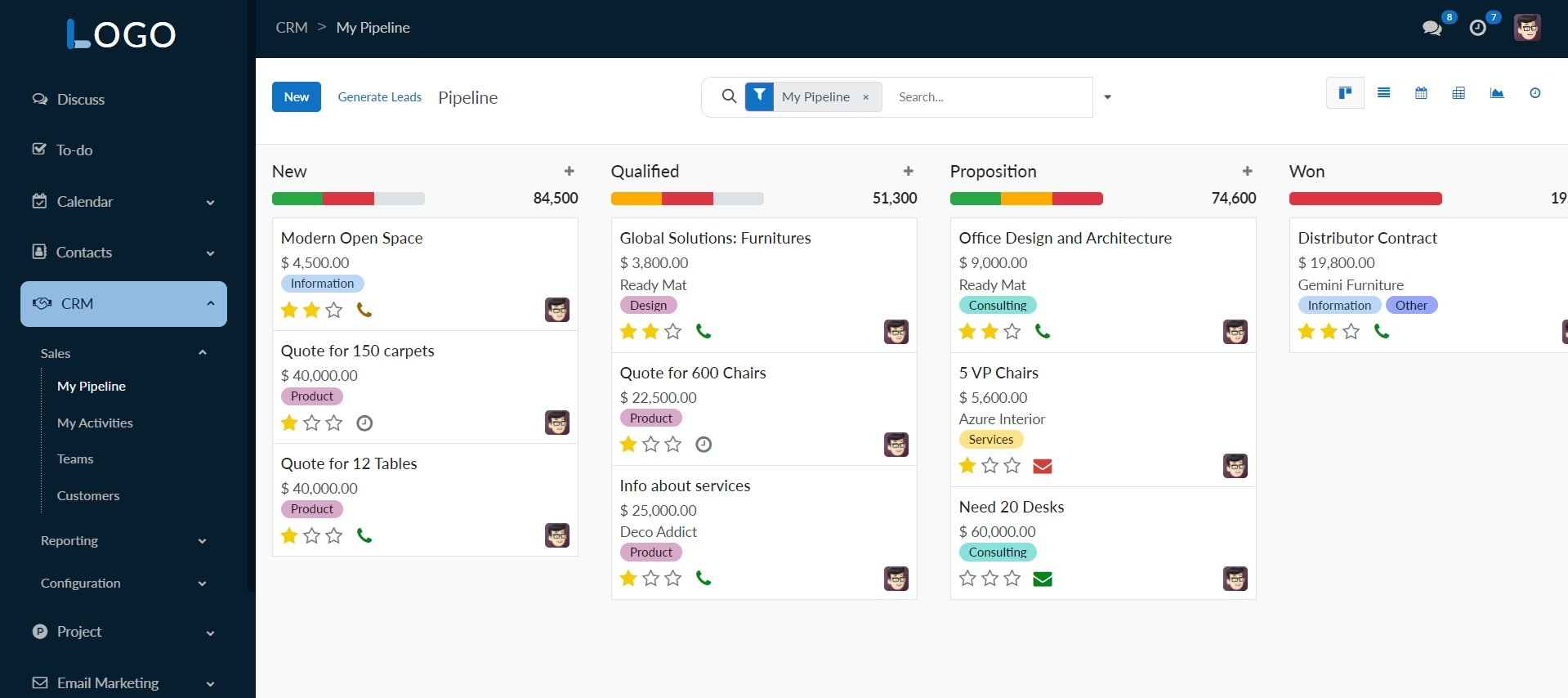
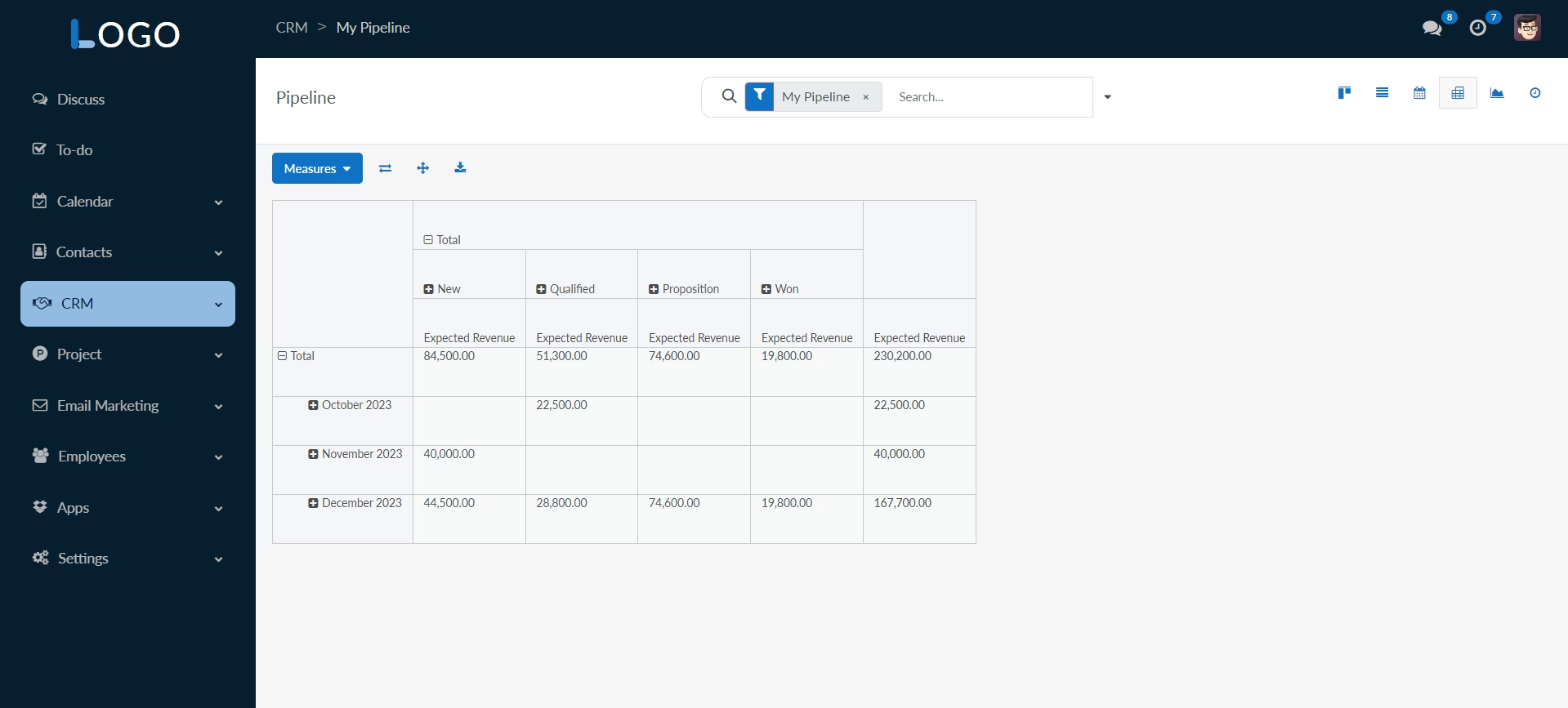
Pivot, Calendar, Card, Graph and Kanban Views
Stylish themes for pivot, calendar, card, graph and kanban views, ensuring a consistent and visually appealing experience across different data presentations. Tailored designs for specific view types, enhancing overall usability.
Activity View Styling
Custom styling for the activity view, providing a visually pleasing and organized layout for managing activities. Improved visualization and interaction with scheduled activities.
Comprehensive Theming
An all-encompassing theme that unifies the user interface across multiple views, ensuring a cohesive and aesthetically pleasing experience. Consistent design language for a professional and polished look throughout the application.
Login View
An elegant and modernized login view, providing a visually appealing entry point for users.
Sidebar Menu
A stylish left sidebar that intuitively groups parent-child menus, offering a seamless navigation experience with smooth expand/collapse animations.
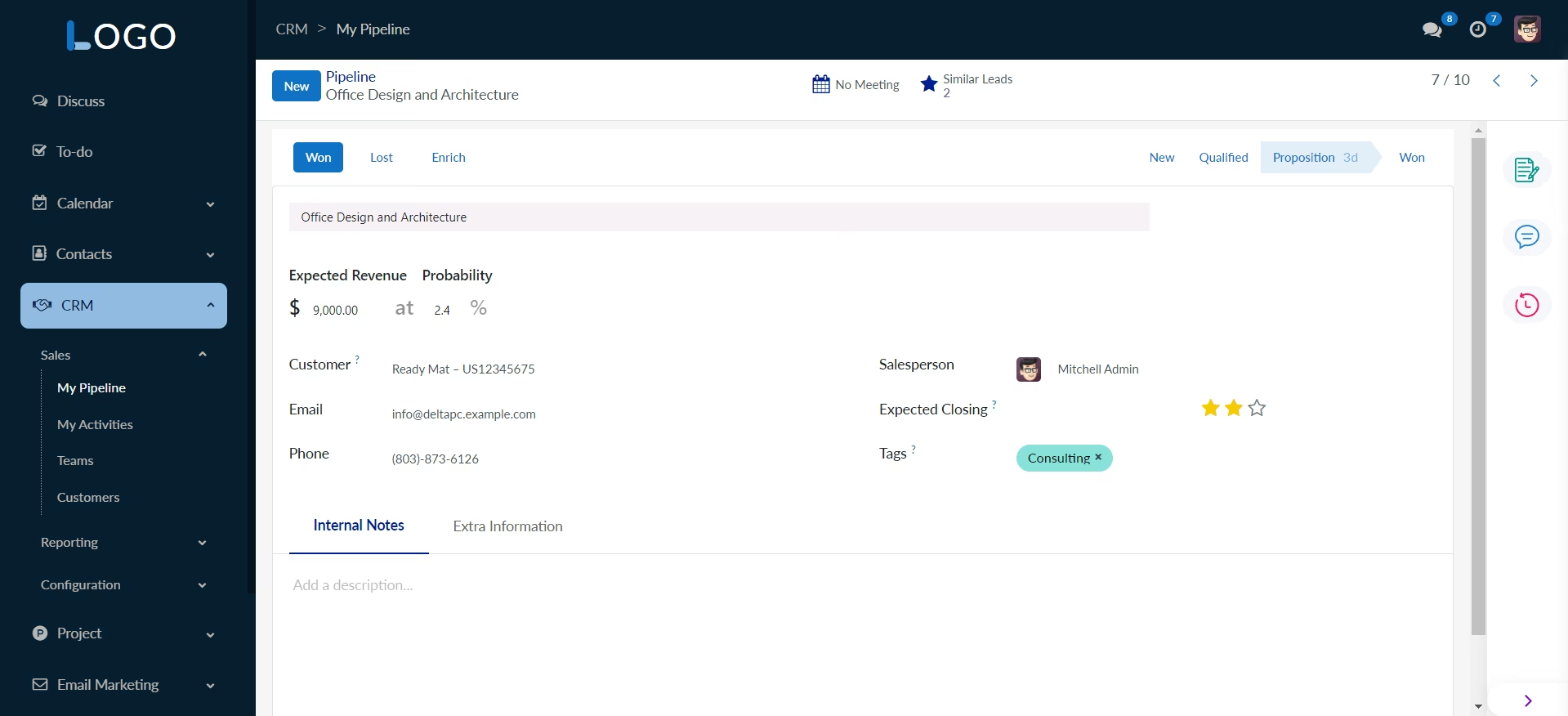
Collapsed Chatter Panel
Toggle the chatter panel to collapse and maximize the form layout, focusing on core information.
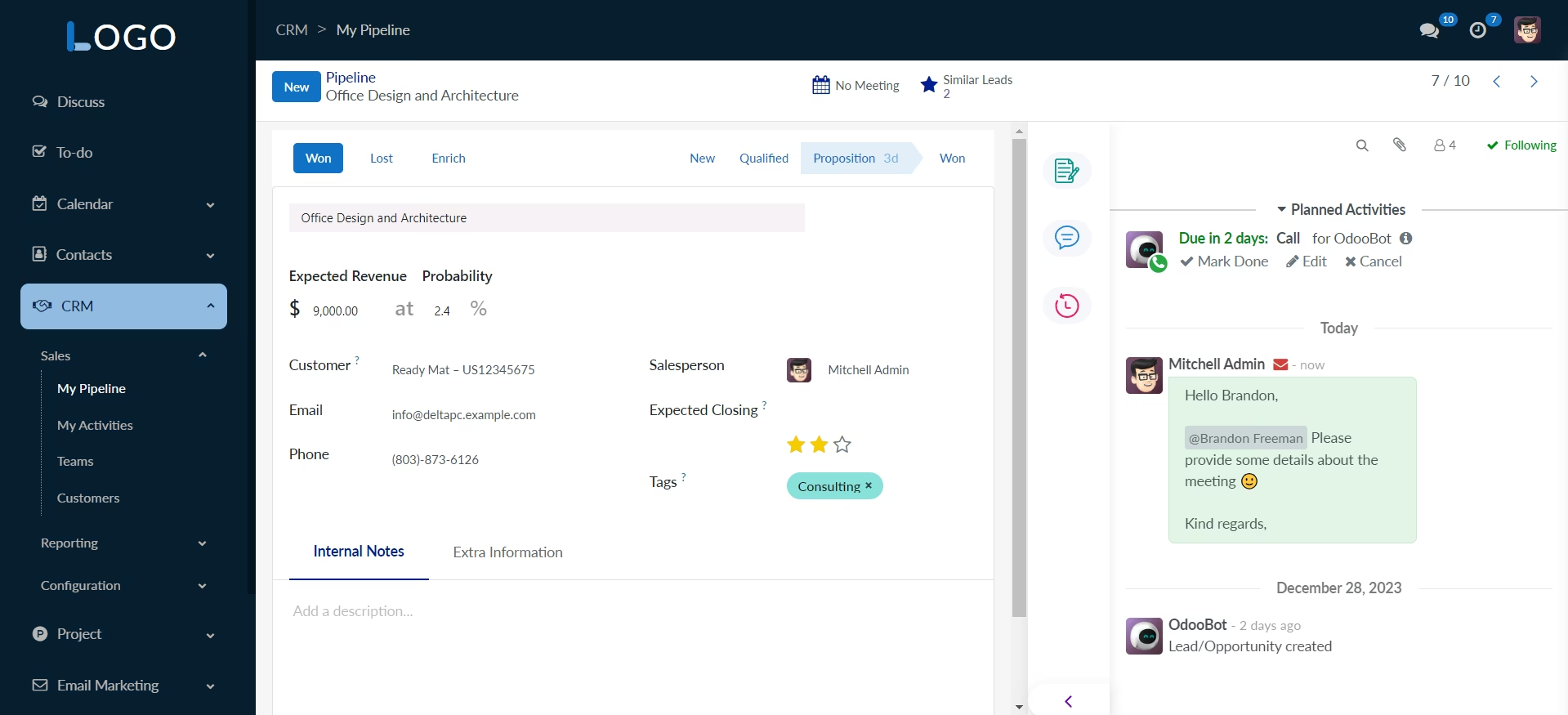
Expanded Chatter Panel
View and interact with notes, messages, and activities in an expanded chatter panel for comprehensive form interaction.
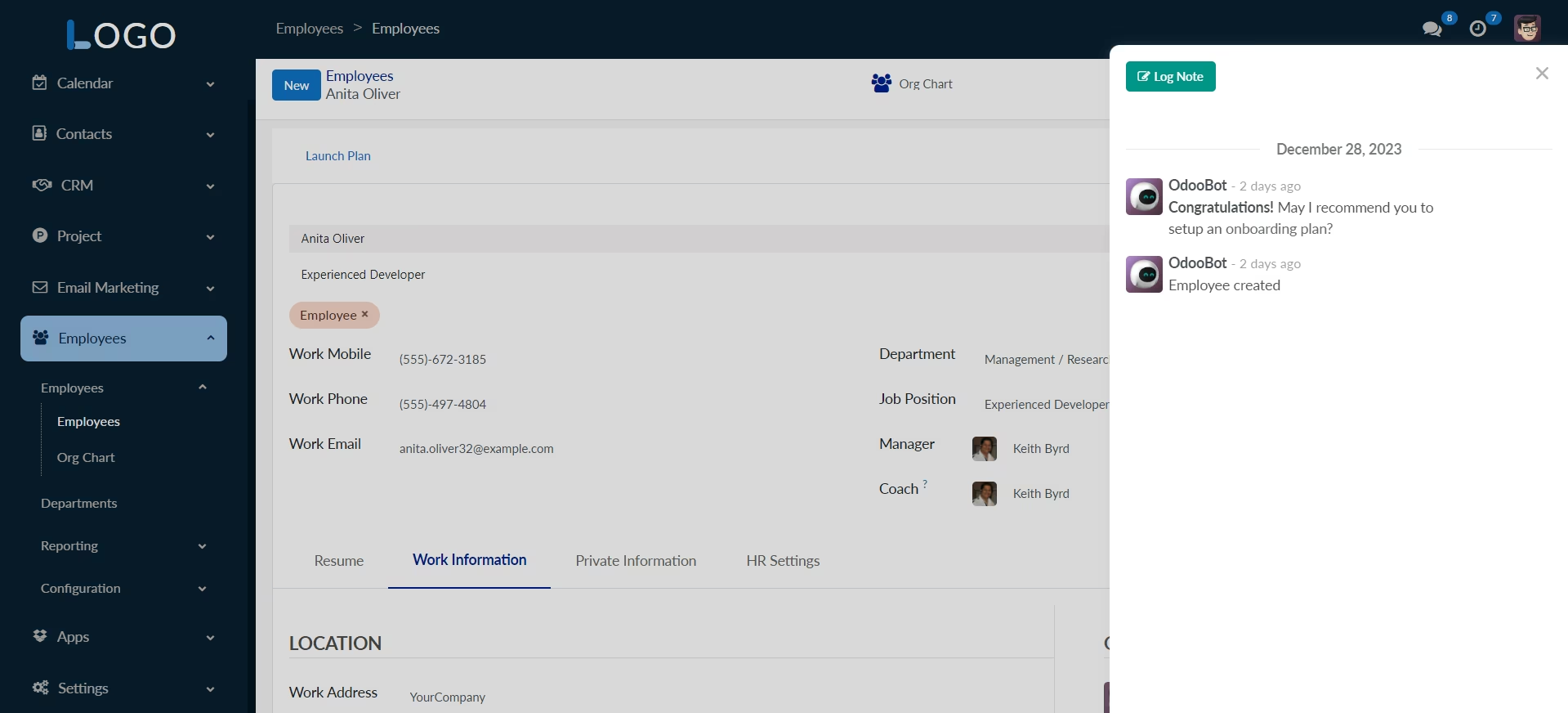
Notes Panel
Dedicated space for detailed notes, providing a structured way to capture and organize important information.
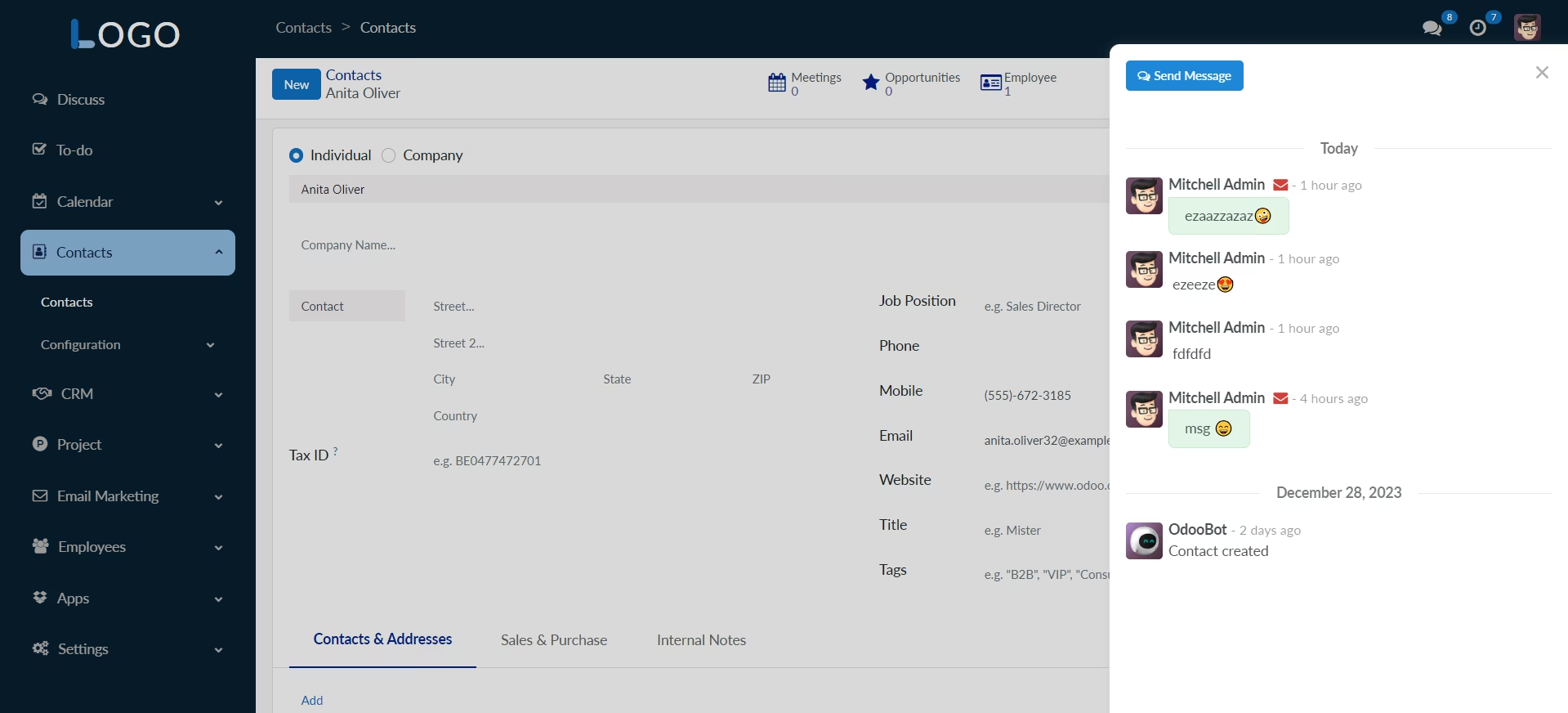
Messages Panel
Streamlined messaging panel for seamless communication, ensuring quick access to relevant conversations.
Activities Panel
Track and manage activities efficiently with a dedicated panel, allowing users to stay organized and focused.
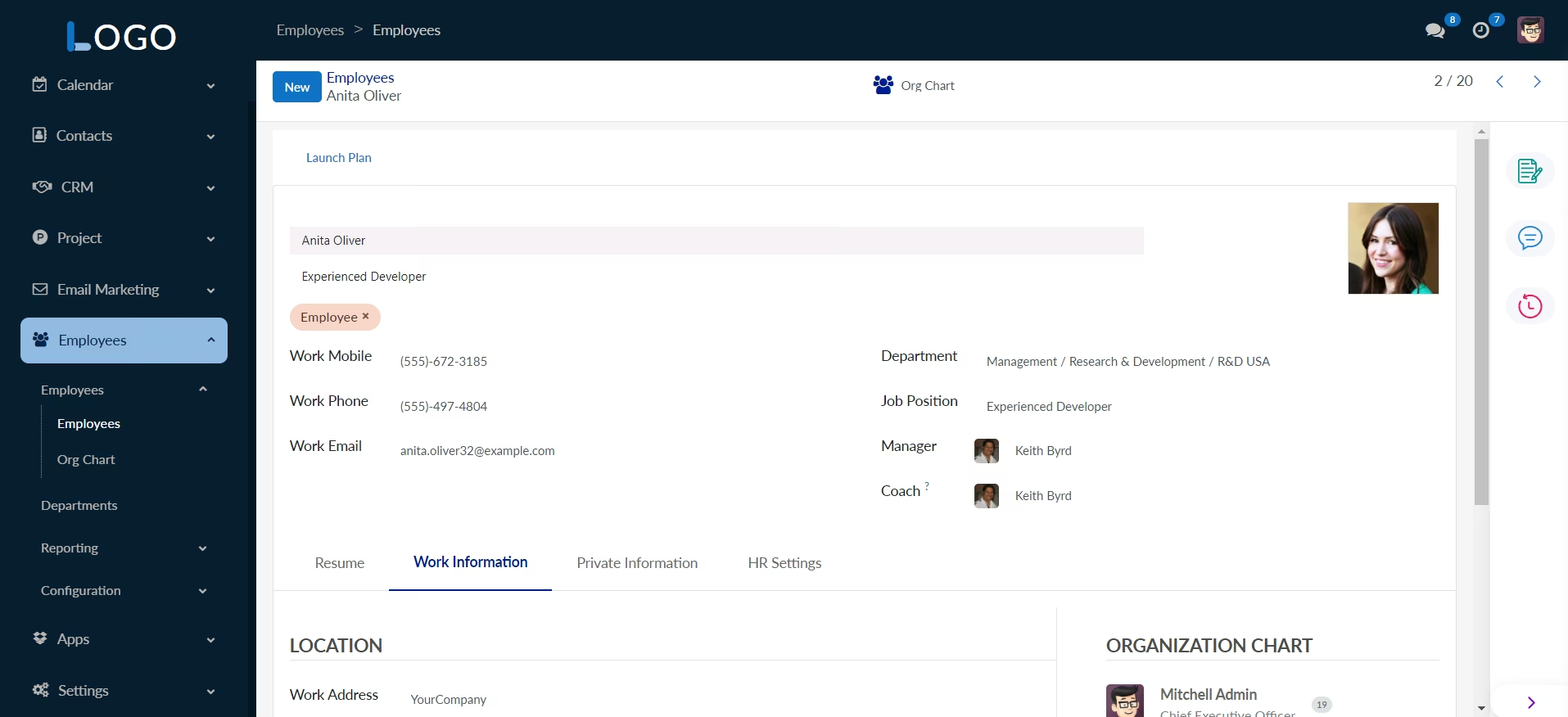
Form View
Modern and cohesive design for improved form interactions.
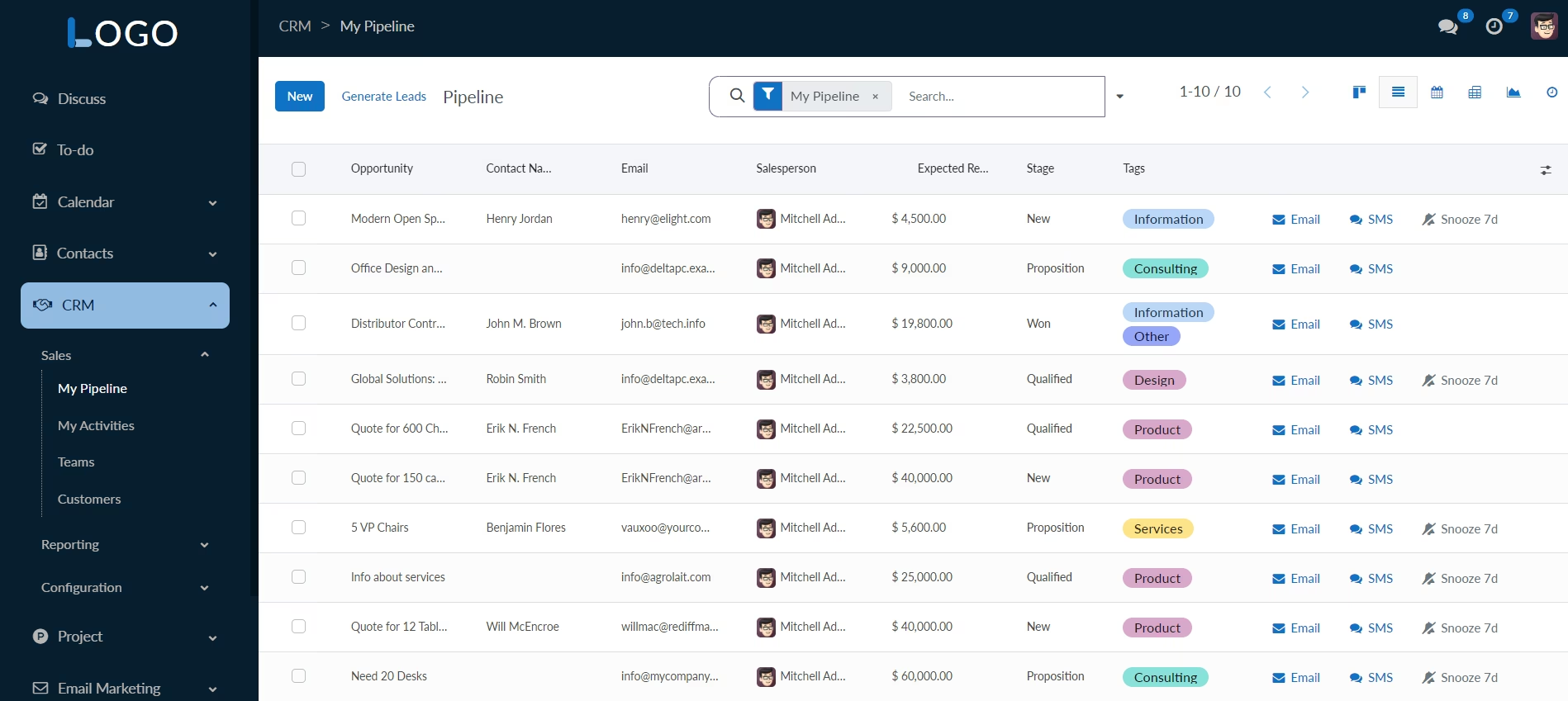
List View
A fresh and modern style for the list view, optimizing the display of records for better readability.
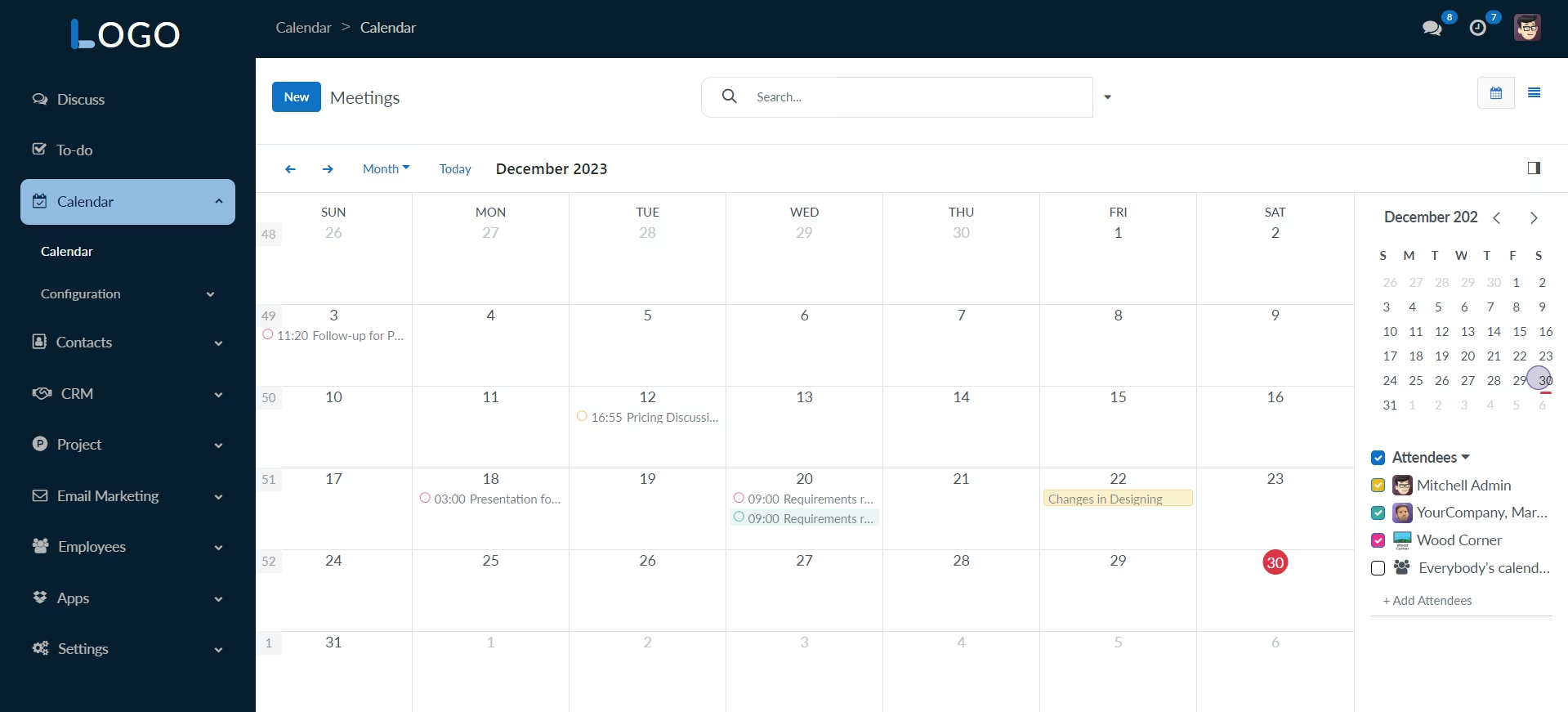
Calendar View
Stylish theme for the calendar view, ensuring a consistent and visually appealing experience.
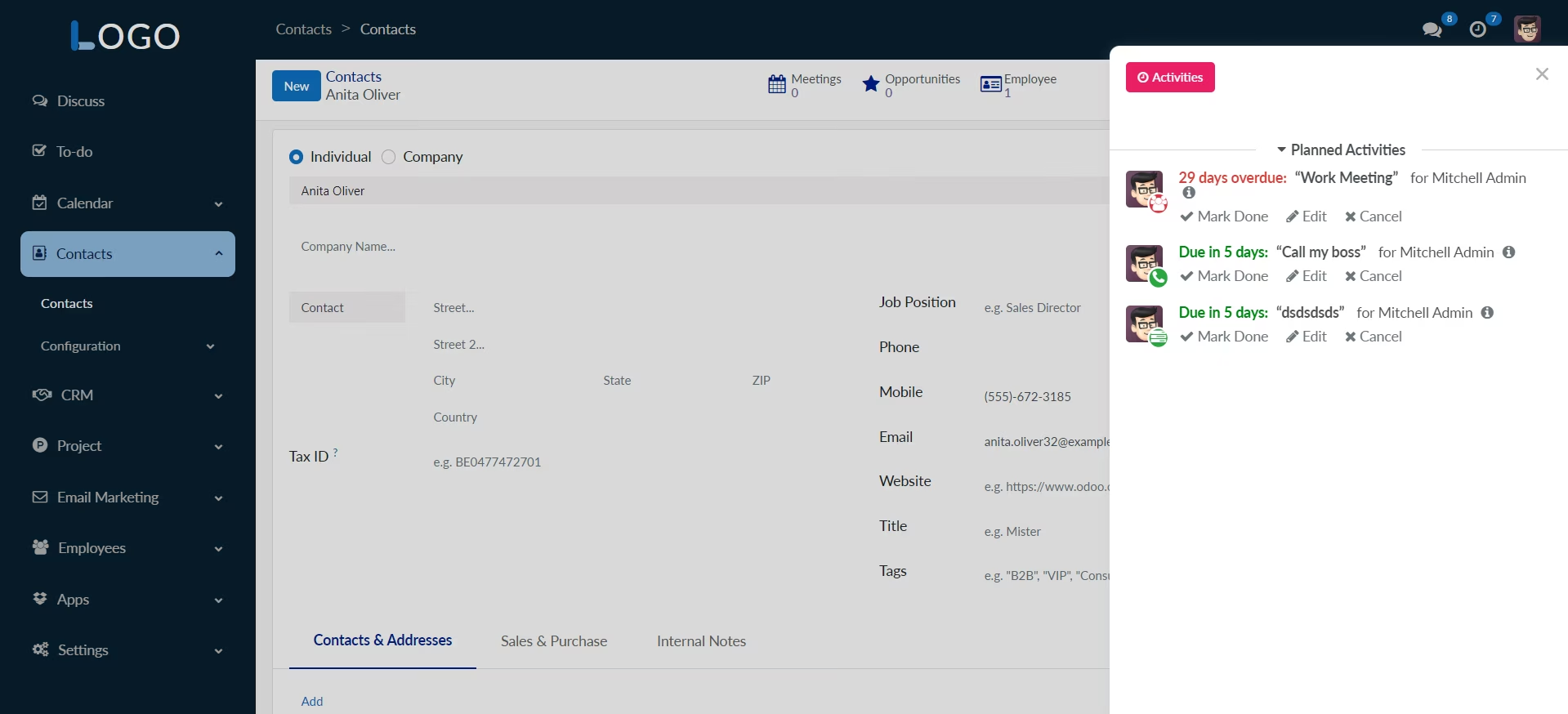
Activity View
Custom styling for the activity view, providing a visually pleasing and organized layout for managing activities.
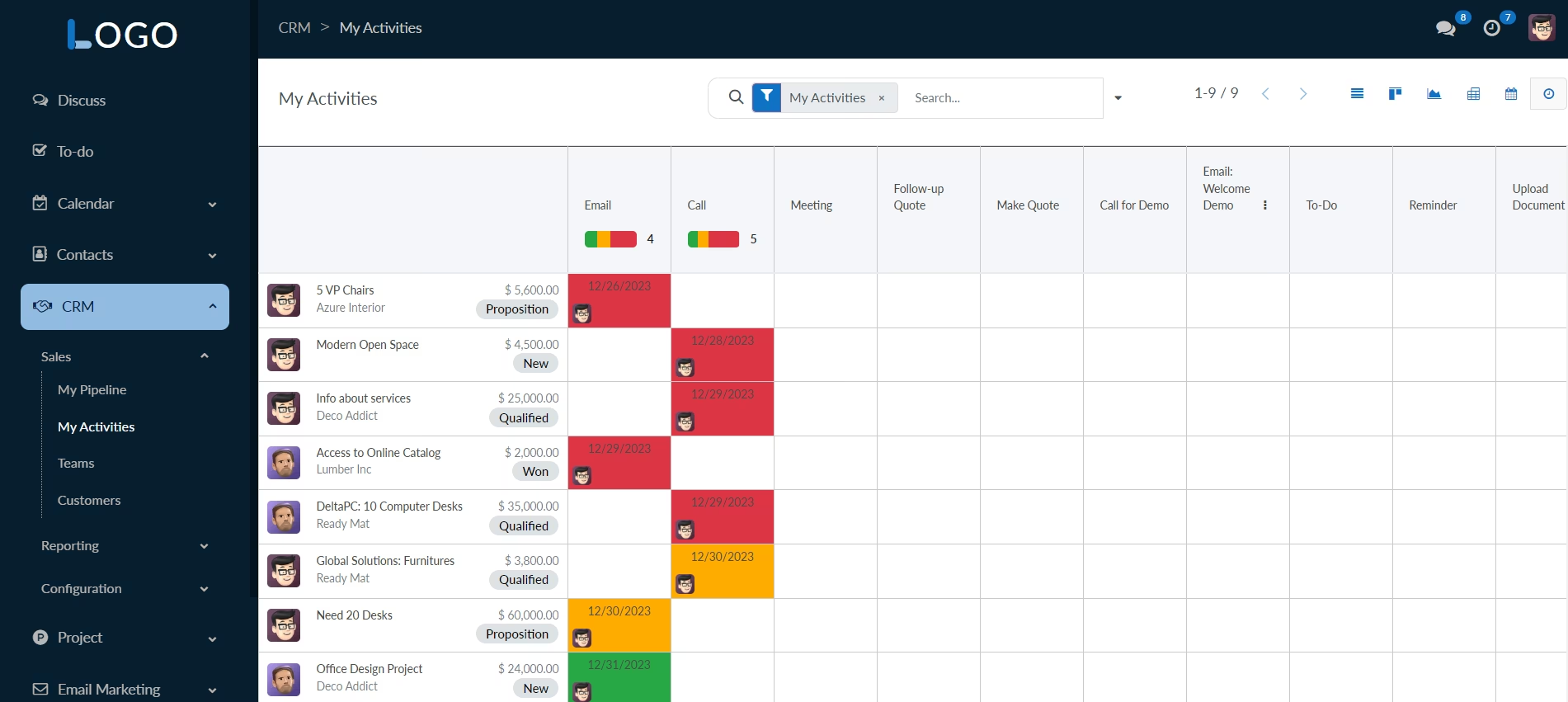
Kanban View
Stylish theme for the kanban view, ensuring a consistent and visually appealing experience.
Pivot View
Stylish theme for the pivot view, ensuring a consistent and visually appealing experience.
Graph View
Visualize data with an appealing and informative graph view, providing insights through graphical representation.