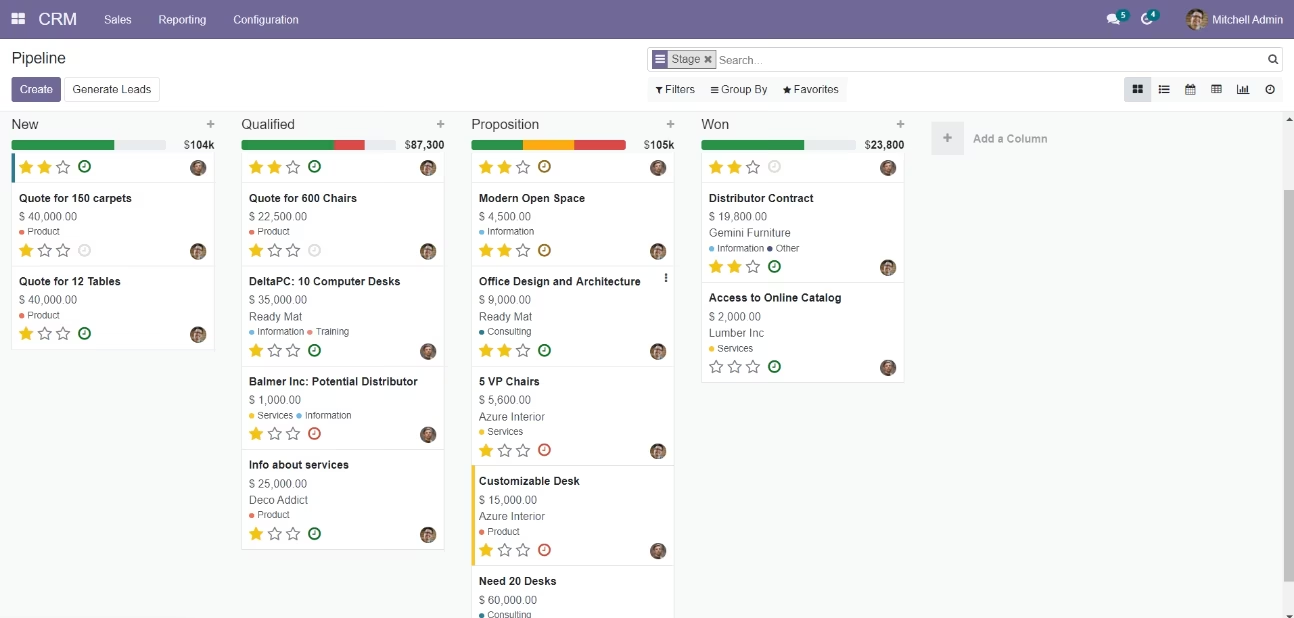
The All-in-One Sticky Interface module is designed to enhance user navigation by keeping essential UI elements fixed in place. This includes the form view status bar, list view header and footer, chatter header, and list view within form views. By maintaining these elements in a fixed position, users can easily access critical information without excessive scrolling, thereby improving workflow efficiency.
Sticky Form View Status Bar: Keeps the status bar visible while scrolling through form views.
Sticky List View Header: Maintains the list view header at the top for easy reference.
Sticky List View Footer: Ensures the list view footer remains accessible.
Sticky Chatter Header: Keeps the chatter header fixed for constant communication access.
Sticky List View Inside Form View: Allows the list view within a form to stay in place.
No Special Configuration Required: Simply install the module to activate these features.
Improved Navigation: Easily access essential information without excessive scrolling.
Enhanced Workflow Efficiency: Quickly reference headers and footers while working.
User-Friendly Interface: A more intuitive and accessible user experience.
- Pivot view sticky header.
- Freeze form view status bar.
- Freeze list view header-footer.
- Freeze chatter header.
- Freeze list view inside form view.
- No more scrolling for see heading.
- Group By Kanban View Header. New

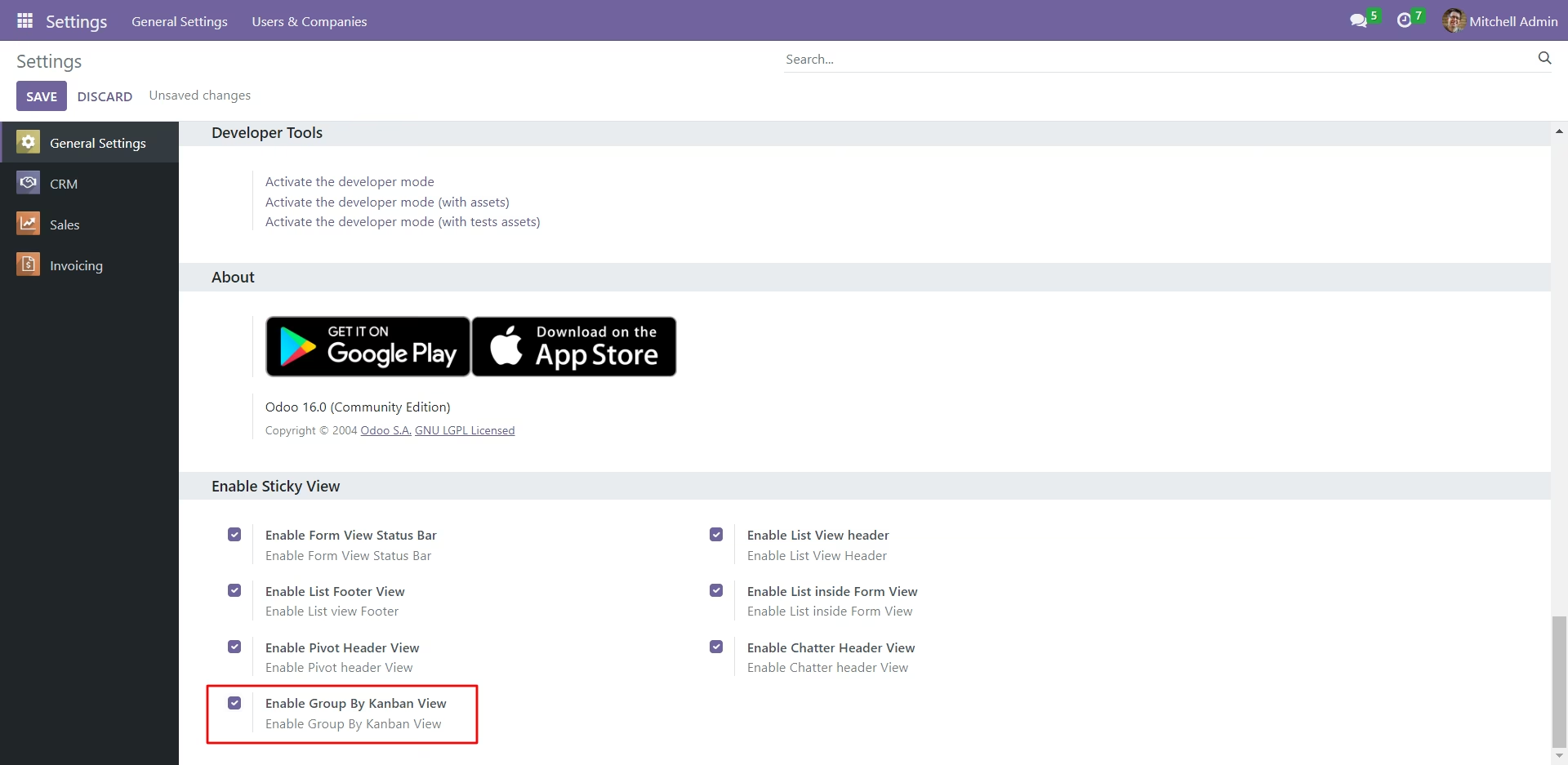
Sticky general configuration, Tick that tickboxes as per requirement.
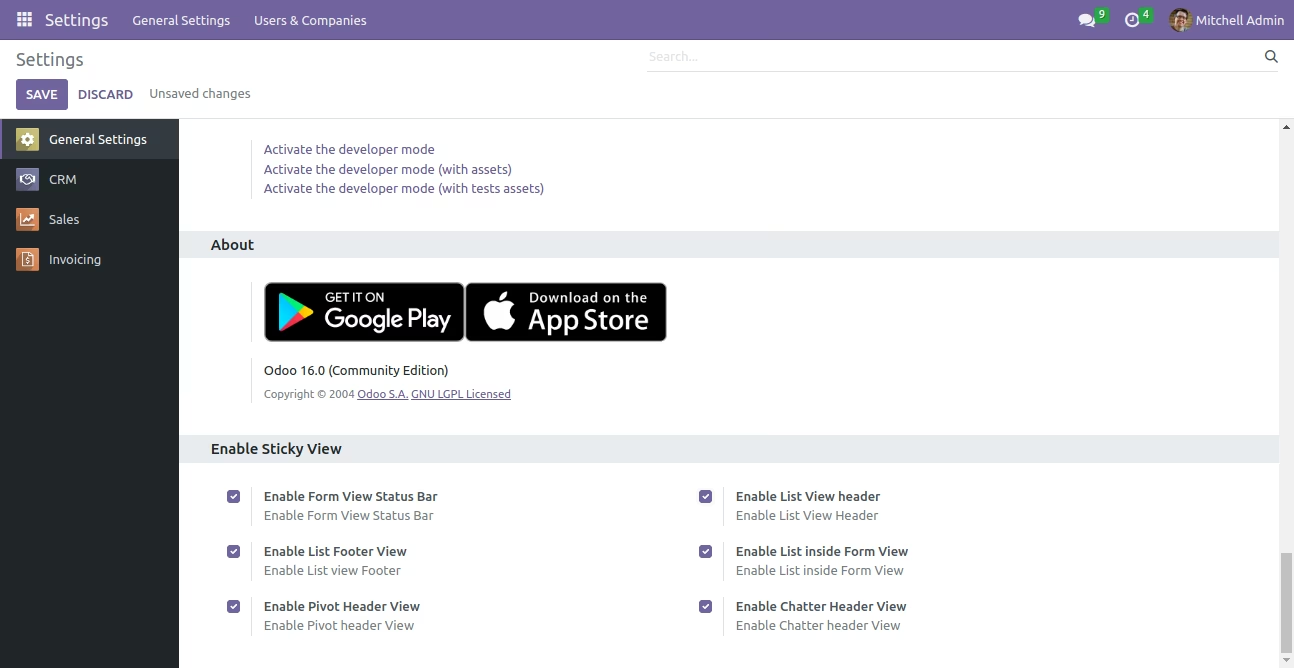
Enable chatter header.
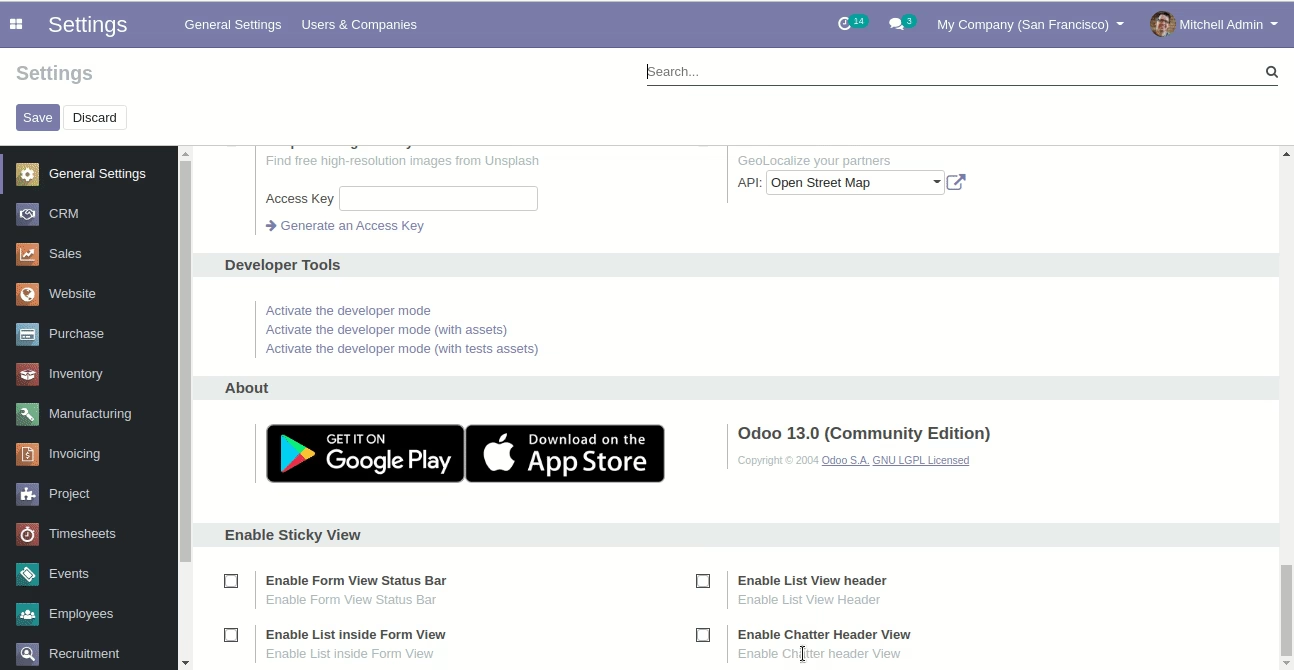
Enable form view status bar.
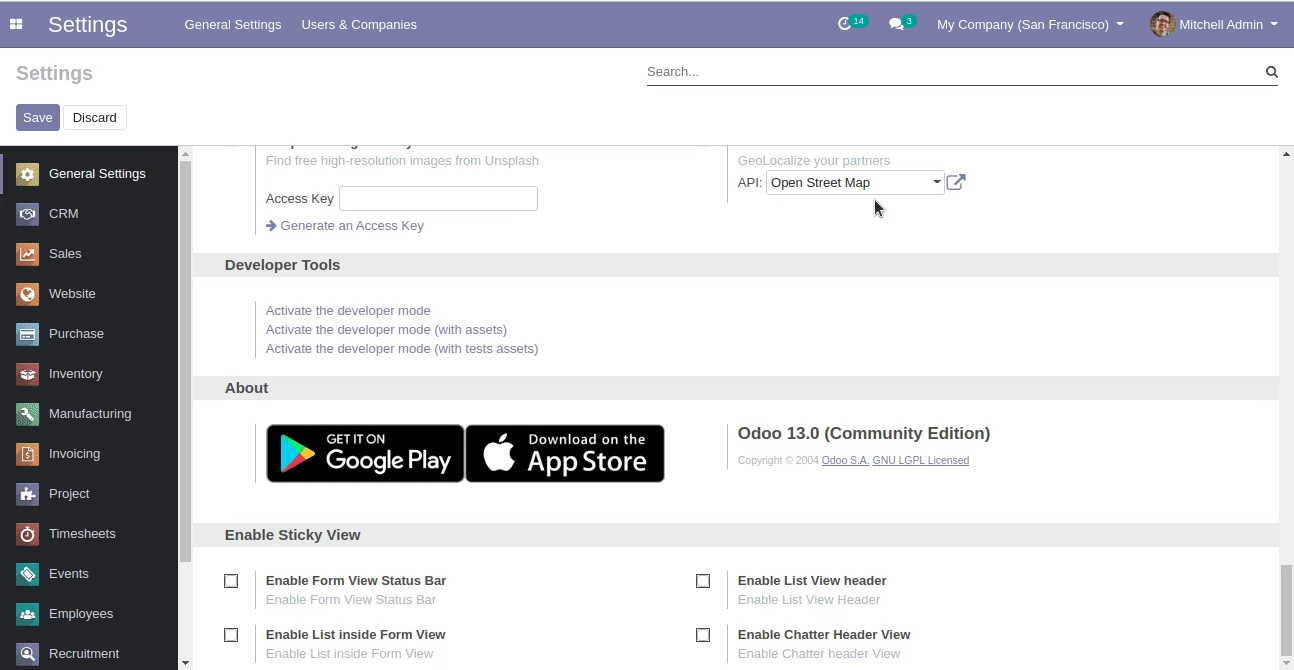
Enable list view inside form view.
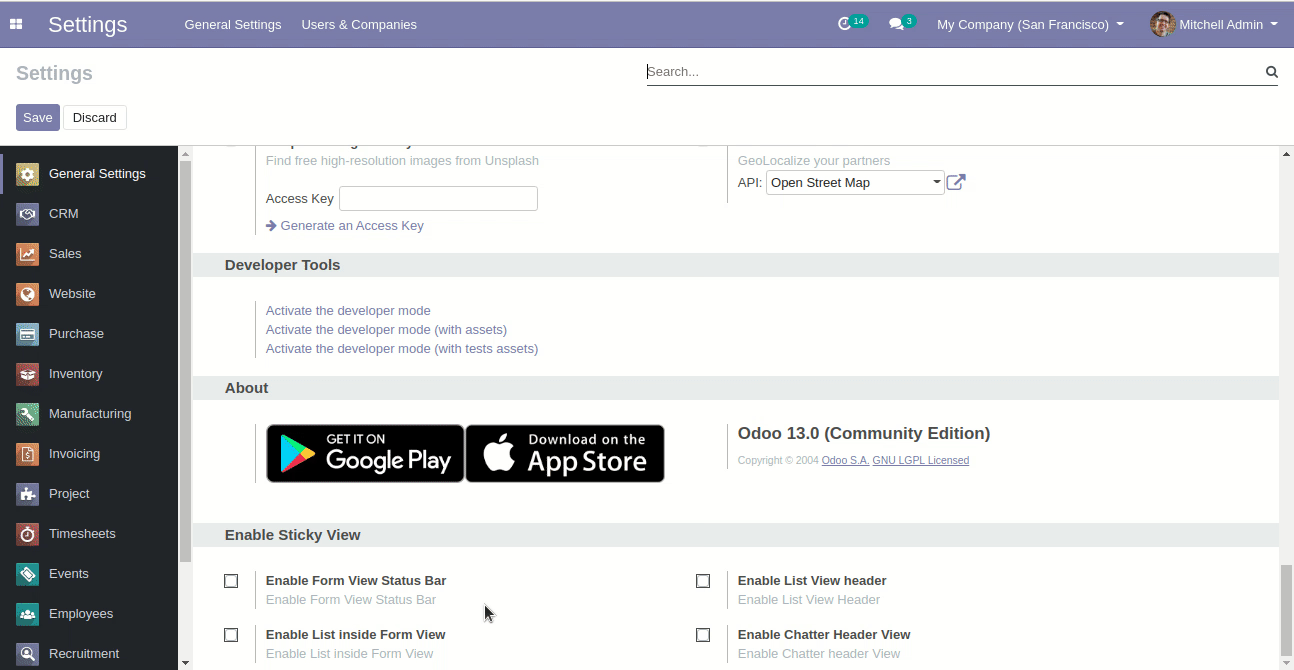
Enable list view footer.
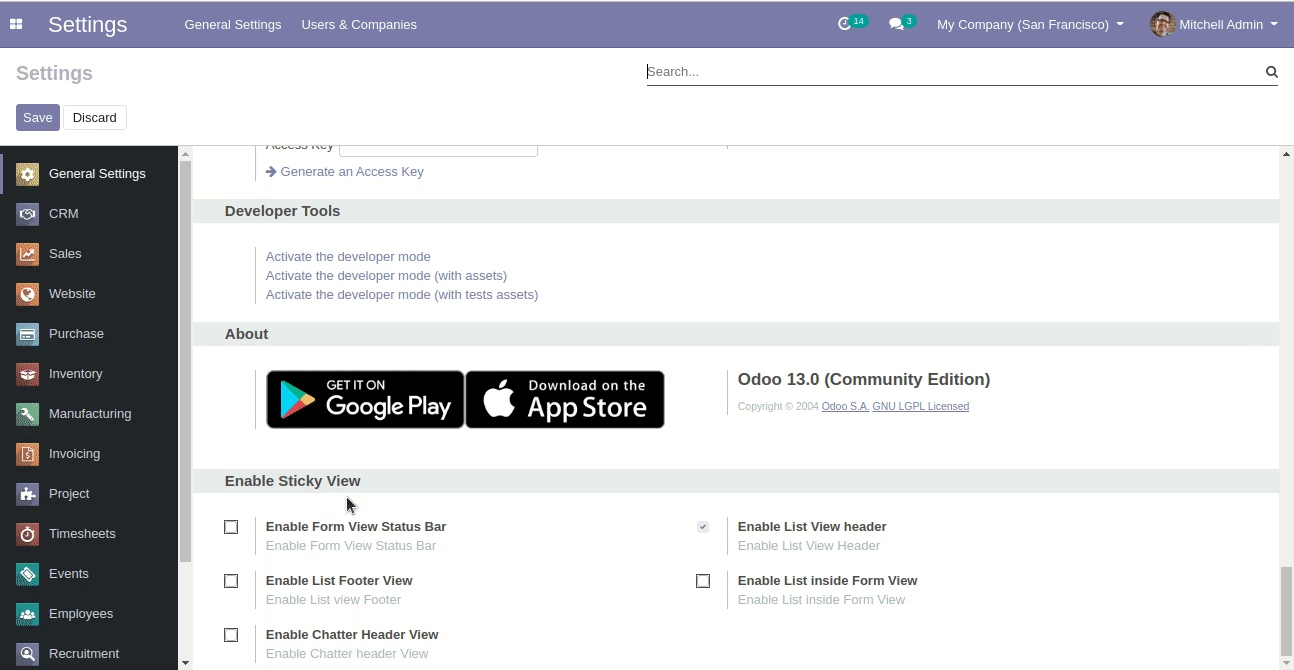
Enable list view header.
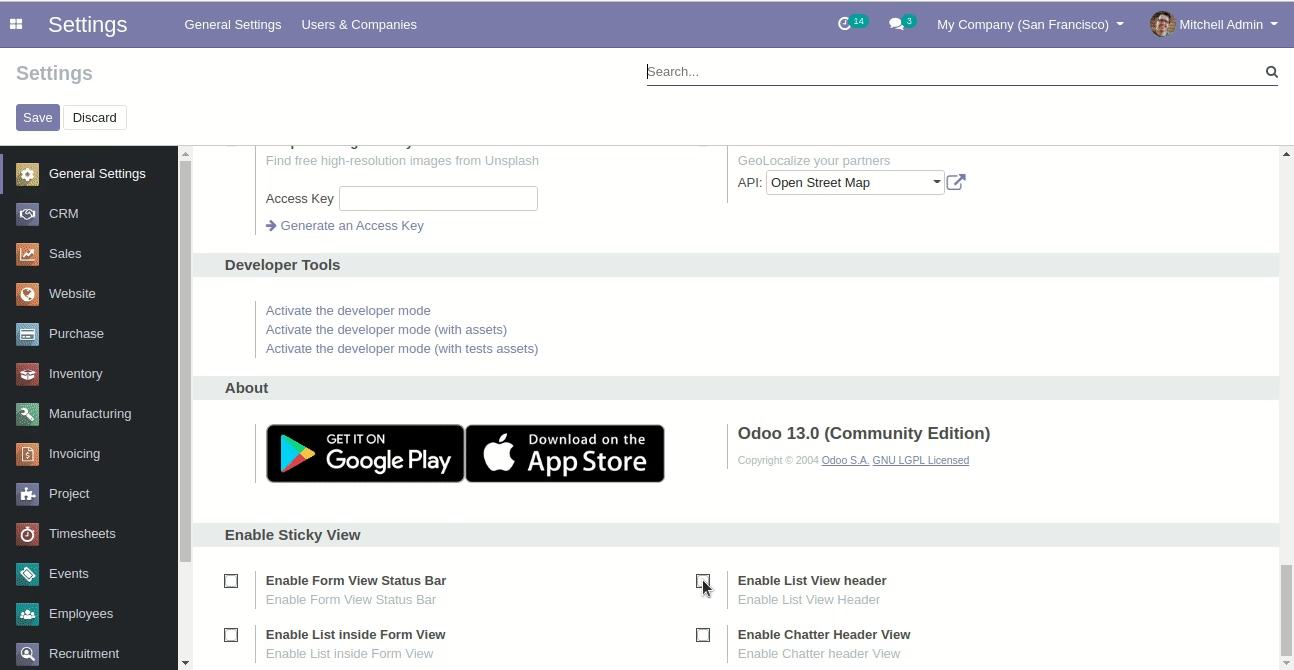
Enable pivot header view.
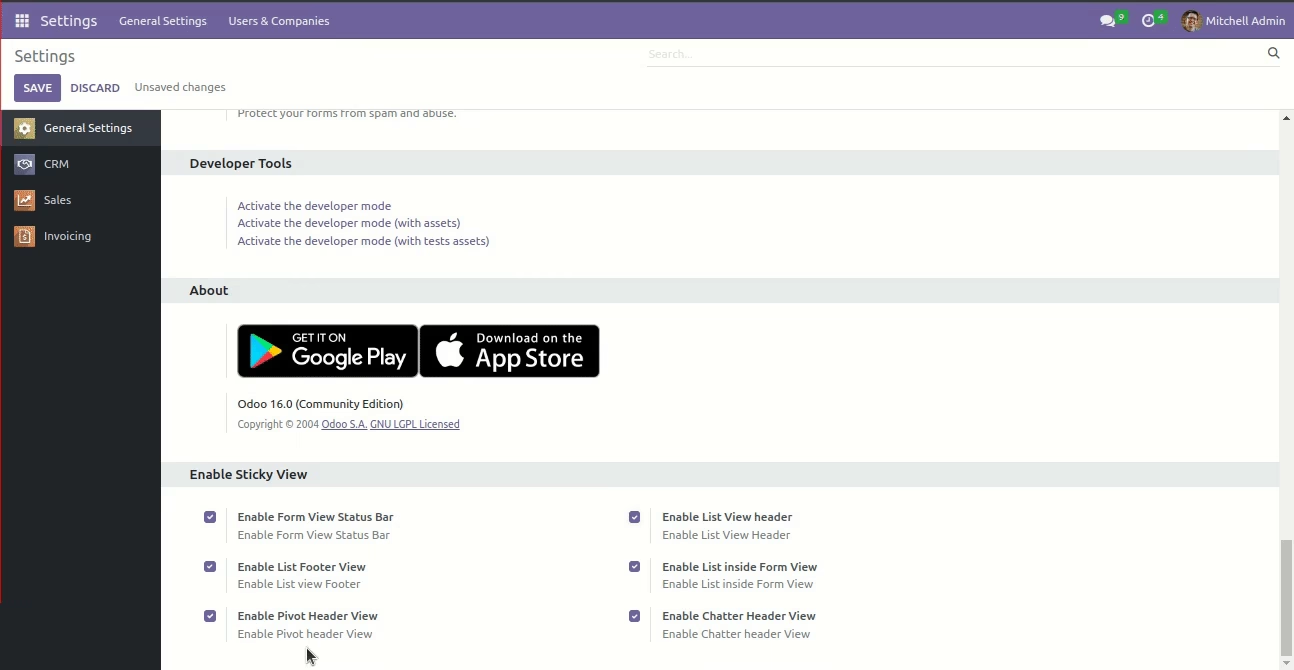
Sticky general configuration, enable the 'Group By Kanban View' tickbox.
Group by kanban view header.