The offers a suite of advanced reporting tools designed to enhance the Point of Sale (POS) experience. This module enables businesses to generate detailed reports such as session summaries, sales analytics, and profit and loss statements, directly from the POS interface. With support for PDF and Excel formats, it facilitates efficient data analysis and decision-making.
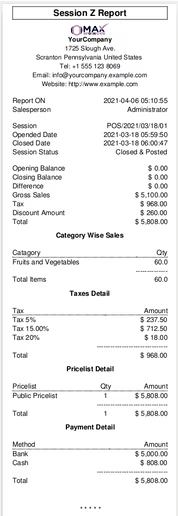
POS Session Z Report: Generate comprehensive session reports detailing opening and closing balances, gross sales, taxes, discounts, net sales, and category-wise sales breakdowns.
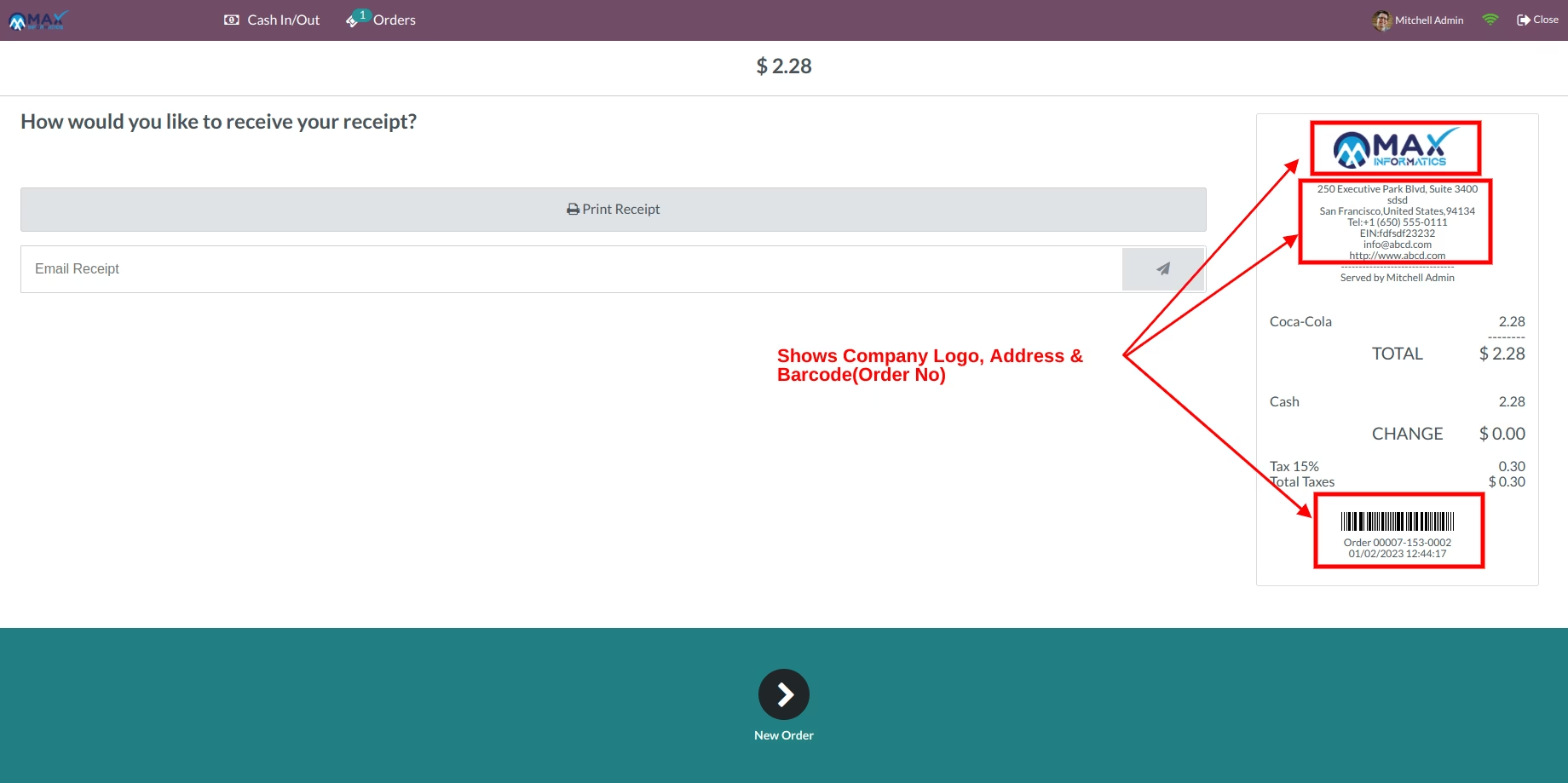
POS Receipt with Logo & Barcode: Print receipts featuring company logos and unique order barcodes for enhanced branding and tracking.
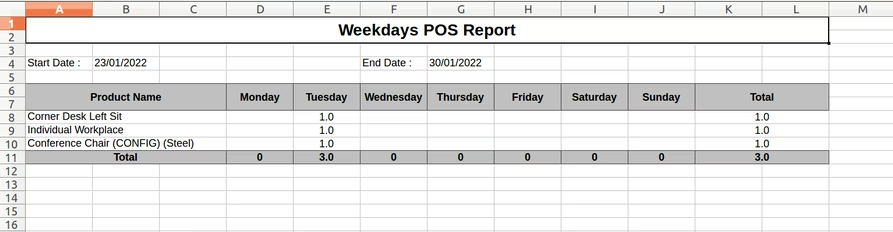
POS Day-Wise Product Sales Report: Analyze daily product sales with customizable filters for date range, users, companies, and POS locations, available in both PDF and Excel formats.
POS Tax Receipt: Generate tax-compliant receipts summarizing tax details for transactions.
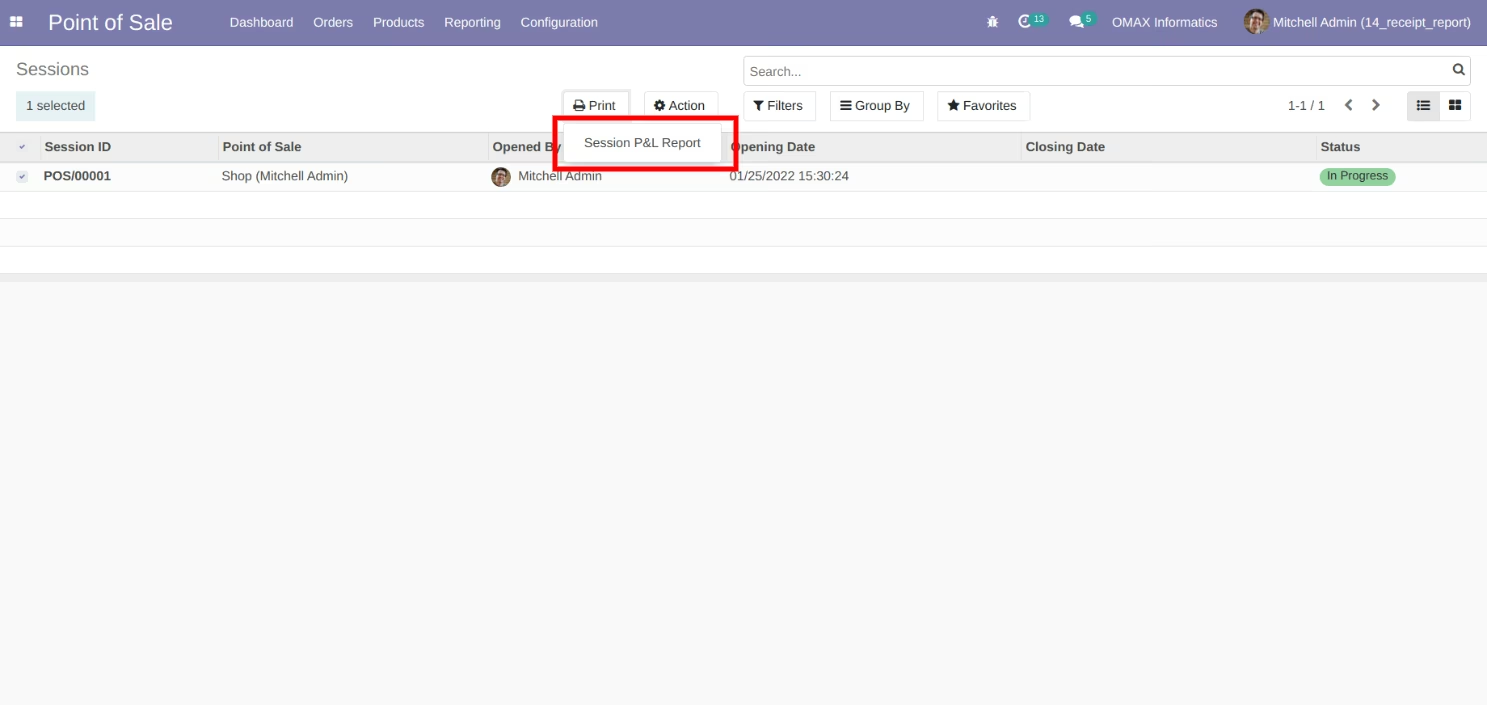
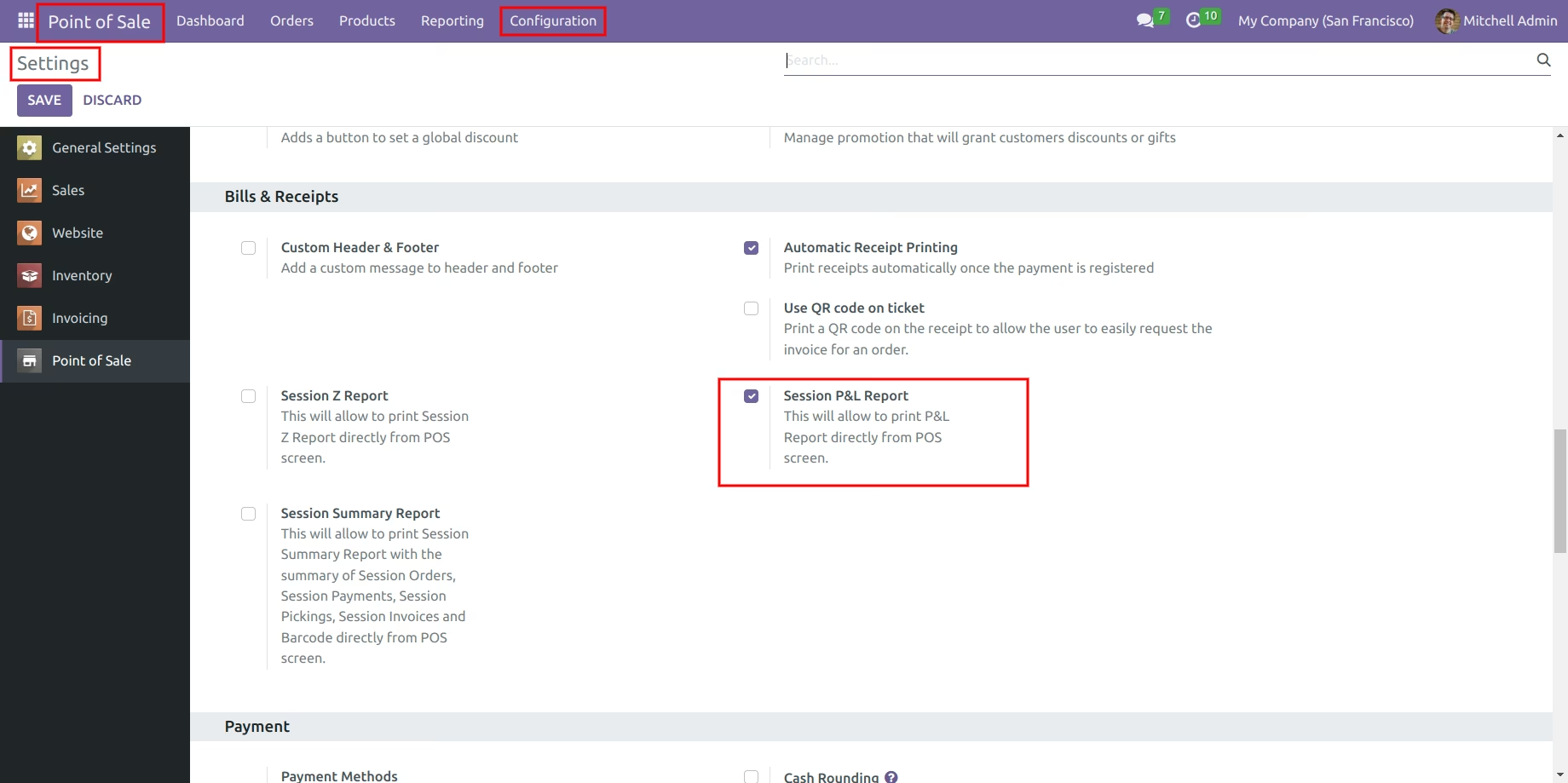
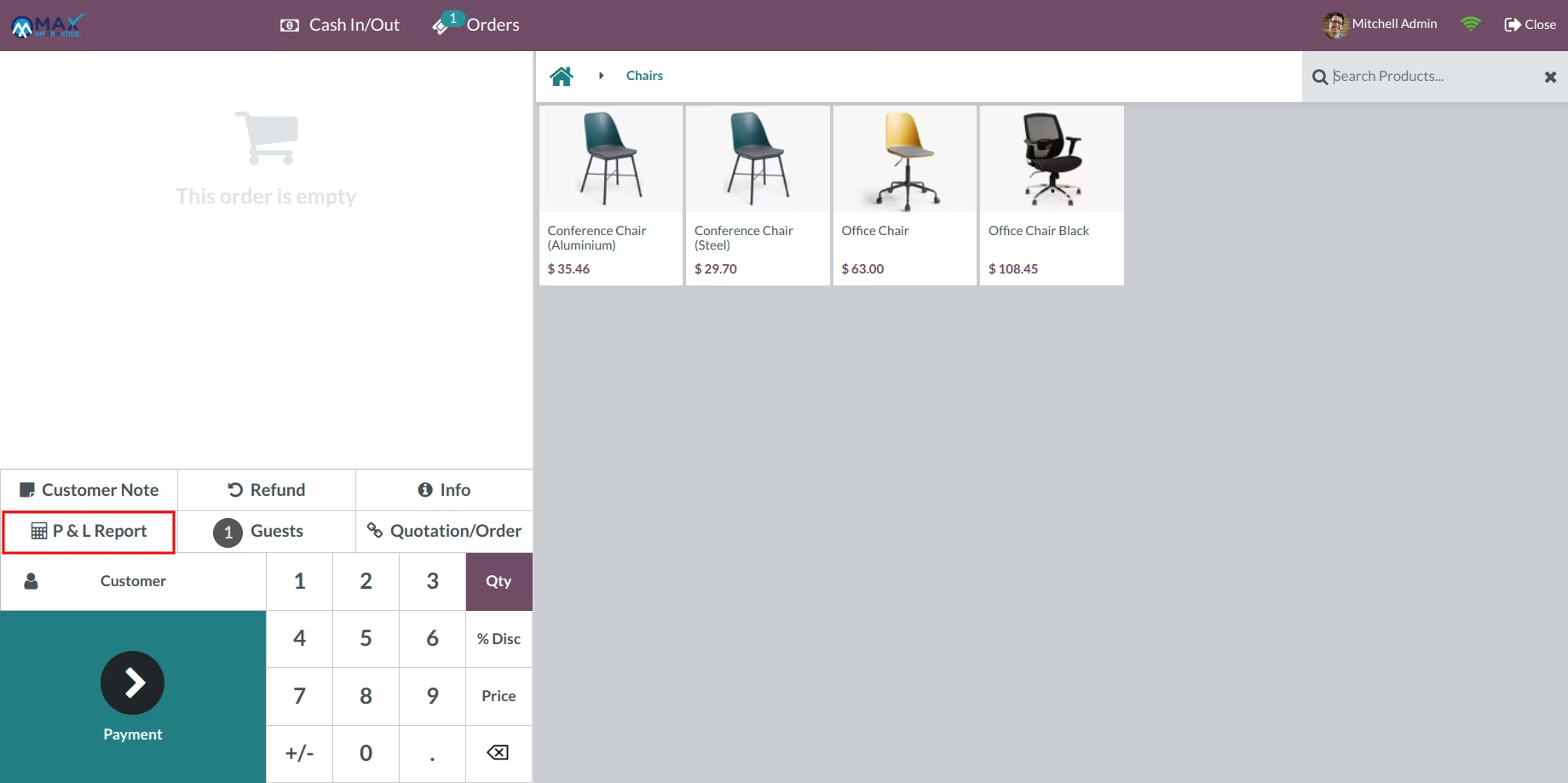
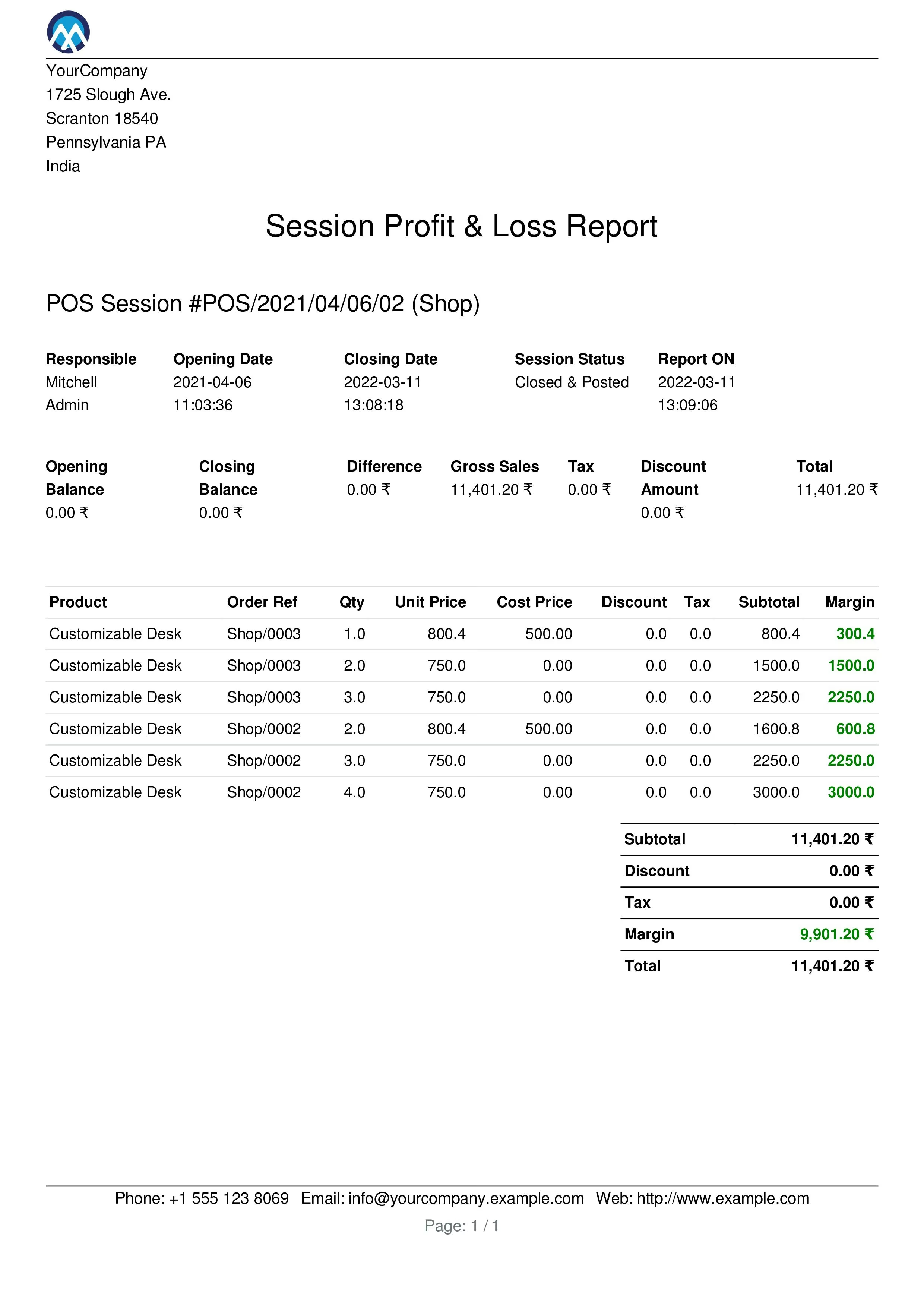
POS Session Profit & Loss Report: Obtain detailed profit and loss statements for each POS session, including sales margins and expenses.
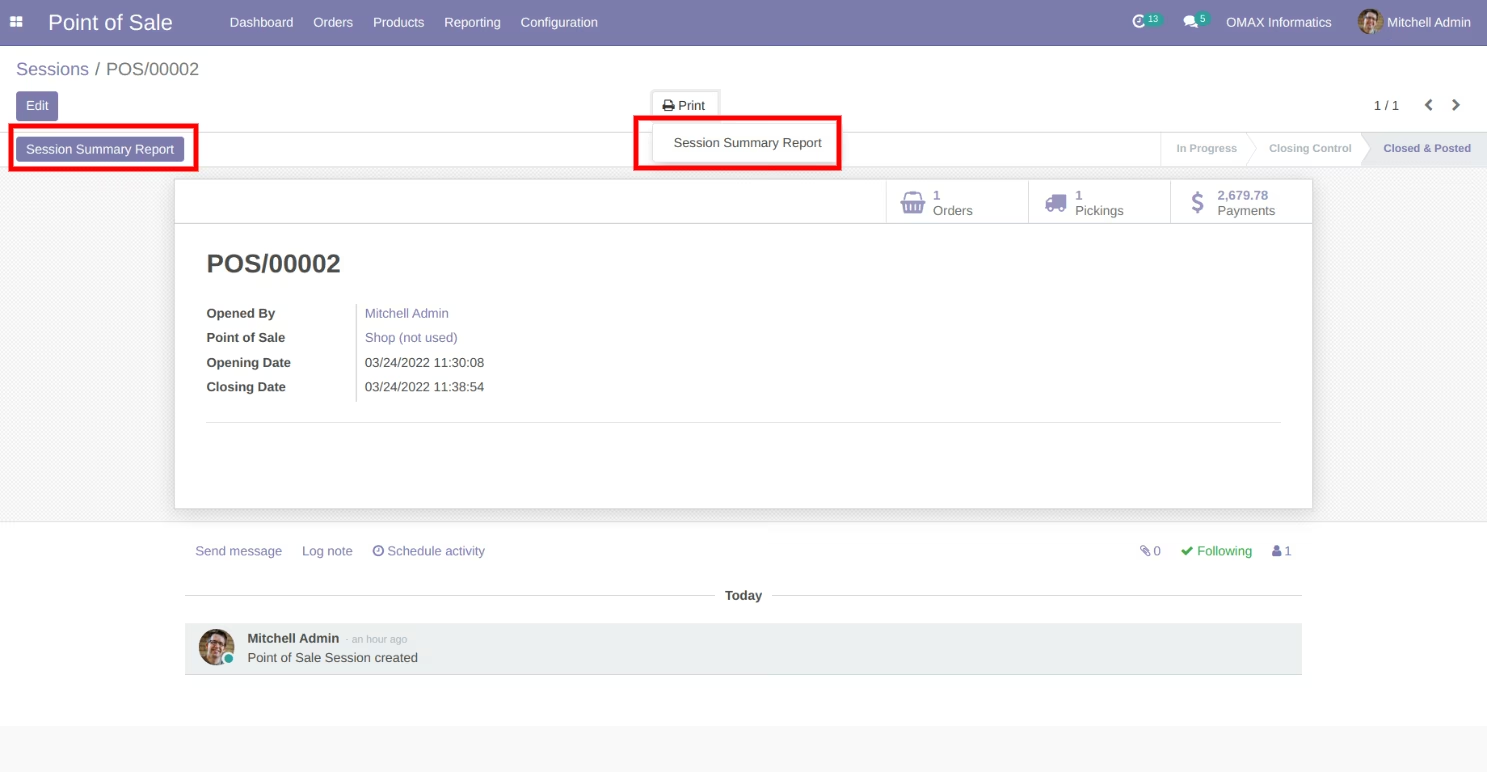
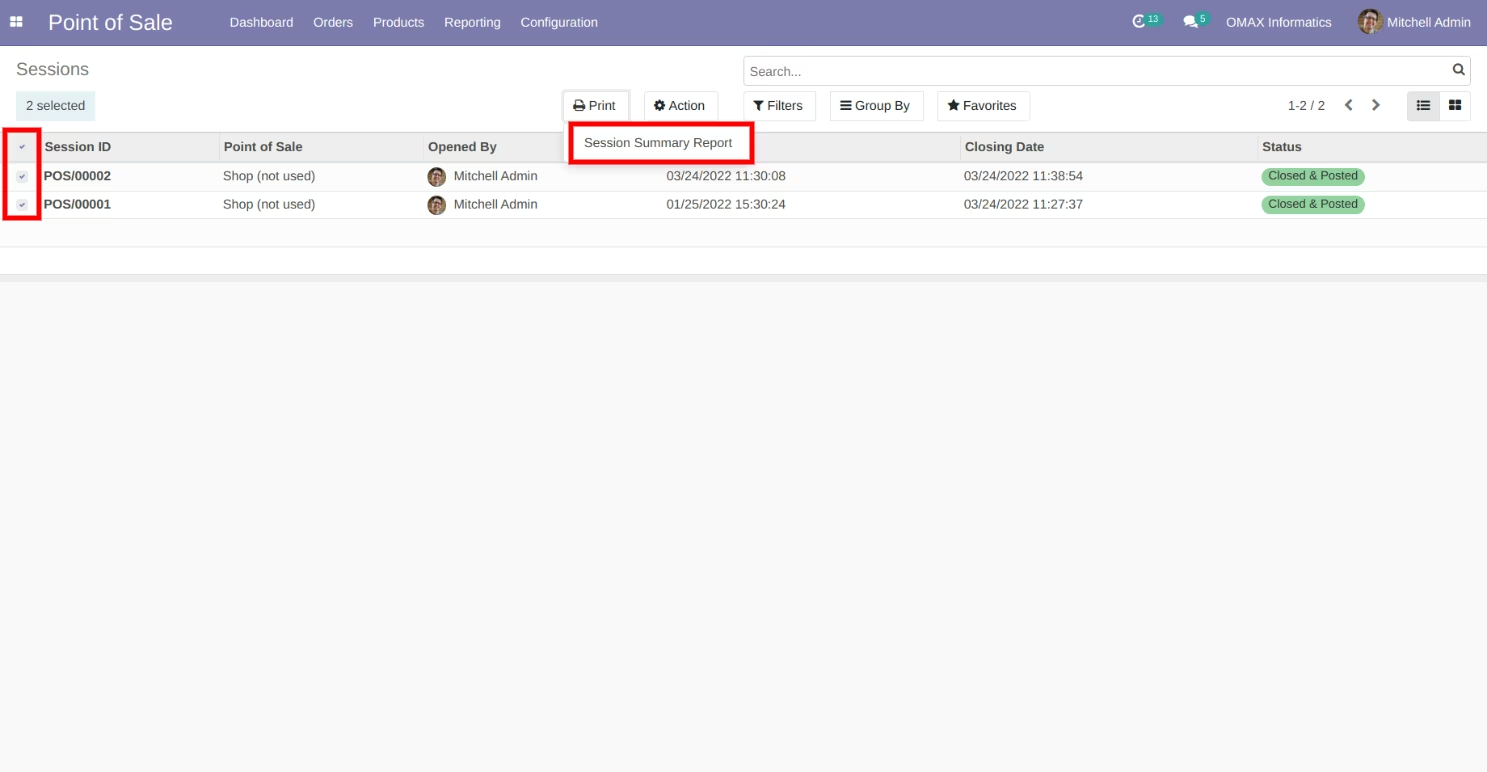
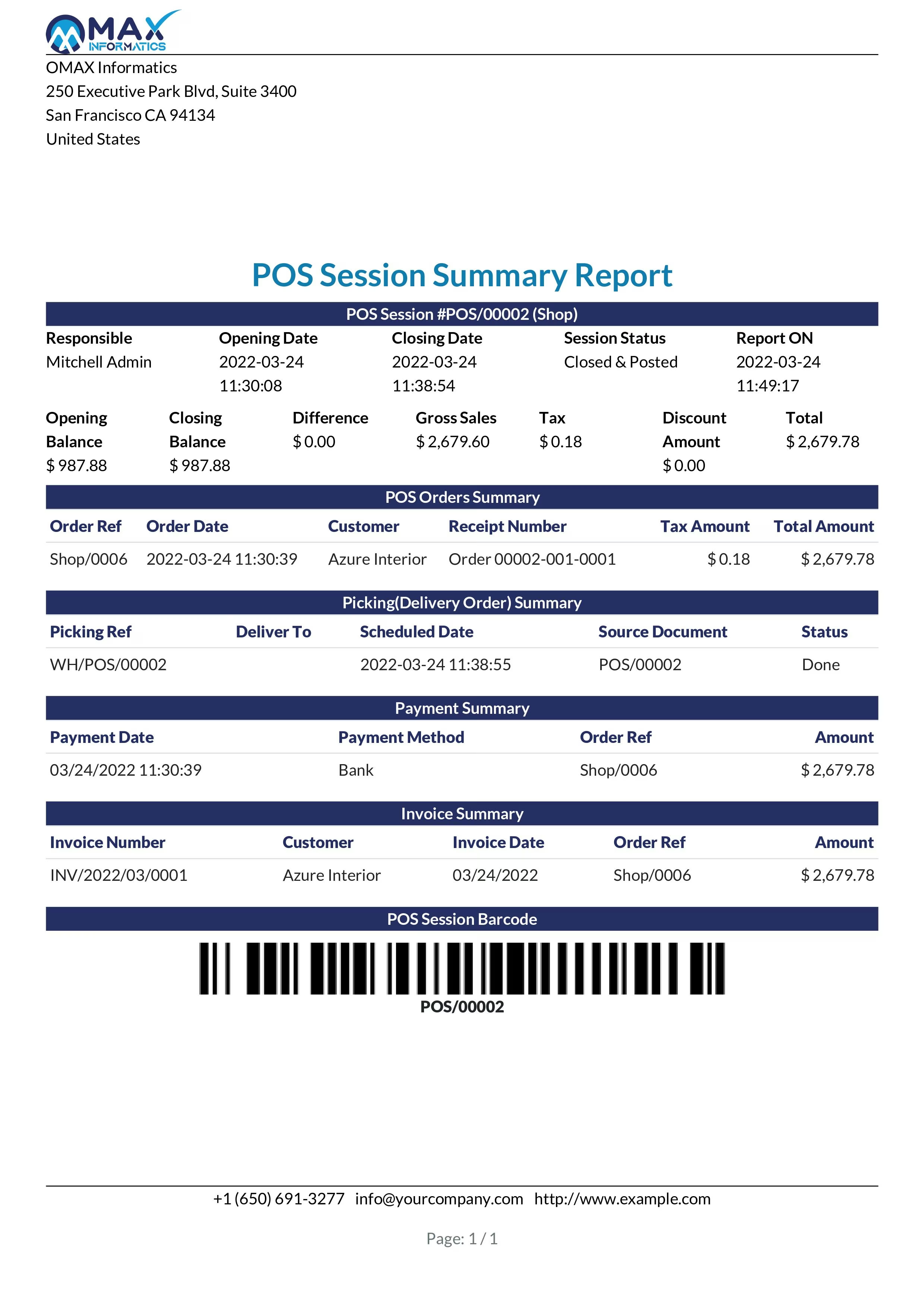
POS Session Summary Report: Access a consolidated view of session orders, payments, pickings, invoices, and barcodes.
Multi-Company Support: Generate and print reports for multiple companies assigned to the user, ensuring comprehensive data analysis across business units.
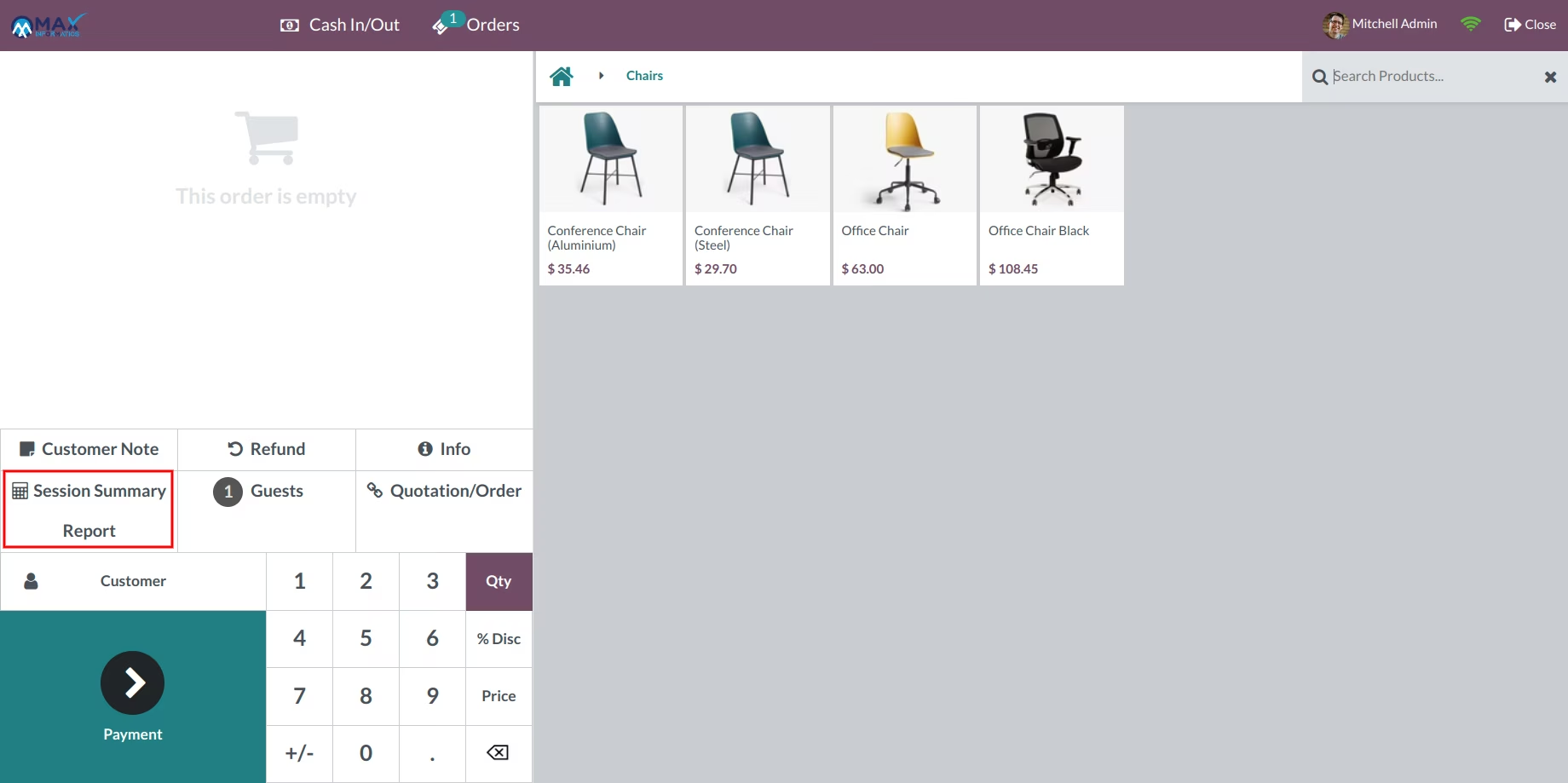
User-Friendly Interface: Easily print reports from session form views or directly from the POS screen, streamlining the reporting process.
Comprehensive Reporting: Access a wide range of reports to analyze sales performance, inventory, and financials.
Enhanced Decision-Making: Utilize detailed analytics to make informed business decisions and optimize POS operations.
Improved Operational Efficiency: Streamline the reporting process with easy-to-use tools integrated into the POS system.
Customization Options: Tailor reports to specific business needs with customizable filters and formats.
Seamless Integration: Integrate seamlessly with other modules, ensuring consistent data across the platform.
Overview
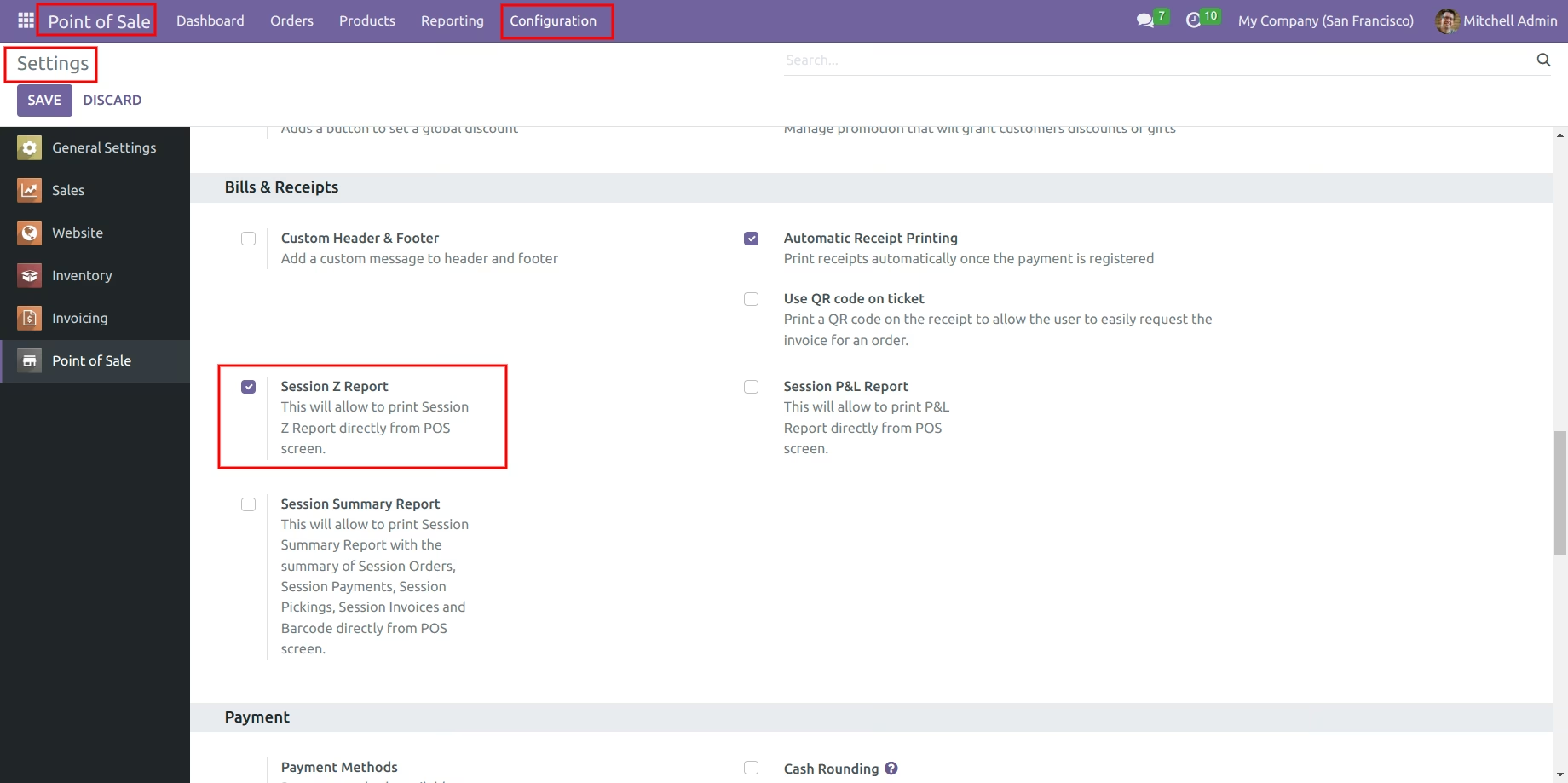
This module helps to print POS Session Z Report, POS Receipt with Logo & Barcode, POS day wise product sales report in PDF and Excel, POS Tax Receipt, POS Session Profit & Loss Report(POS Margin Report) and POS Session Report with the summary of Session Orders, Session Payments, Session Pickings, Session Invoices and Barcode.
- POS Session Z Report
- POS Receipt with Logo & Barcode
- POS Weekdays Sales Report in PDF and Excel
- POS Payment Report in PDF and Excel
- POS Tax Receipt
- POS Session Profit & Loss Report(POS Margin Report)
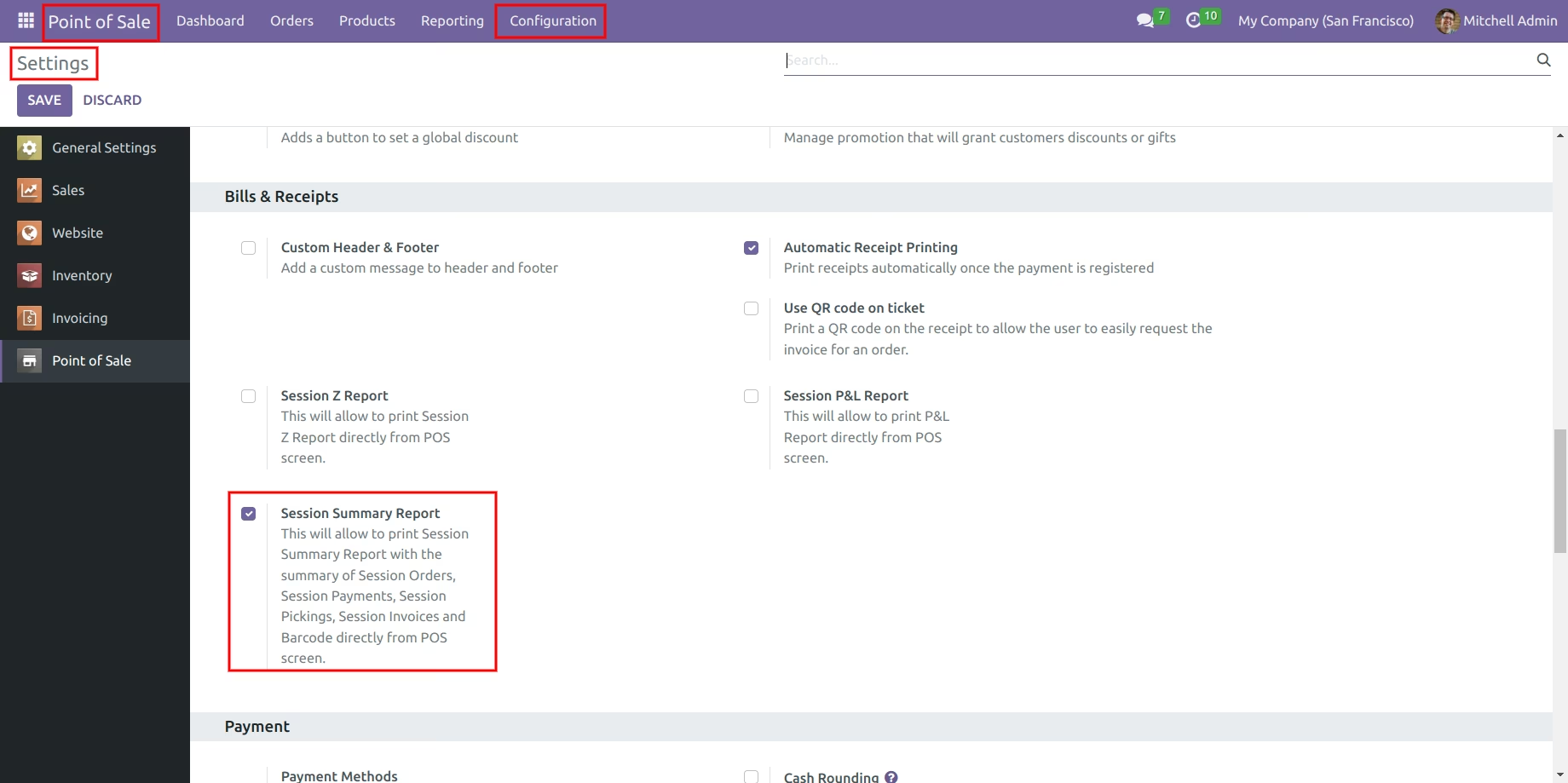
- POS Session Report with the summary of Session Orders, Session Payments, Session Pickings, Session Invoices and Barcode
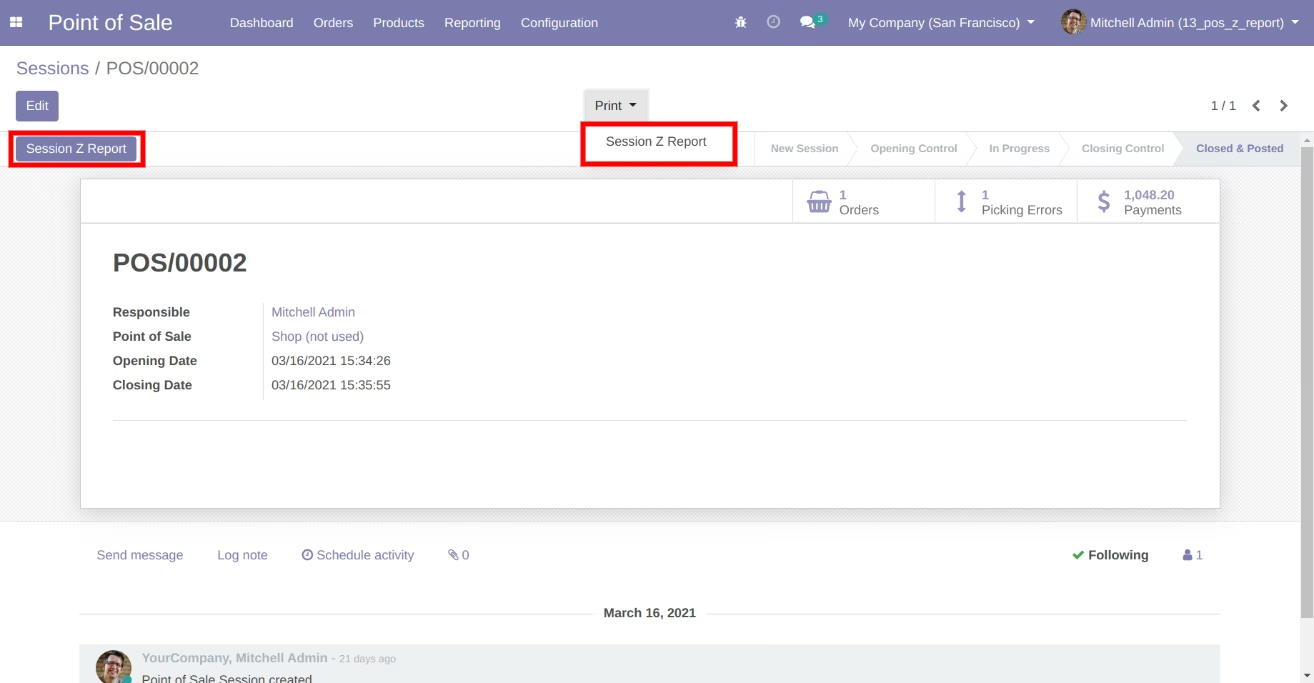
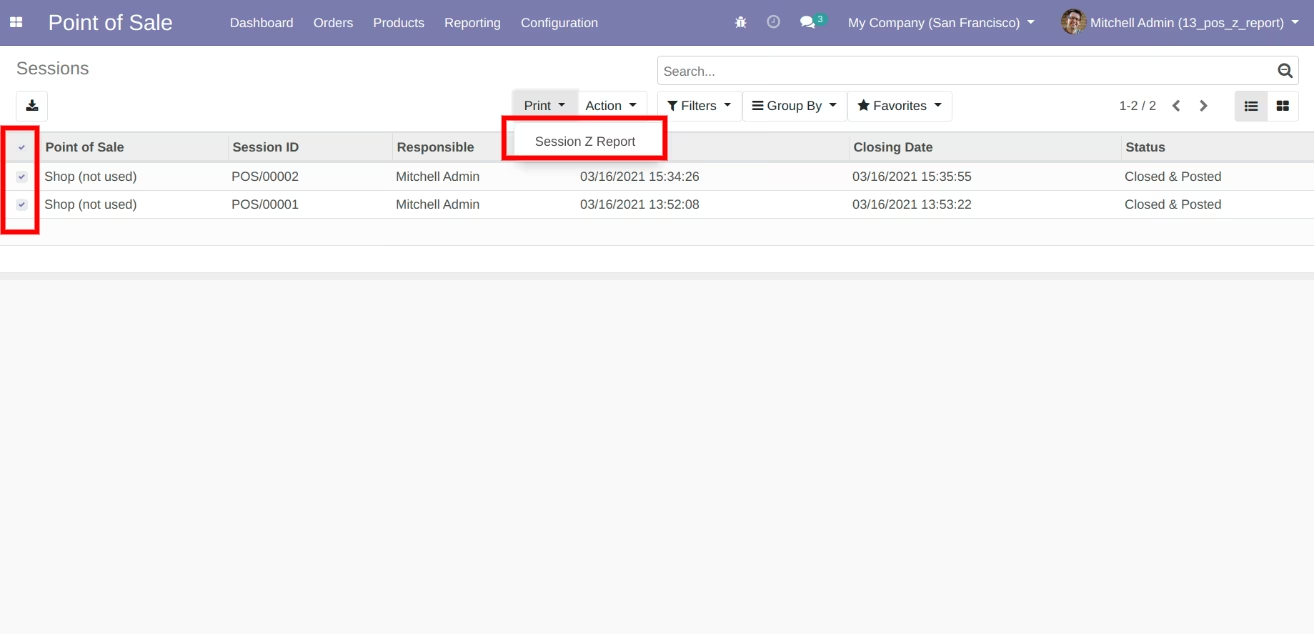
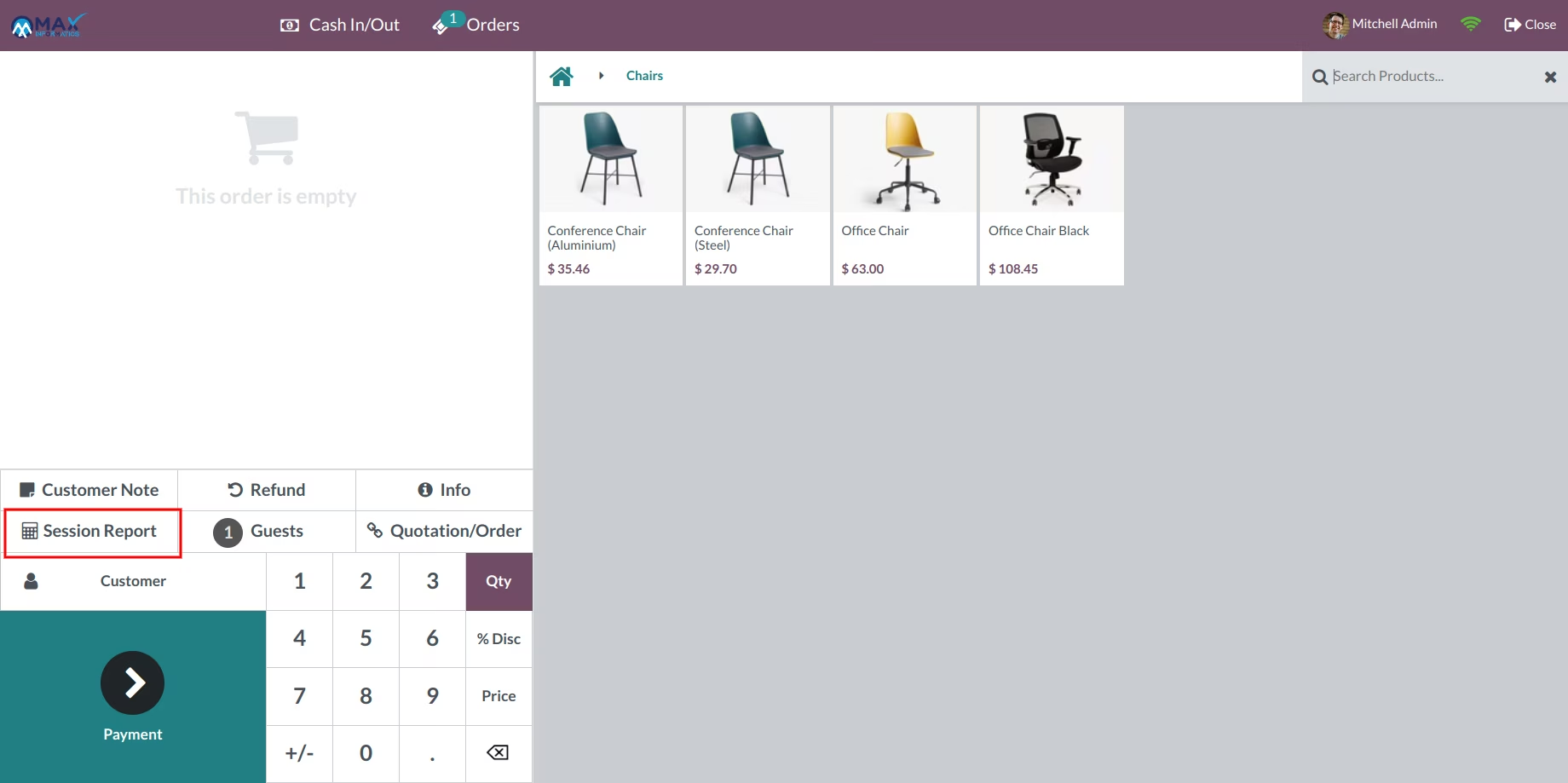
POS Session Z Report
POS Receipt with Logo,Address & Barcode
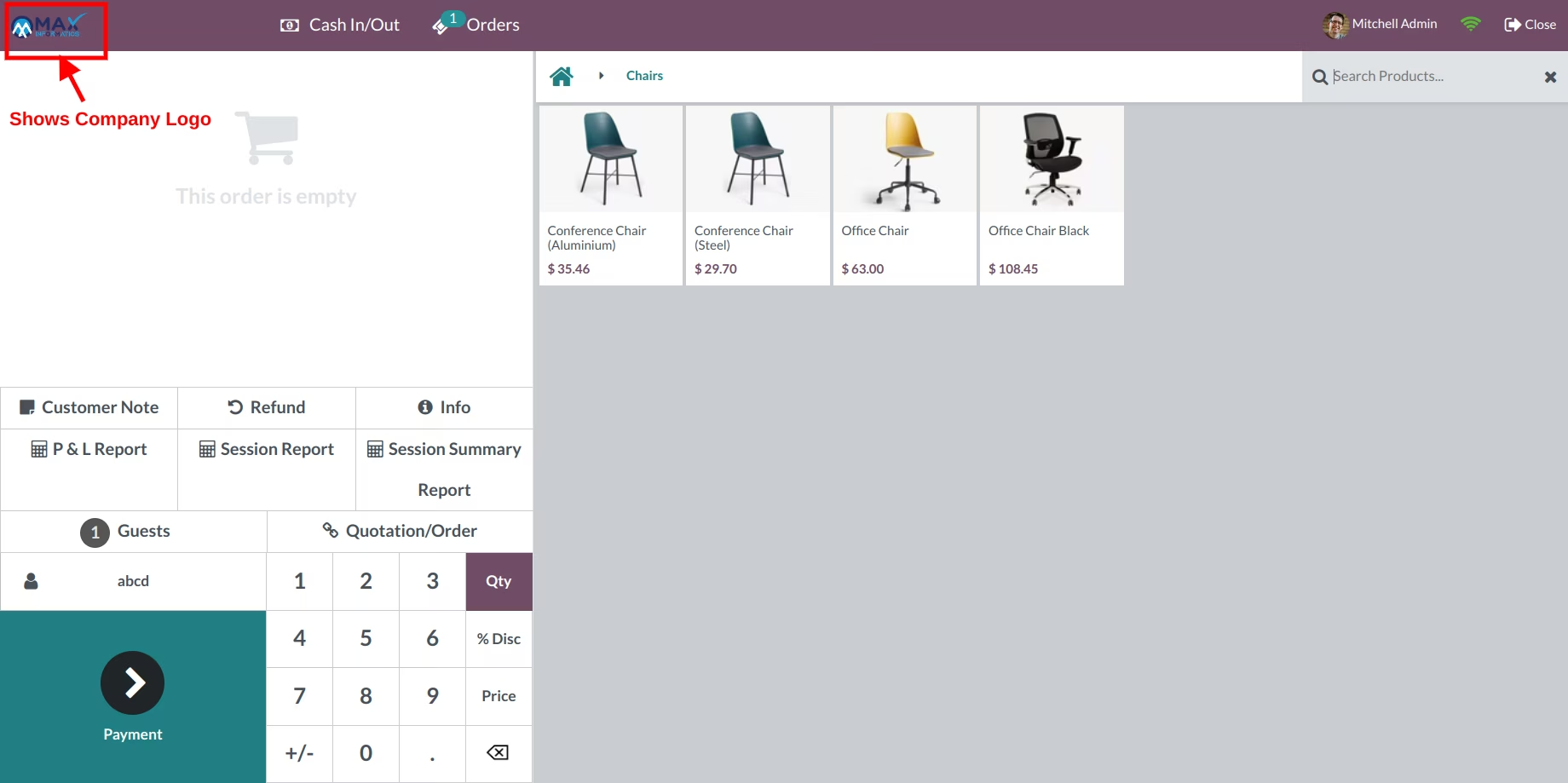
POS day wise product sales report in PDF and Excel
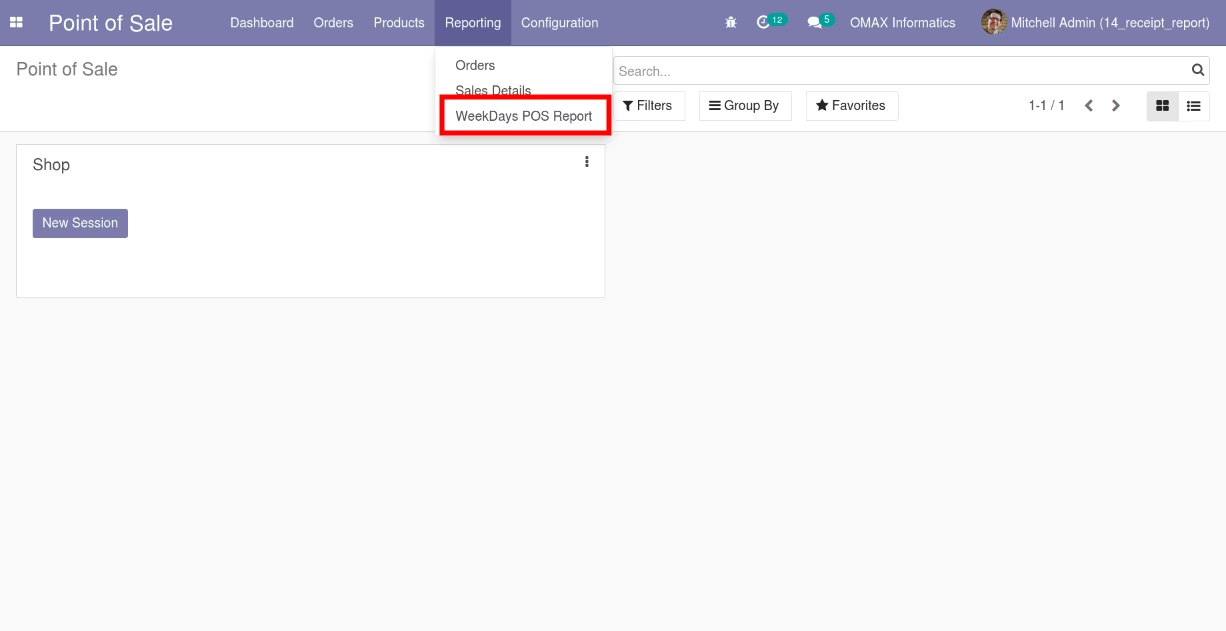
Report menu for Weekdays POS Report
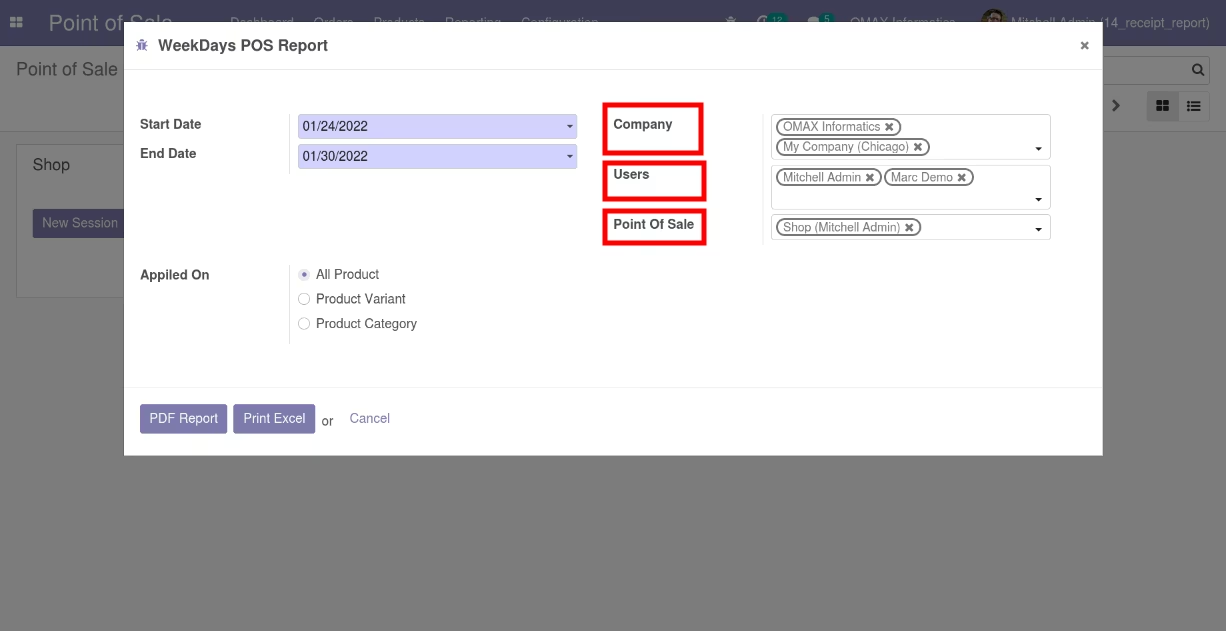
User can print the report based on date range, Users, Companies and Point Of Sale
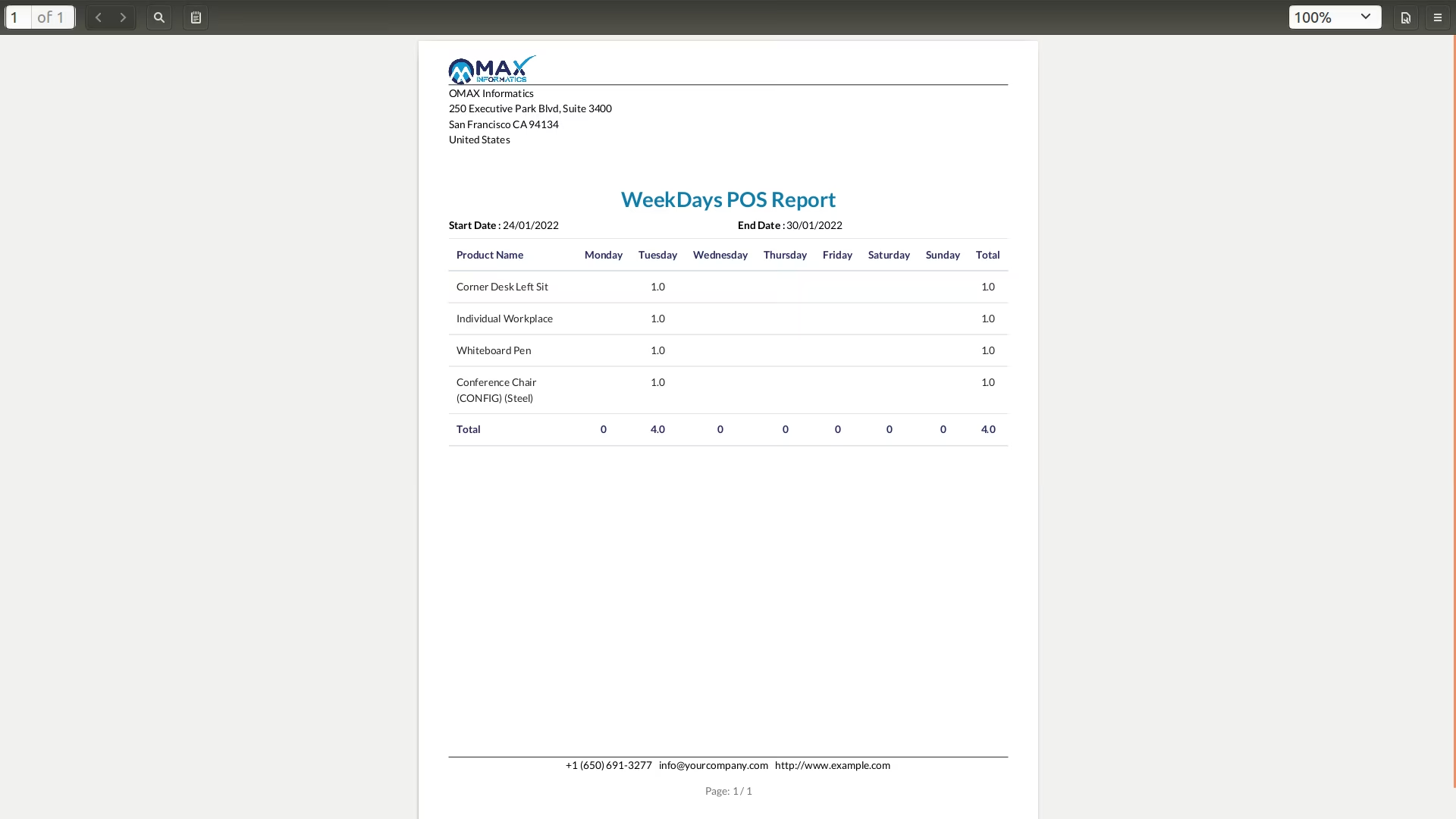
Day Wise POS Product Sales Report In PDF
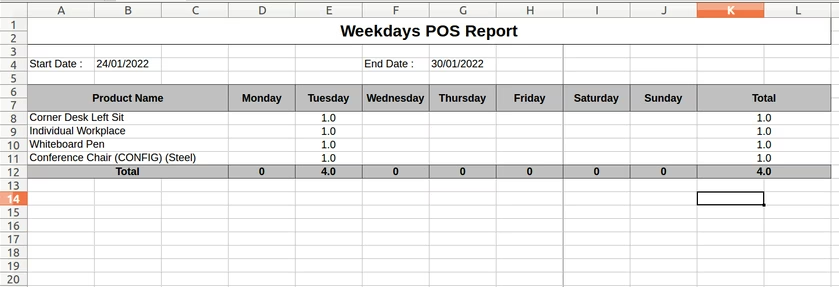
Day Wise POS Product Sales Report In Excel
User can print report for specific products
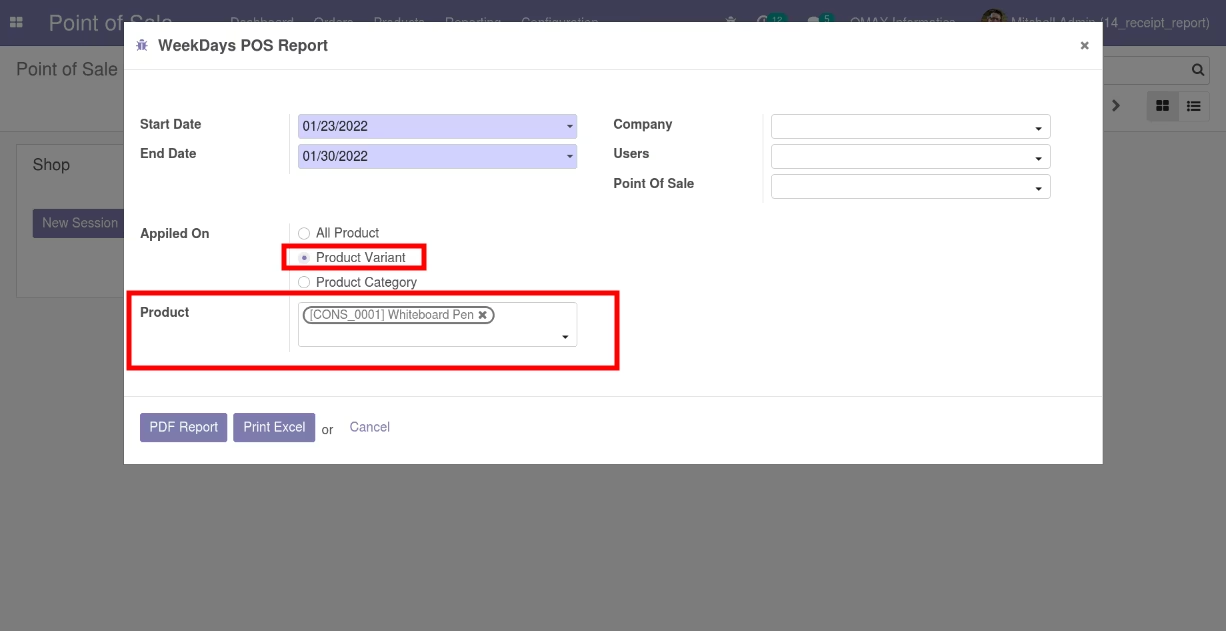
PDF report for specific products
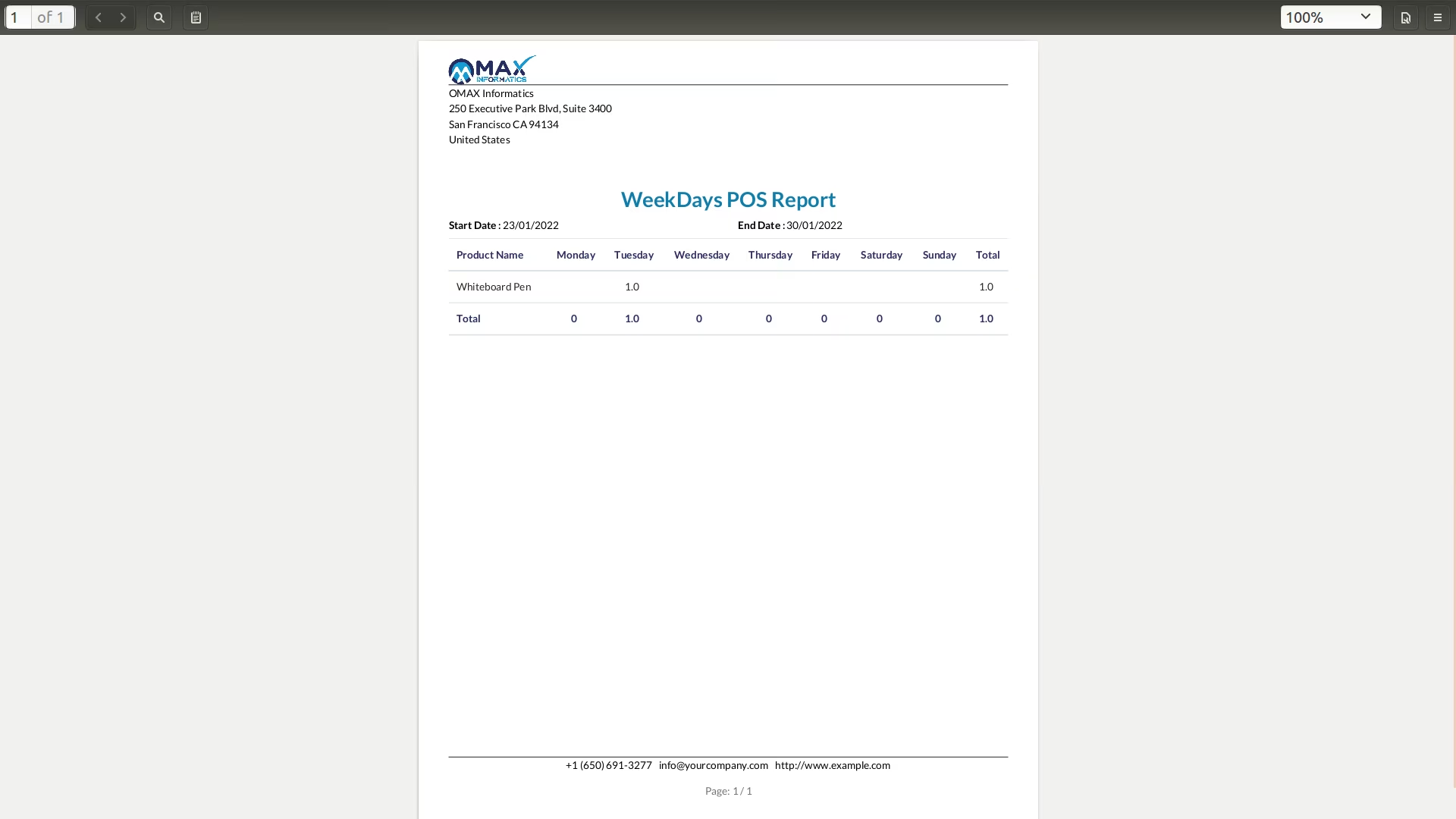
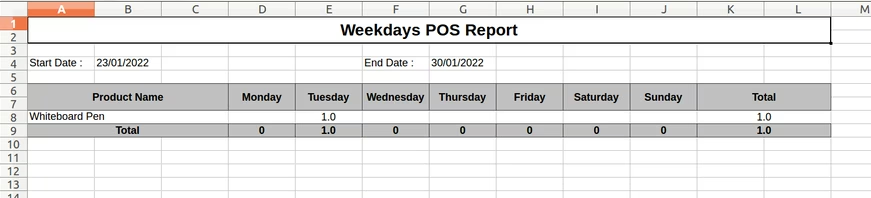
EXCEL report for specific products
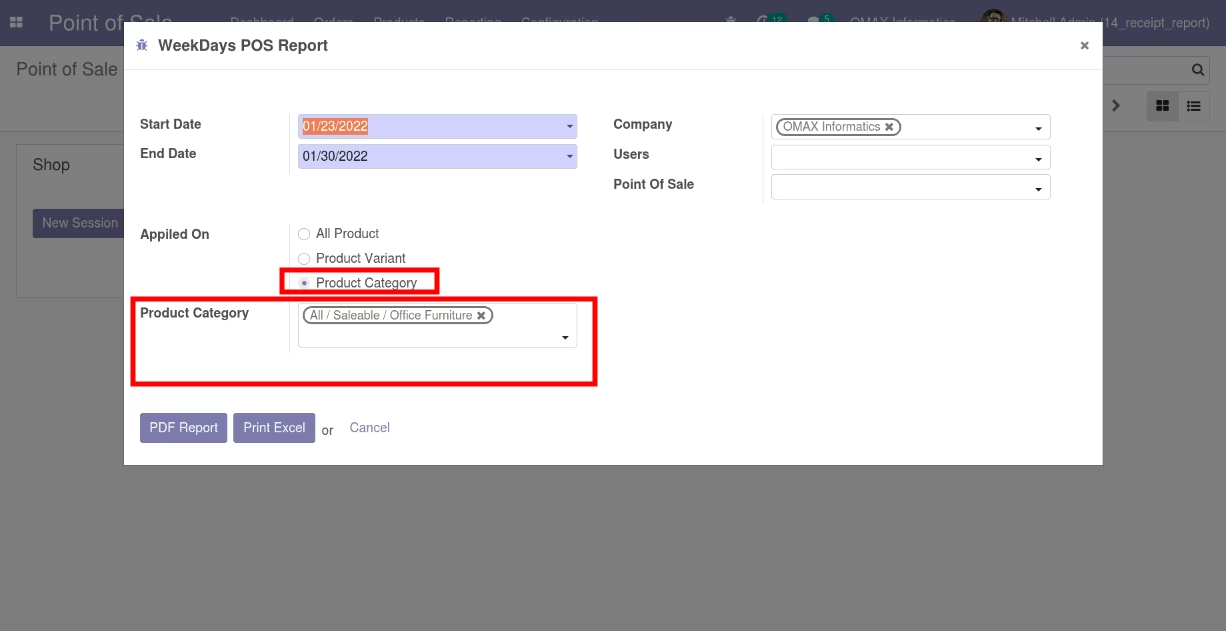
User can print report for specific product category
PDF report for specific products category
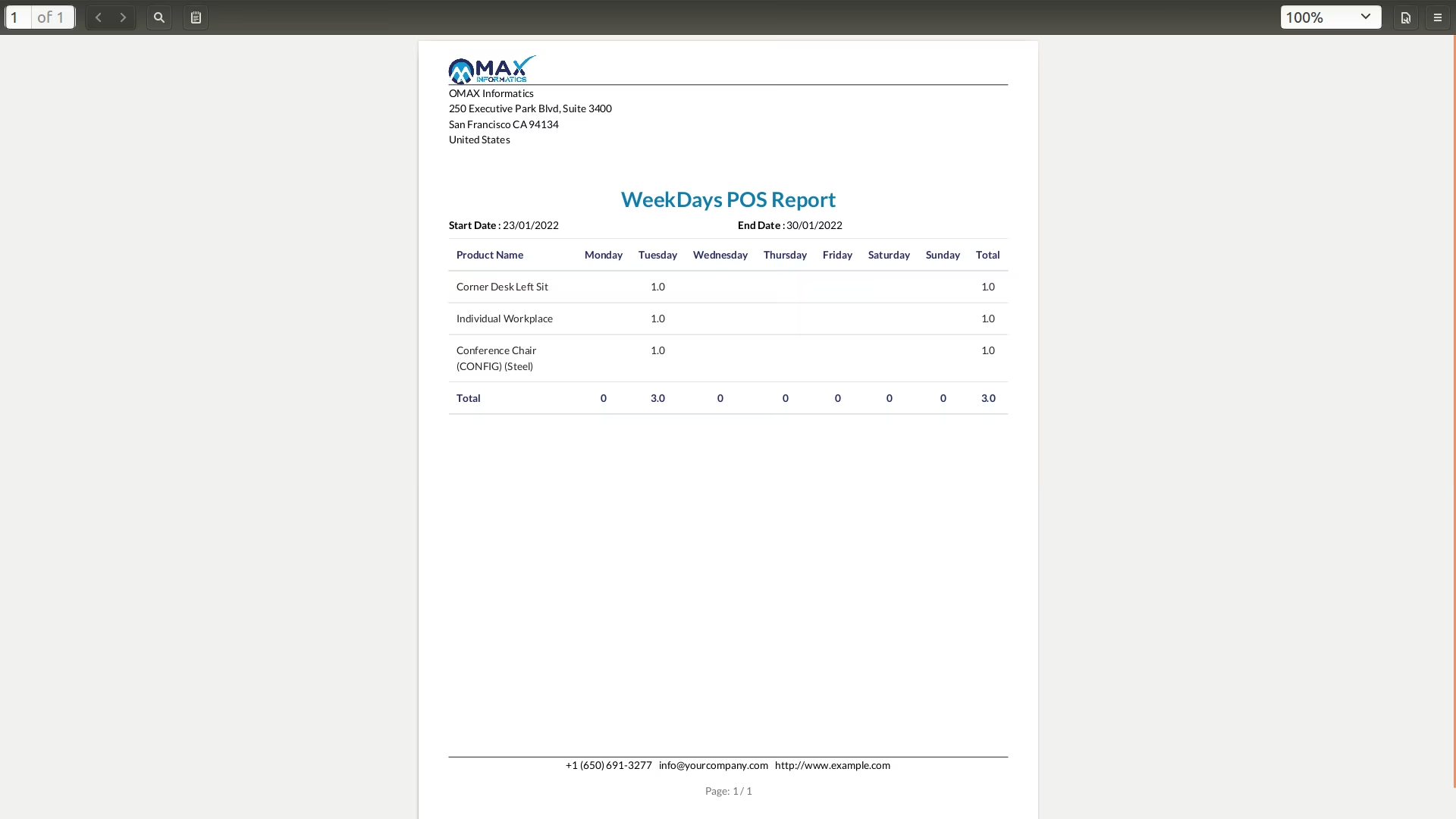
EXCEL report for specific products category
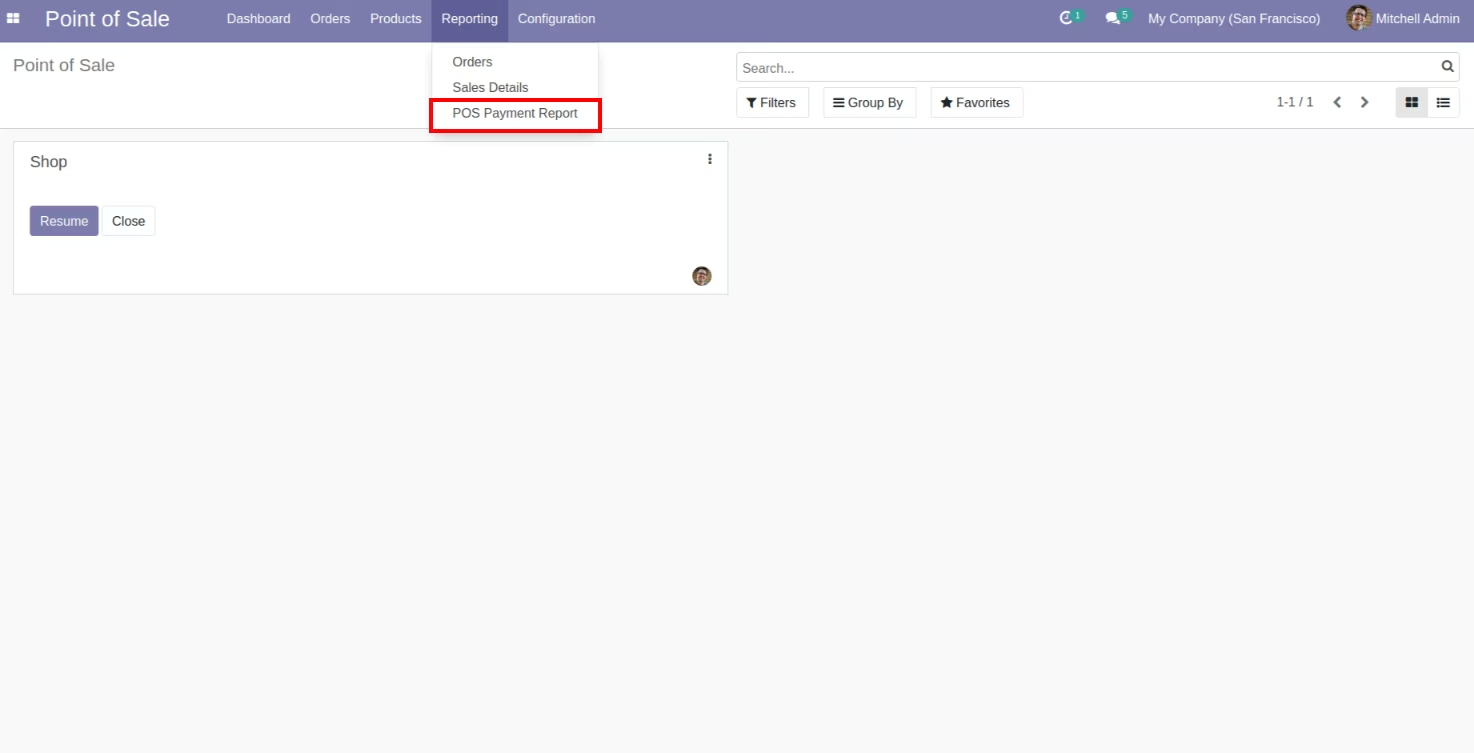
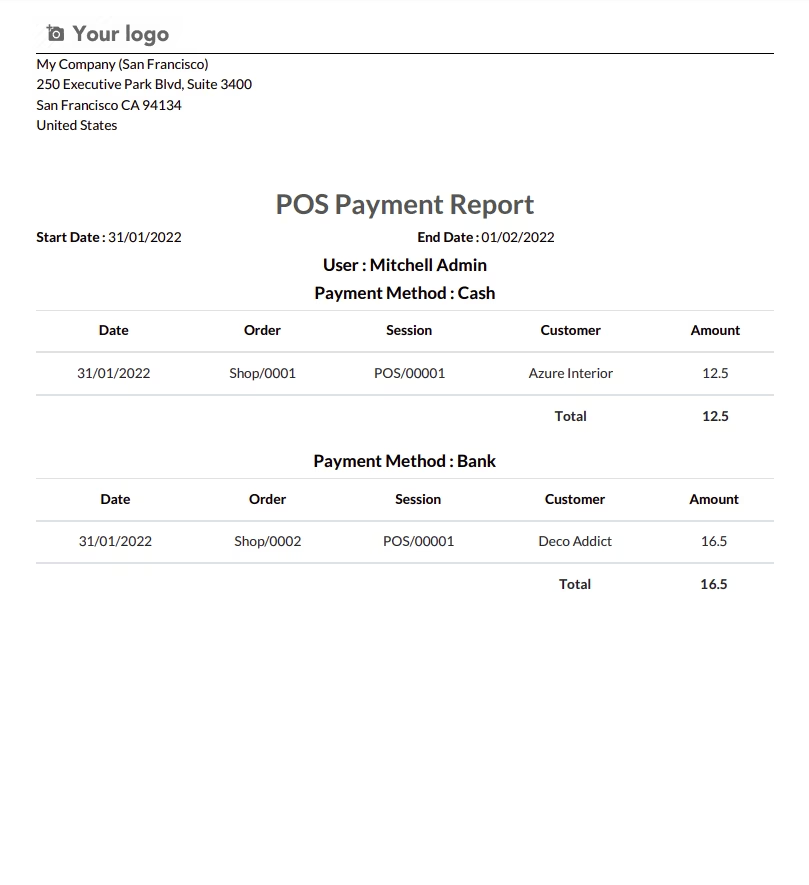
POS Payment Report
Report menu for POS Payment Report.
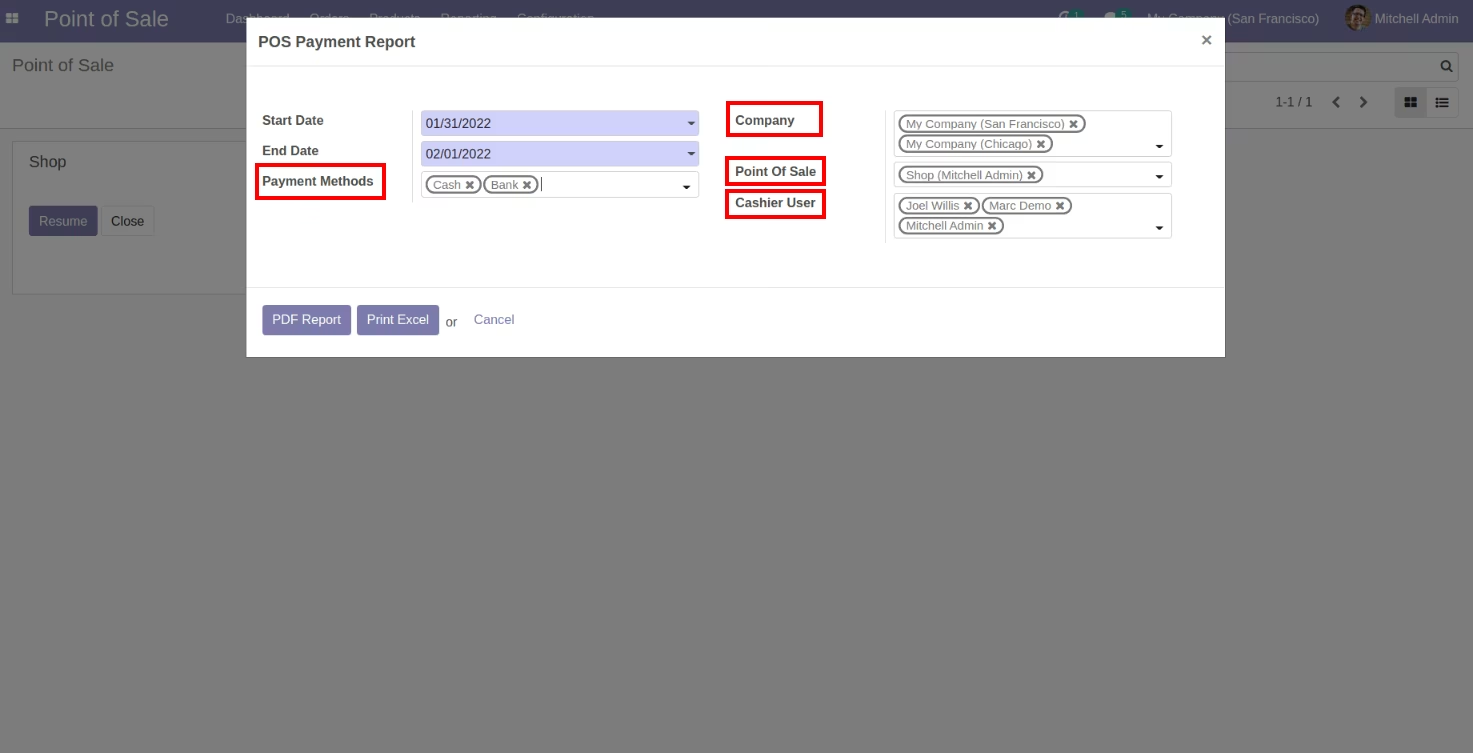
User can print the report based on date range, Users, Companies,Point Of Sale And Payment Method.
POS Payment Report In PDF.
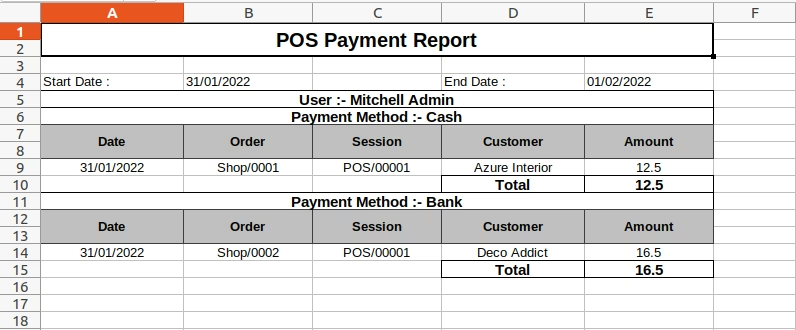
POS Payment Report In Excel.
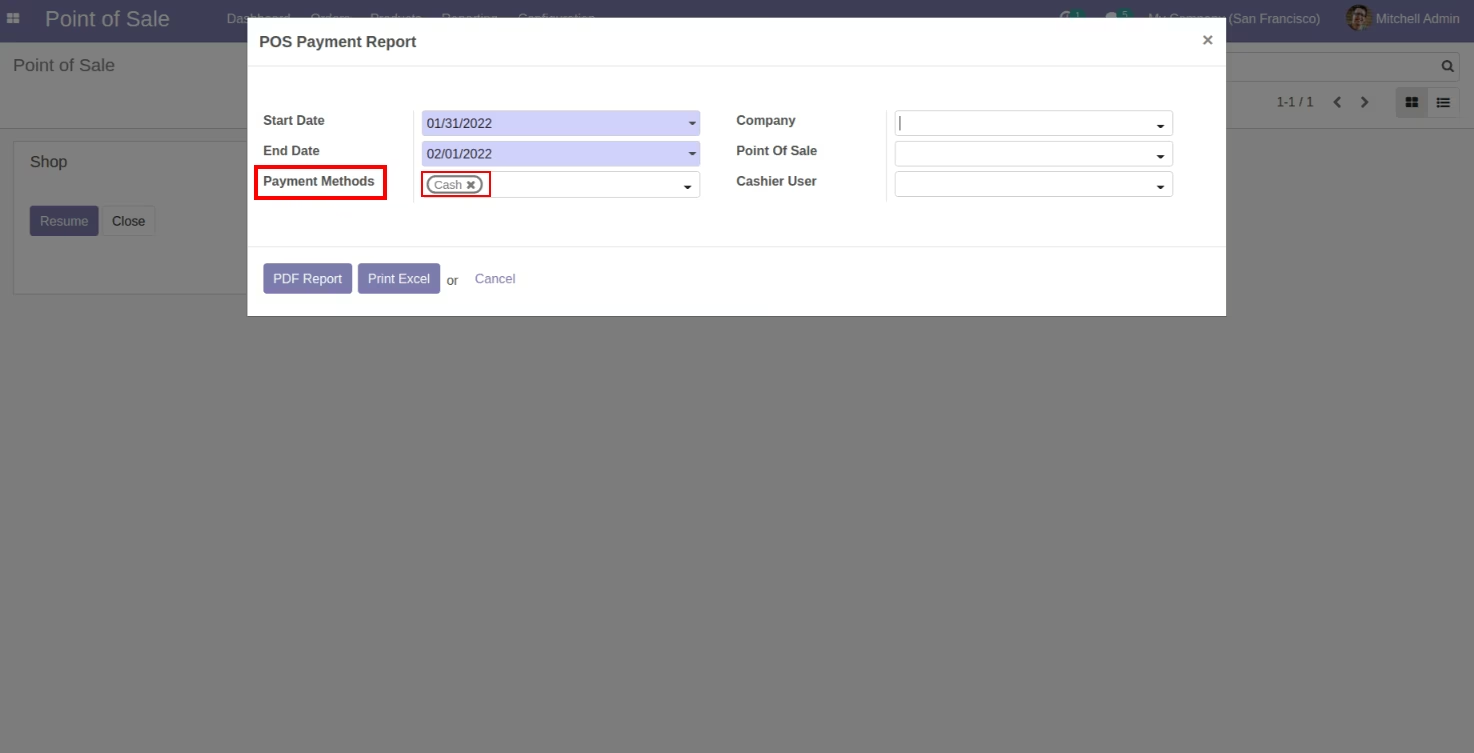
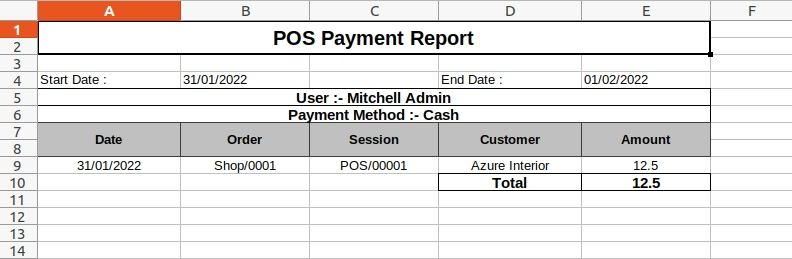
User can print the report based on Payment Method selection(Cash Payment Method).
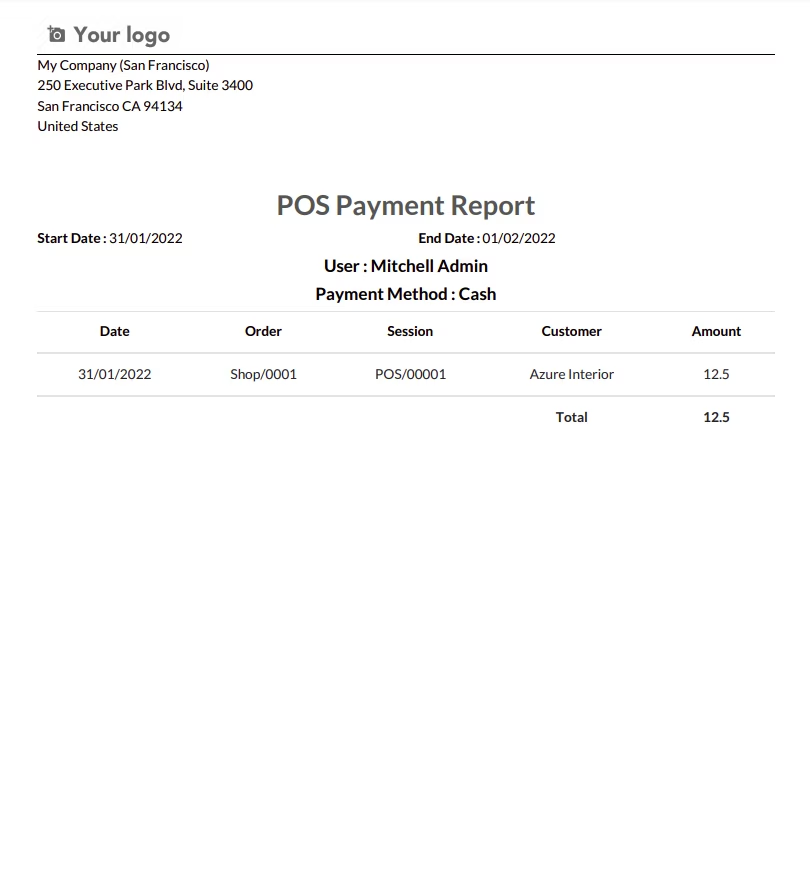
POS Report Cash Payment Wise In PDF.
POS Report Cash Payment Wise In Excel.
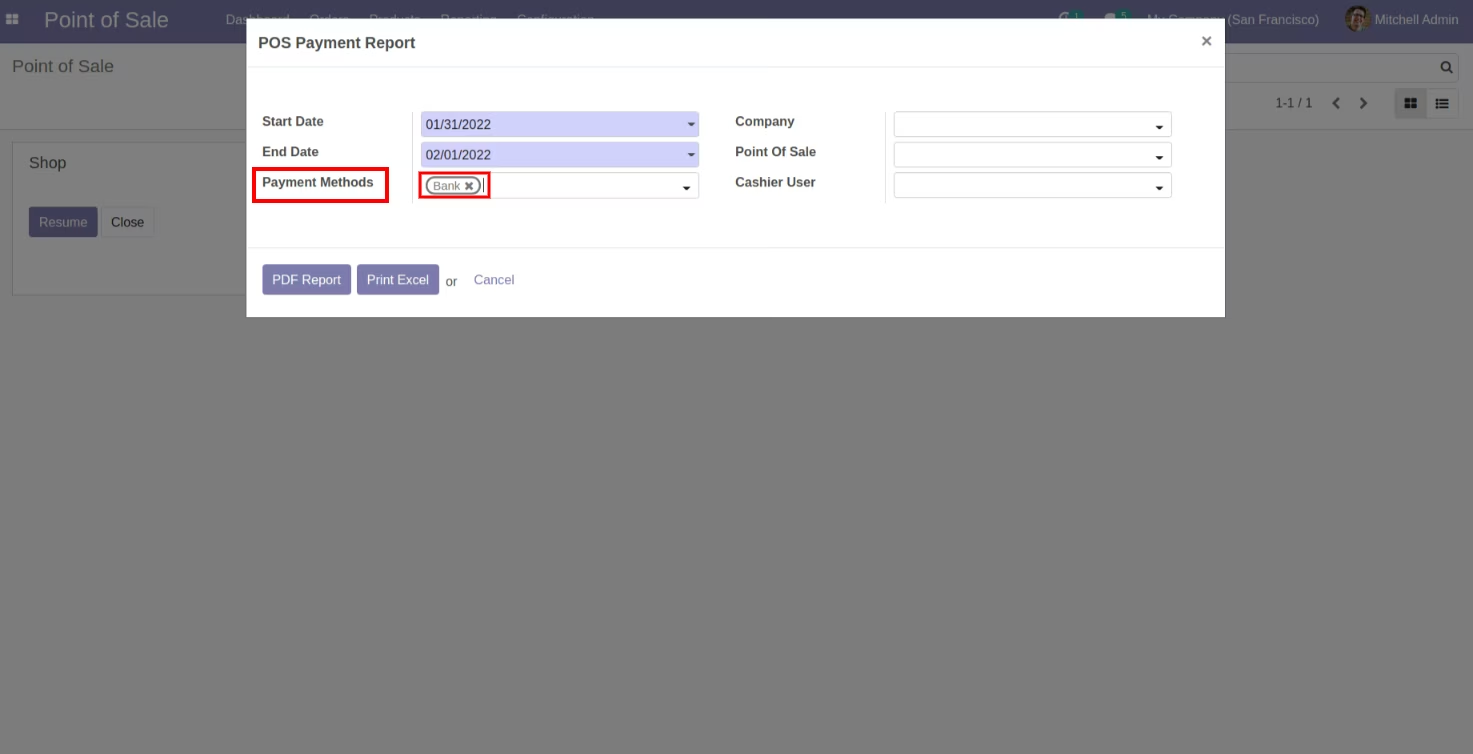
User can print the report based on Payment Method selection(Bank Payment Method).
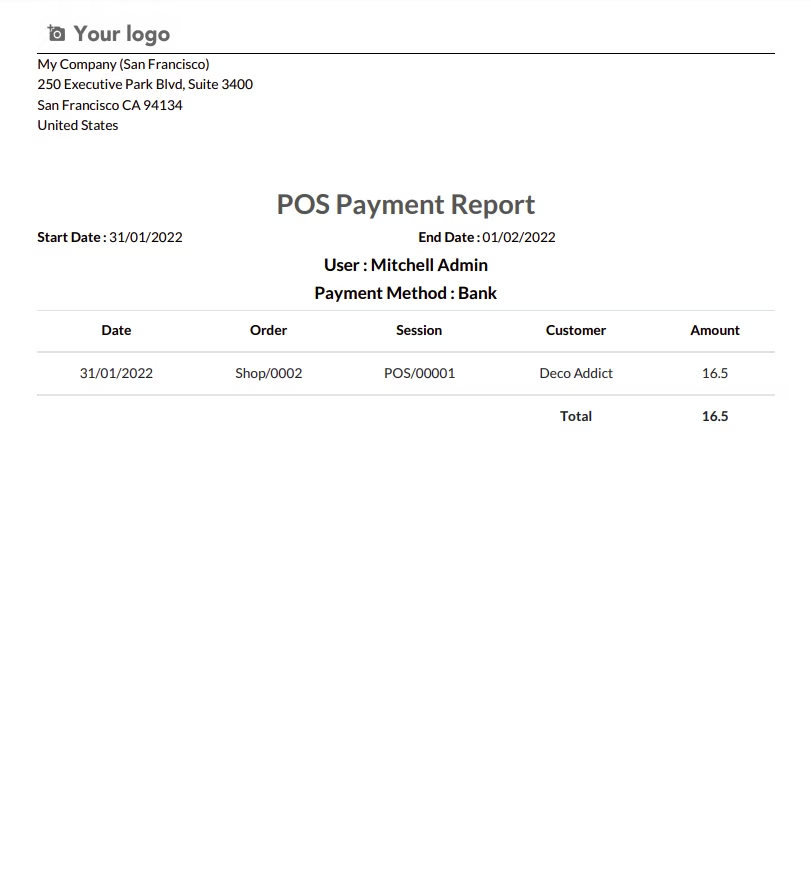
POS Report Bank Payment Wise In PDF.
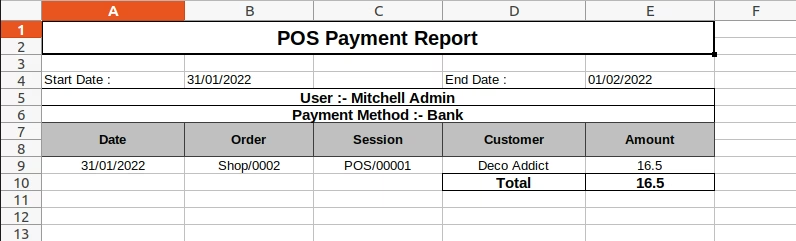
POS Report Bank Payment Wise In Excel.
POS Tax Summary Receipt
Report menu for POS Tax Summary Receipt
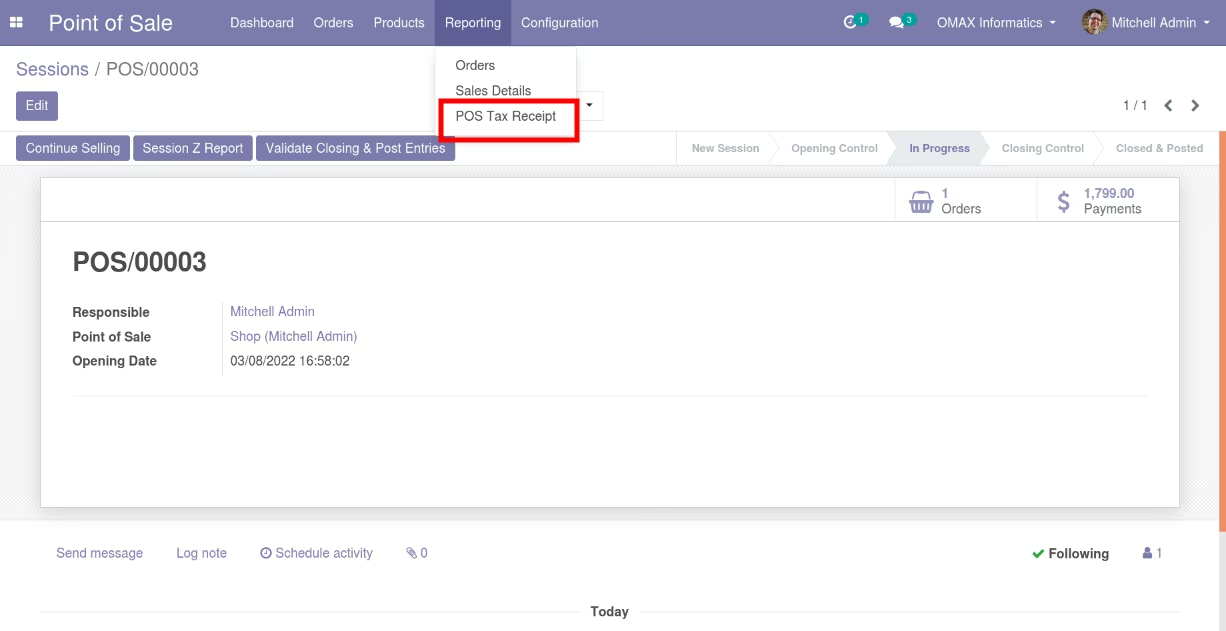
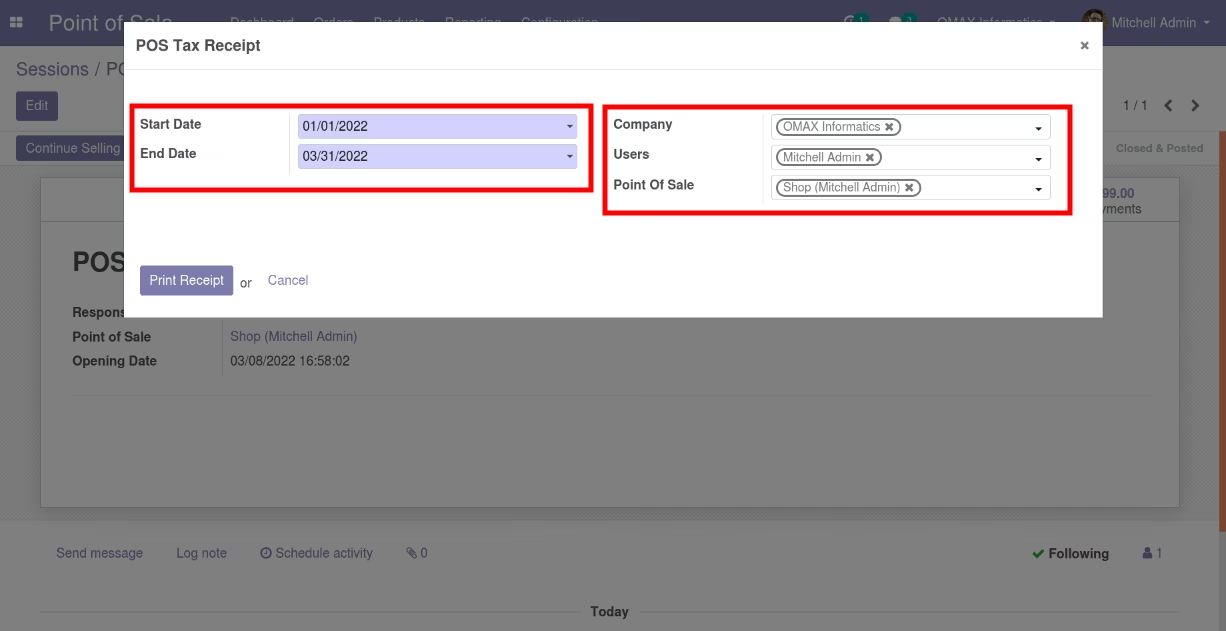
User can print the report based on date range, Users, Companies and Point Of Sale.
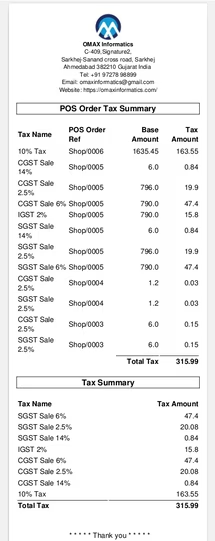
POS Tax Summary Receipt
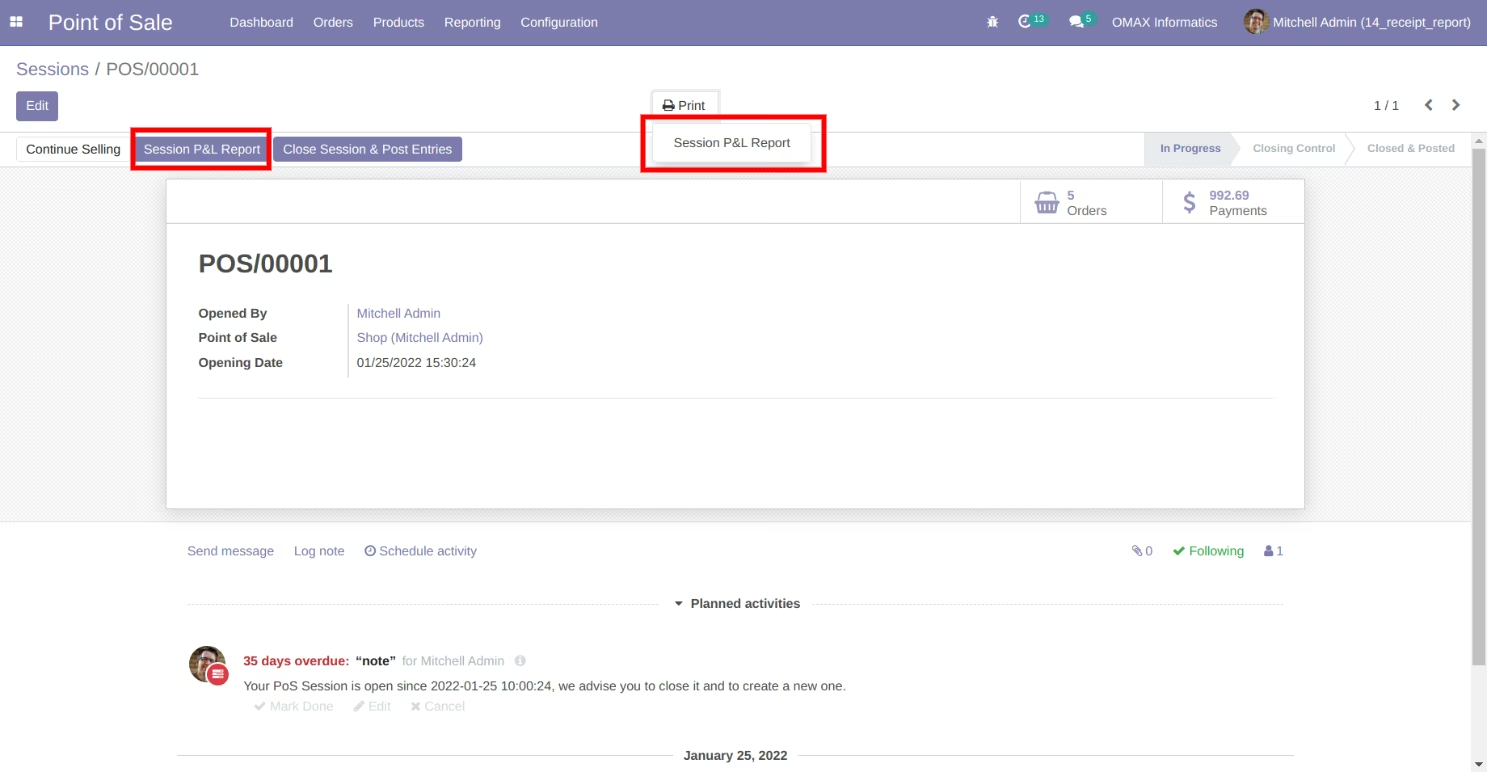
POS Session Profit & Loss Report(POS Margin Report)
POS Session Summary Report