This all-in-one image import module provides a professional, streamlined solution for uploading images in bulk using a ZIP file. Designed to simplify workflow across product catalogs, employee profiles, sales documentation, and invoices, it enables fast and accurate visual data updates. With intuitive operation and broad coverage, this module ensures efficient management of images across multiple business functions.
Key Features
Bulk import of product images via ZIP file based on naming conventions
Supports employee image imports in one consolidated tool
Enables updating of sales and invoice images from a single ZIP package
Unified and intuitive import wizard for visual data management
Automatically associates images using filenames matching internal identifiers
Streamlines image management across core operational areas
Benefits
Saves time by importing images in bulk across products, employees, sales, and invoices
Enhances accuracy through automated image-to-record matching
Reduces manual workload and potential errors in visual data updates
Improves consistency in image management across key business modules
Offers a professional and efficient approach to maintaining visual content
Import Images From Zip File
This module will help you to import the bulk of images from a zip file. If you have many images and you want to update that all on one shot so our module will help you to archive that very easily. you just need to manage all image files in one zip and need to select that zip and import it, it will auto-update all images. this module will be useful to update image for the product, customer/vendor/contact and employes. you can import images by name, reference, barcode and IDS depends on partner, product and employee.
Features
- For product images, If you have a number of images and you want all images to import into Odoo then just rename image same as Product name/barcode/internal reference/id and put it into one folder then make a zip file and import.
- For partner(customer/vendor) images, If you have a number of images and you want all images to import into Odoo then just rename image same as partner name/id/internal reference and put it into one folder then make a zip file and import.
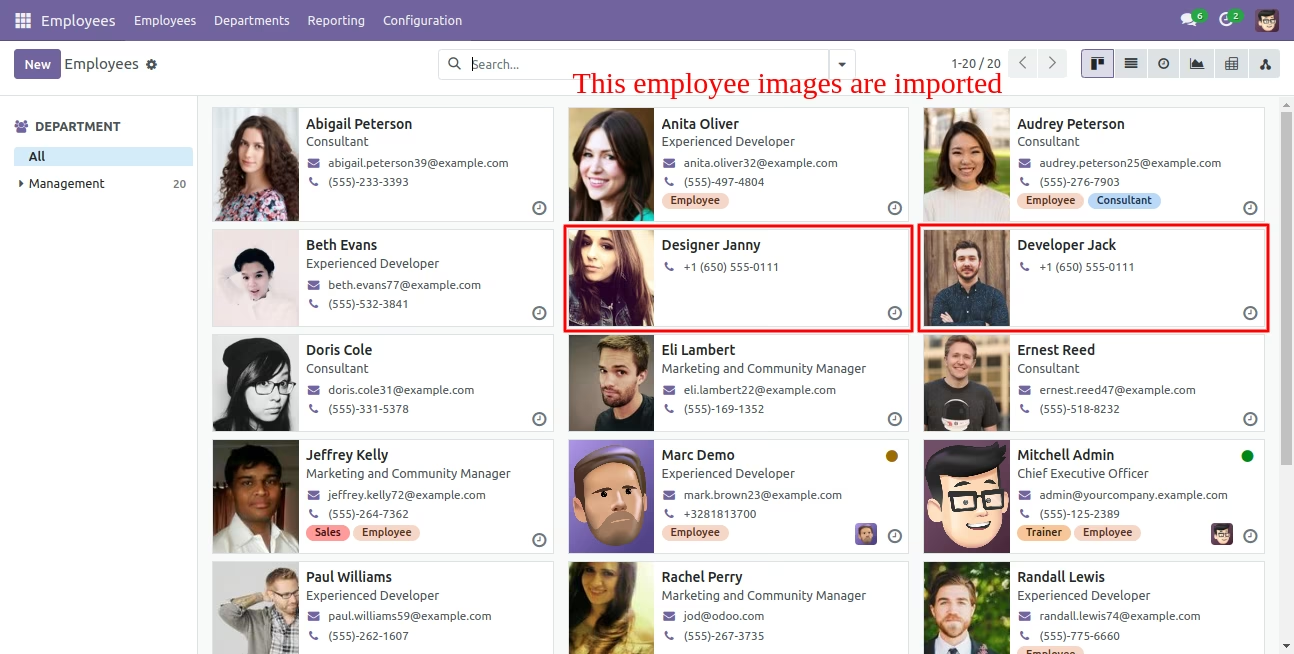
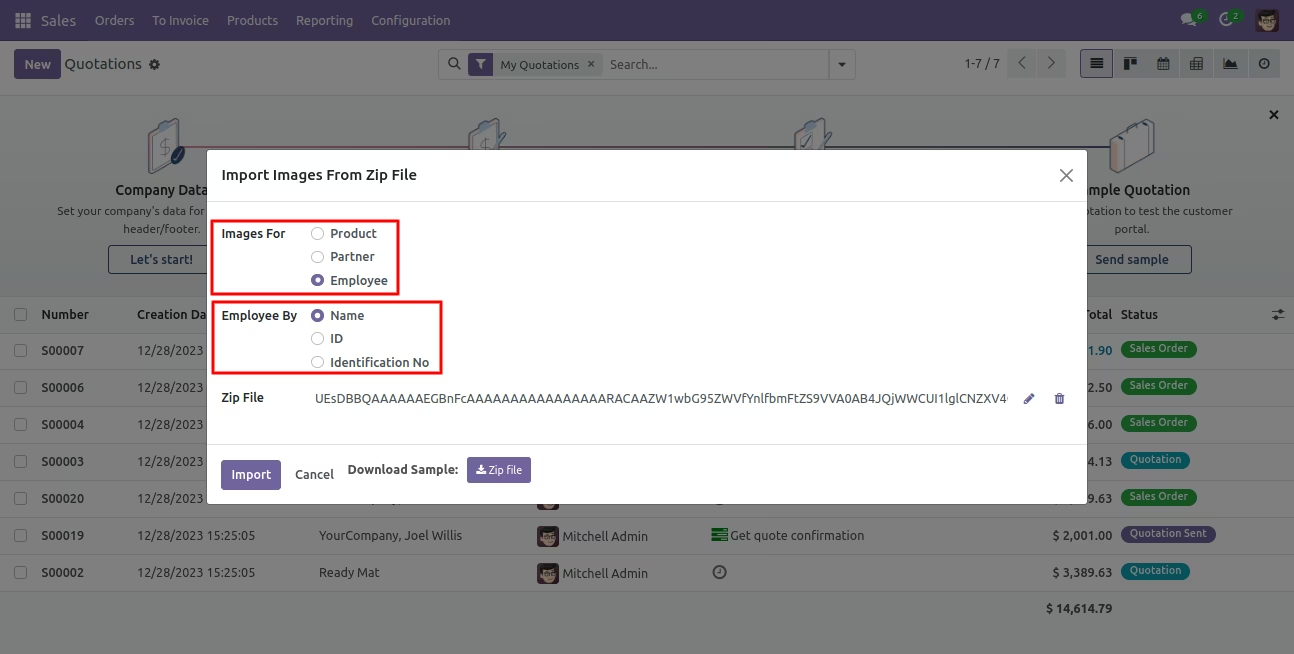
- For employee images, If you have a number of images and you want all images to import into Odoo then just rename image same as employee name/id/Identification No. and put it into one folder then make a zip file and import.
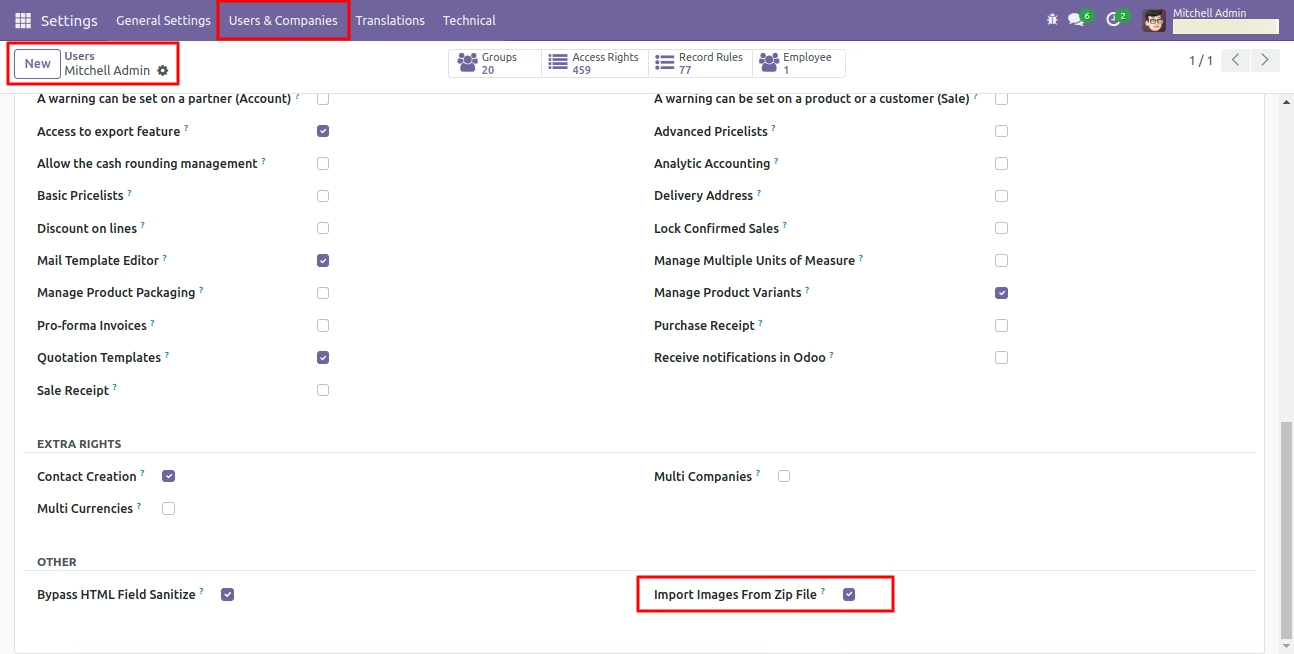
First, Tick 'Import Images From Zip File' group.
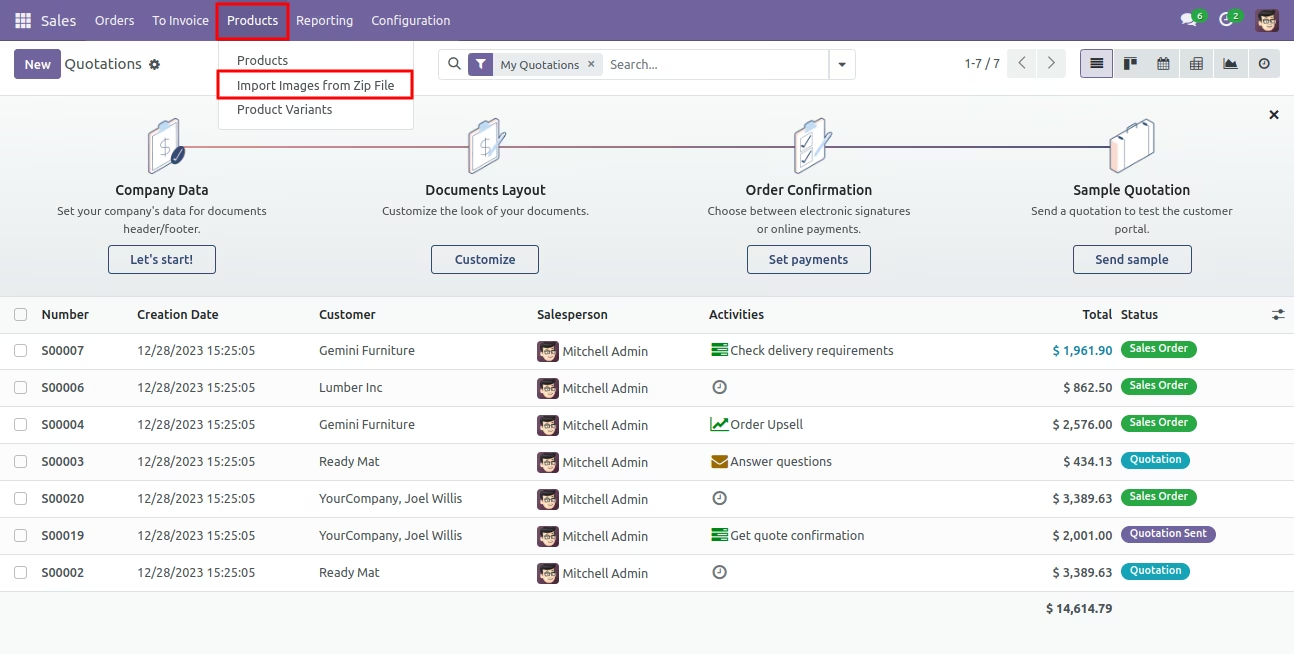
Import images from zip file menu in sale.
Success message after import done.
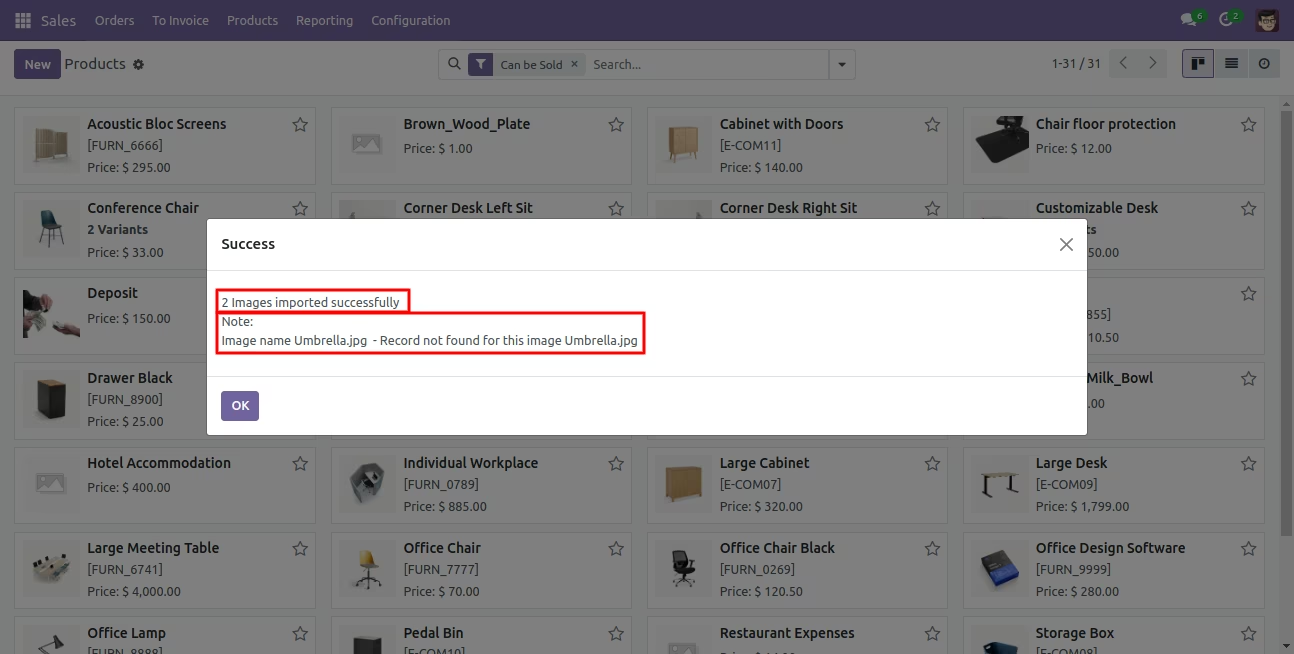
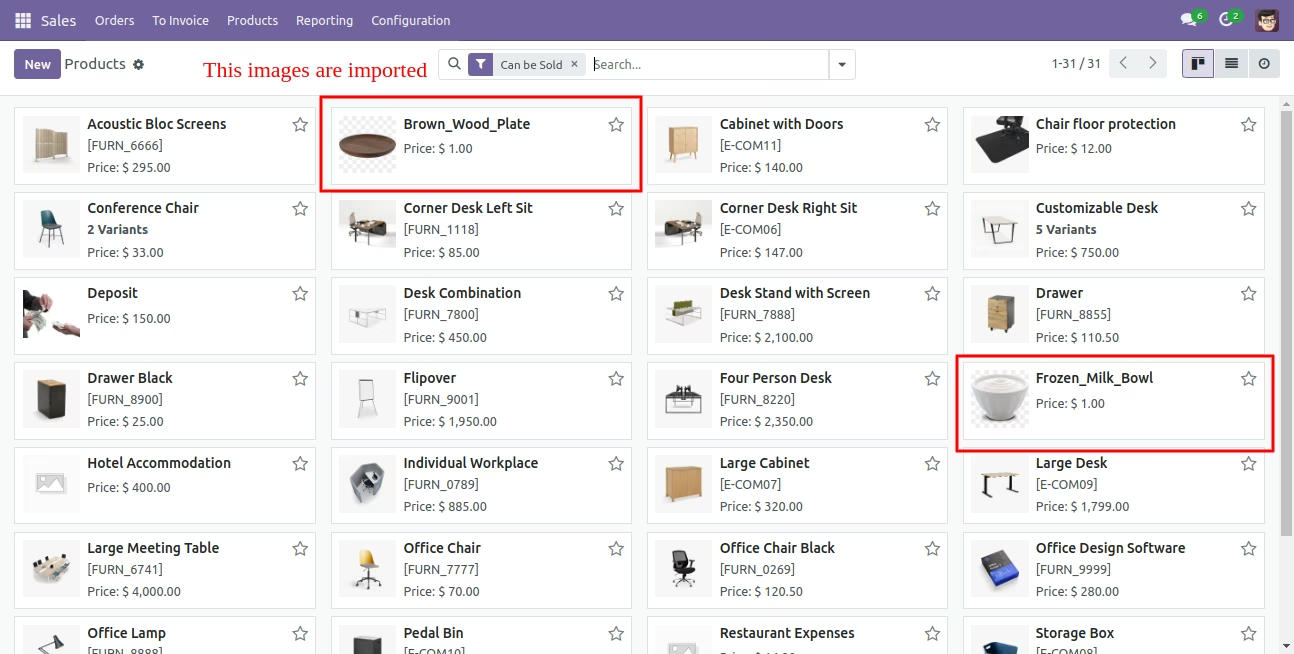
Below product images are imported.
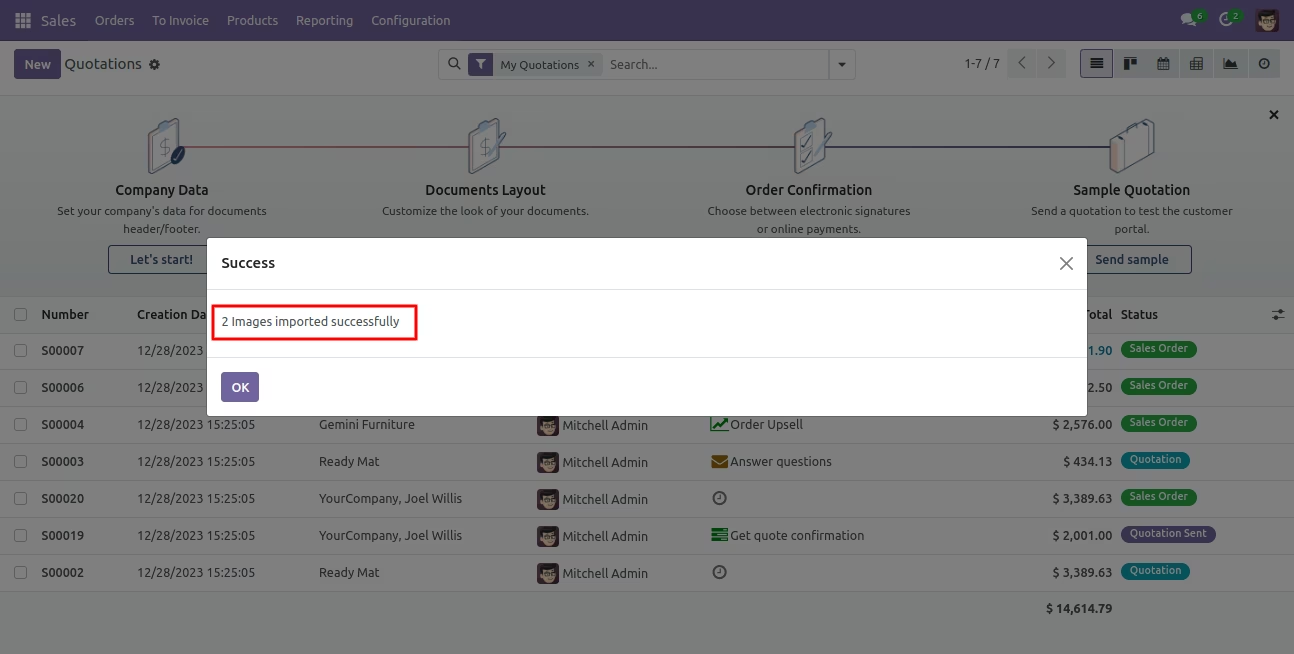
Success message after import done.
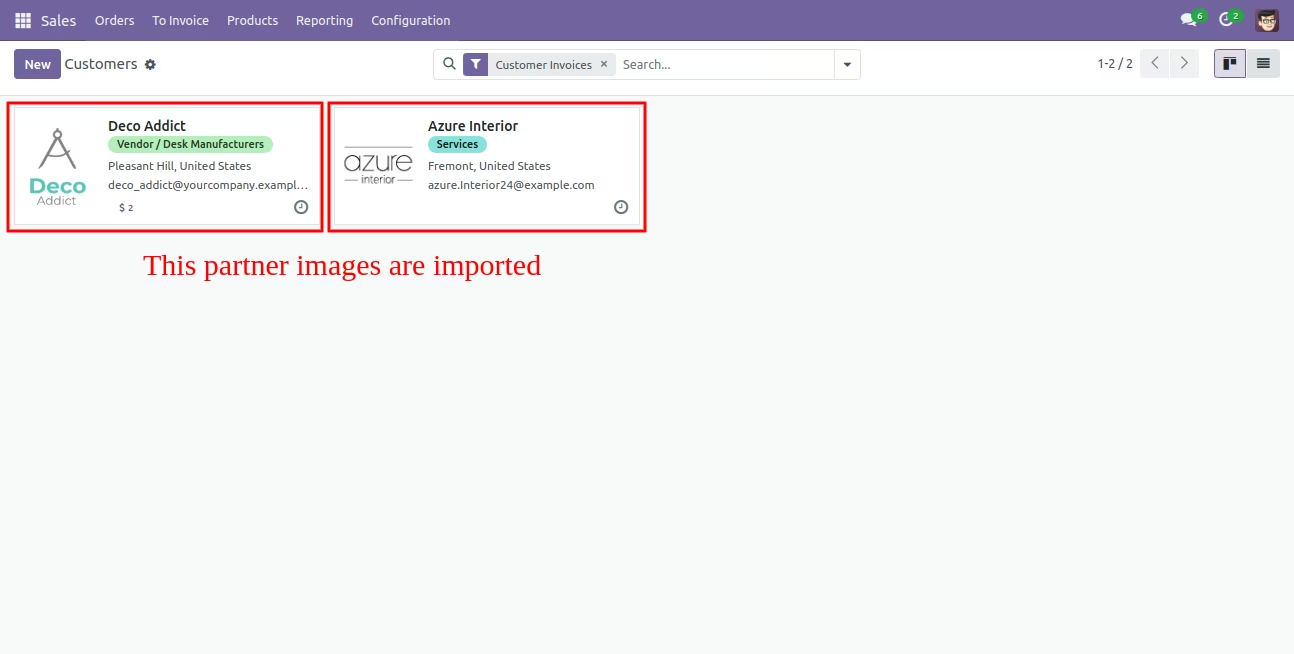
Below partner images are imported.
Import employee images from zip file options.
Below employee images are imported.