This all-in-one interface control module offers a reliable and efficient solution to manage visibility settings across the user interface. Administrators can hide menus, submenus, buttons, actions, fields, and reports on a per-user or group basis. This powerful module ensures a cleaner, more focused interface and robust access control, making it ideal for businesses seeking customized and secure user experiences.
Key Features
Hide any menu or submenu for specific users or user groups
Suppress or show buttons such as Create, Edit, Duplicate, Delete, Import, Export, Print, and other action buttons
Control visibility of reports based on user or group settings
Set fields to read-only or invisible tailored to administrative needs
Apply interface configurations through intuitive user or group settings interface
Enable fine-grained customization of UI to suit different roles
Benefits
Enhances user experience by decluttering the interface and focusing on necessary elements
Strengthens security through controlled access to sensitive features and data
Reduces user confusion by showing only relevant menus and buttons
Improves workflow efficiency by customizing UI per role or department needs
Simplifies administrative management of interface visibility across the system
All in one Hide Menu, Buttons, Actions, Submenu, Fields, Reports Apps
All in one Hide Buttons - Show Button
All in one Hide Actions - Show Actions
All in one Hide - Hide Anything on
Hide Menu, Submenu, Report, Field Easily in
Hide Menu, Report, Field for Any User or Group
Hide Create, Duplicate, Import, Export, and Action Options
All in one Hide Menu, Buttons, Actions, Fields, Reports App helps users to hide any menu, sub menu and report from any user from both user configurations and group configurations. Users also can change fields attributes like make fields invisible or read only. Users can hide/show buttons from the user configuration. Users can hide/show import button, export action button, export all button, delete action button, duplicate action button, print button and action button using extra user group access rights. You can just activate those hide access for a specific user and that selected button/action option will be hidden for that specific user.

Hide any Menu from User or Group Configuration
User can hide any menu from any user or group.

Hide any Submenu from User or Group Configuration
User can hide any submenu from any user or group.

Hide any Report from User or Group Configuration
User can hide any report from any user or group.

Make Invisible or Set Readonly any fields.
User can make any field readonly or invisible.

Hide Delete Button
User can hide/invisible delete button from the tickbox.

Hide Duplicate Button
User can hide/invisible duplicate button from the tickbox.

Hide Print Button
User can hide/invisible print button from the tickbox.

Hide Action Button
User can hide/invisible action button from the tickbox.

Hide Import Button
User can hide/invisible import button from the tickbox.

Hide Export and Export All Button
User can hide/invisible export and export all button from the tickbox.
Hide/Invisible Menu
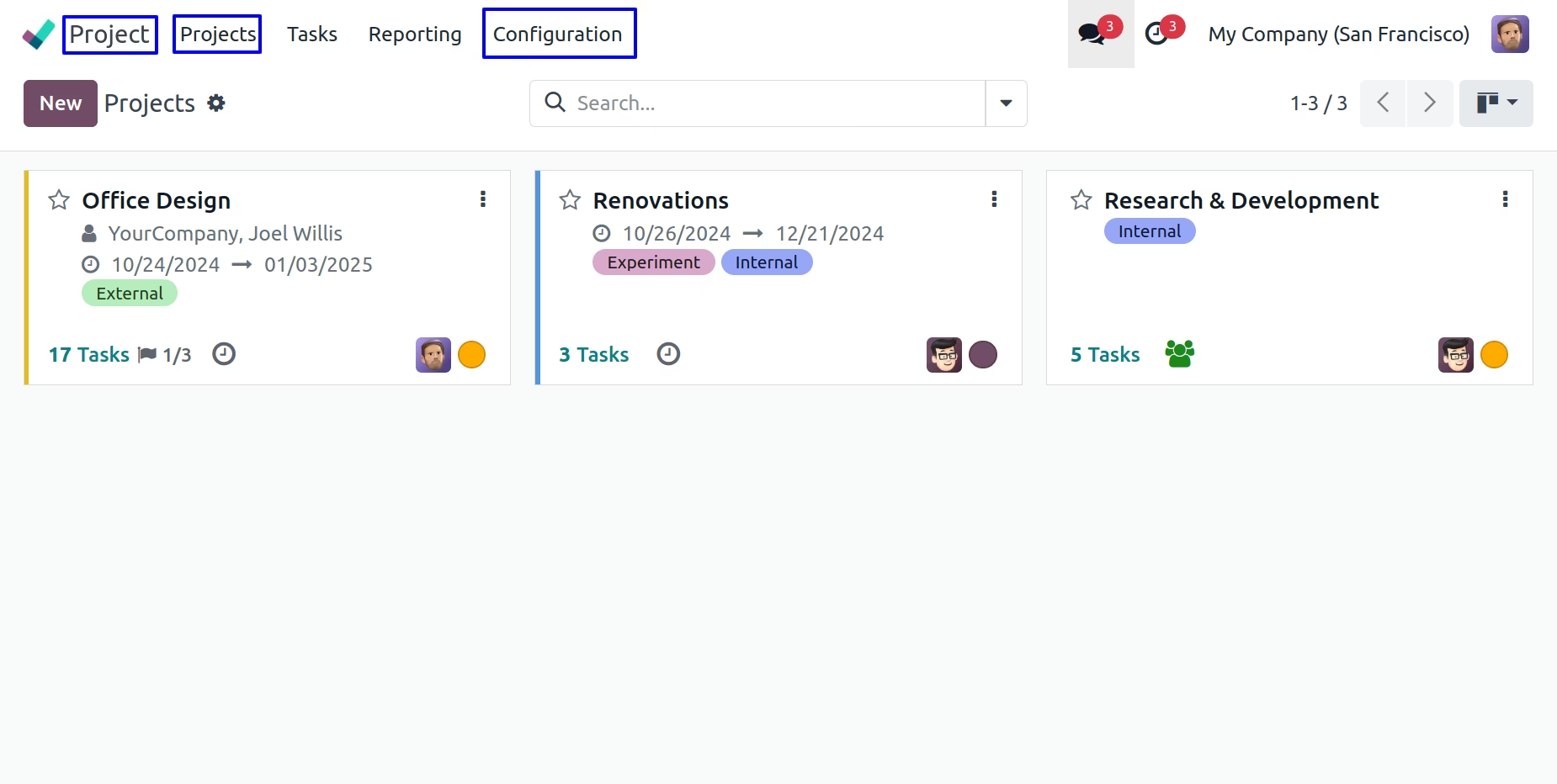
Hide Menu from User Configuration
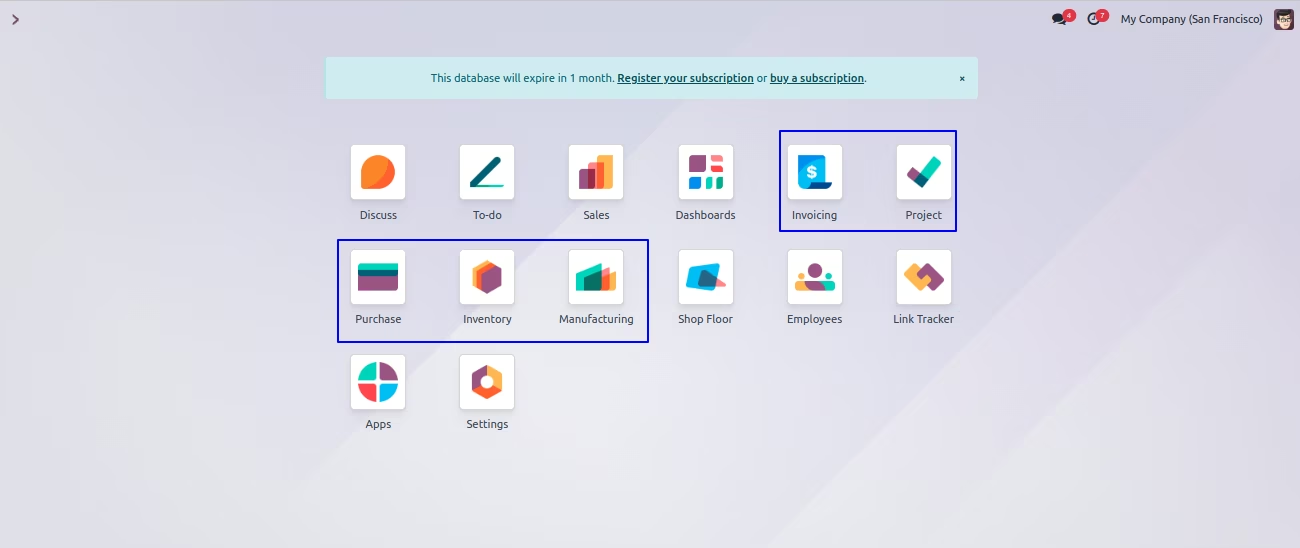
User can see visible menus.
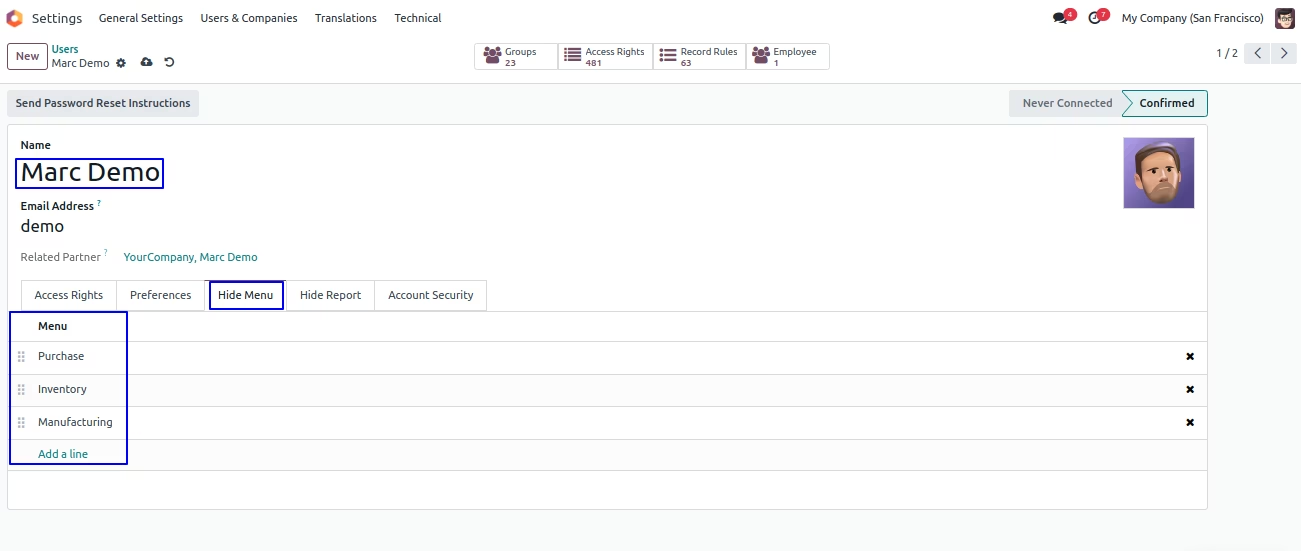
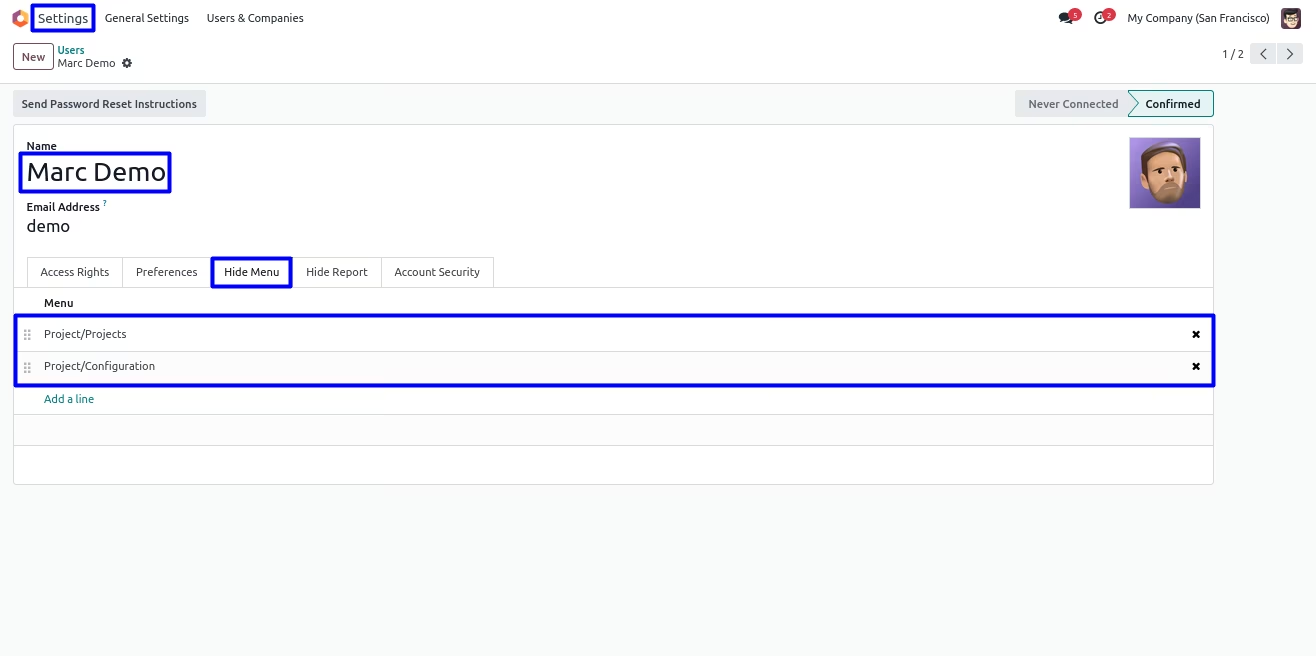
Under Settings > Users & Companies > Users menu user can "Hide Menu" tab, User have to add menu that he/she wants to hide for particular user.
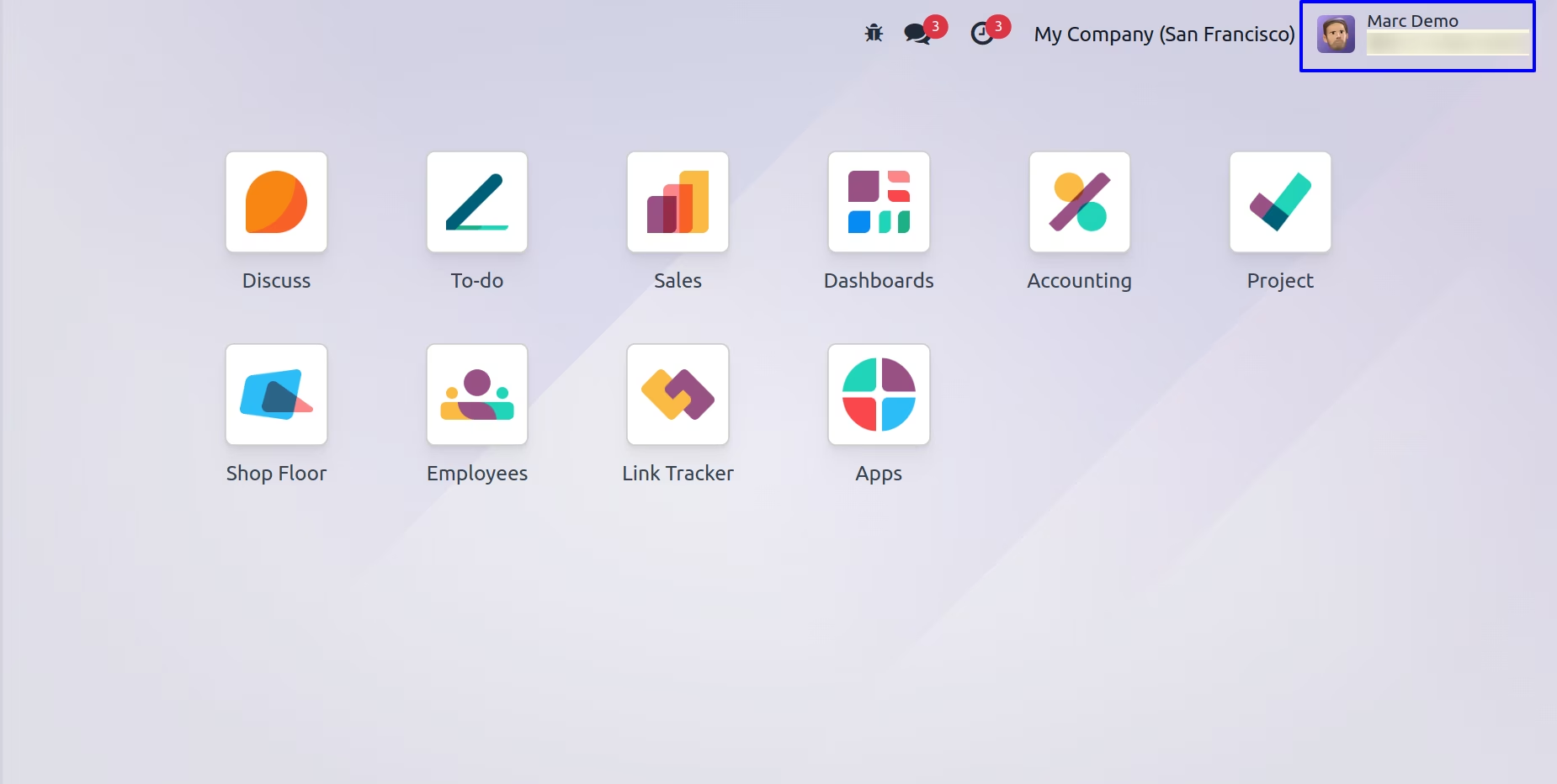
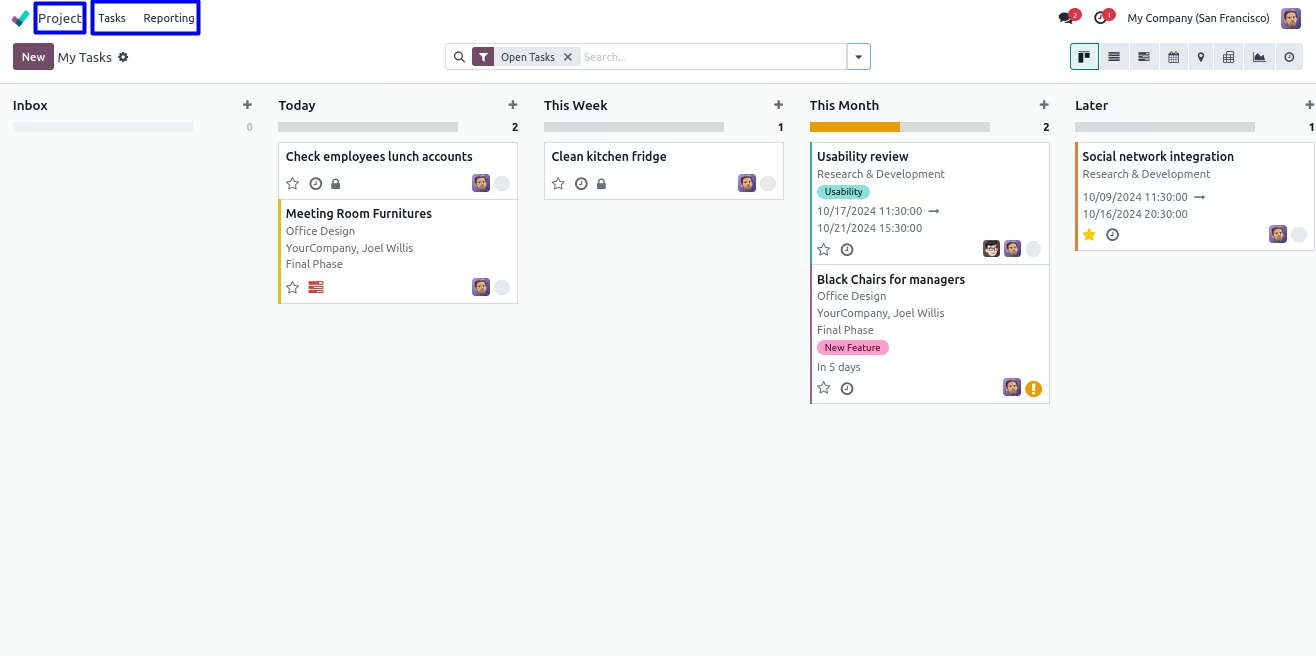
User can see here selected menus are hidden/invisible for user.
Hide Menu from Group Configuration
User have option to hide menu also from Settings > User & Companies > Groups menu.
On Groups form view user can see "Hide Menu" tab, here user have to select menu items that he/she wants to hide from specific groups, users belongs to this groups also can not see selected menus.
User can see selected menu on groups are hidden/invisible.
Hide/Invisible Submenu
User can hide submenu from both user or groups configuration.
User can see visible submenu for user.
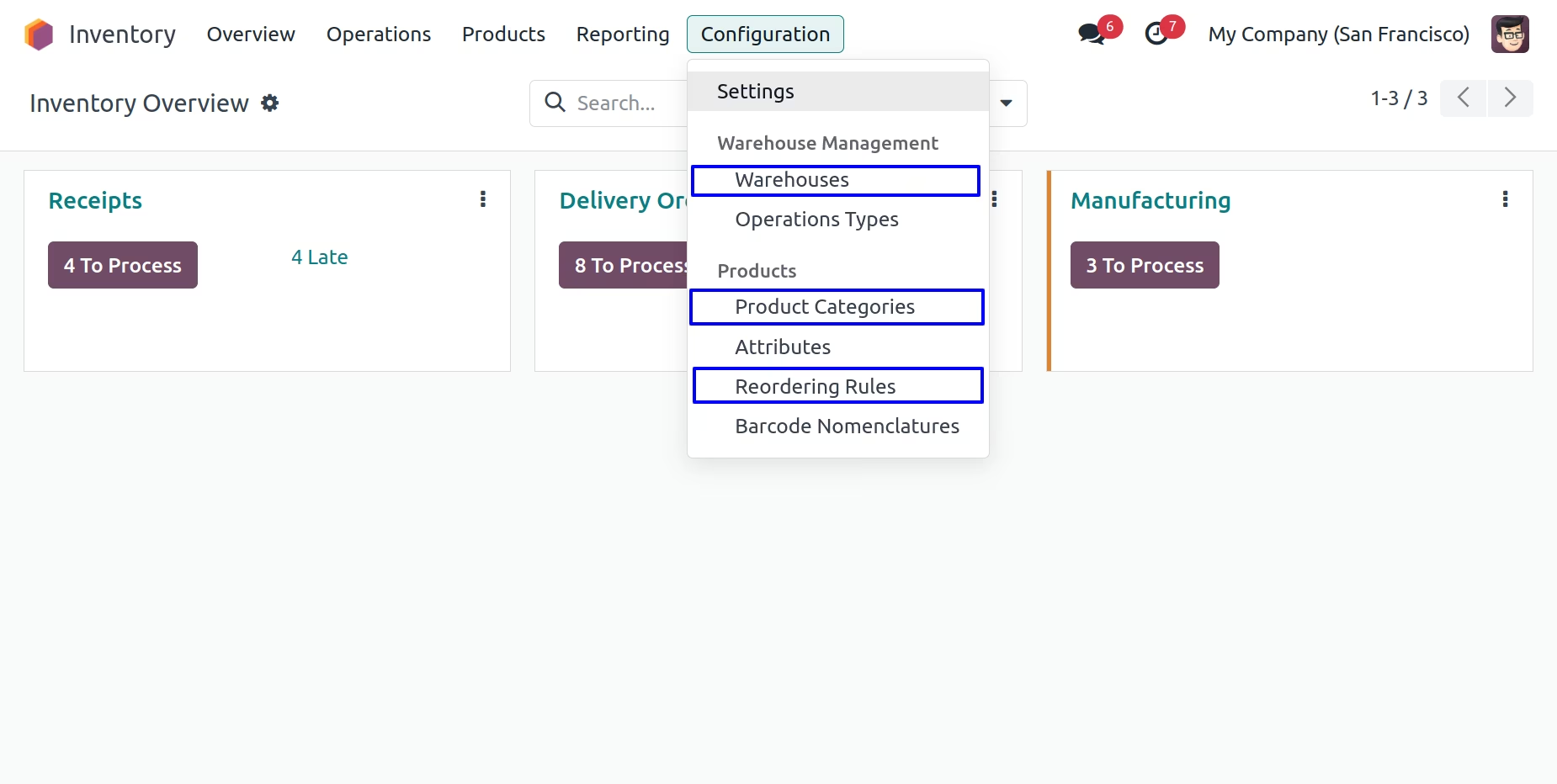
User have to add submenu that he/she wants to hide by adding "Hide Menu' tab.
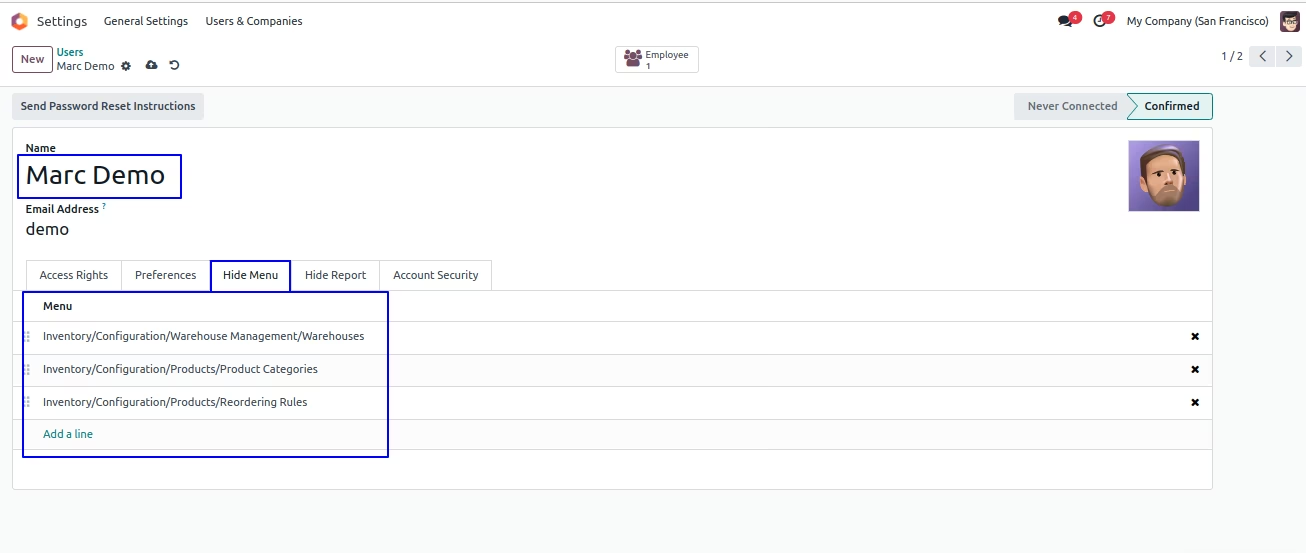
User can see selected submenus are hidden/invisible.
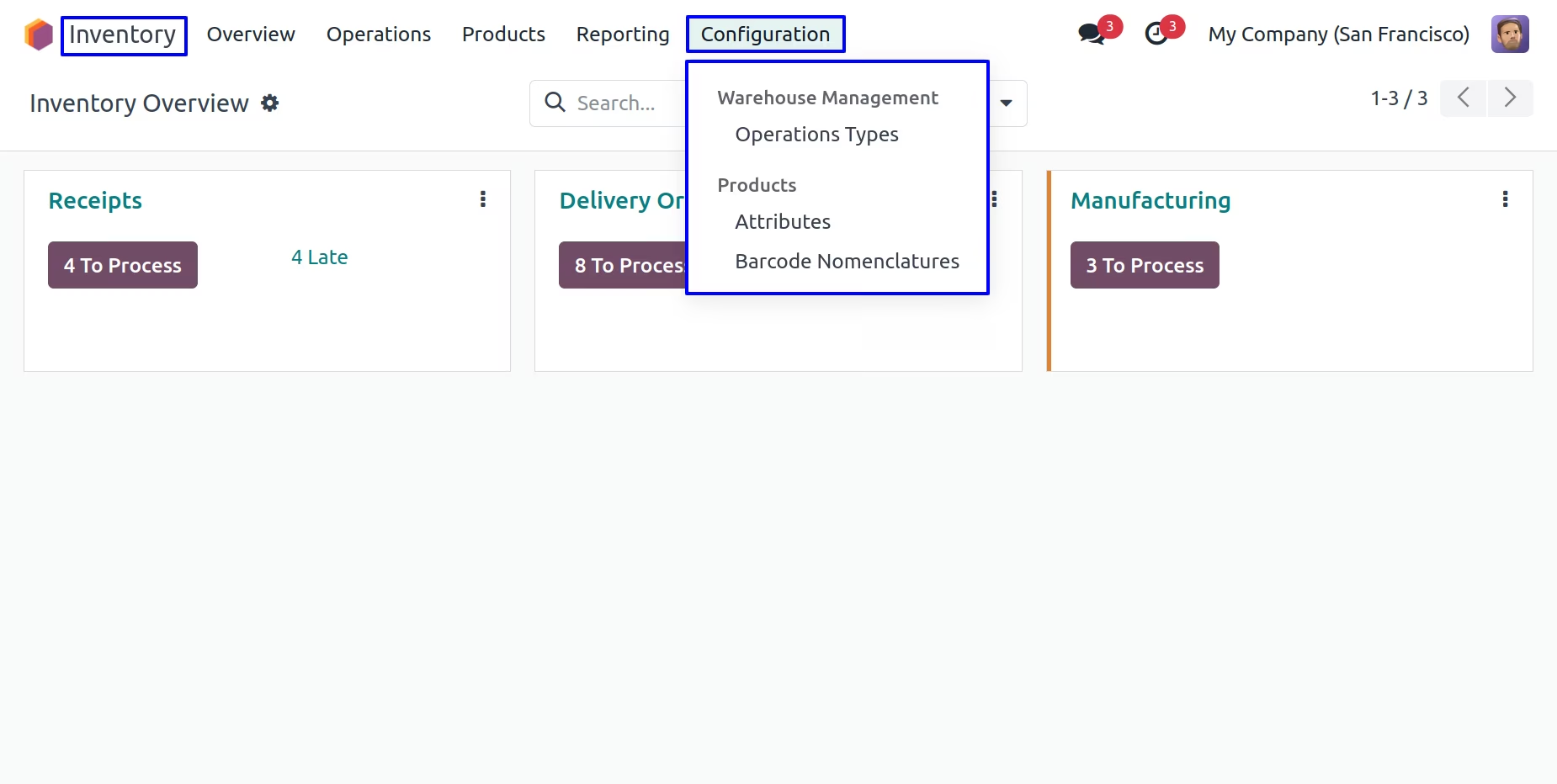
Hide/Invisible Report
Hide Report from User Configuration
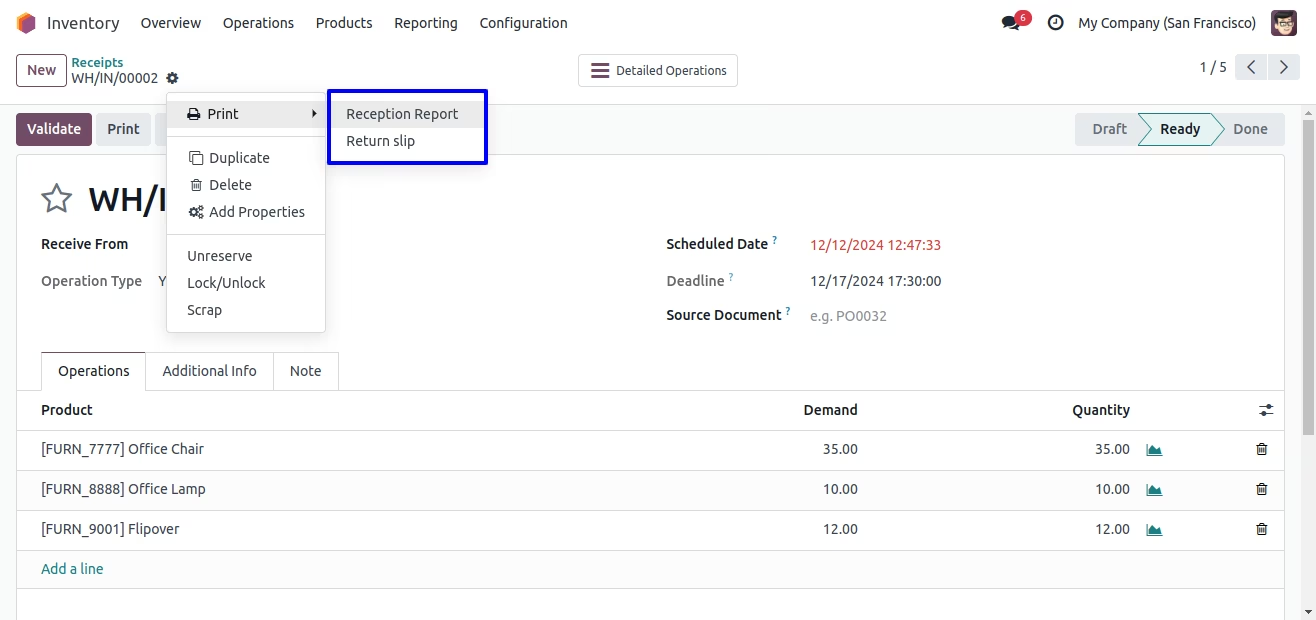
User can visible report menu for user.
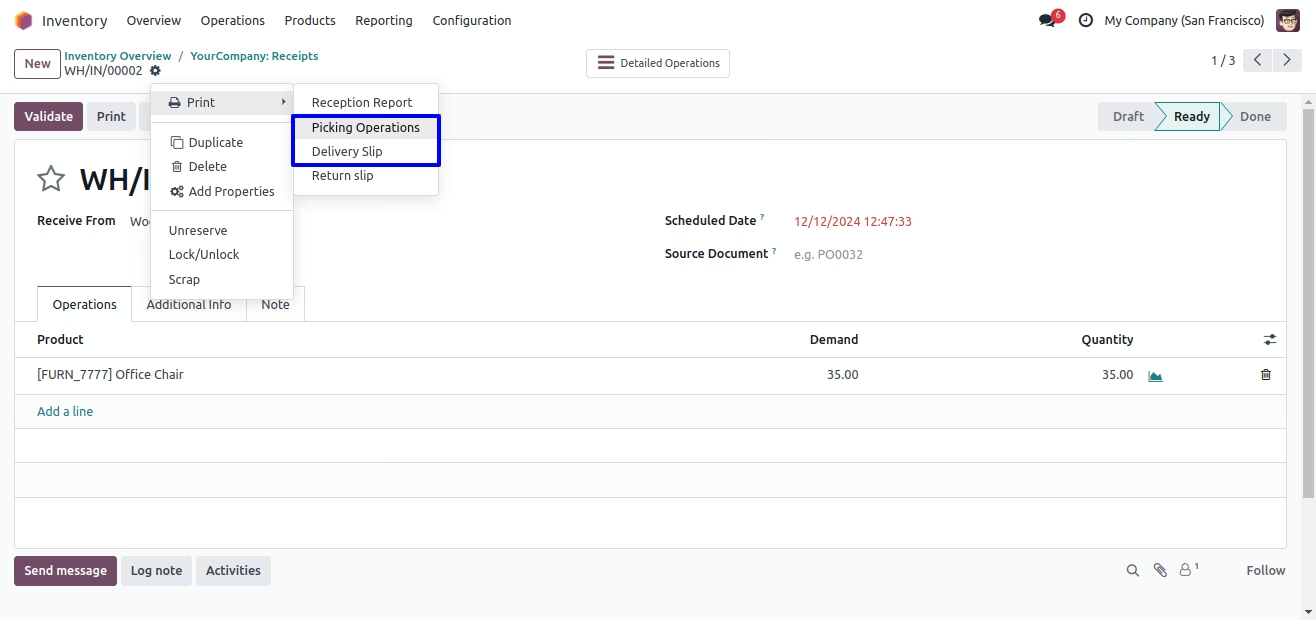
User can hide report menu from group configuration by adding to "Hide Report" tab.
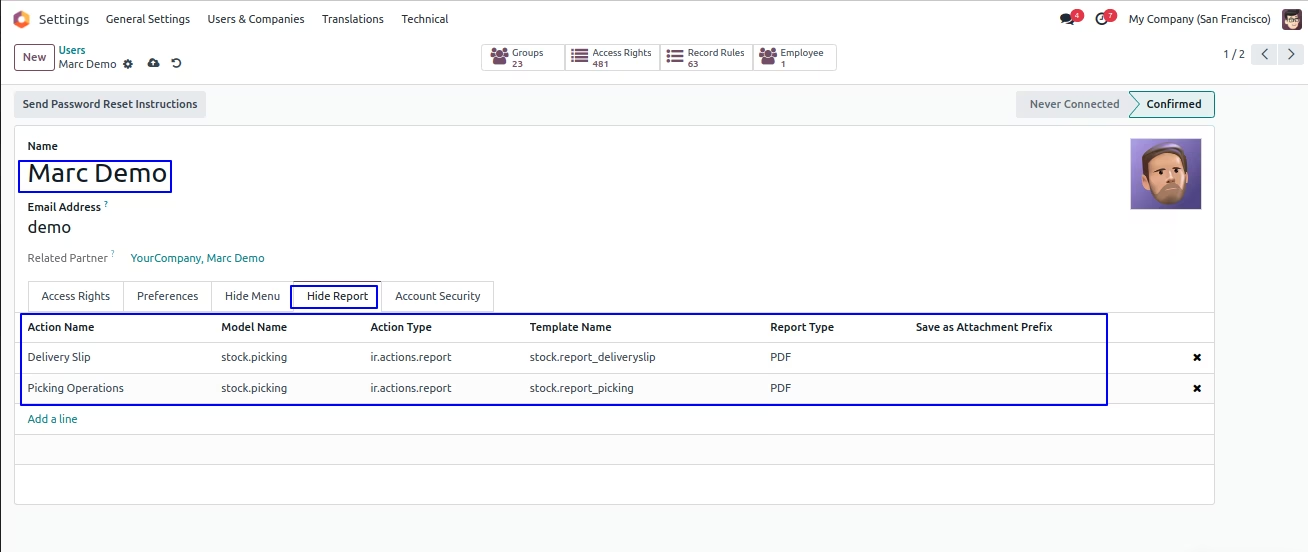
User can see selected menu is hidden
Hide Report from Group Configuration
User can visible report menu for user.
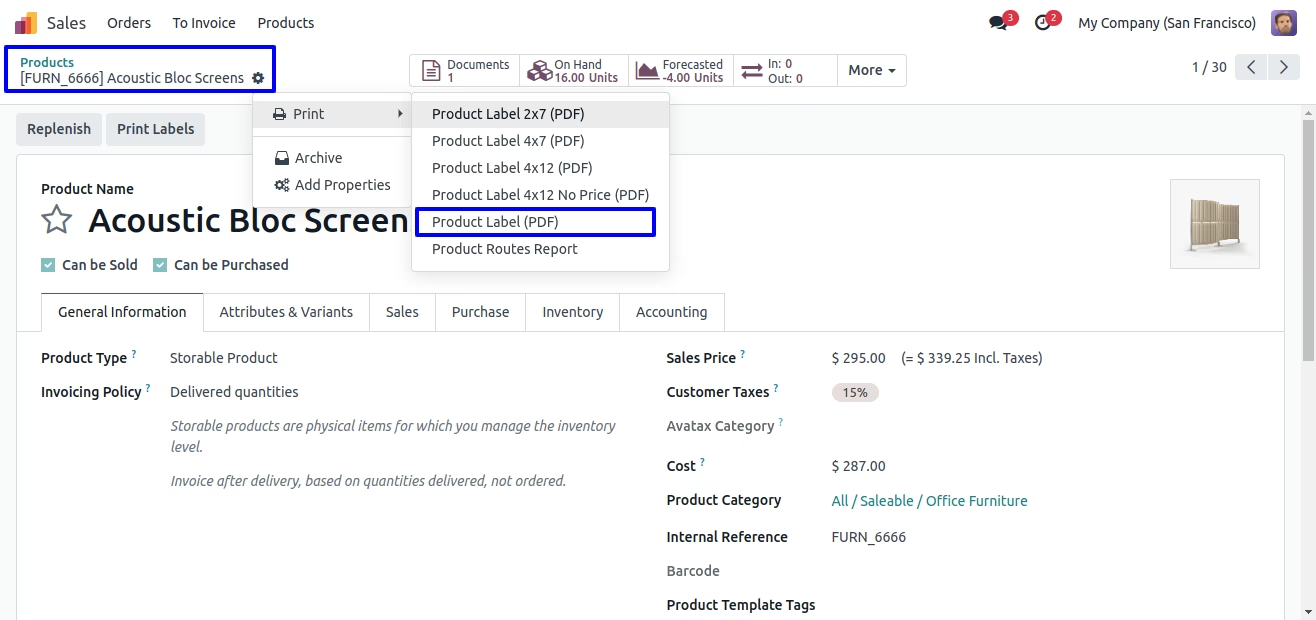
Settings > User & Companies > Groups menu user have to add report menu on "Hide Report" menu.
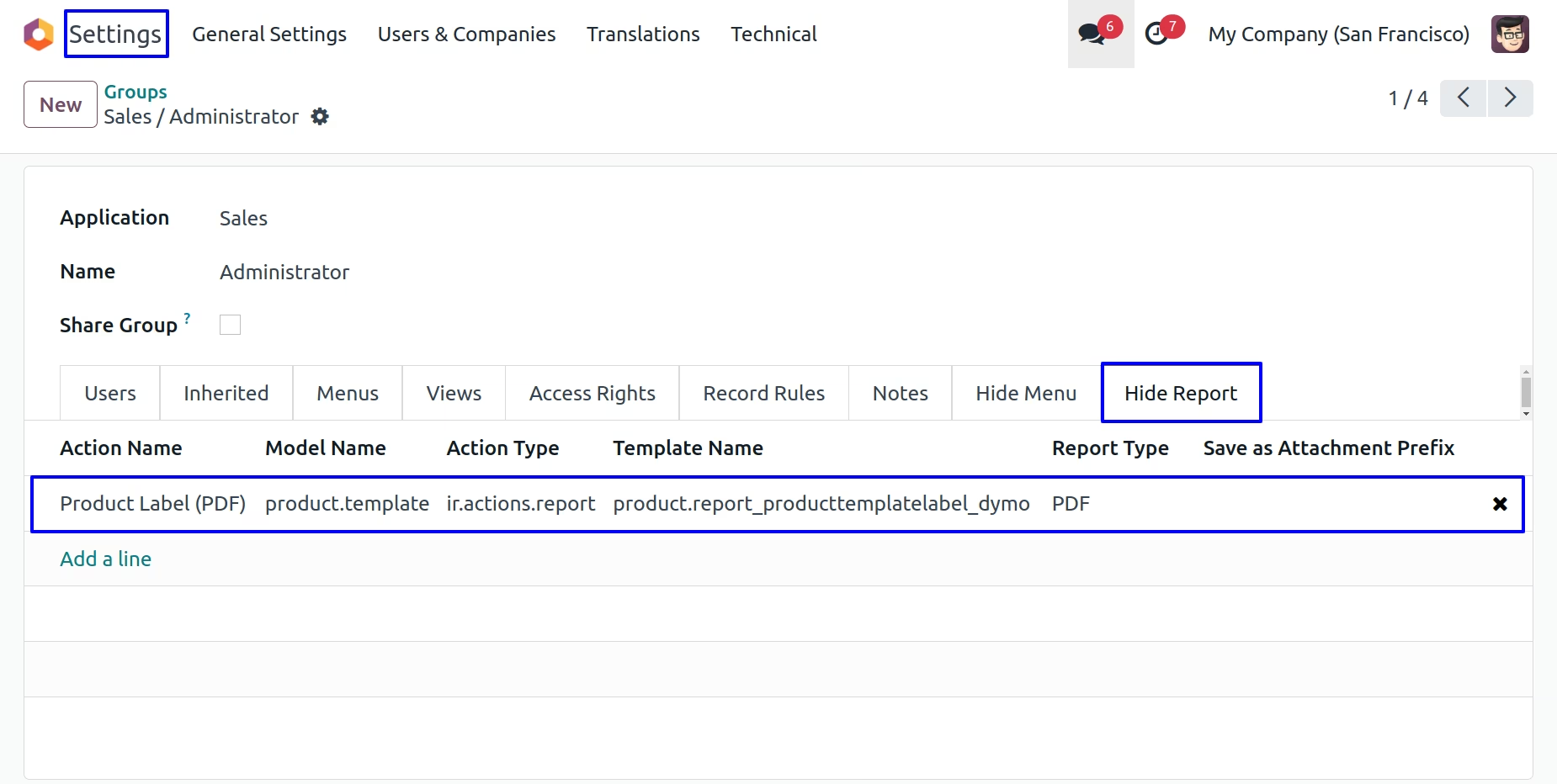
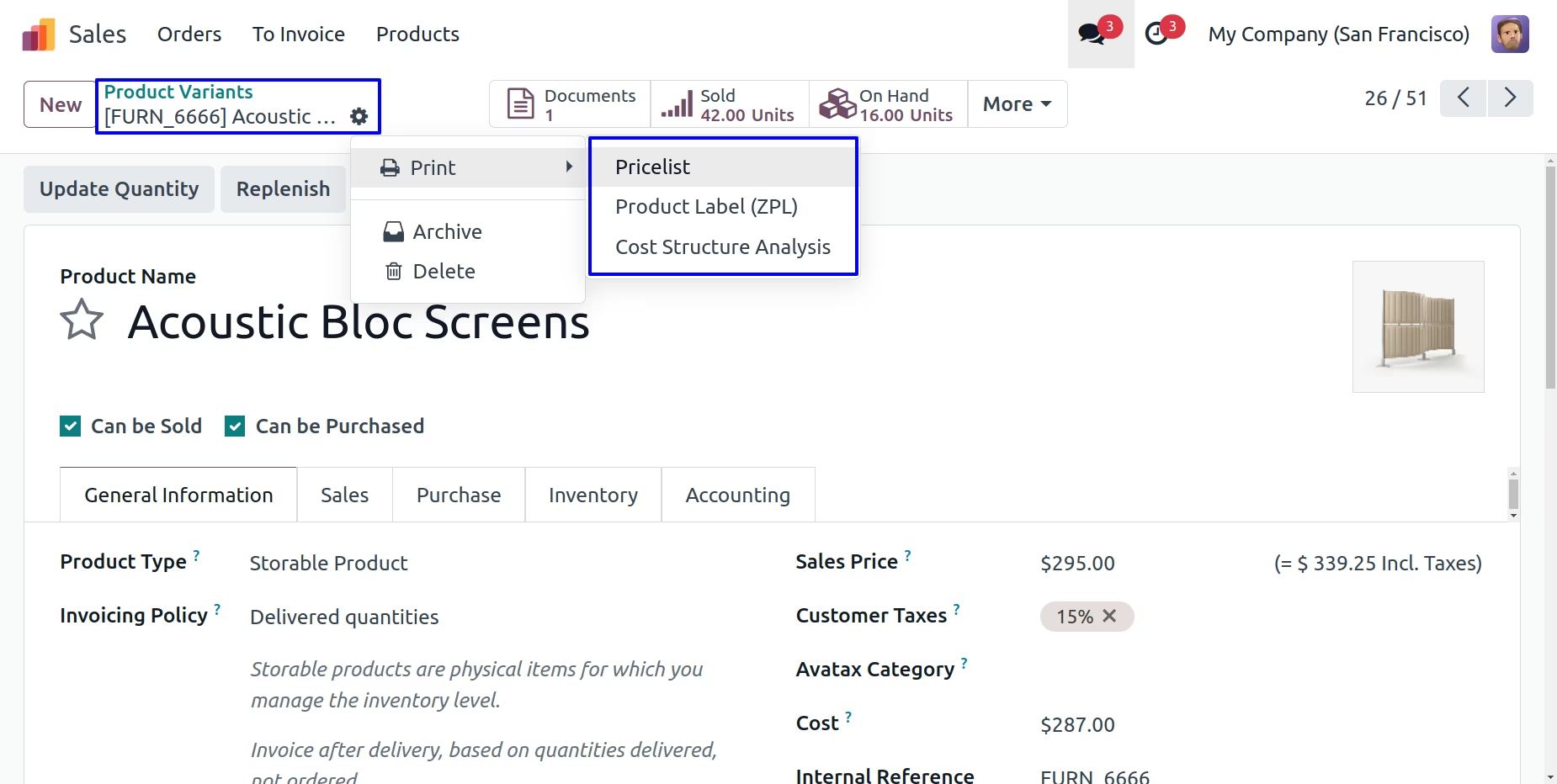
User can see selected report menu invisible/hidden for group and group users.
Set Readonly OR Invisible any Fields
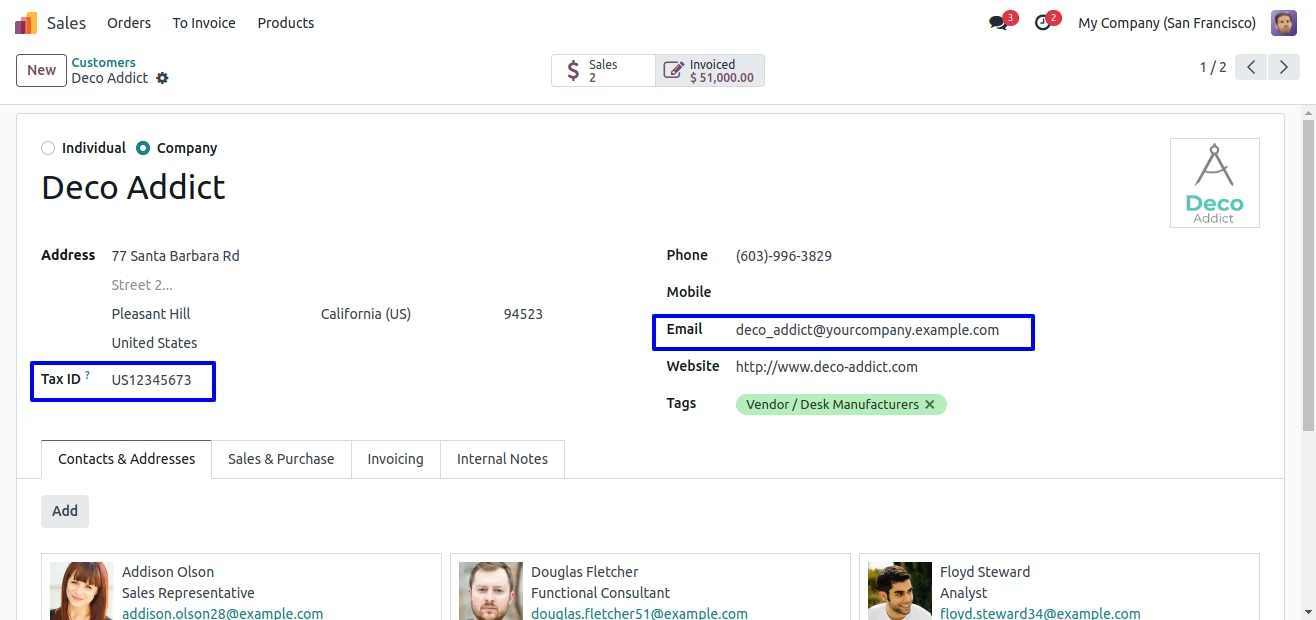
User can hide or make readonly number of fields, Here user can see marked "Tax ID" is visible fields and "Email" is editable field.
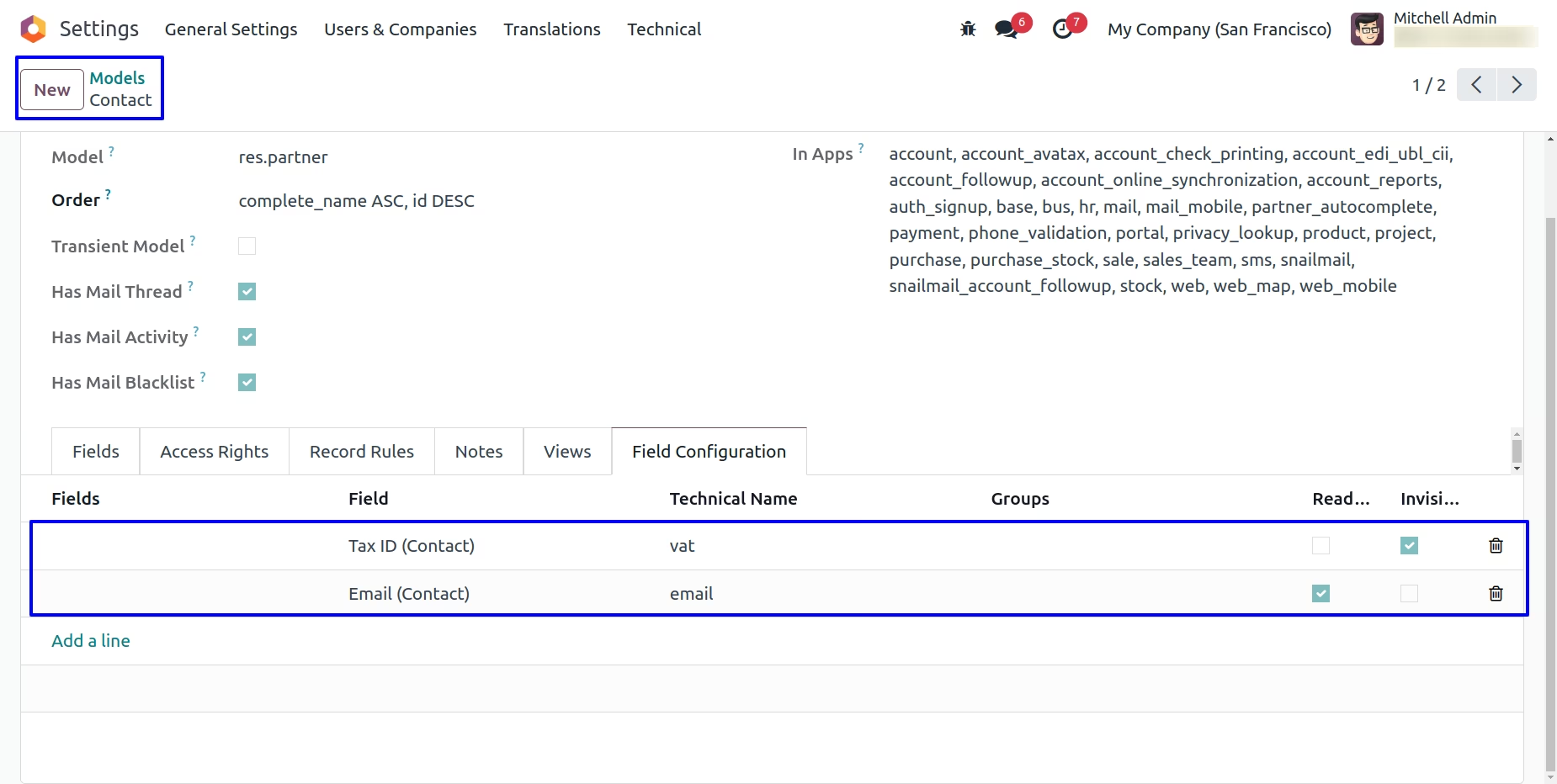
Under models form view user can see "Field Configuration" tab, here user have to add fields and enable "Readonly" and "Invisible" attribute, user also can select groups and this only applies to selected group and groups users.
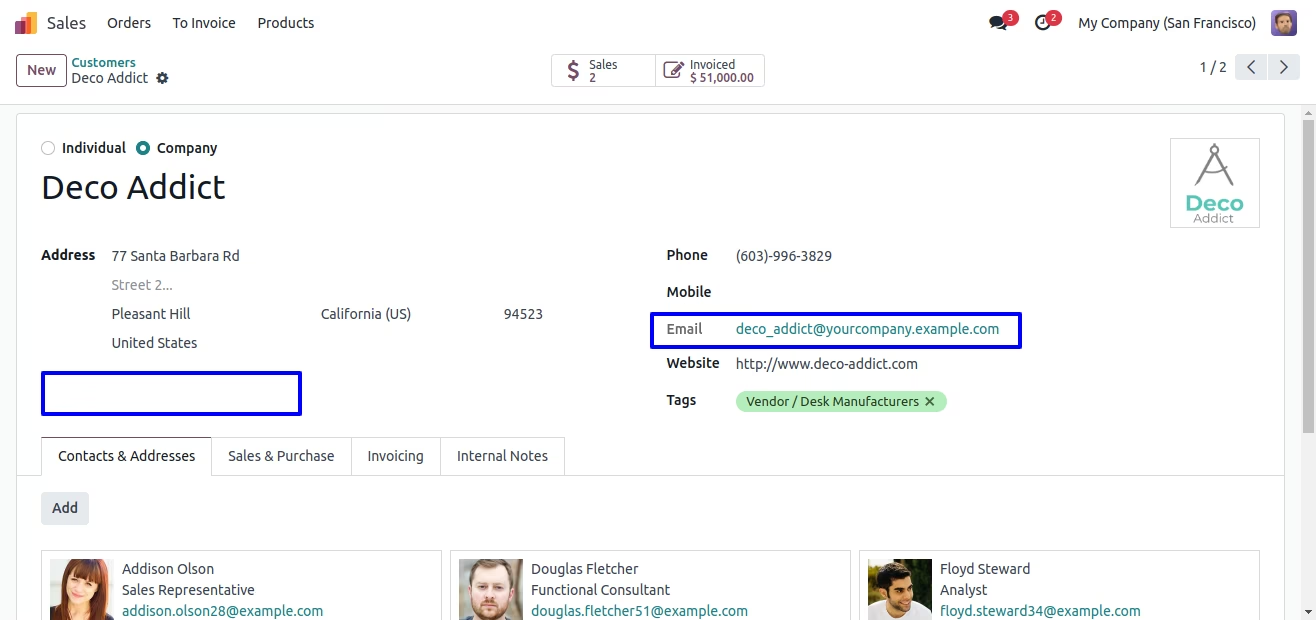
User can see "Tax ID" field is invisible and "Email" field is readonly.
Hide/Invisible Actions and Buttons
Hide Tickbox from User Configuration
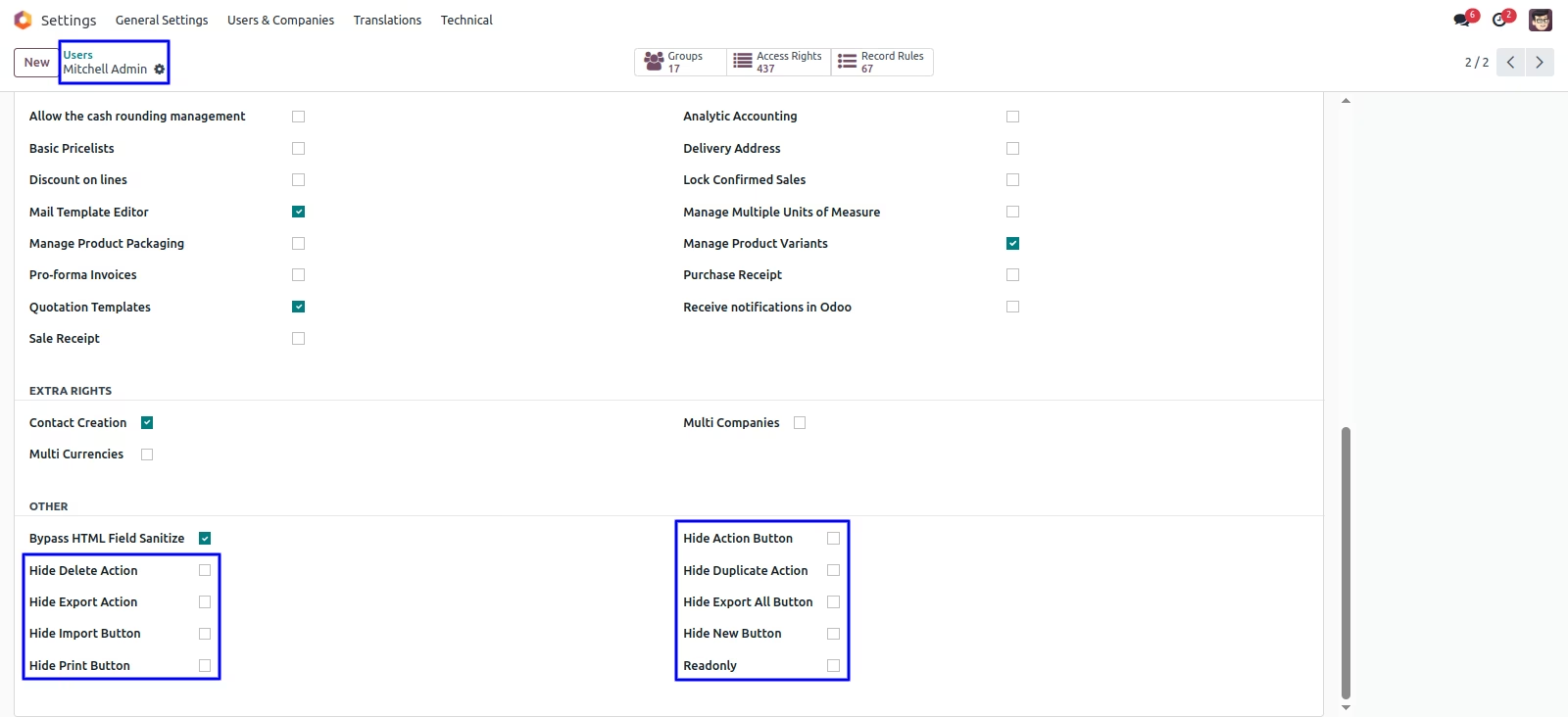
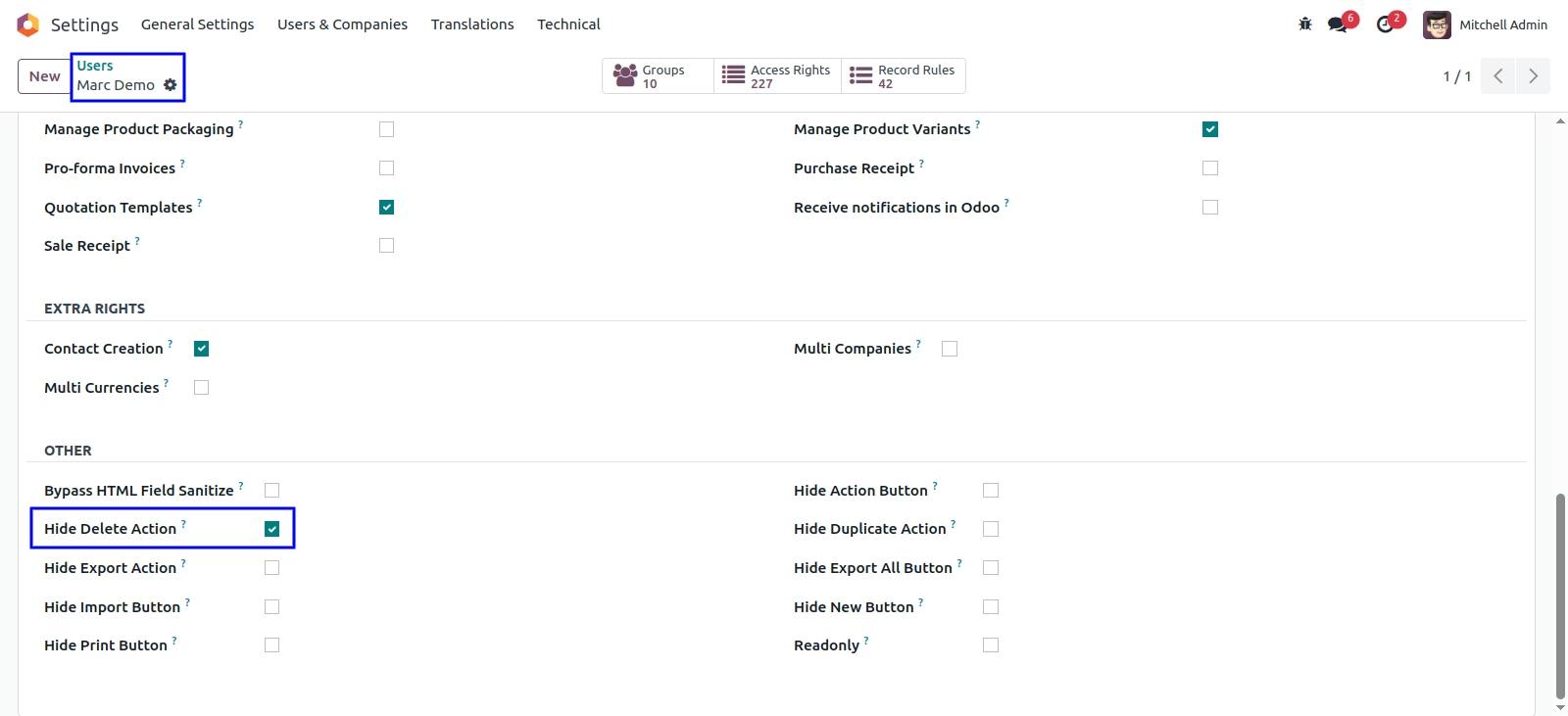
User can tick the tickbox to hide the all button and if you untick the tickbox then it show the all button.
User can see 'Delete' option in action.
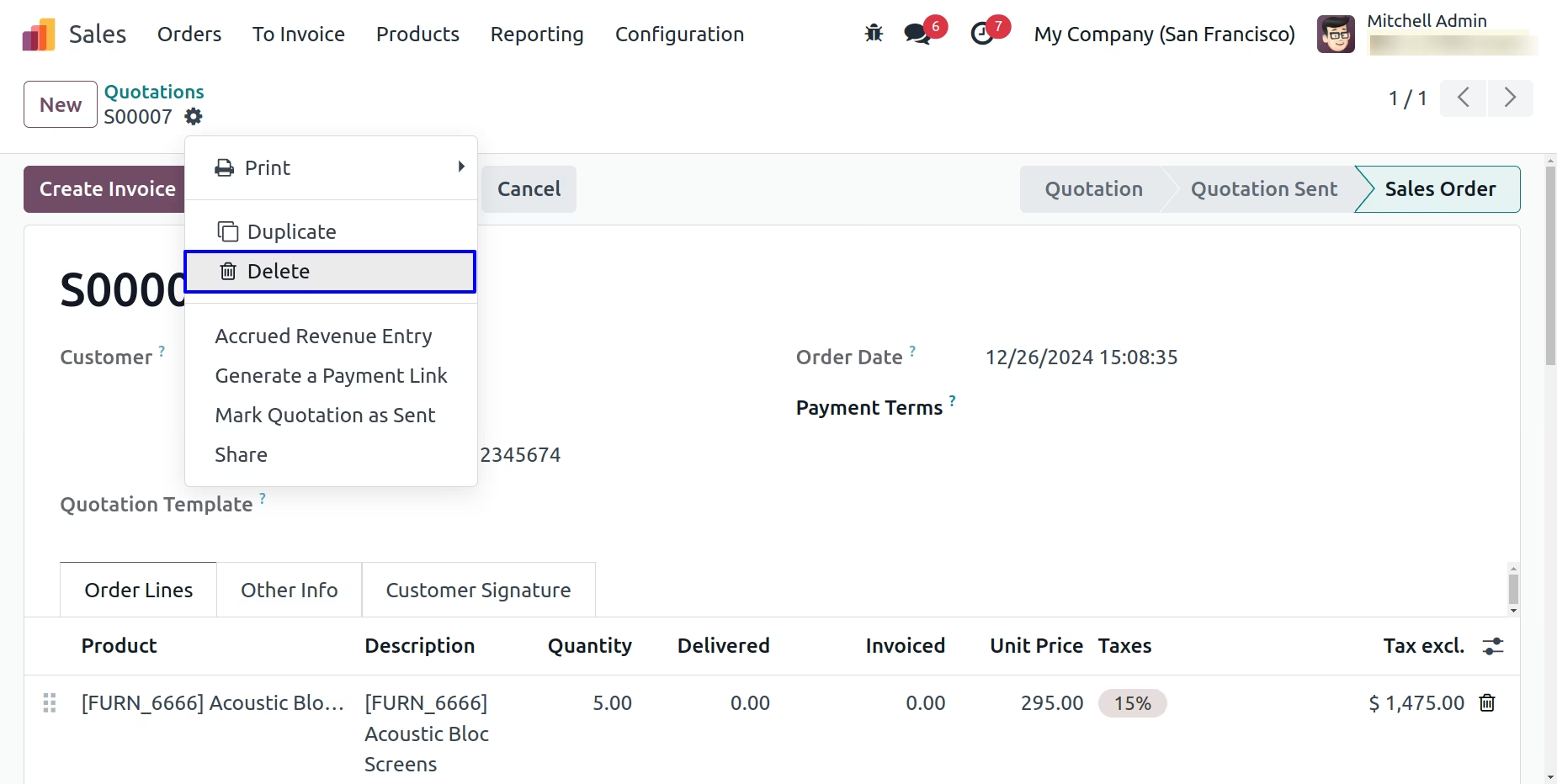
Tick on 'Hide Delete Action'
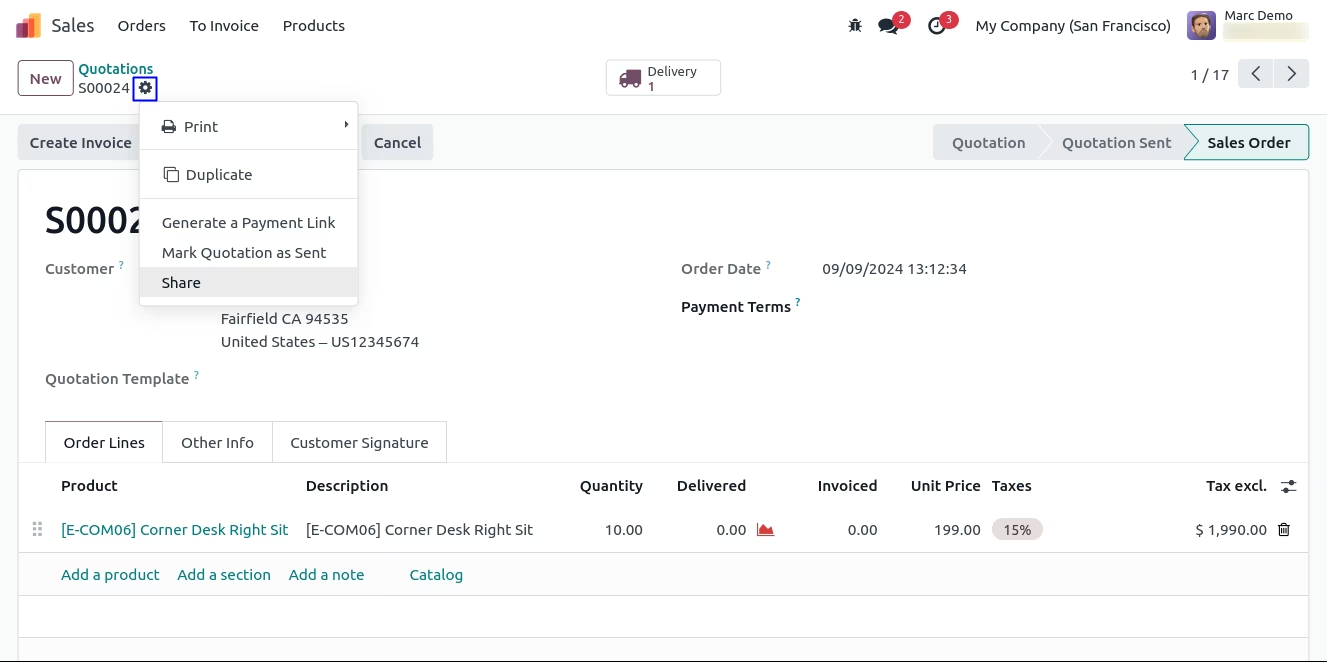
User can see 'Delete' option hides from the action.
User can see 'Export' option in action.
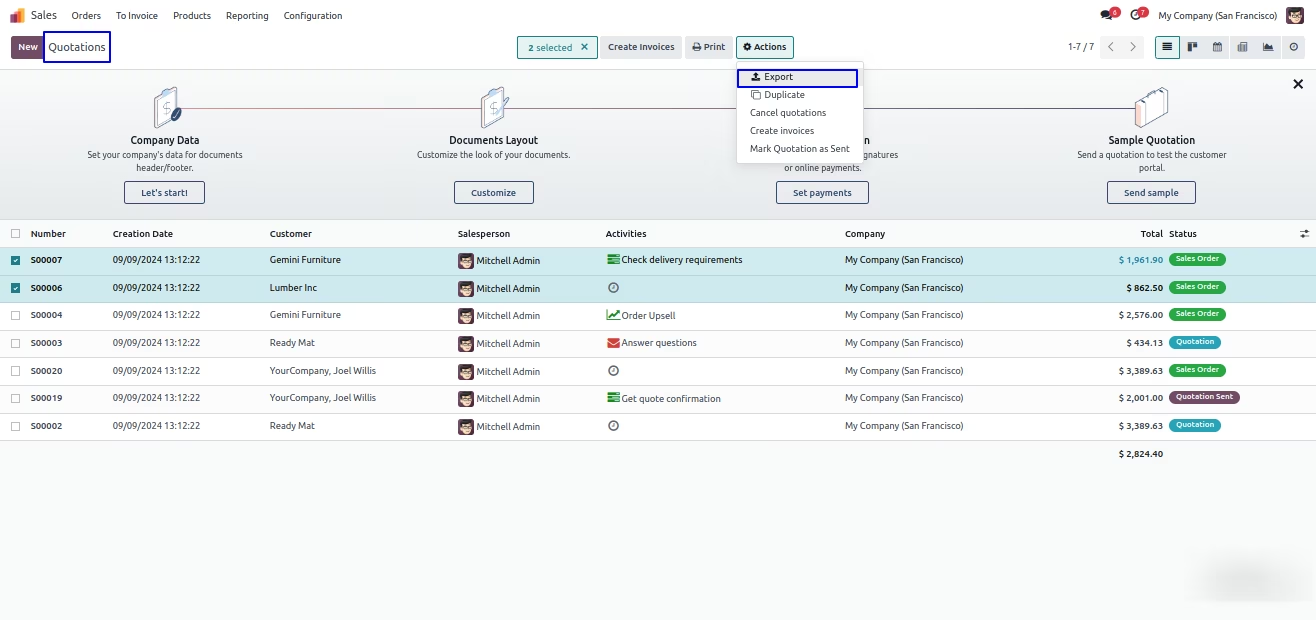
Tick on 'Hide Export Action'
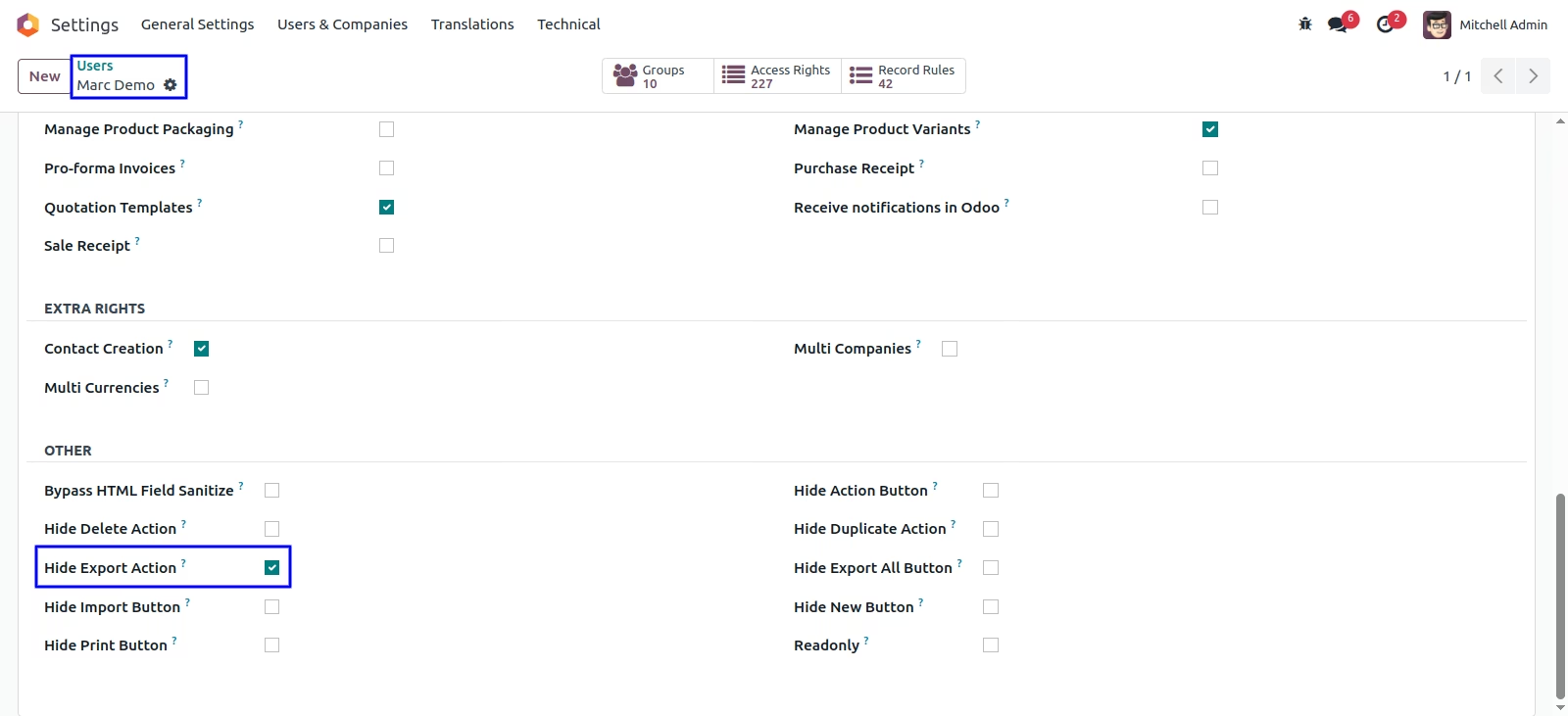
User can see 'Export' action is hides.
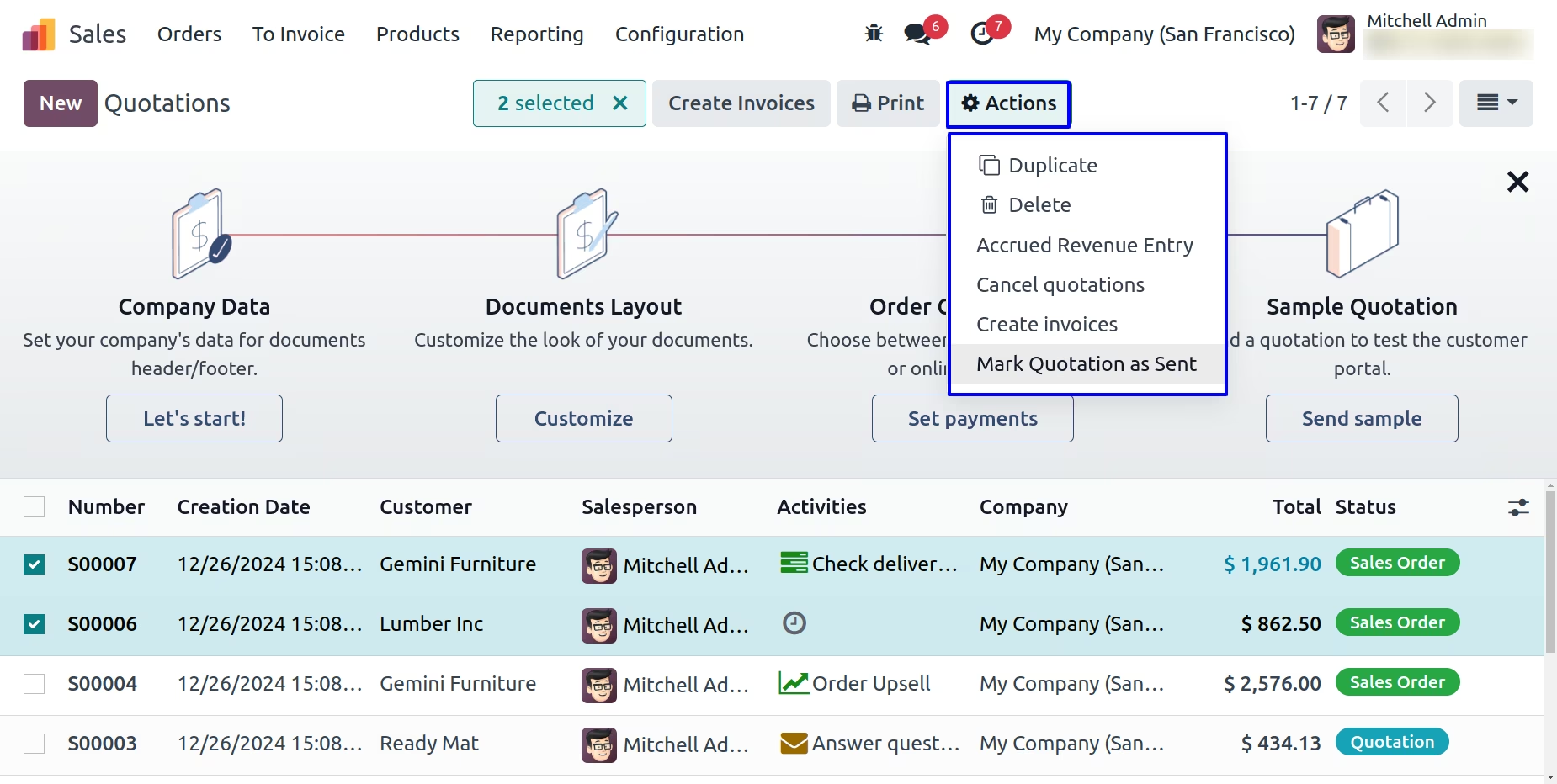
User can see 'Import' button in list view.
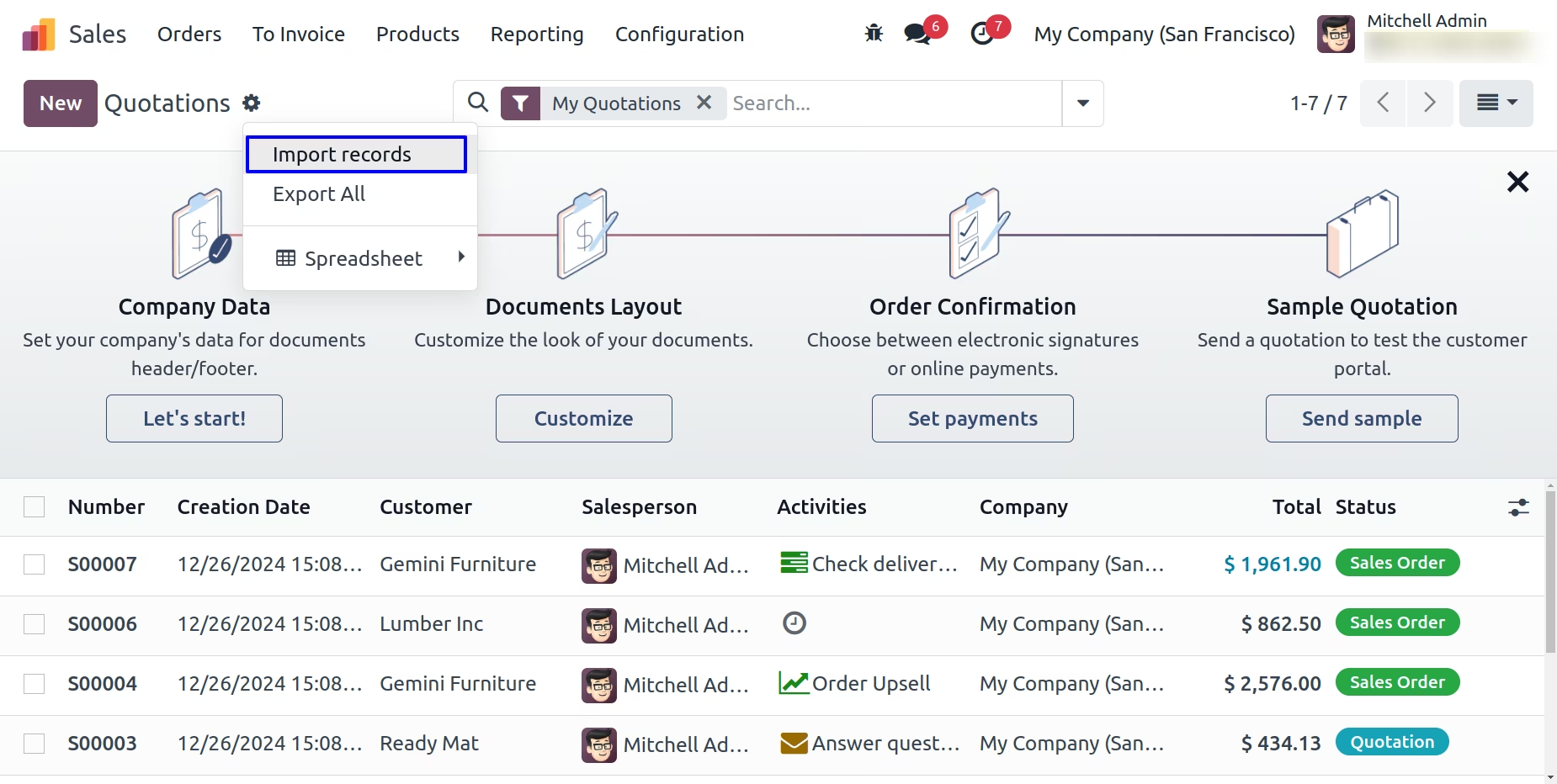
Tick on 'Hide Import Button'
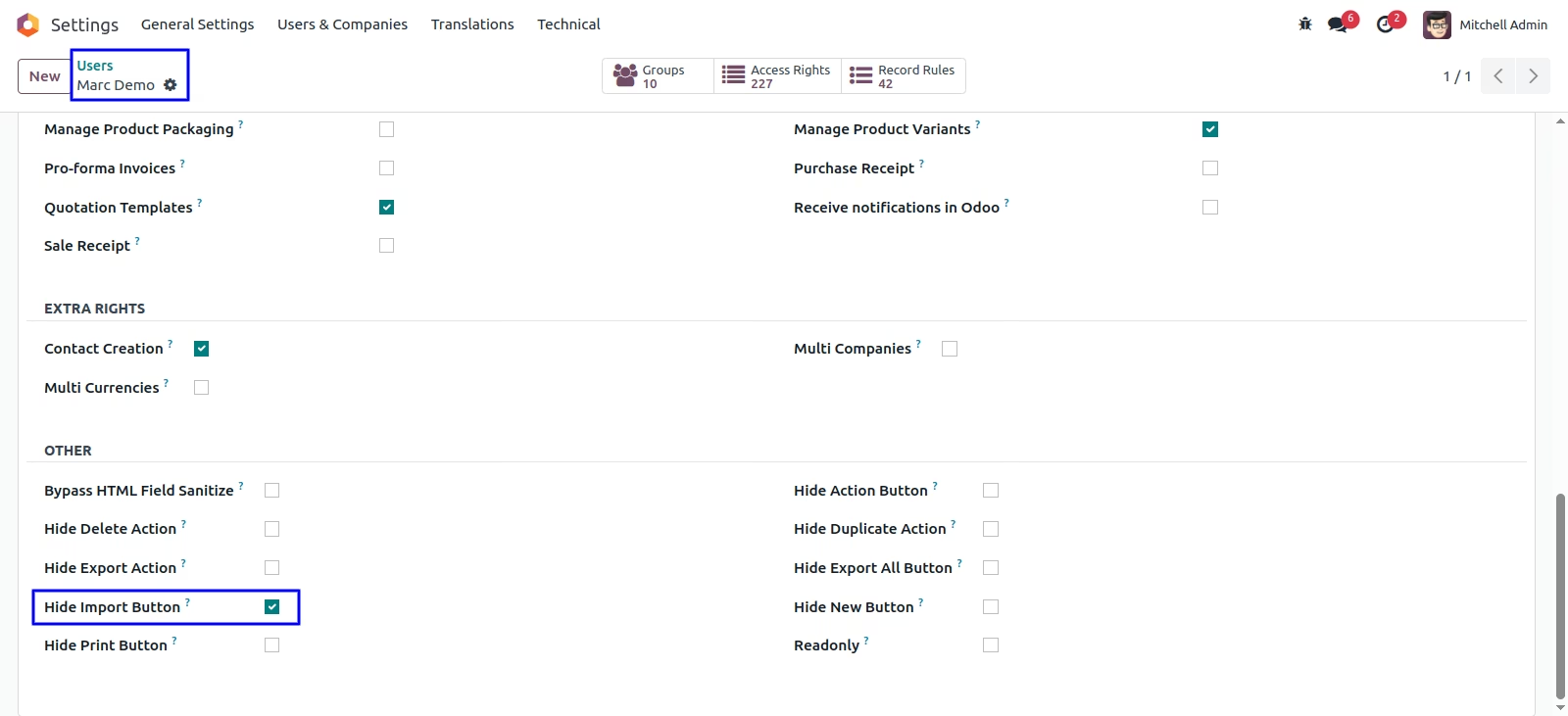
User can see 'Import' button hides from the list view.
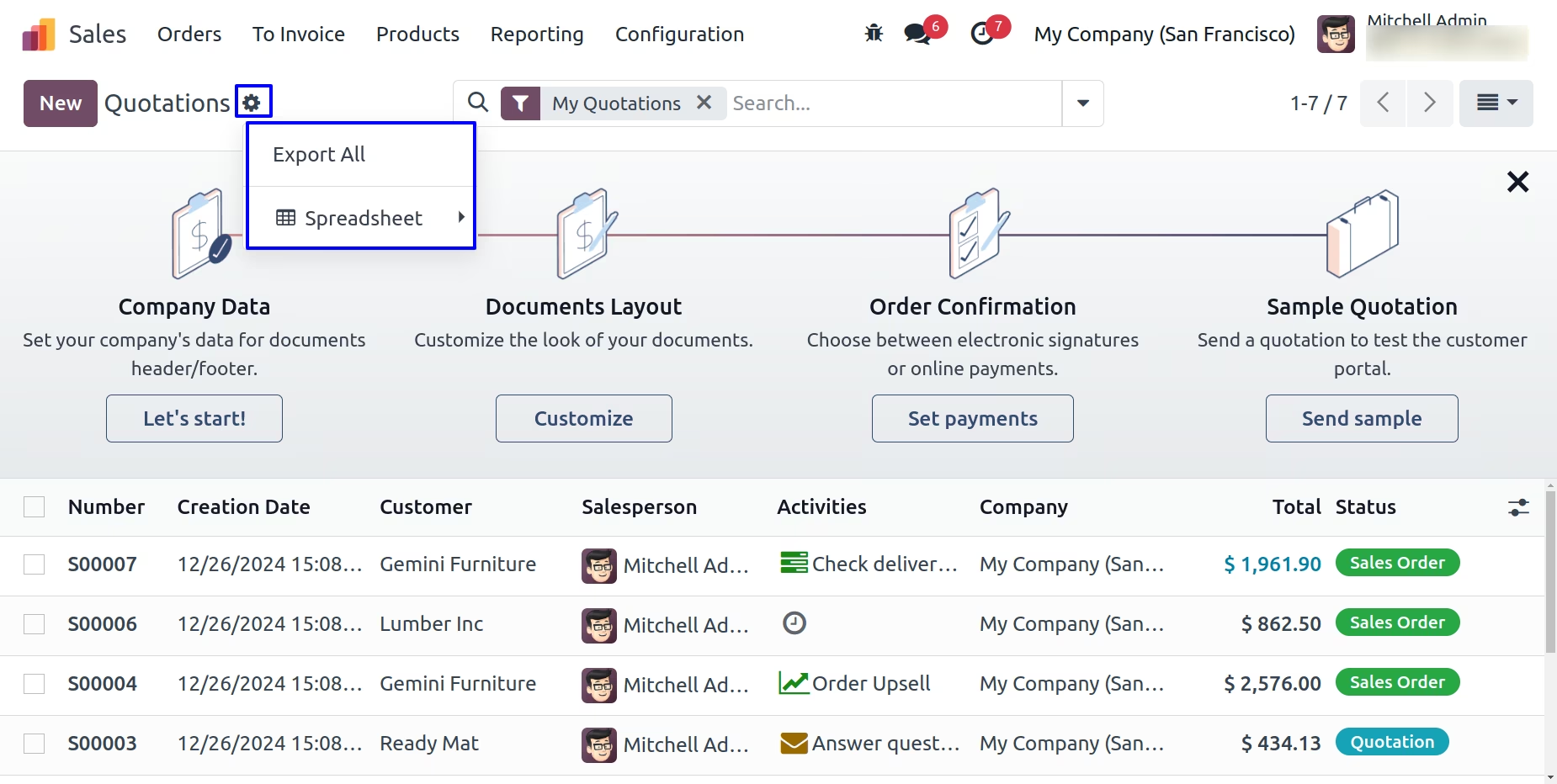
User can see 'Action' and 'Print' button.
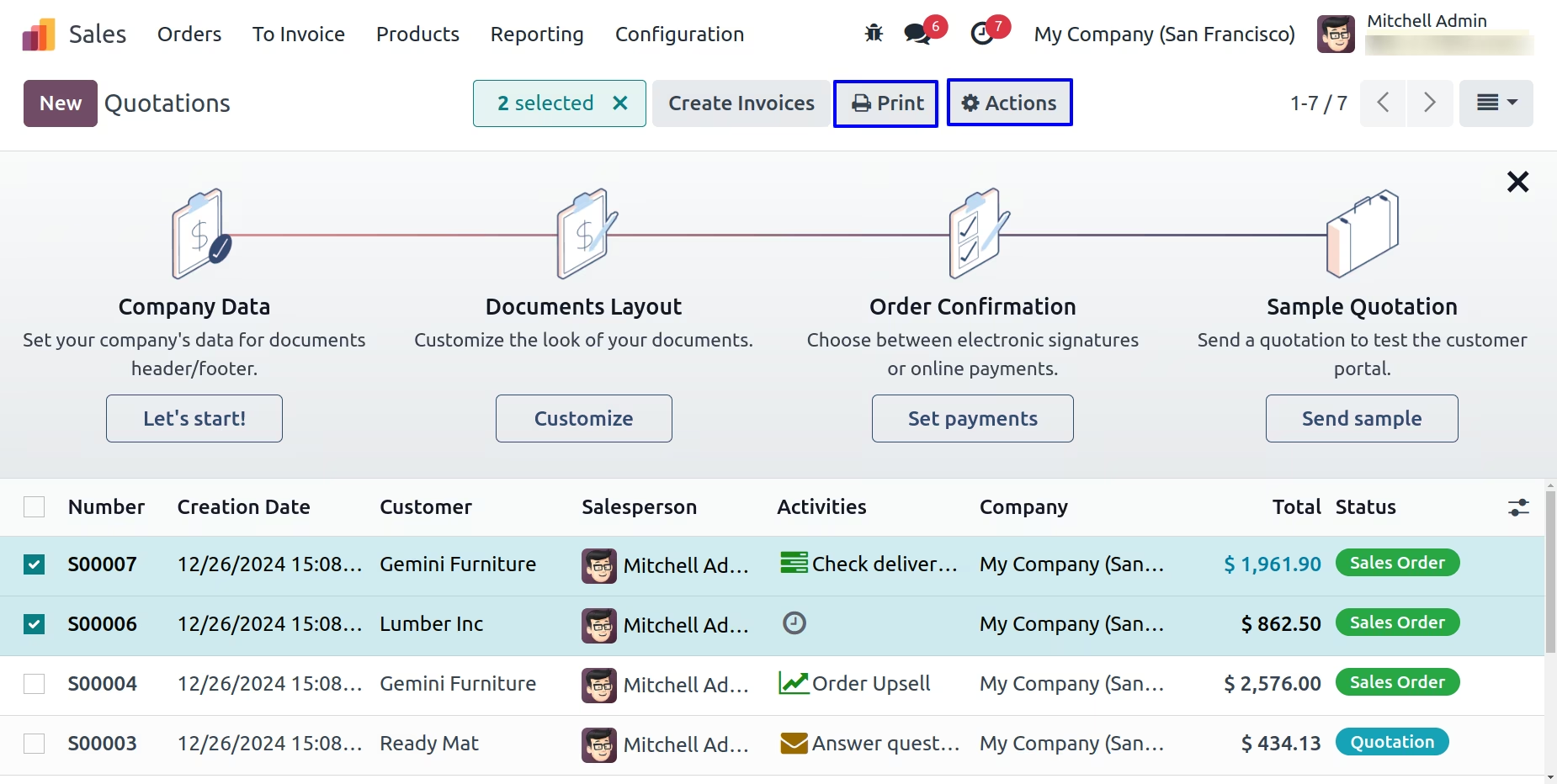
Tick on 'Hide Action Button' & 'Hide Print Button'
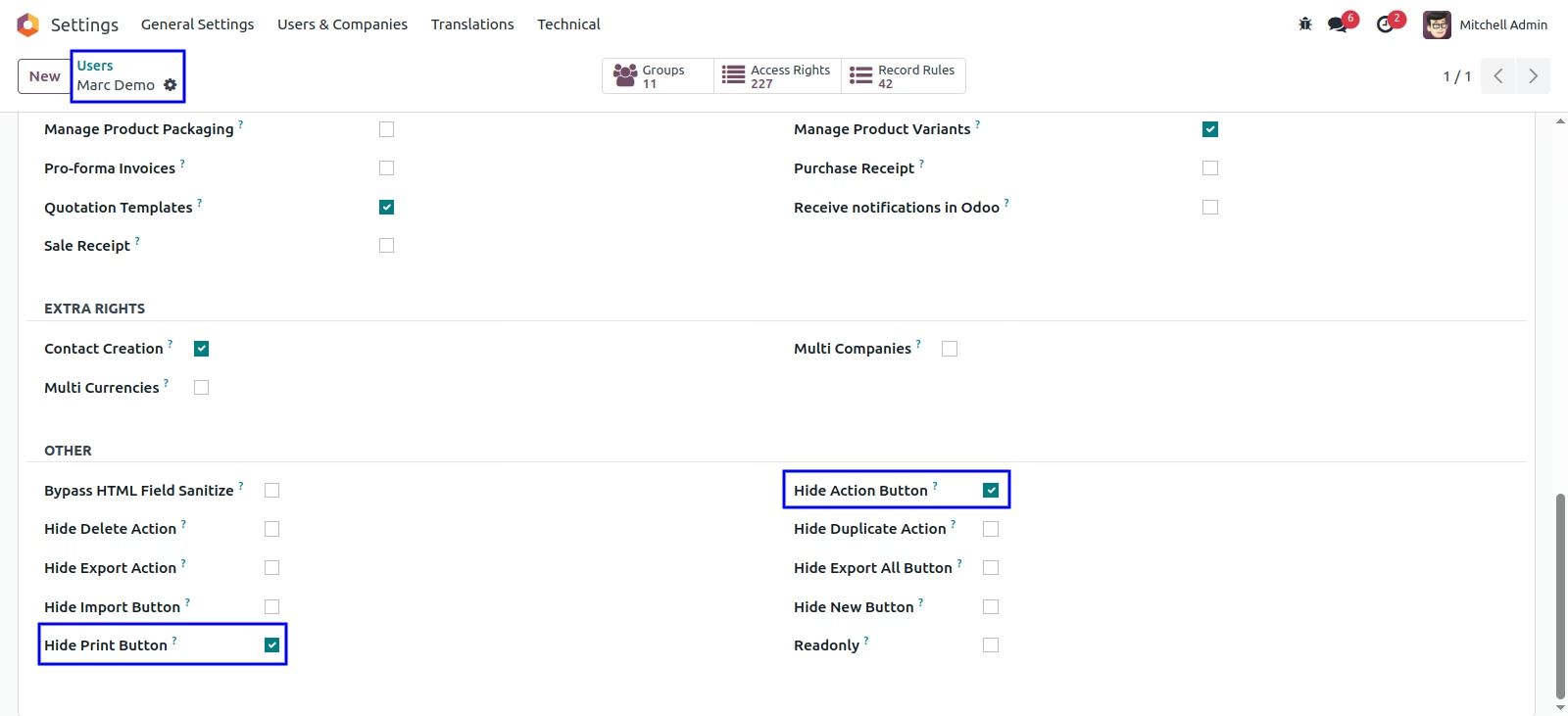
User can see 'Action' and 'Print' button hides.
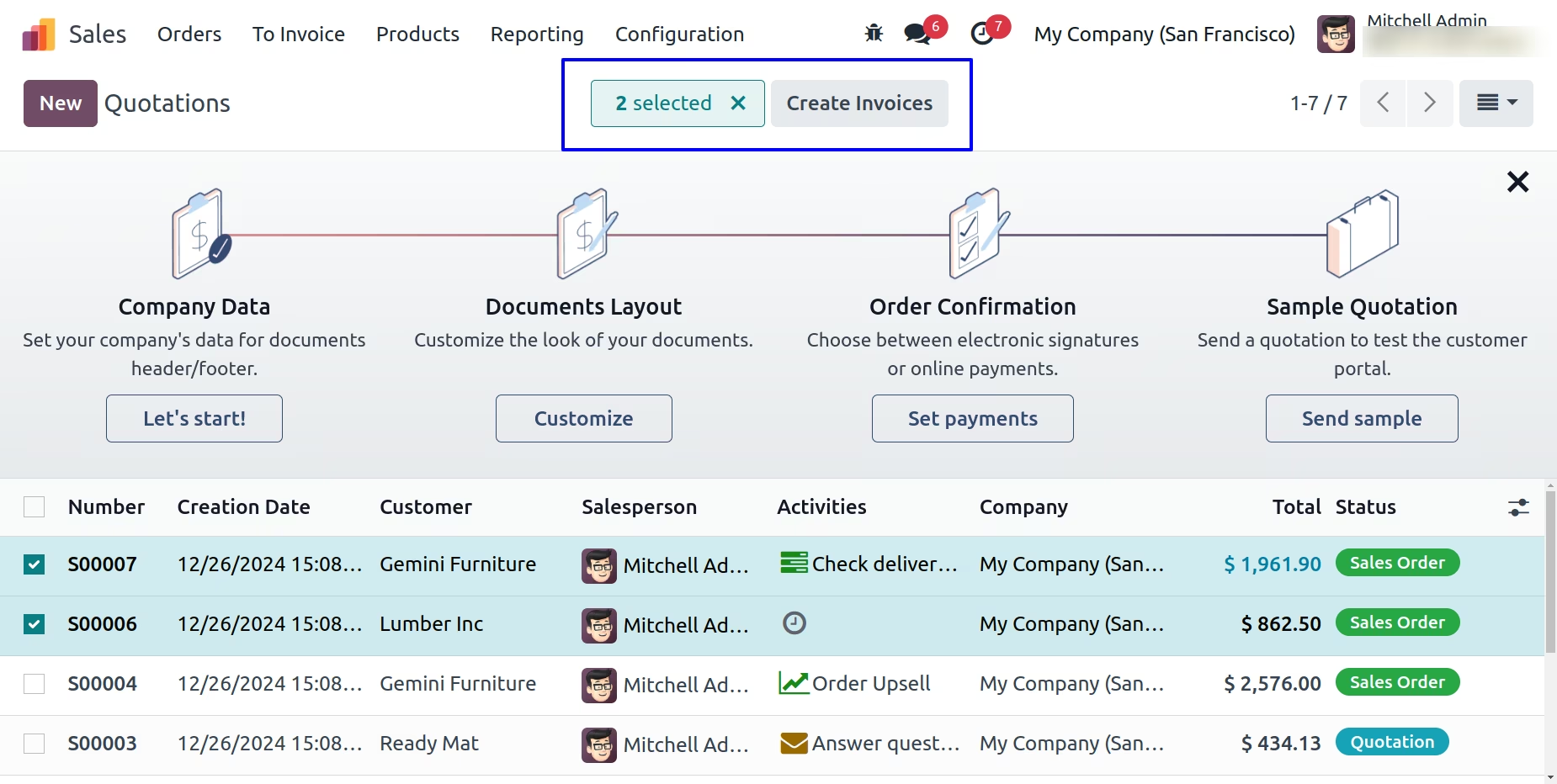
User can see 'New' button in list view.
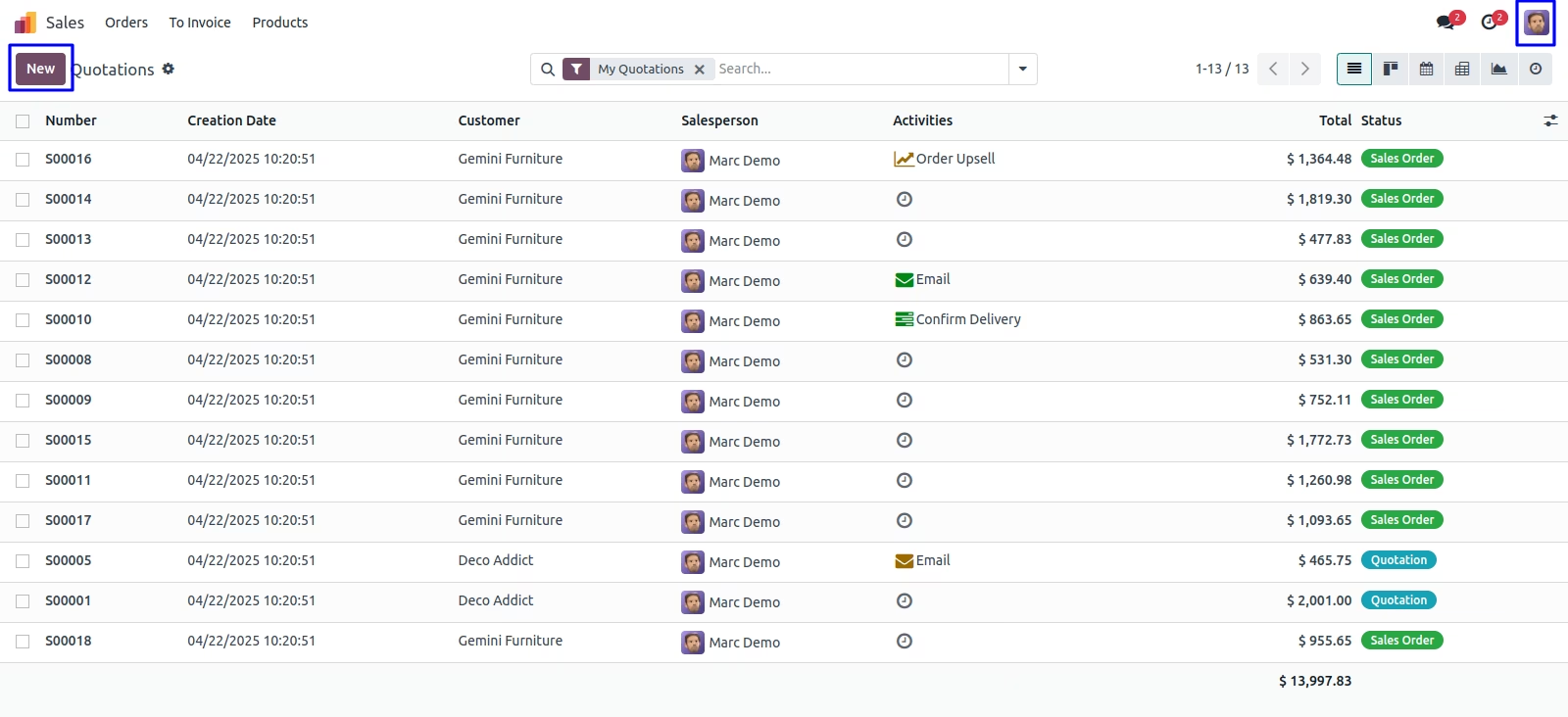
Tick on 'Hide New Button'
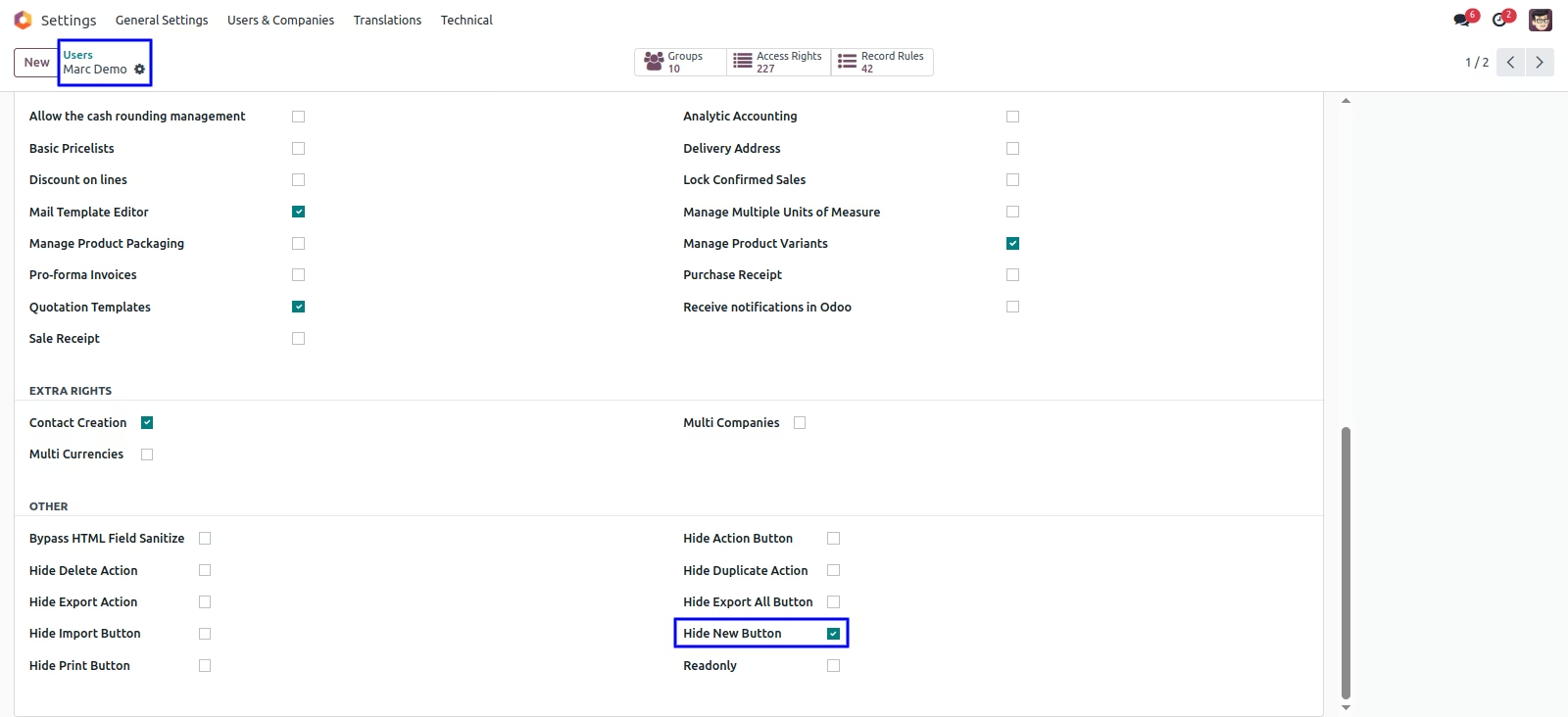
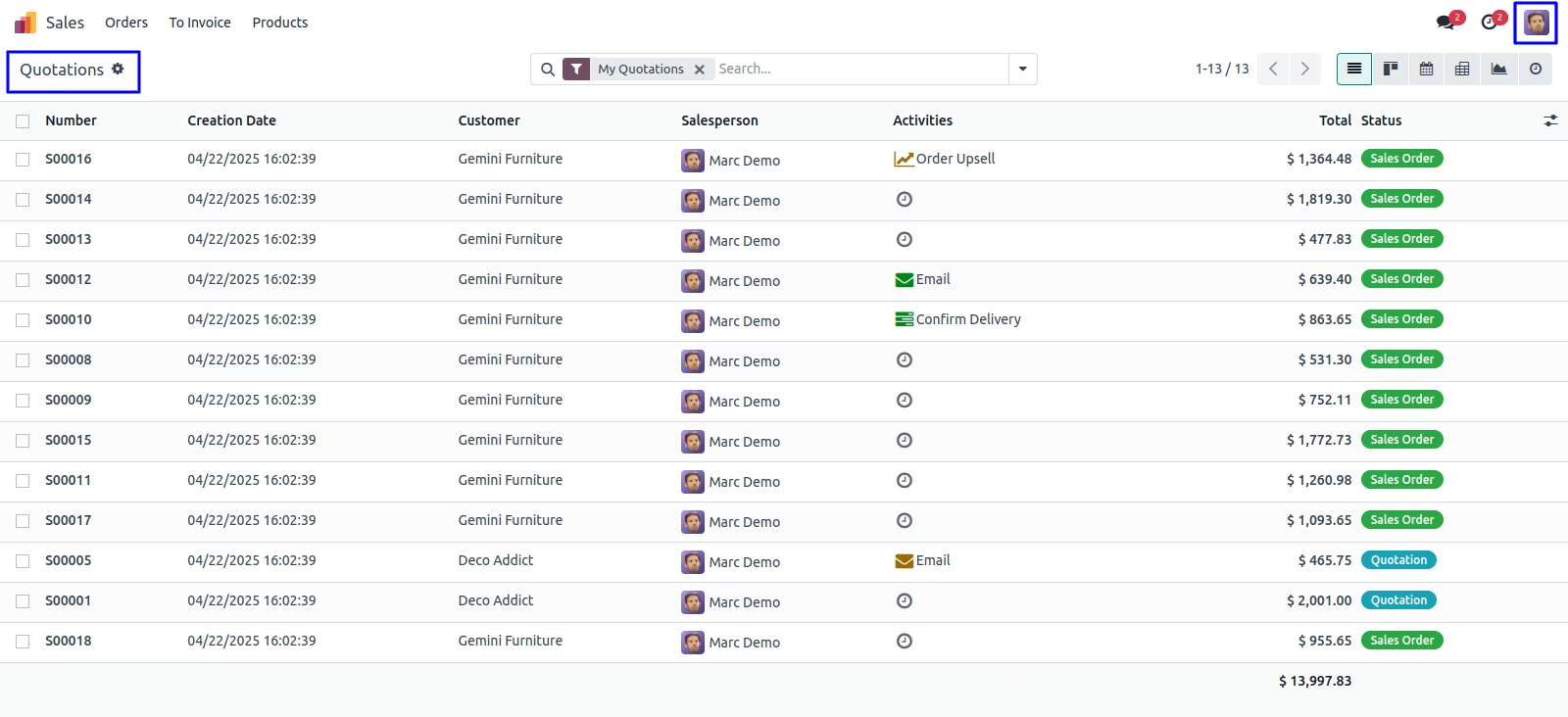
User can see 'New' button hides from the list view.
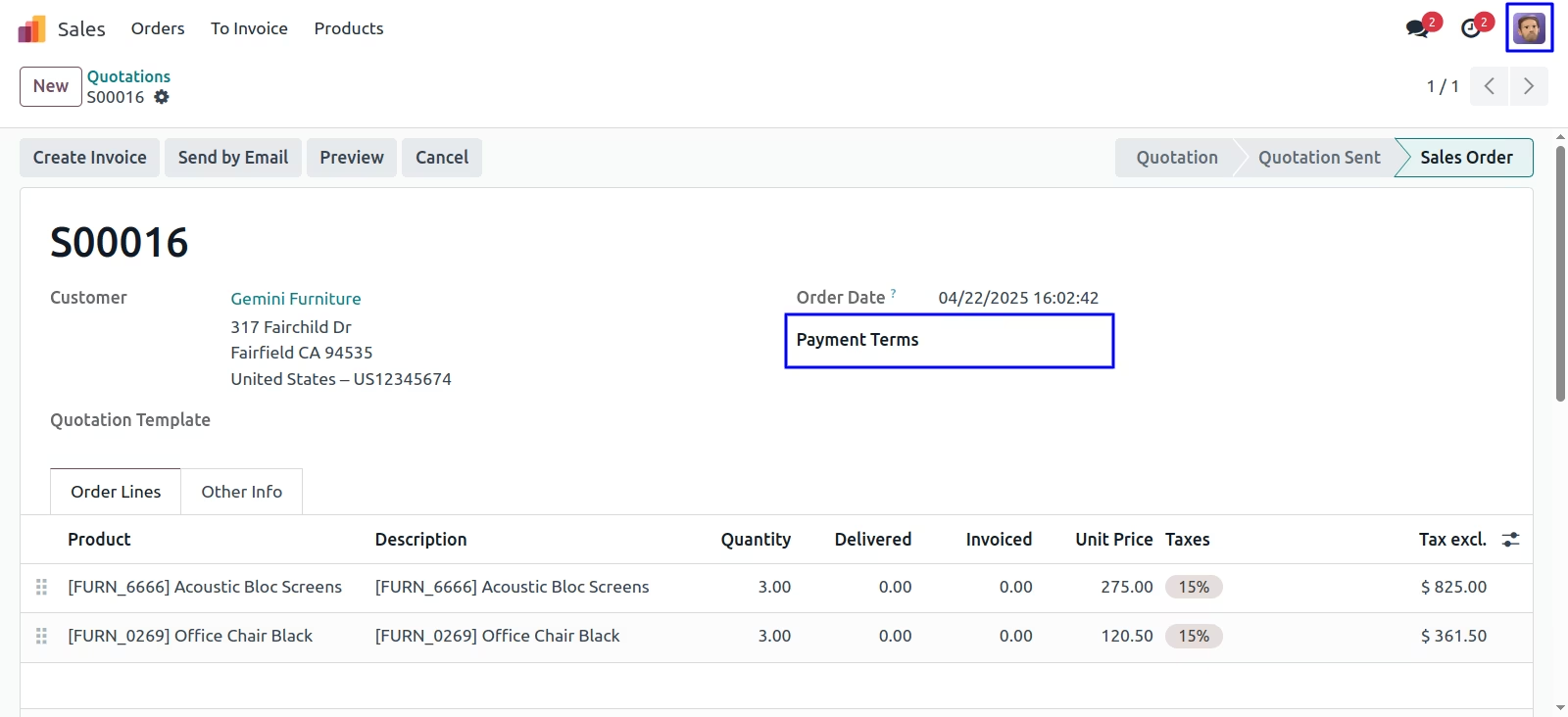
Users can see and make changes to the sales order.
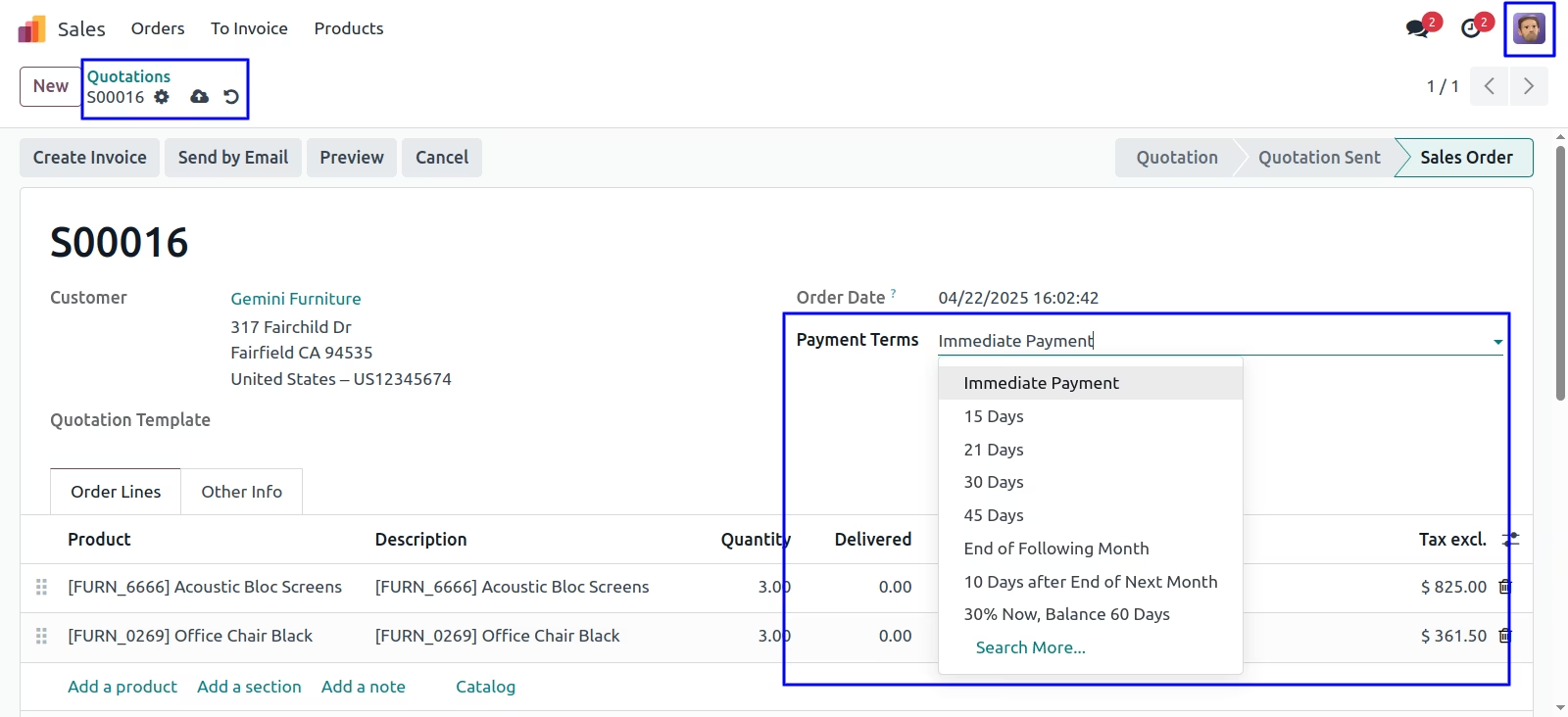
Tick on 'Readonly Button'
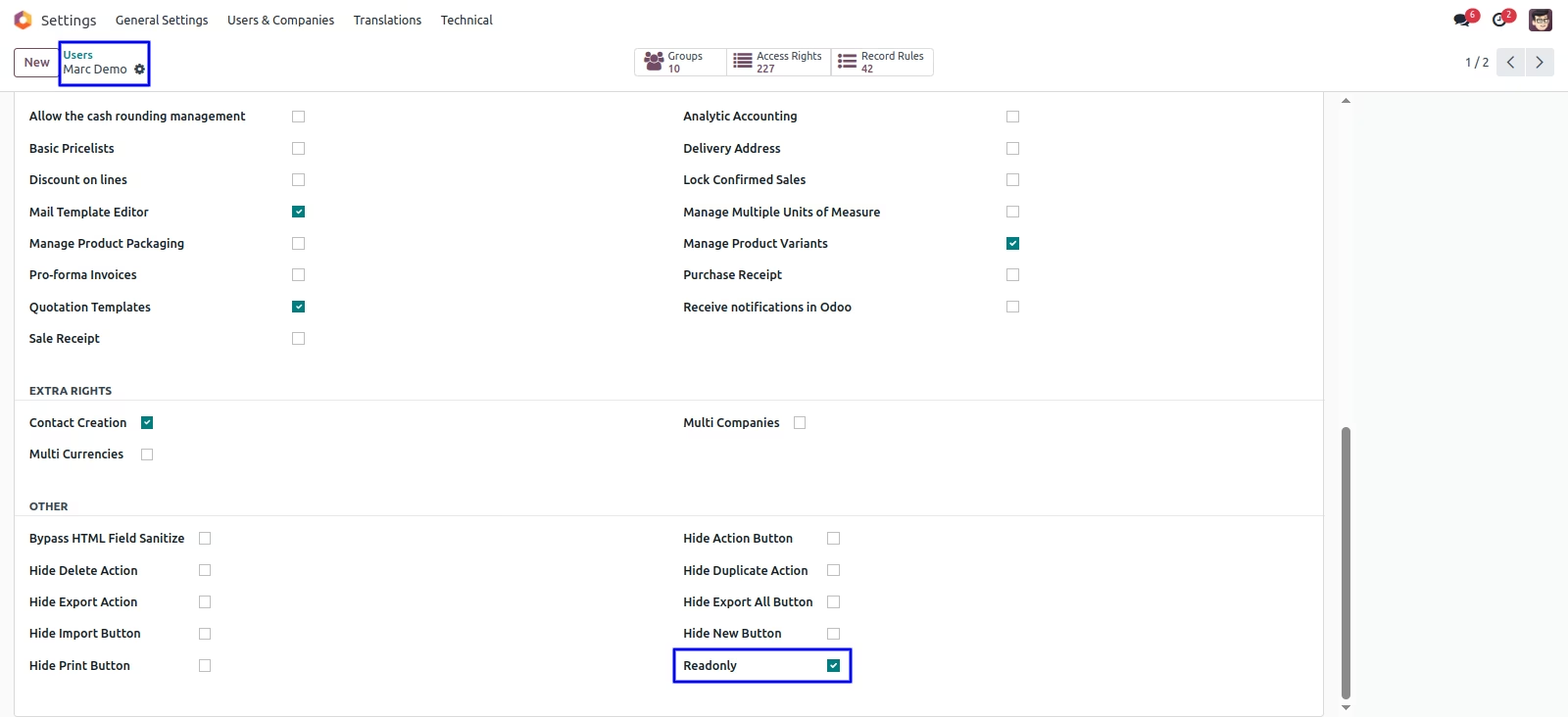
The user can see that we cannot make changes to the sales order after clicking the readonly button.
Version :
17.0.0.0
26 November 2023
Initial release of the app.
Version :
17.0.0.7
17 March 2024
Added functionality for 'New' and 'Readonly' buttons.