
This all-in-one advanced auto parts management module offers a comprehensive solution for organizing spare parts with precision. It enables control by vehicle details such as make, model, year, type, grade, engine, transmission, and brand while ensuring secure access via user and manager roles. Ideal for automotive shops or parts distributors focused on streamlined parts lookup and operational accuracy.
Key Features
Manage spare parts organized by vehicle make, model, year, type, grade, engine, transmission, and brand
Filter and search parts based on detailed vehicle compatibility parameters
Configure user access rights for auto parts users and managers separately
Seamlessly associate products with vehicles and vice versa for intuitive lookup
Enable grouping of parts by vehicle attributes simplifying browsing and reporting
Benefits
Accelerates parts search and order fulfillment with highly accurate filtering
Enhances operational clarity by categorizing parts with vehicle-centric structure
Facilitates role-based access control for improved user governance
Reduces errors through precise parts-to-vehicle associations
Improves customer satisfaction with faster part identification and selection
Hot Features

Features
- Easily manage vehicle range with a start and end year.
- You can add common products for all vehicles.
- Easily apply access rights for auto parts user and auto parts manager.
- Easily manage auto parts with make, model, year, type, grade, engine, transmission, brand, product type & countries.
- Easy to group by auto parts list by vehicle make, vehicle model, year, vehicle type.
- You can filter products using more then 6 product attributes filtes.
- Easy to save whole vehicles in 'my garage' option
- Easy to enable-disable products OEM (Original Equipment Manufacture) details for website from OEM Details page.
- Compatible with multi-company and multi-website, allowing seamless management and smooth operation across different companies and websites.


User access right for auto parts.
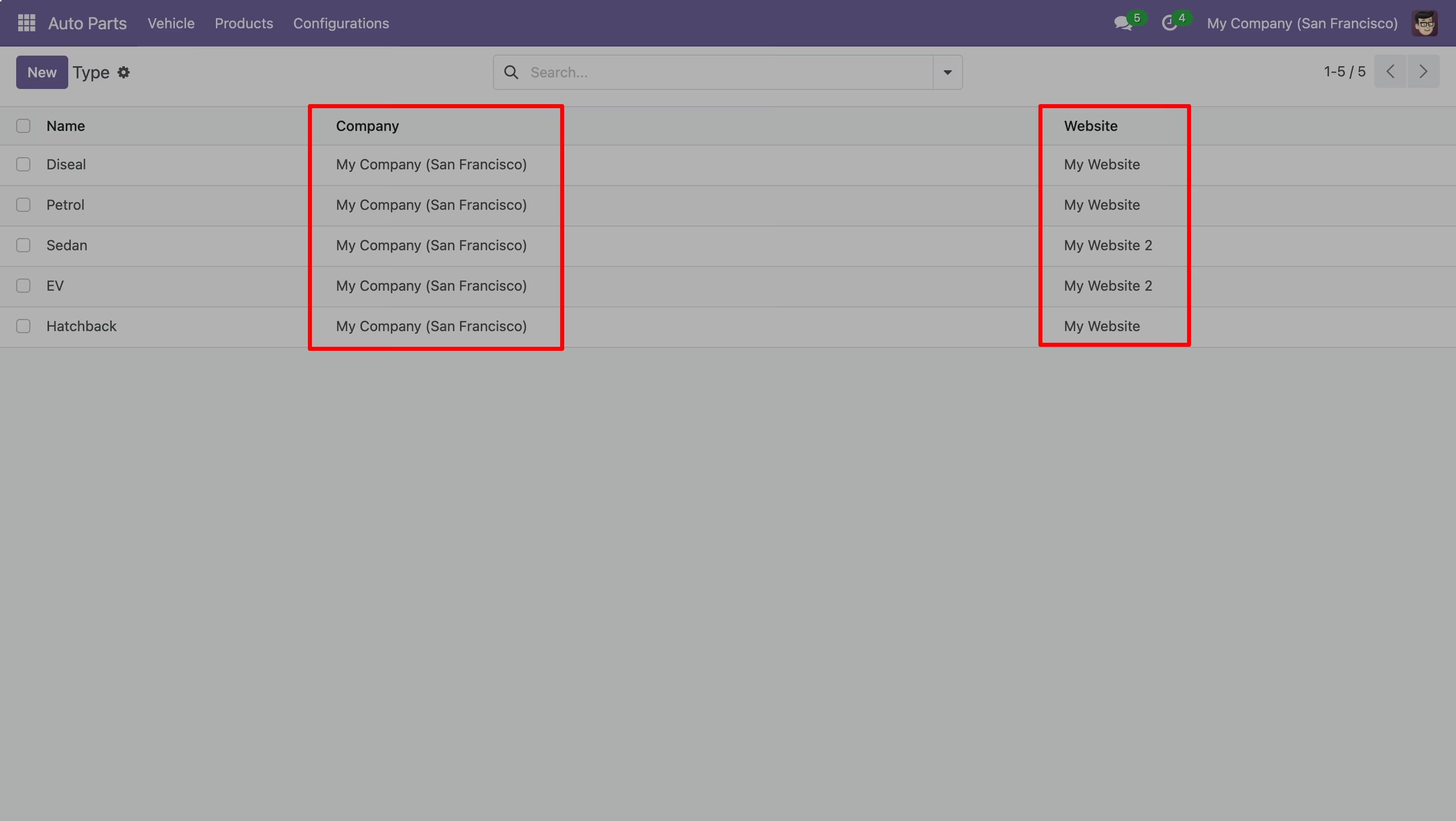
Go to website general settings and enable settings for shop page.
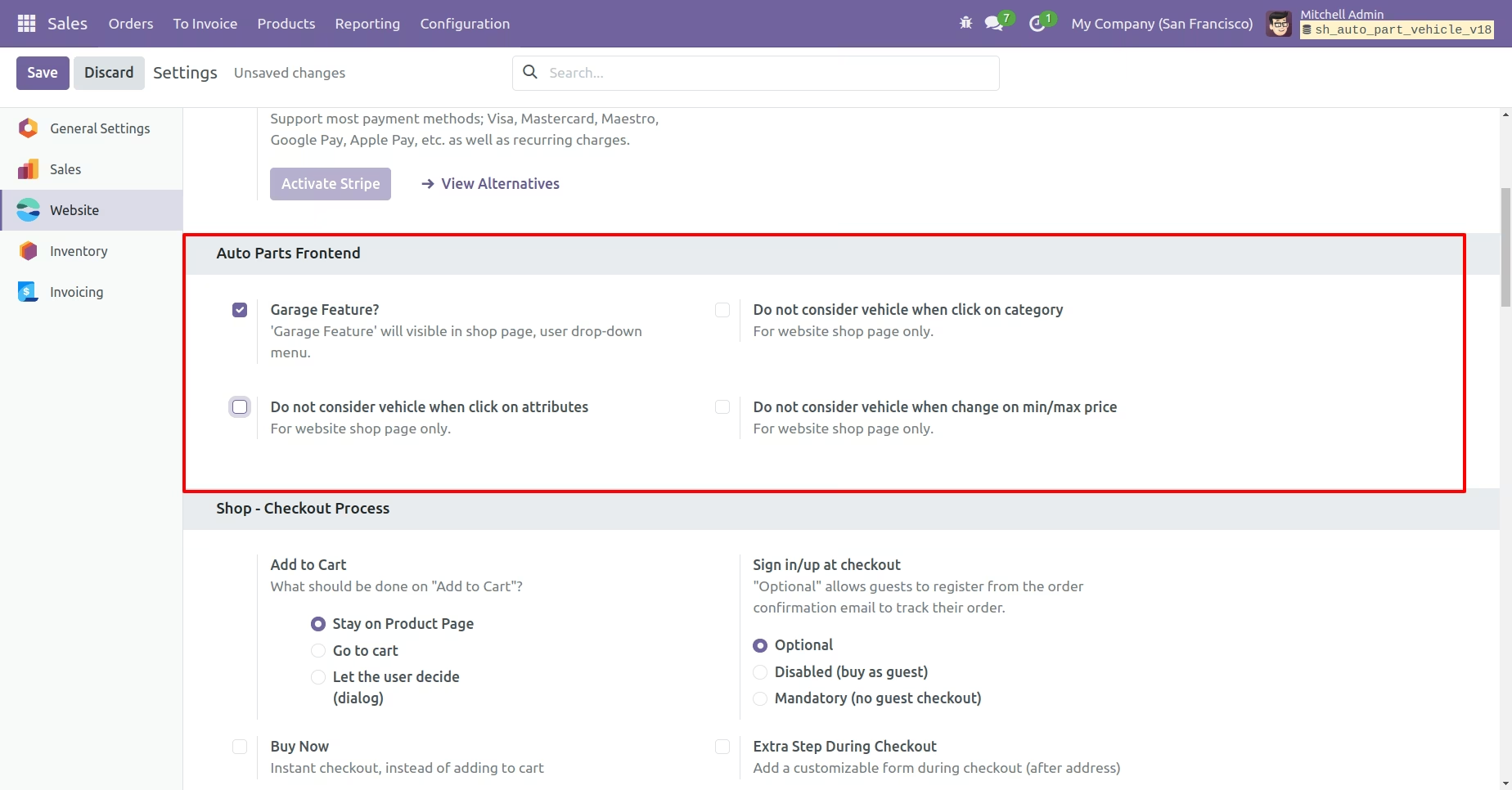
Auto Part Type View.
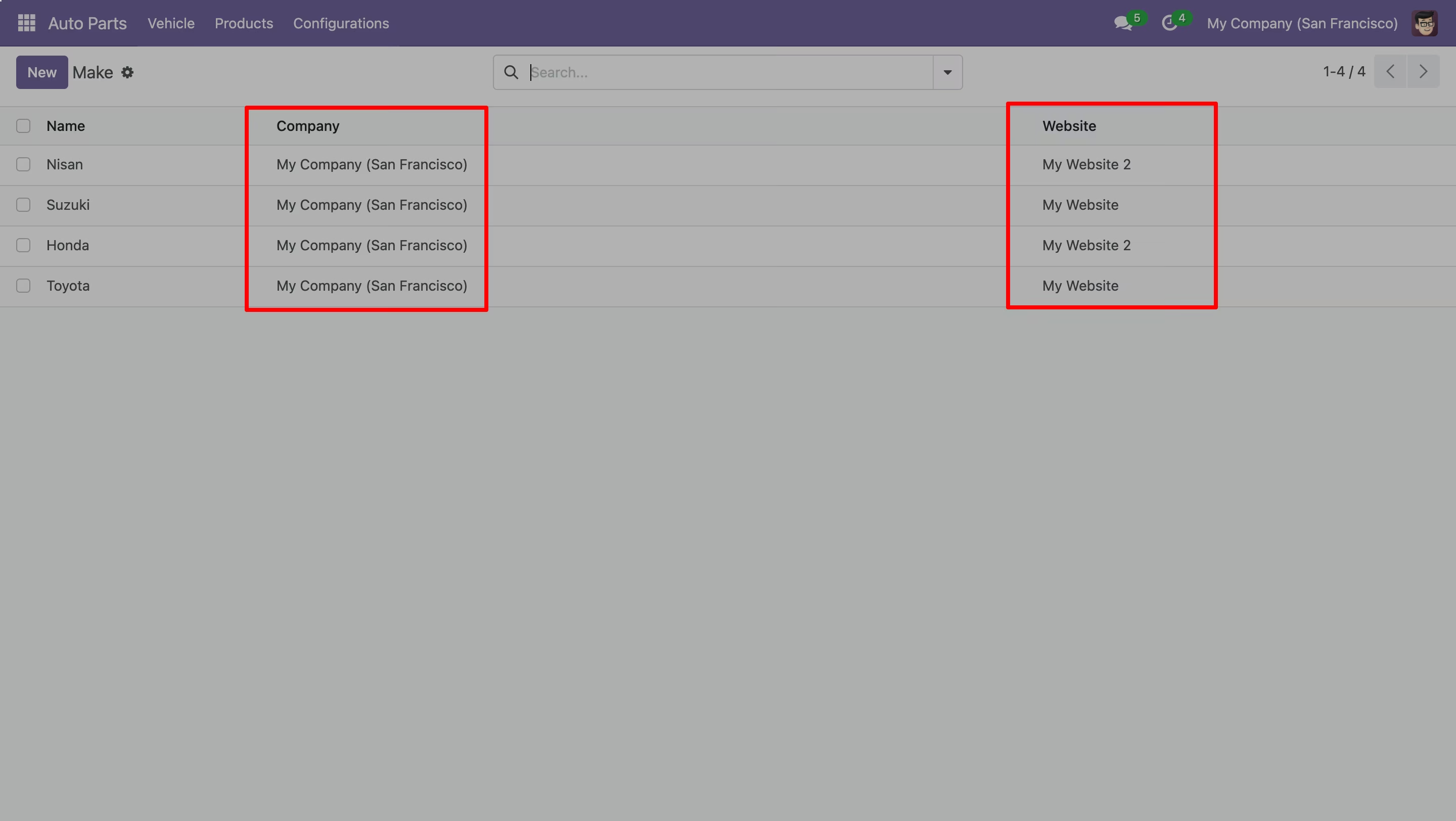
Auto Part Make View.
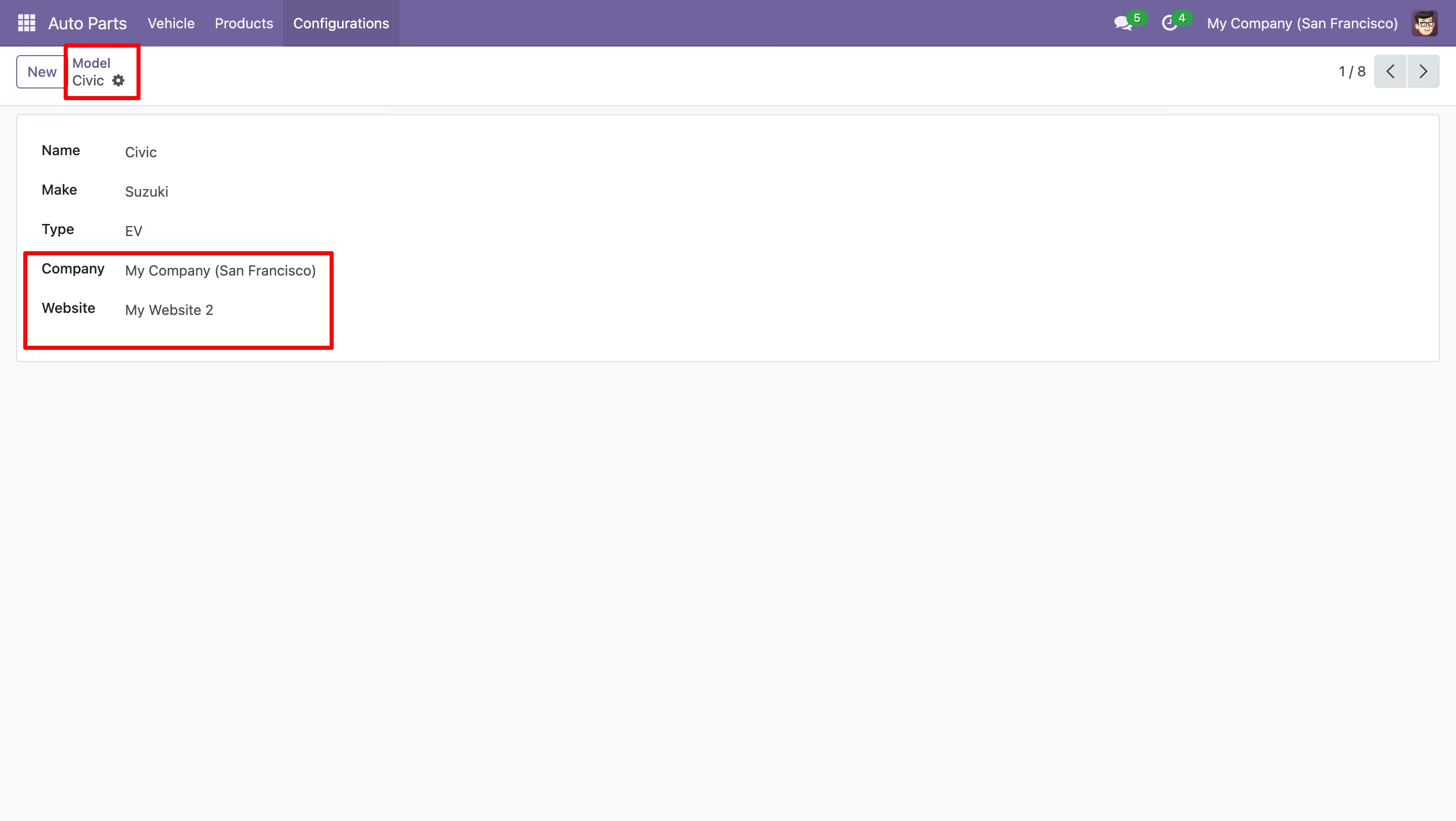
Auto Part Models View.
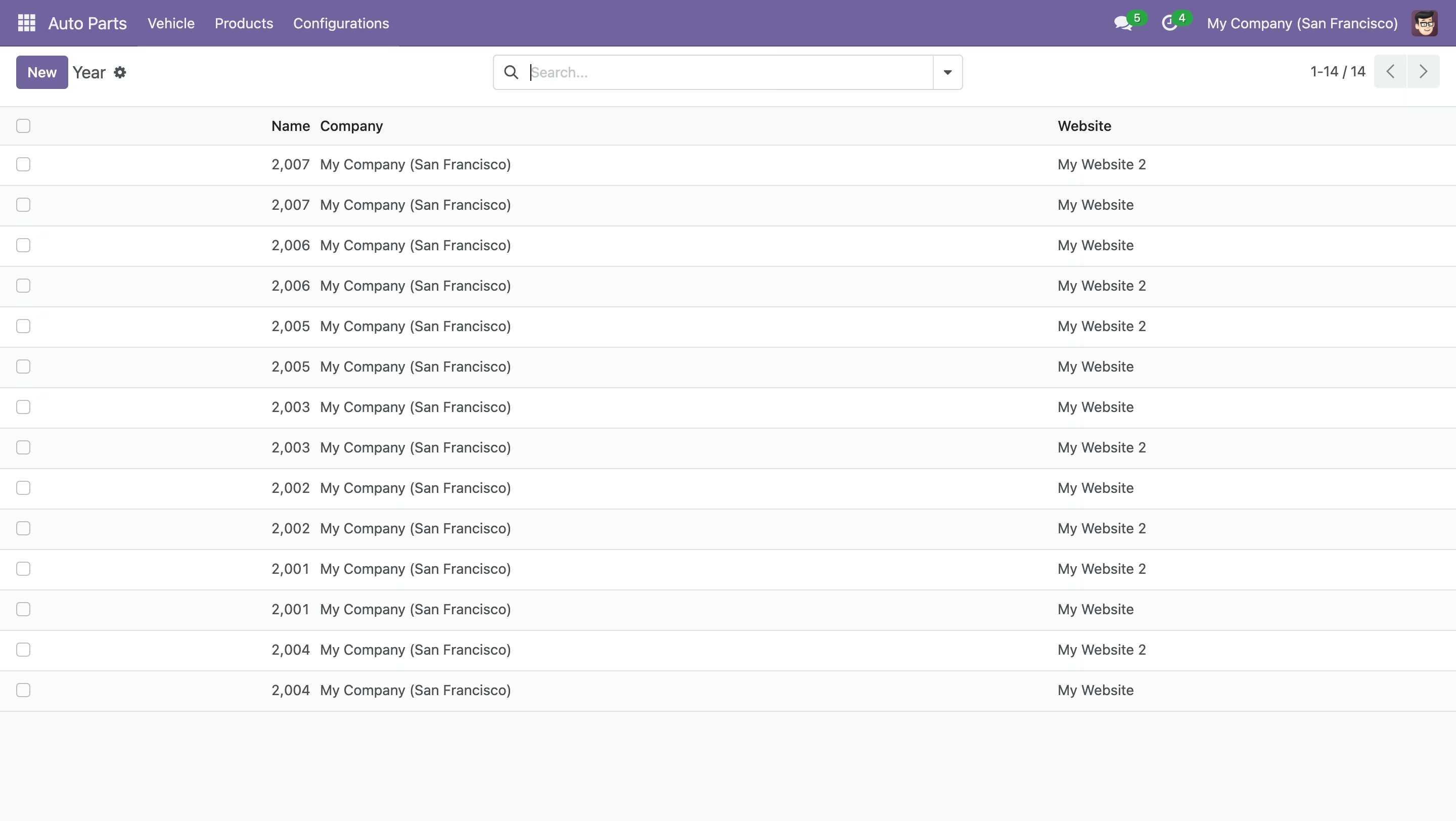
Auto Part Year View.
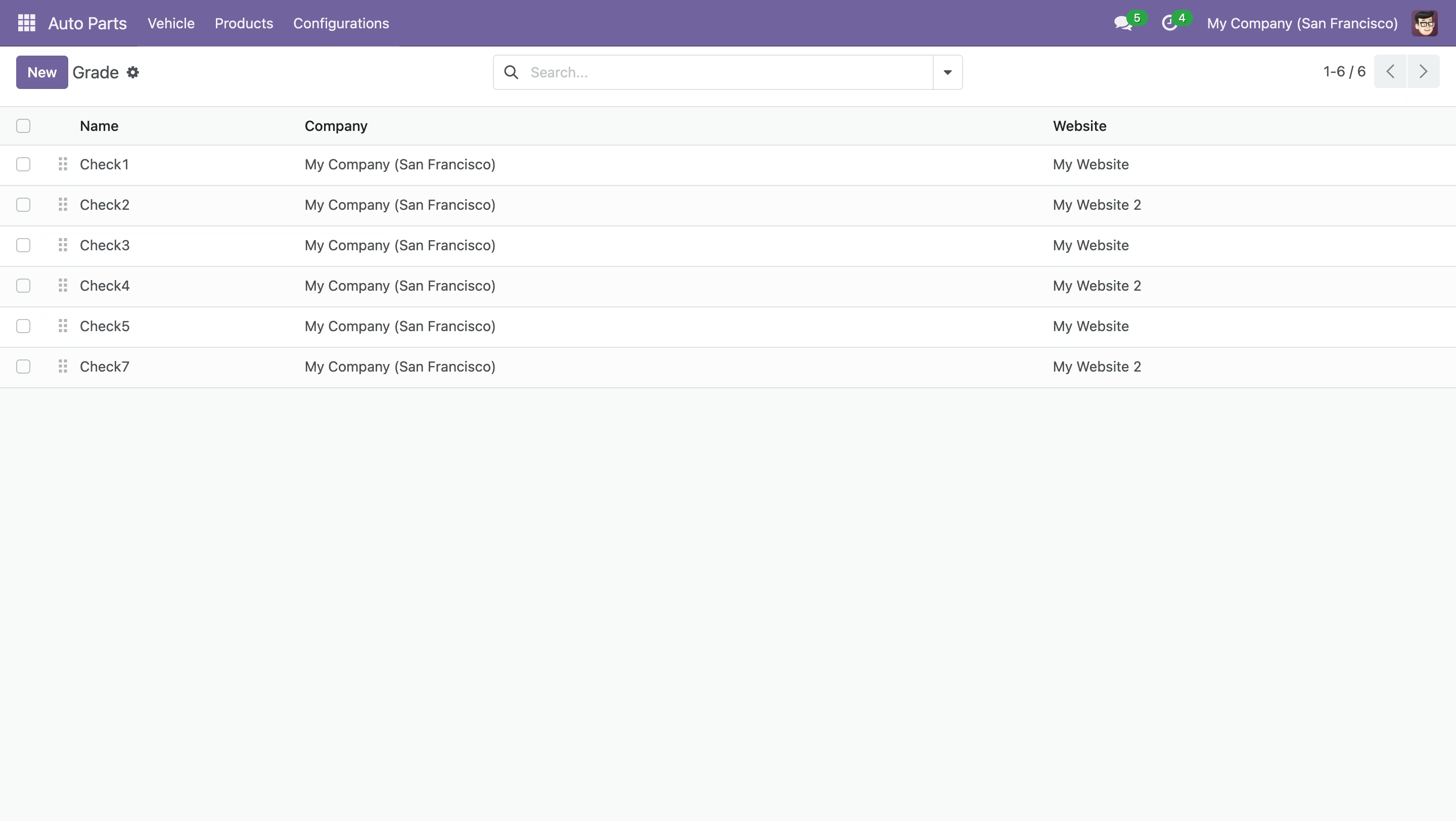
Auto Part Grade View.
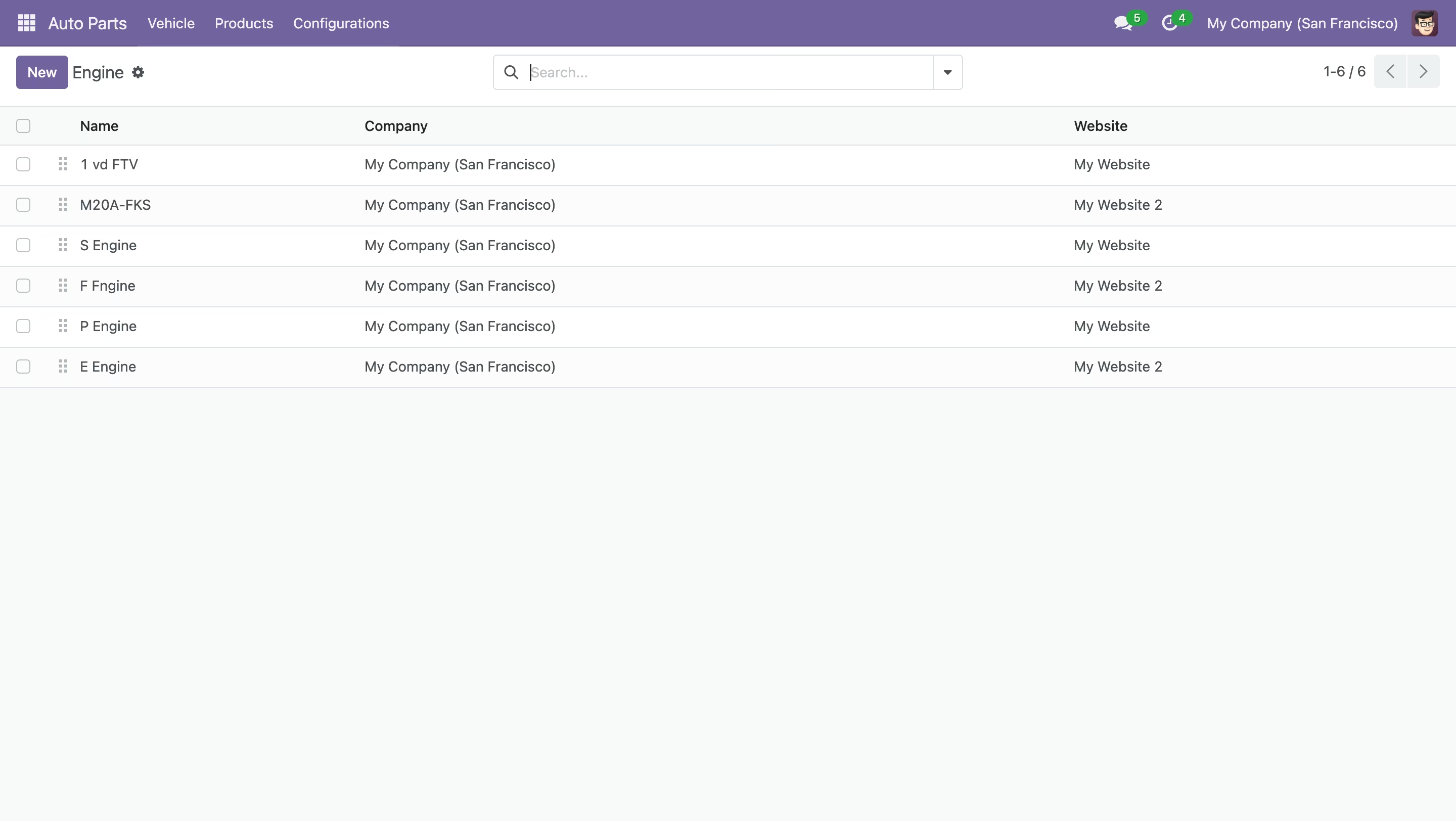
Auto Part Engine View.
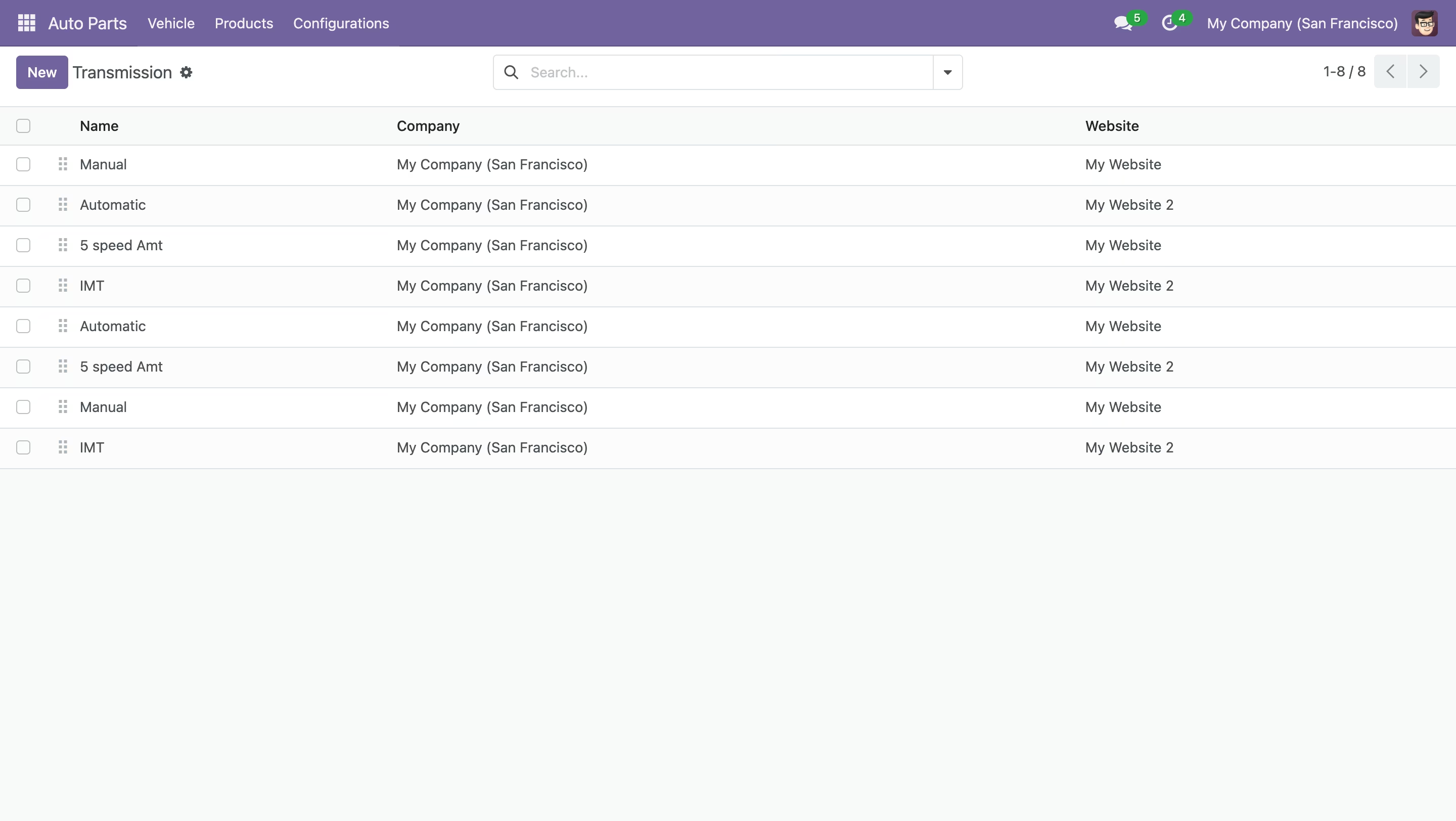
Transmission details.
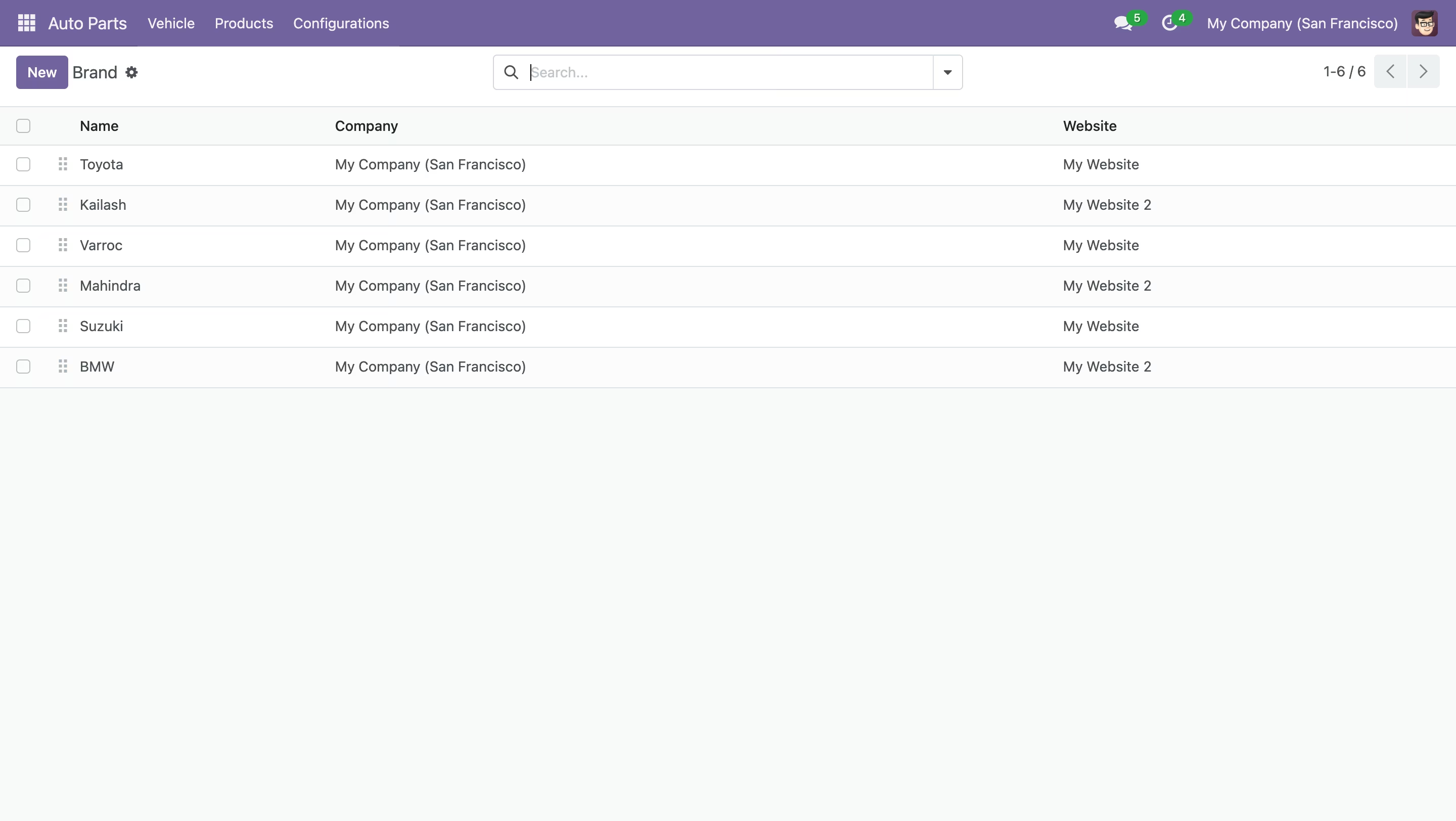
Brands of cars makers.
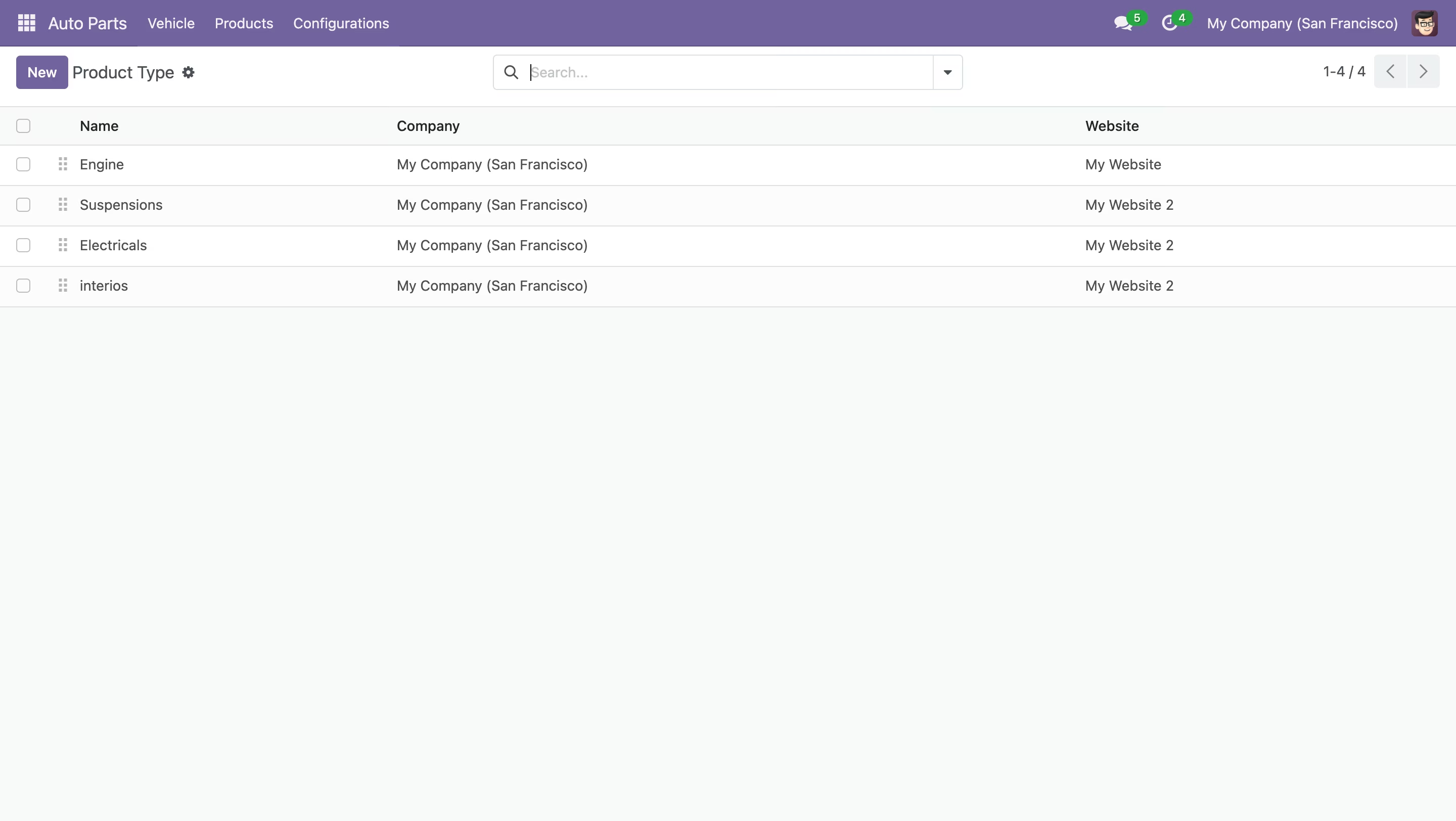
Auto Part Product Type View.
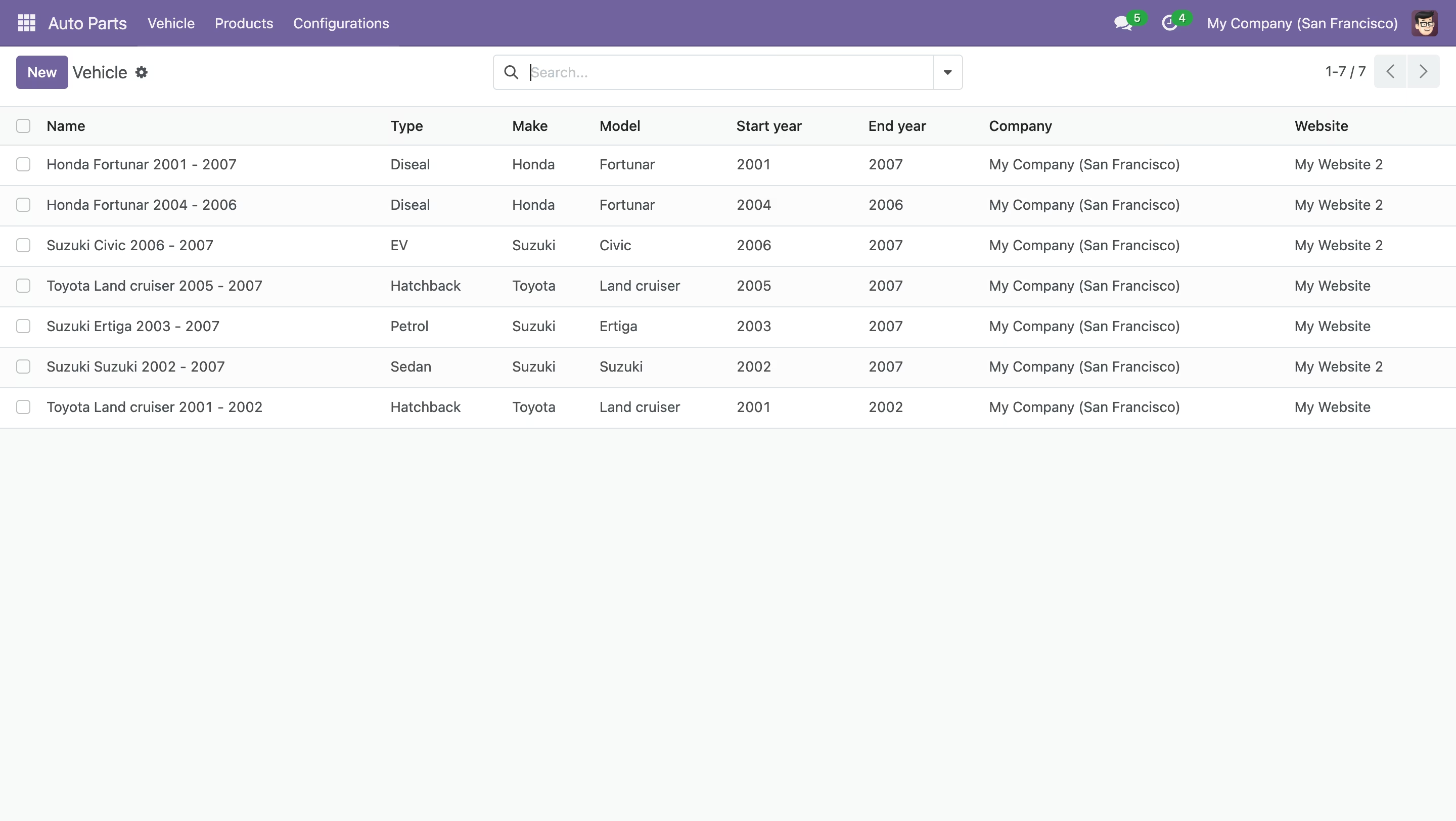
Vehicle form view, Here you can fill all required parts and many things.
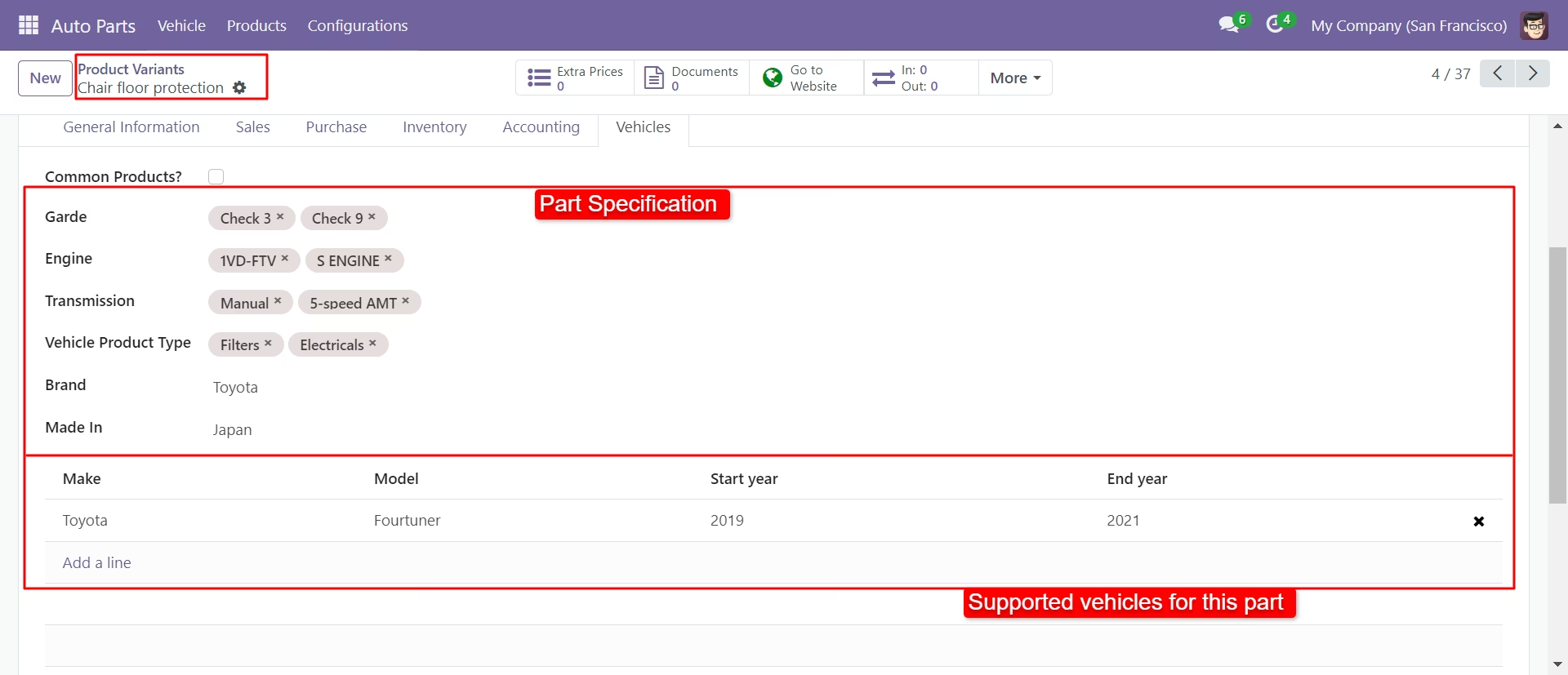
Define supported vehicles all details in products variants (vehicle parts).
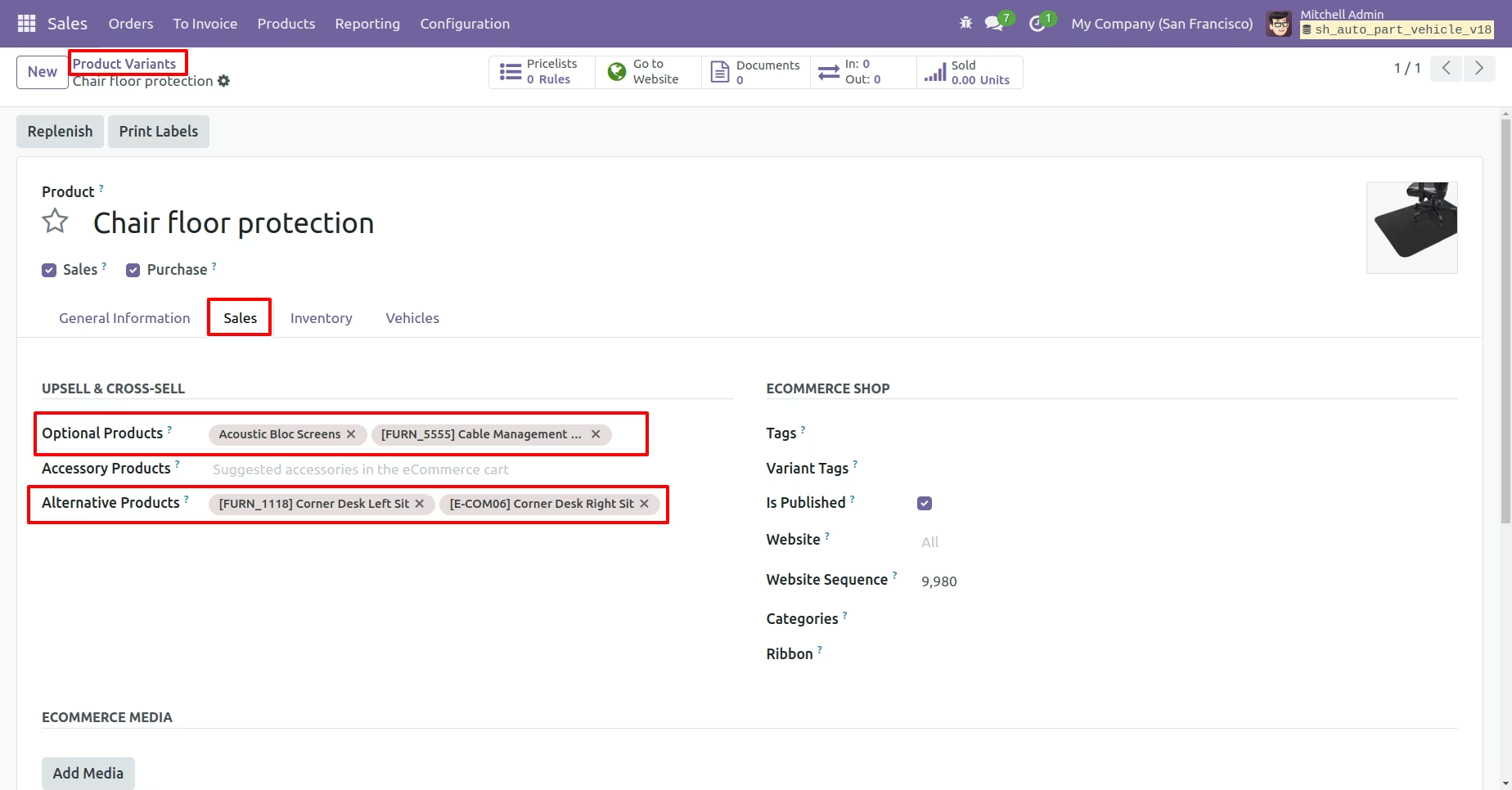
Add optional and alternative products in product variant sales tab.
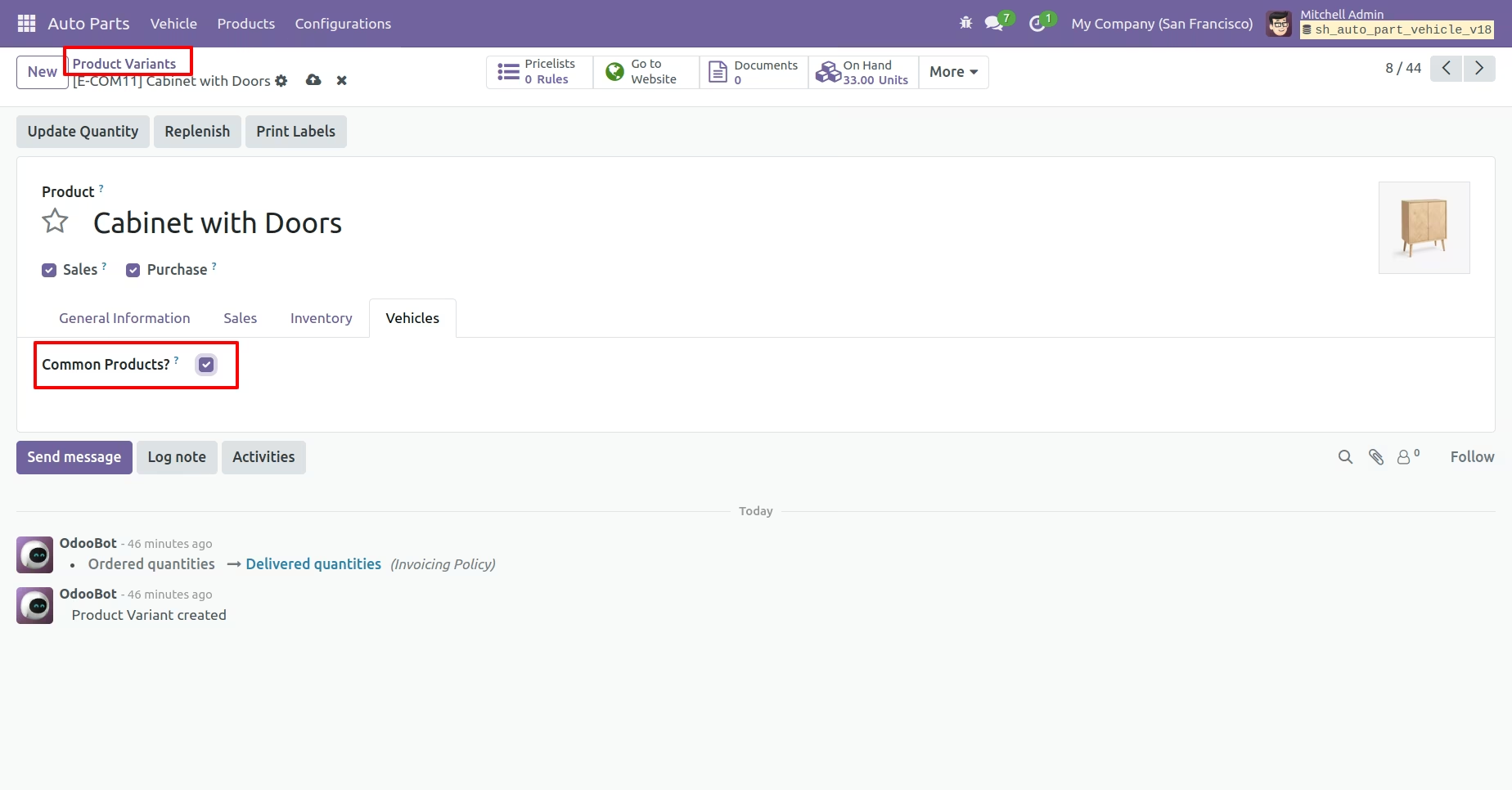
If the product is compatible with all vehicles, enable the 'Common Product' option.
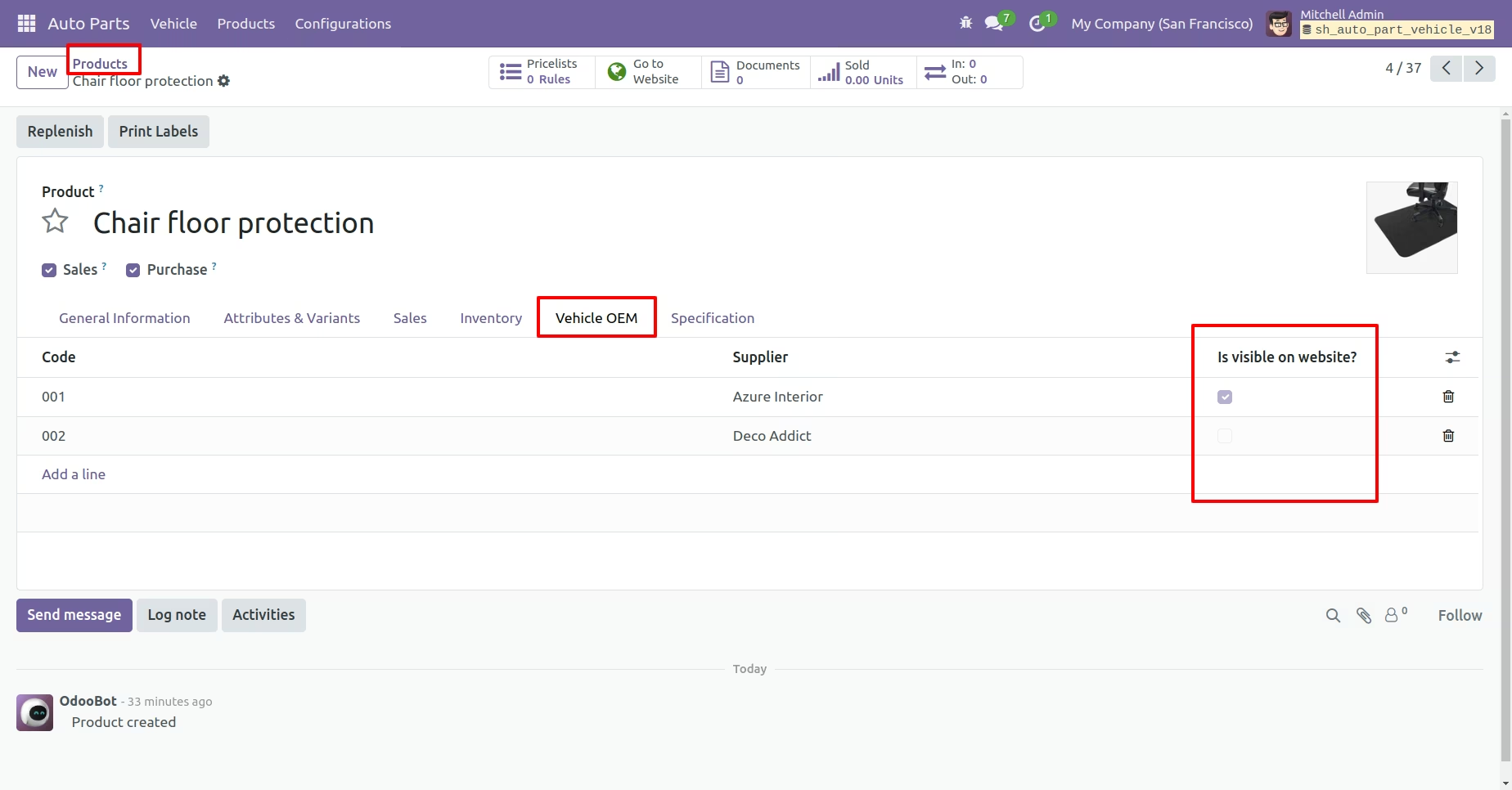
Add vehicle OEM, and enable or disable its visibility based on whether 'Show on Website' is selected."
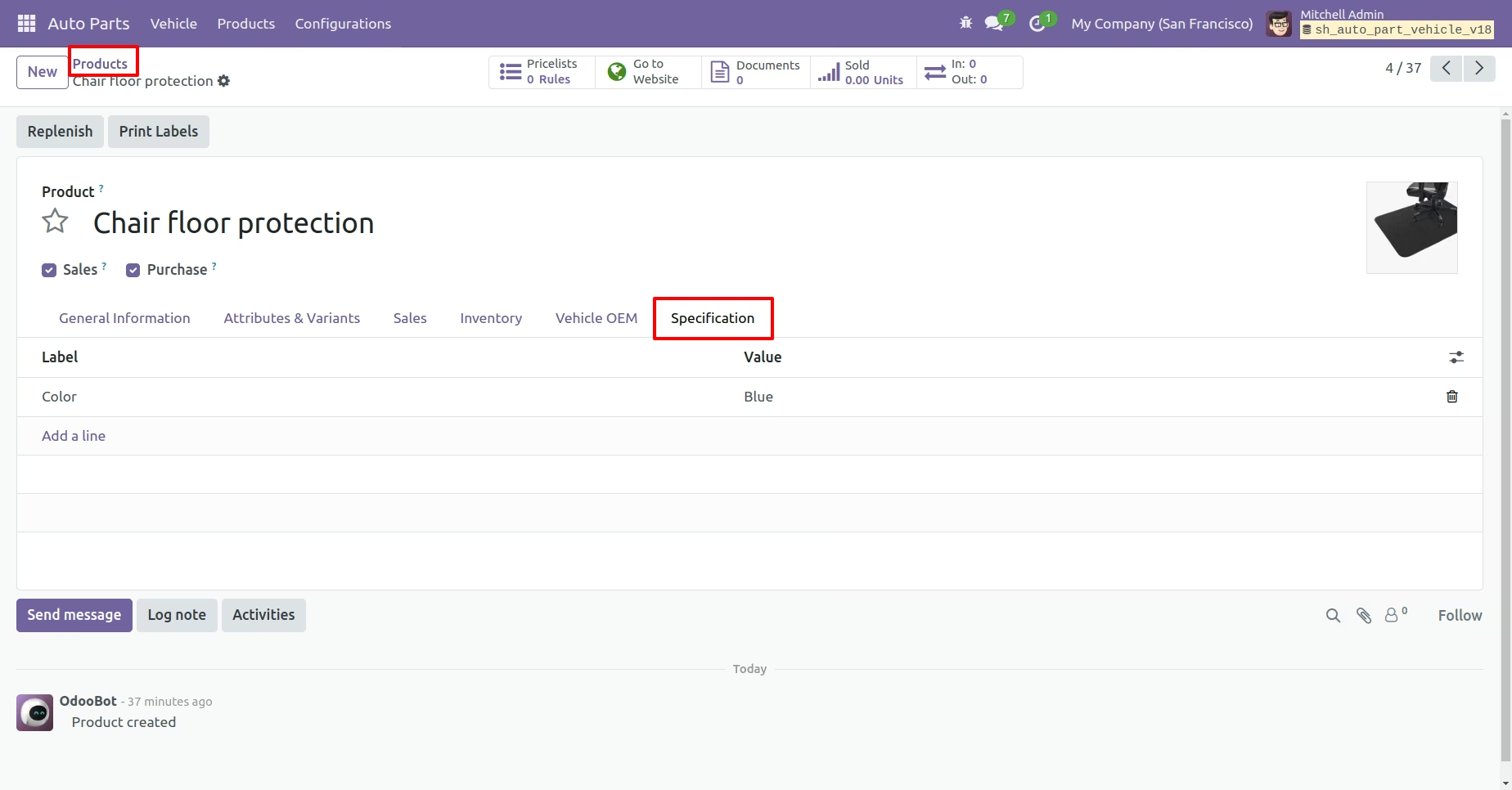
Add vehicles specifications.
You can add a selection search on the homepage in various layouts.
Add vehicle details to search vehicle parts on shop page.
Save searched vehicles to the garage and you can see vehicles parts.
By clicking on "My Garage" you can see saved vehicles.
You can also see my garage seprate menu, click on it and you will redirect to the saved vehicles.
You can delete saved details from here.
Common products.
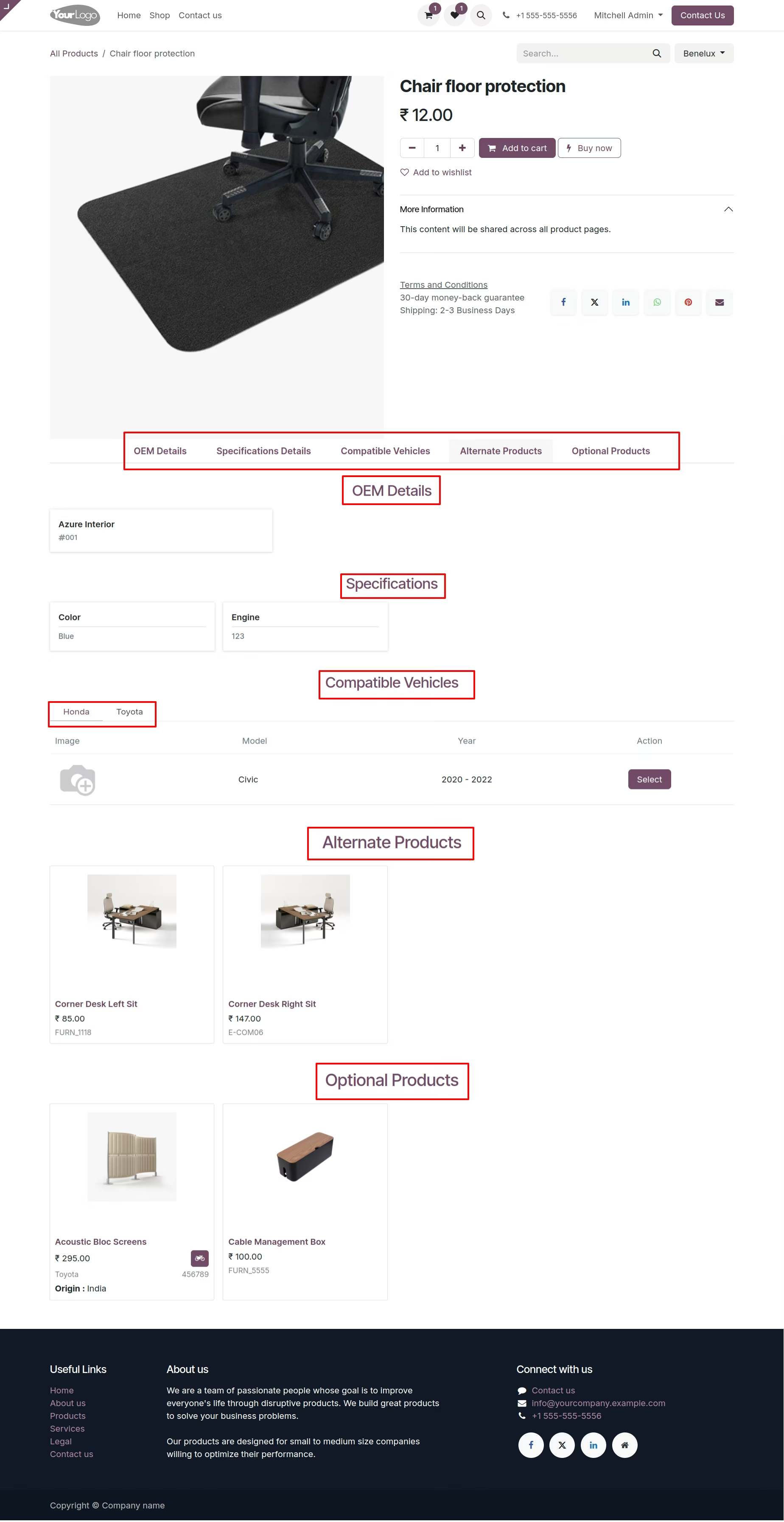
You can see Vehicles OEM details, Specifications, Compatible vehicles, Alternate products and Optional products on the product detail page.
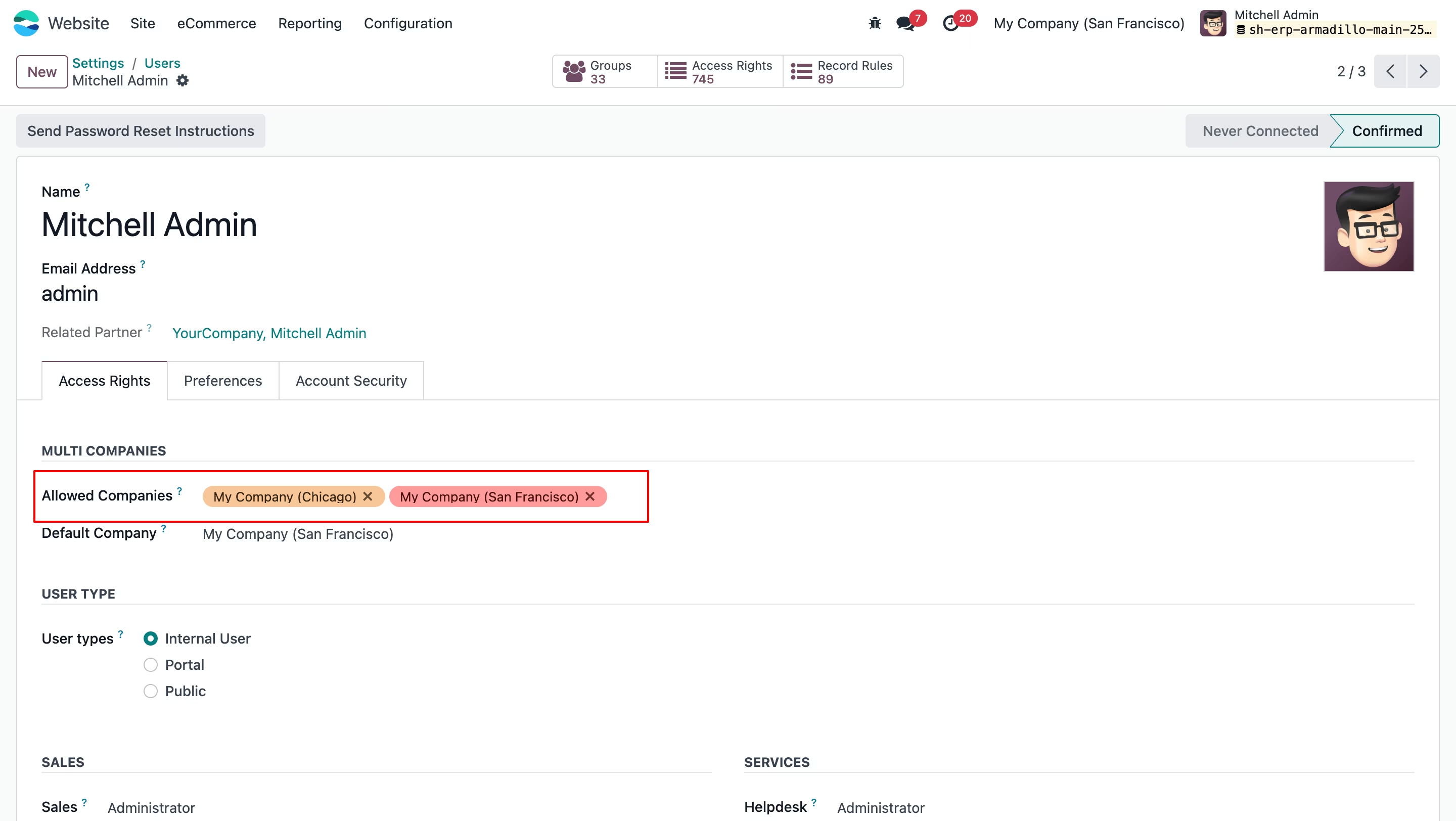
Go to the users settings ==> Add Allowed Companies and Default Company
Add Company and website in the Type.
Add Company and website in the Make.
In the Model form view add a company and website.
Add Company and website in the Year.
Add Company and website in the Grade.
Add Company and website in the Engine.
Add Company and website in the Transmission.
Add Company and website in the Brand.
Add Company and website in the Product Type.
Add Company and website in the Vehicle.