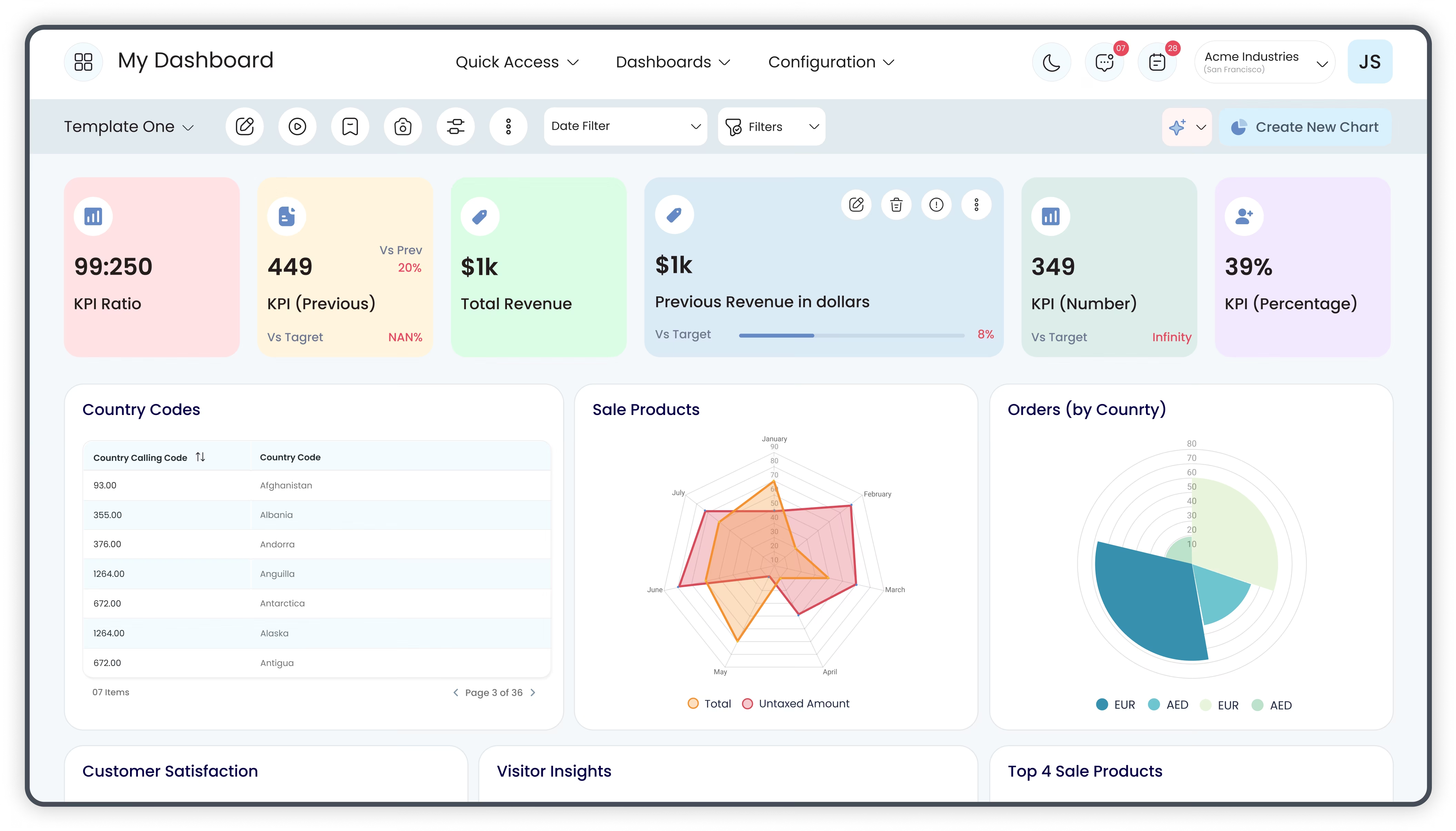
Dashboard Advance elevates analytics capability by offering advanced visualization and distribution features. It enables dynamic TV mode presentations, customizable list-view layouts, SQL-based dashboard creation, and easy export options via print and email. Designed to enhance decision-making and business performance visibility, it empowers teams to consume, present, and share insights efficiently.
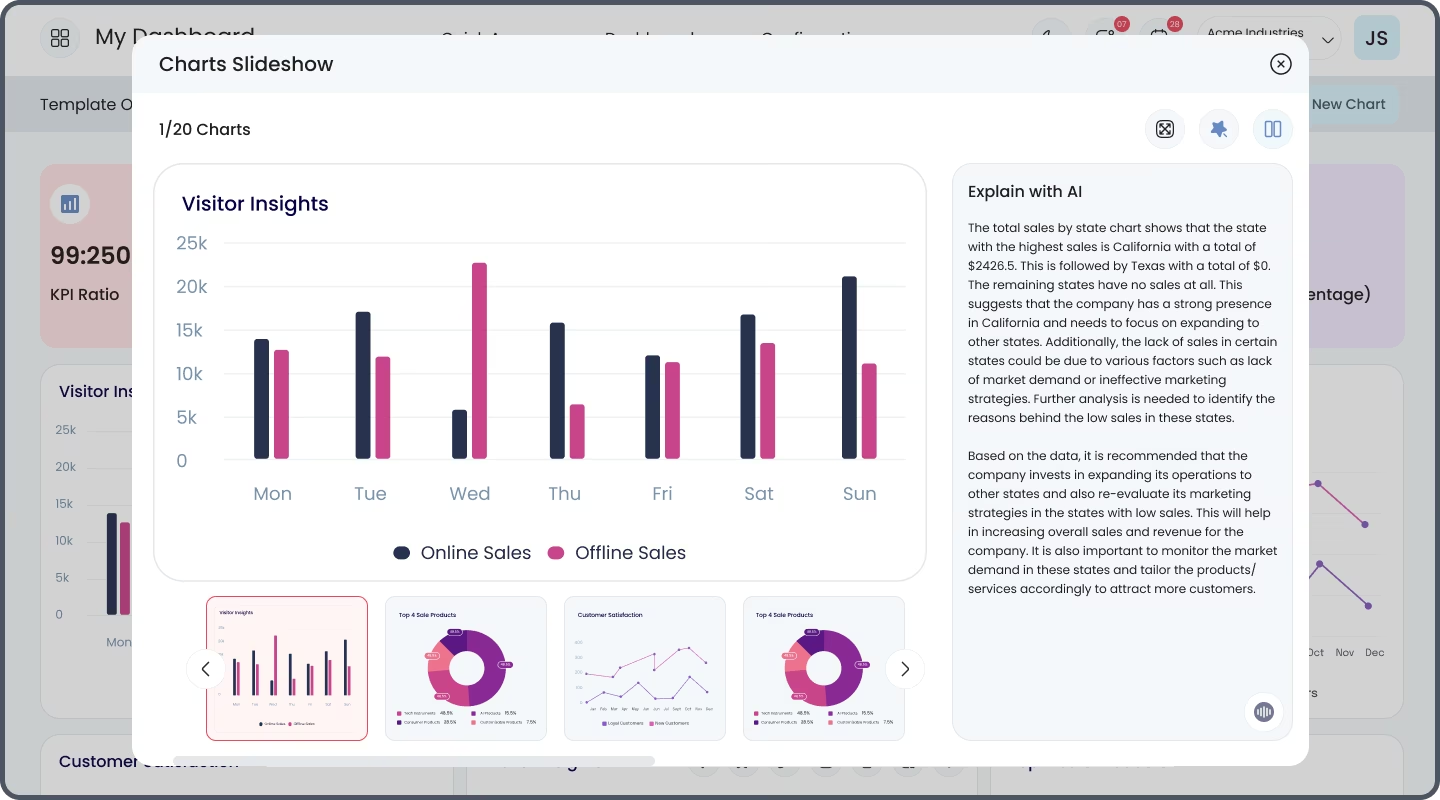
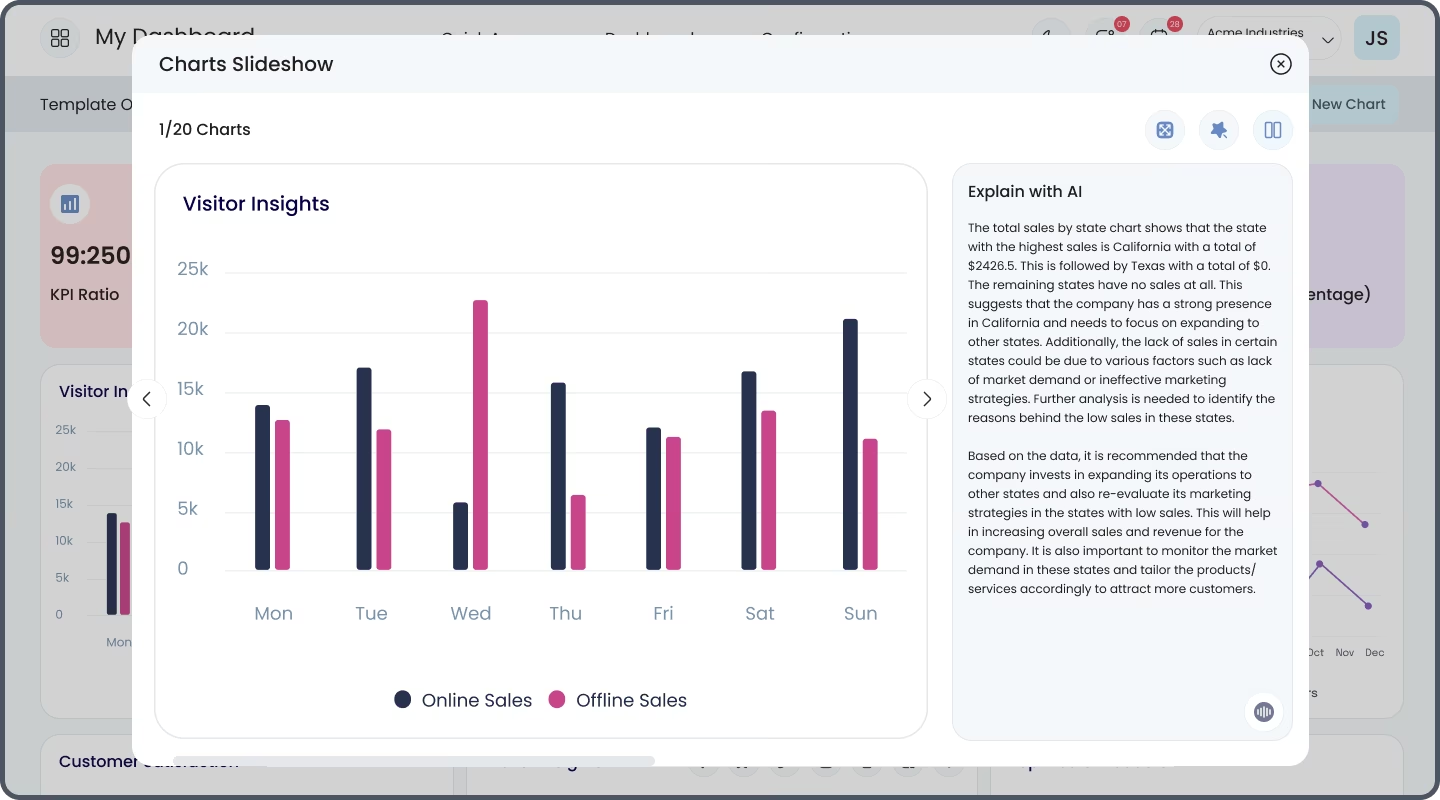
TV Mode: Rotate dashboard items on screen, ideal for presentations or wall displays.
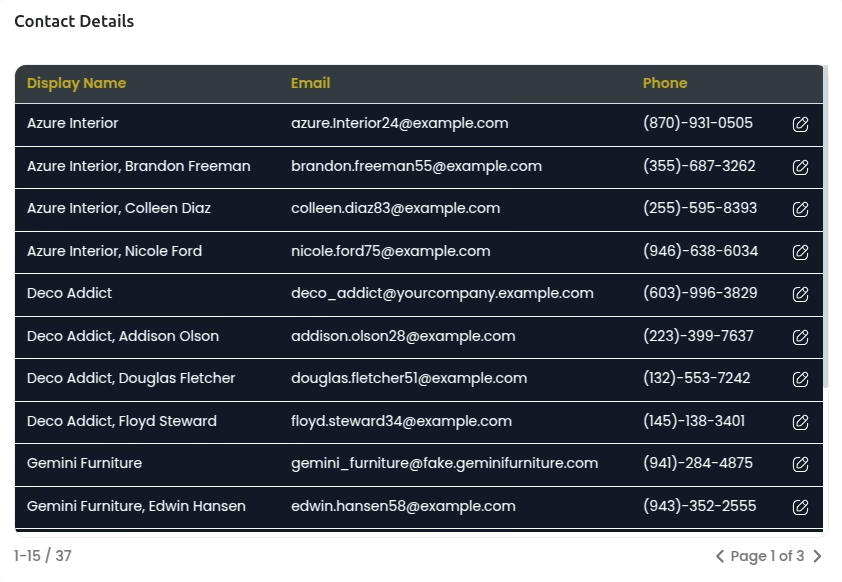
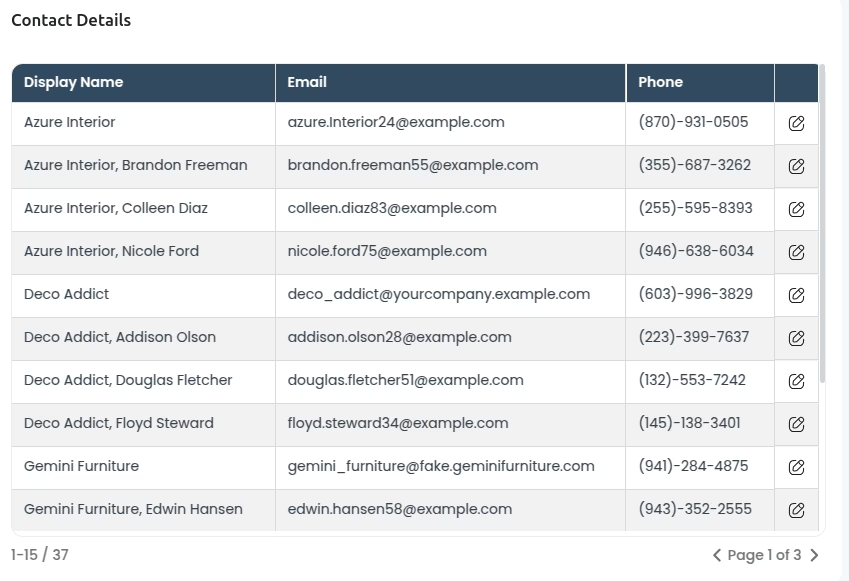
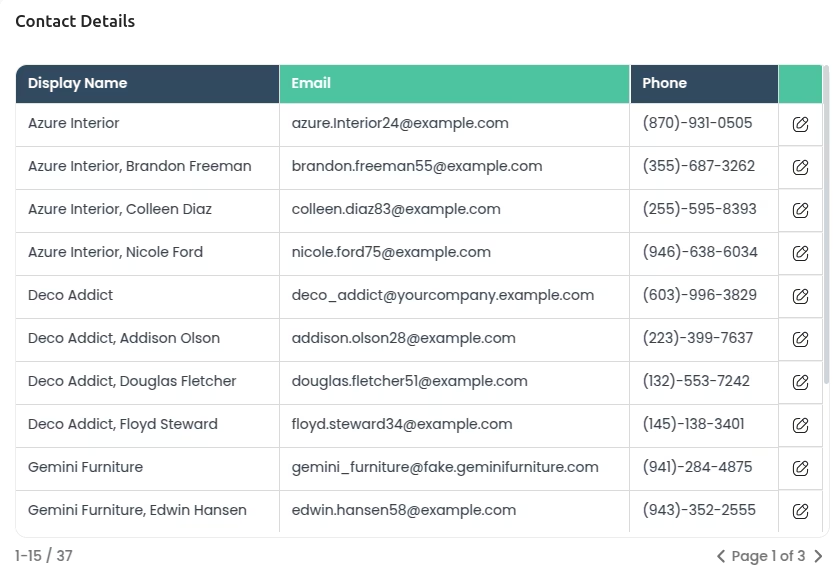
List-View Layouts: Present vertically stacked data with customizable, multi-column layouts for enhanced readability.
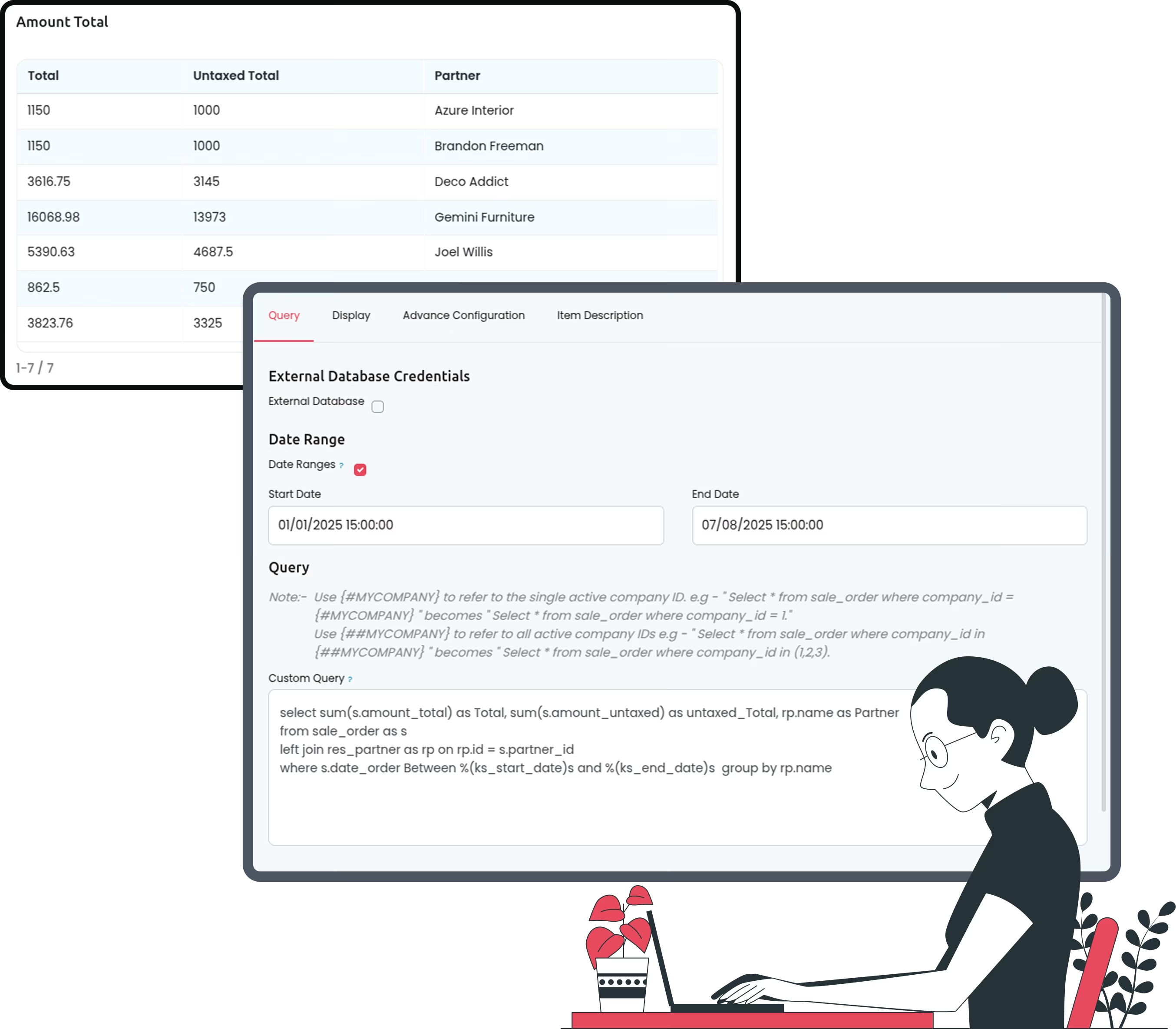
Custom SQL Query: Build dashboard items combining multiple models, apply dynamic date filters, and configure complex stacked charts.
Print Dashboard: Export dashboards as high-quality PDFs for sharing or offline review.
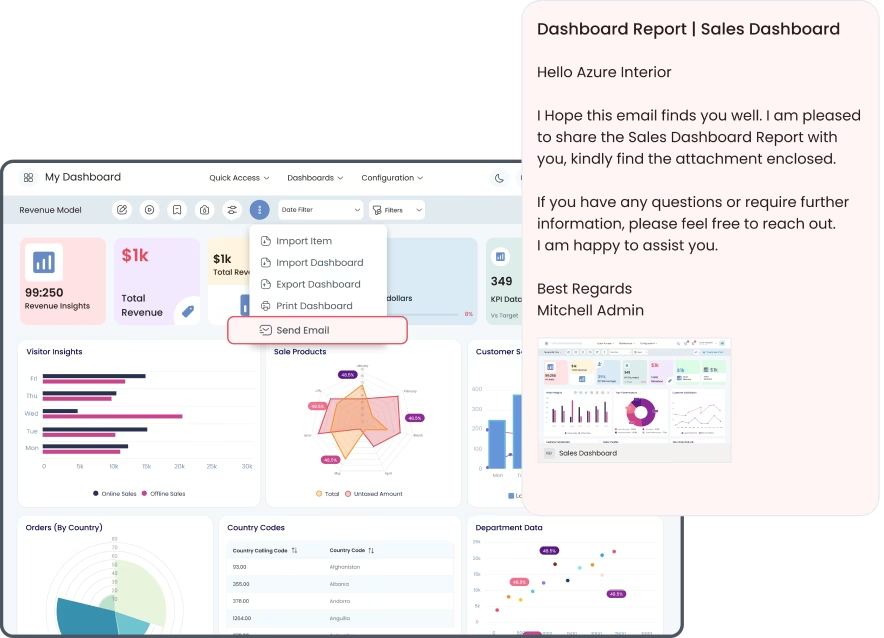
Send Email: Email dashboard snapshots directly to specified recipients, streamlining insight distribution
Transforms raw business data into engaging, presentation-ready visuals.
Facilitates flexible dashboard layout options for diverse reporting requirements.
Enables advanced data manipulation through SQL queries for deeper analytics.
Streamlines sharing with automated PDF export and emailing features.
Supports real-time visibility and broad communication of key metrics.



If you need to strengthen your Dashboard application, add
the advanced version with the following powerful features:
Dashboard Advance

Dashboard

TV Mode

List-View Layouts
Custom SQL Query
Print Dashboard

Send Email
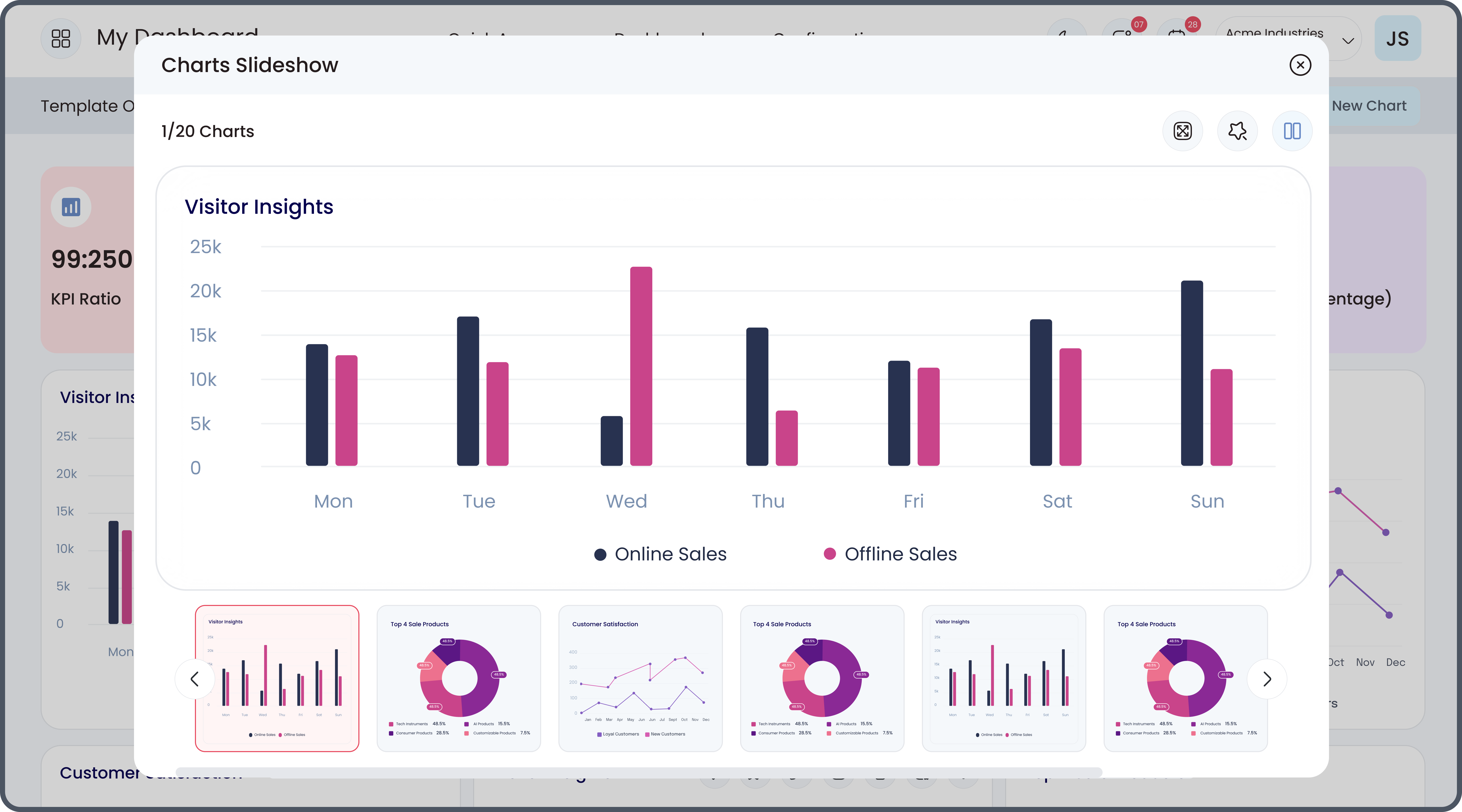
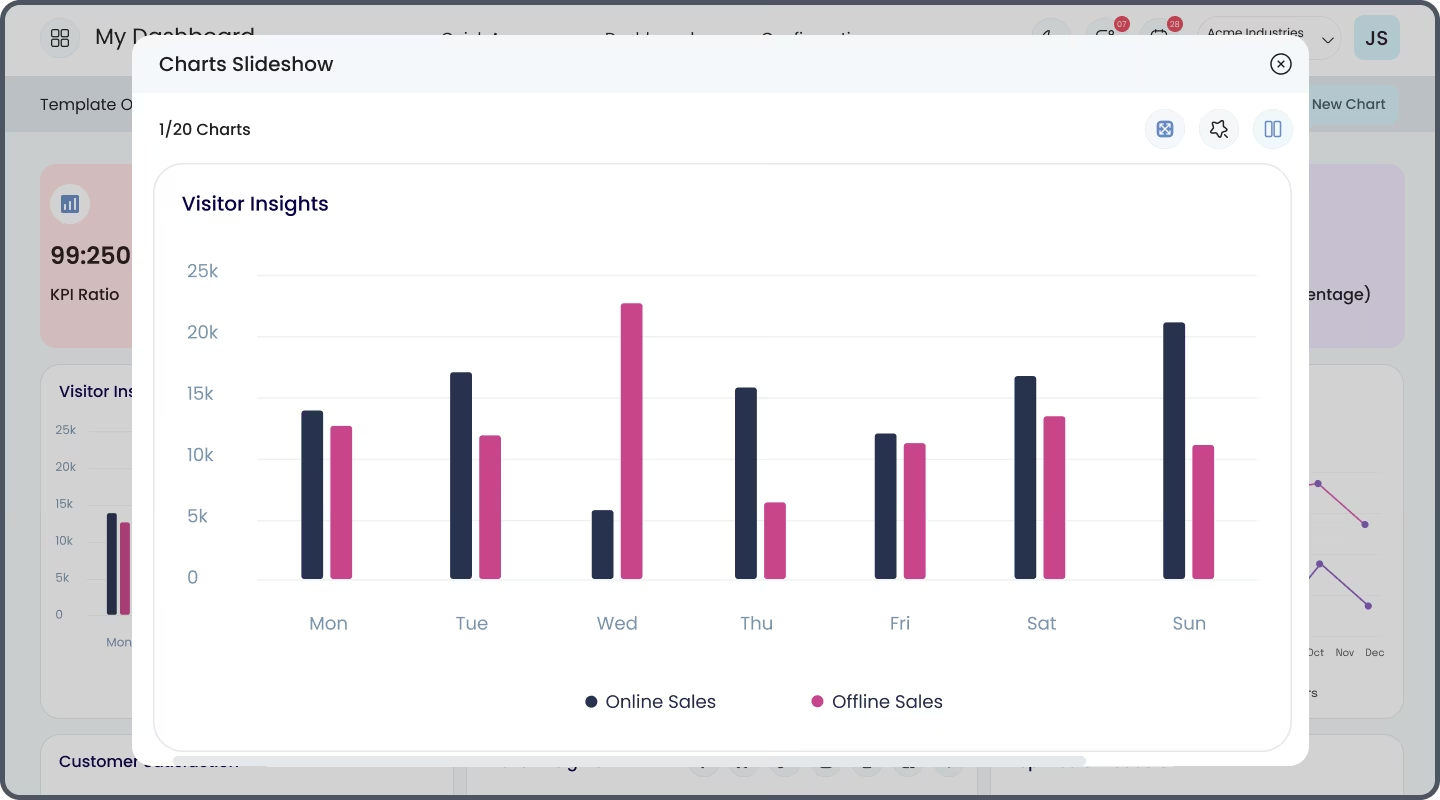
TV Mode
TV Mode feature helps a user to display the charts during office presentations over television or
wallboard. Use the Play button to rotate the dashboard items at certain intervals of time.


Enhanced Connectivity
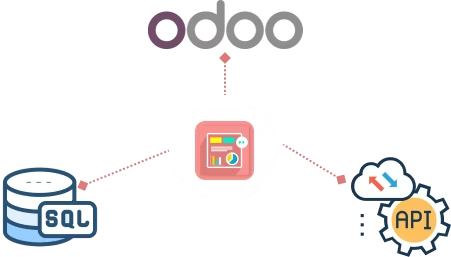
With our latest update, you can effortlessly fetch data from external PostgreSQL and MySQL databases by establishing secure connections and external API(Beta Version). Streamline your data access and make informed decisions with ease.
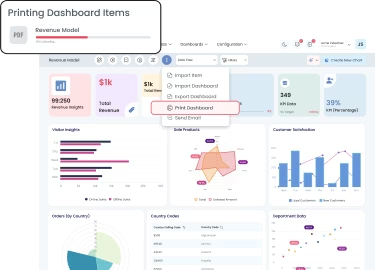
Print Dashboard PDF
To club the data of Multiple models in a single dashboard item, a user can use the Custom SQL Query. Create unlimited data combinations, configure stacked charts, and filter the data using the Dynamic Date Filter option.
New Layouts For ListView
New Layouts for ListView allows a user to present vertically stacked data with an engaging User
Interface. Sort and Filter the collected data into multiple columns with 3 amazing layouts.
Custom SQL Query
To club the data of Multiple models in a single dashboard item, a user can use the Custom SQL Query. Create
unlimited data combinations, configure stacked charts, and filter the data using the Dynamic Date Filter option.
Send Email
Send Email is a unique feature that makes it easy for users to share their dashboards with Pre-specified users via
email. This feature allows users to send dashboard snapshots PDFs as email to selected recipients.