Account Reports Multi Currency Multi-Currency Financial Statements
The Account Reports Multi Currency module is a powerful solution designed for businesses operating in multi-currency environments. It allows you to generate financial statements in any active currency, giving you accurate and real-time views of your company’s global performance.
🌍 Core Features
Multi-Currency Financial Statements Generate key reports like Profit & Loss, Balance Sheet, Trial Balance, and General Ledger in any selected currency.
Real-Time Currency Conversion — Automatically convert financial data based on current or configured exchange rates for accurate reporting.
Comprehensive Report Support — Supports essential financial report types with both converted and original currency values.
Seamless Integration Works with Accounting, Invoicing and multi-company features for smooth operations.
User-Friendly Interface Choose your desired currency and generate reports with just a few clicks.
📊 Benefits for Your Business
Global Financial Clarity View financial performance across international markets without manual currency calculations.
Improved Decision-Making Make informed strategic decisions using accurate multi-currency data.
Streamlined International Reporting Simplify reporting for foreign stakeholders, tax authorities, and investors.
Increased Efficiency Save time by automating currency conversion and eliminating manual adjustments.

Enterprise
Odoo.sh

Account Reports Multi Currency
Account Reports Multi Currency module is used to print account financial reports in mentioned currency.

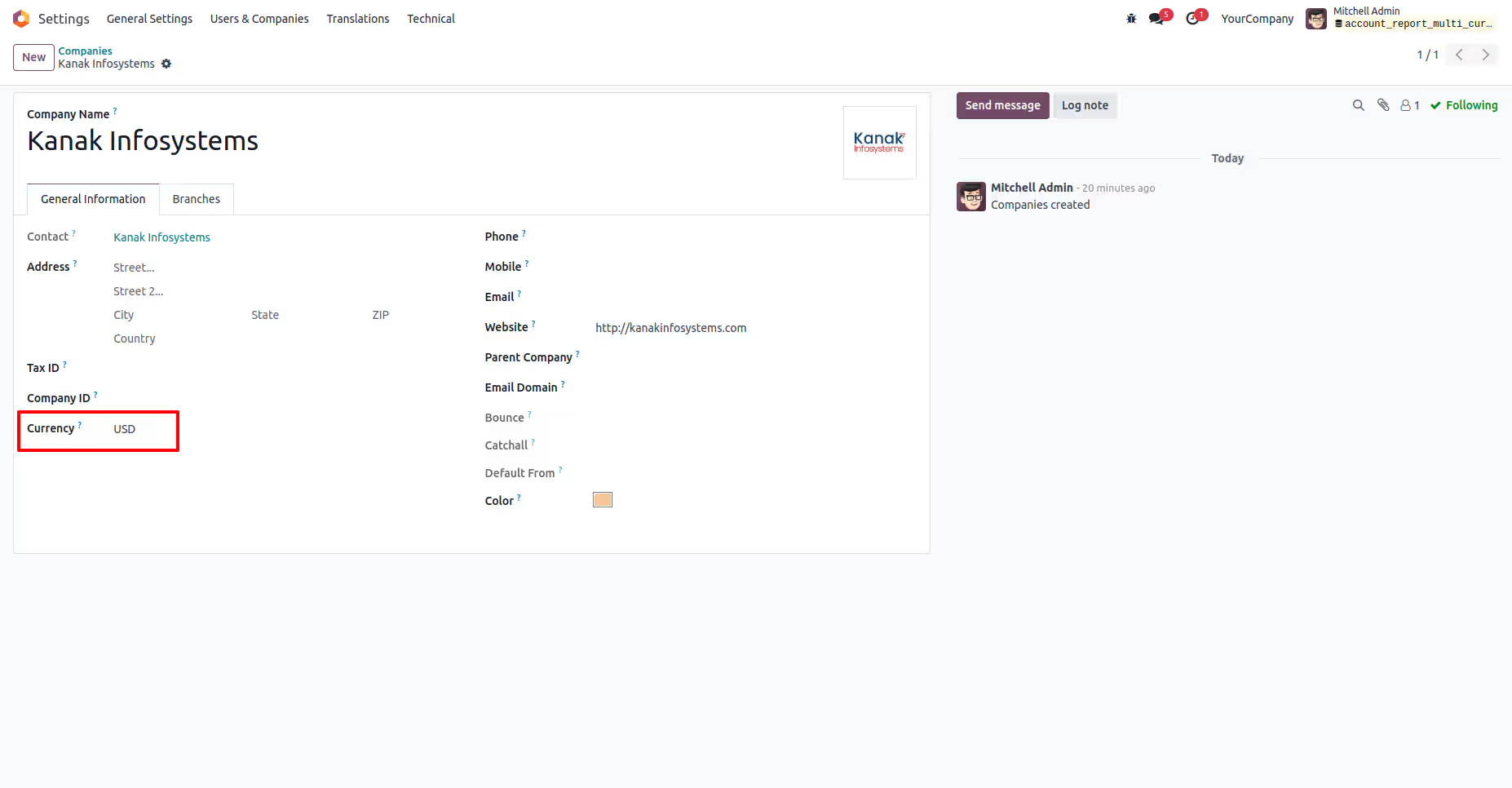
Here you can see the company currency is USD.
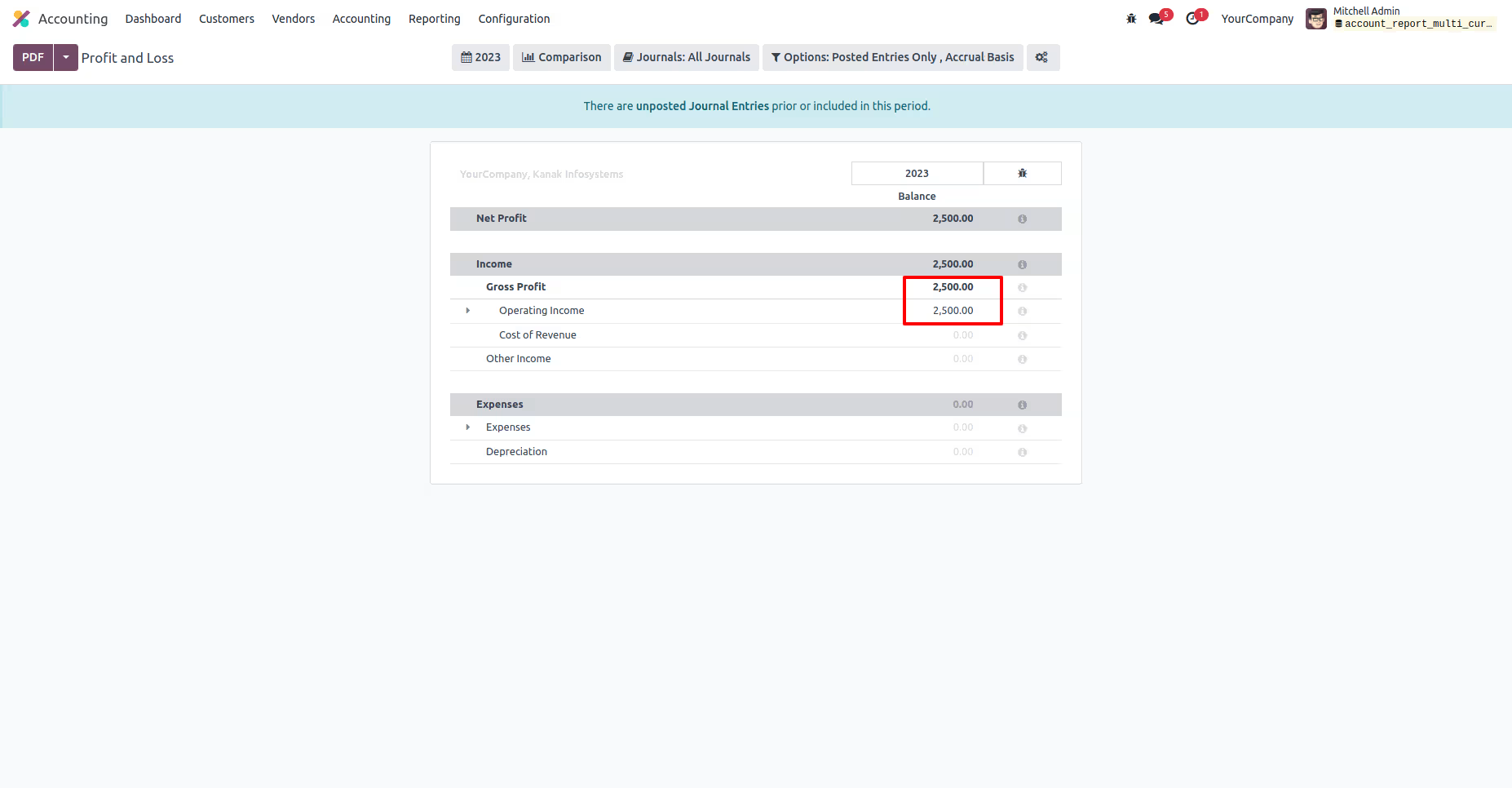
Here i printed Profit and Loss financial report and you can see here report is printed with USD currency.
Navigate to Accounting > Accounting Configuration > Financial Report Menu.
Click on Currency Conversation checkbox.
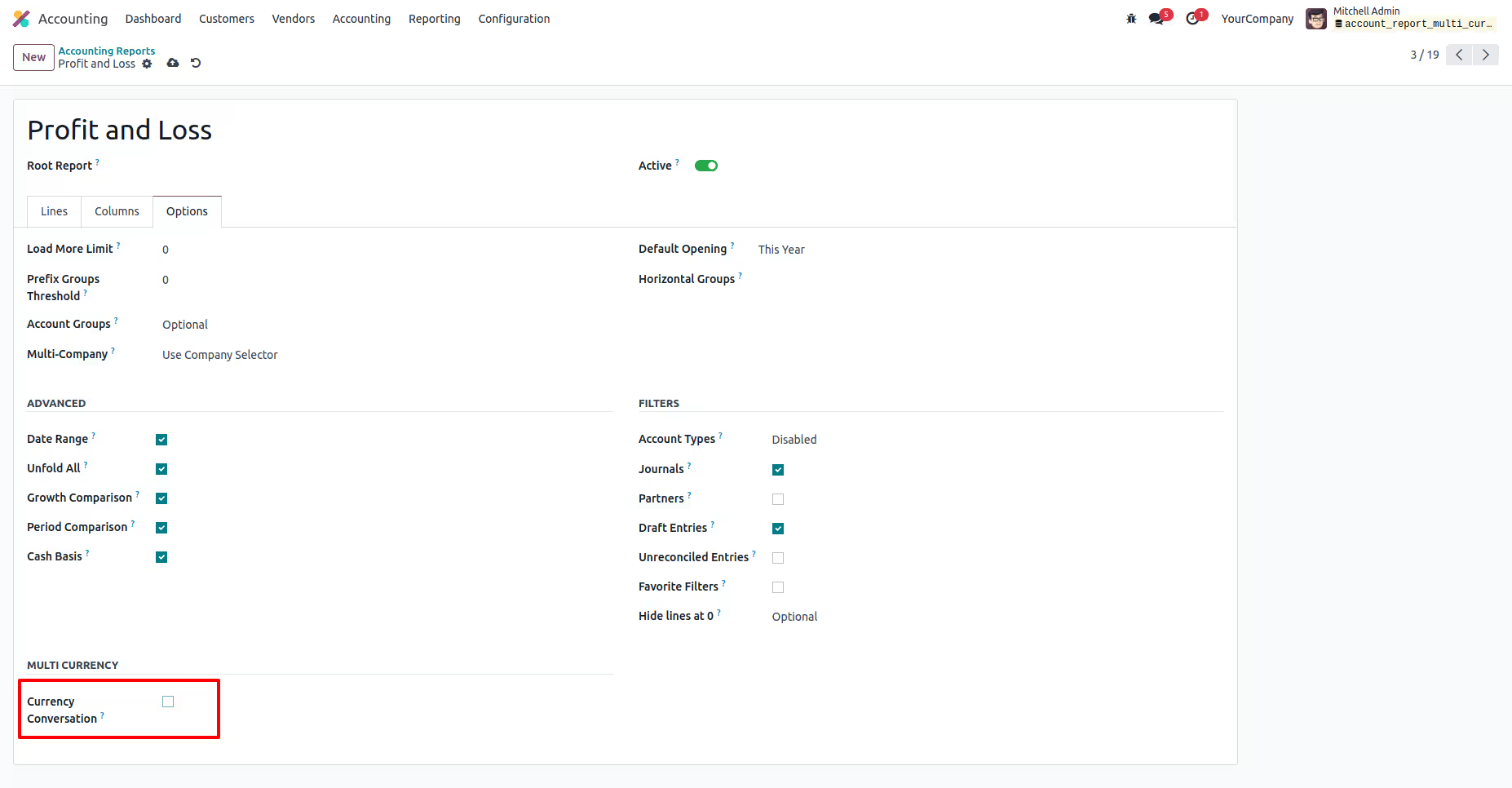
Currency fields will appear if the Currency Conversion checkbox is selected True.
Here you can see EUR currency is selected.
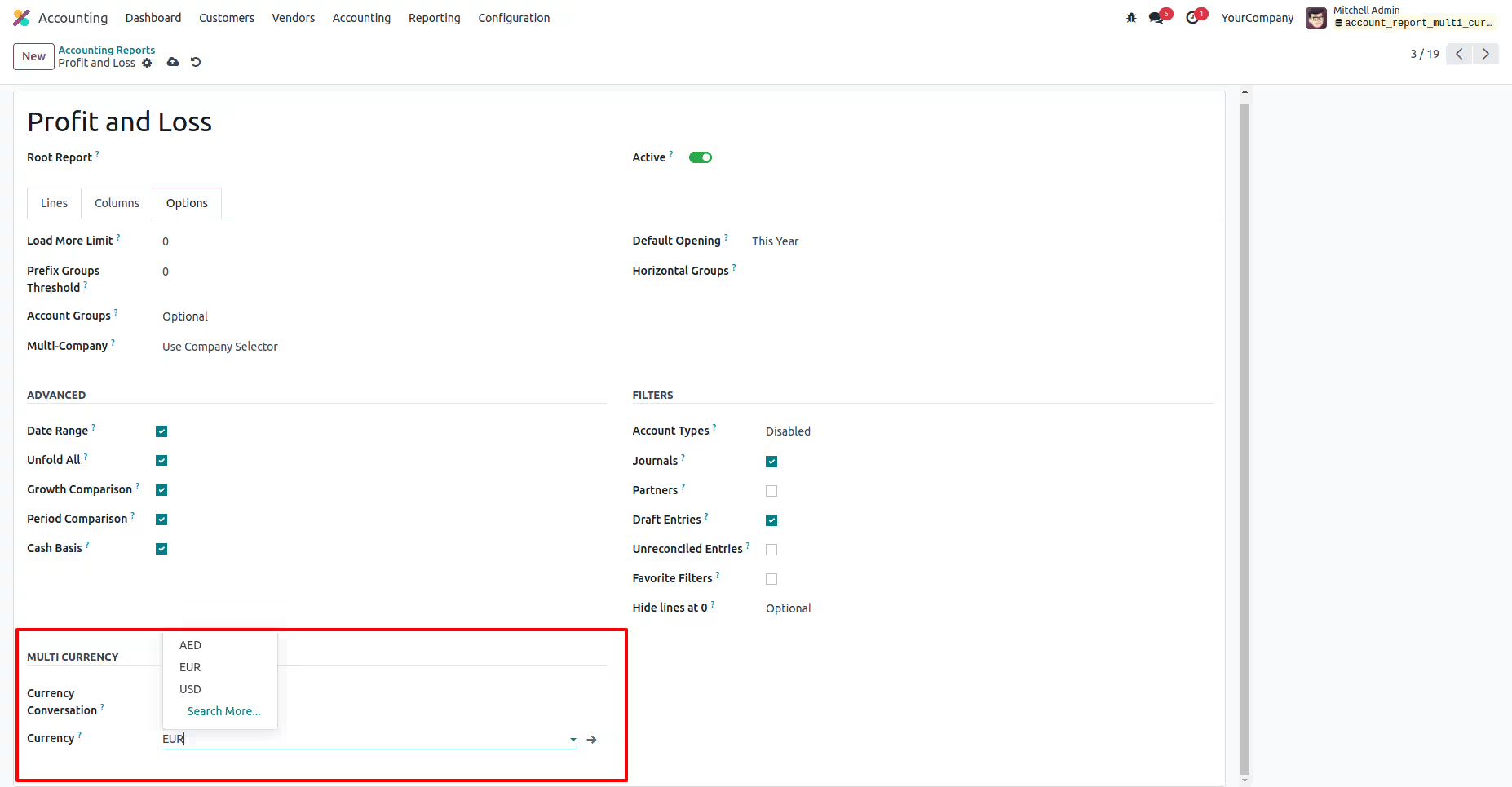
Here you can see EUR currency is selected.
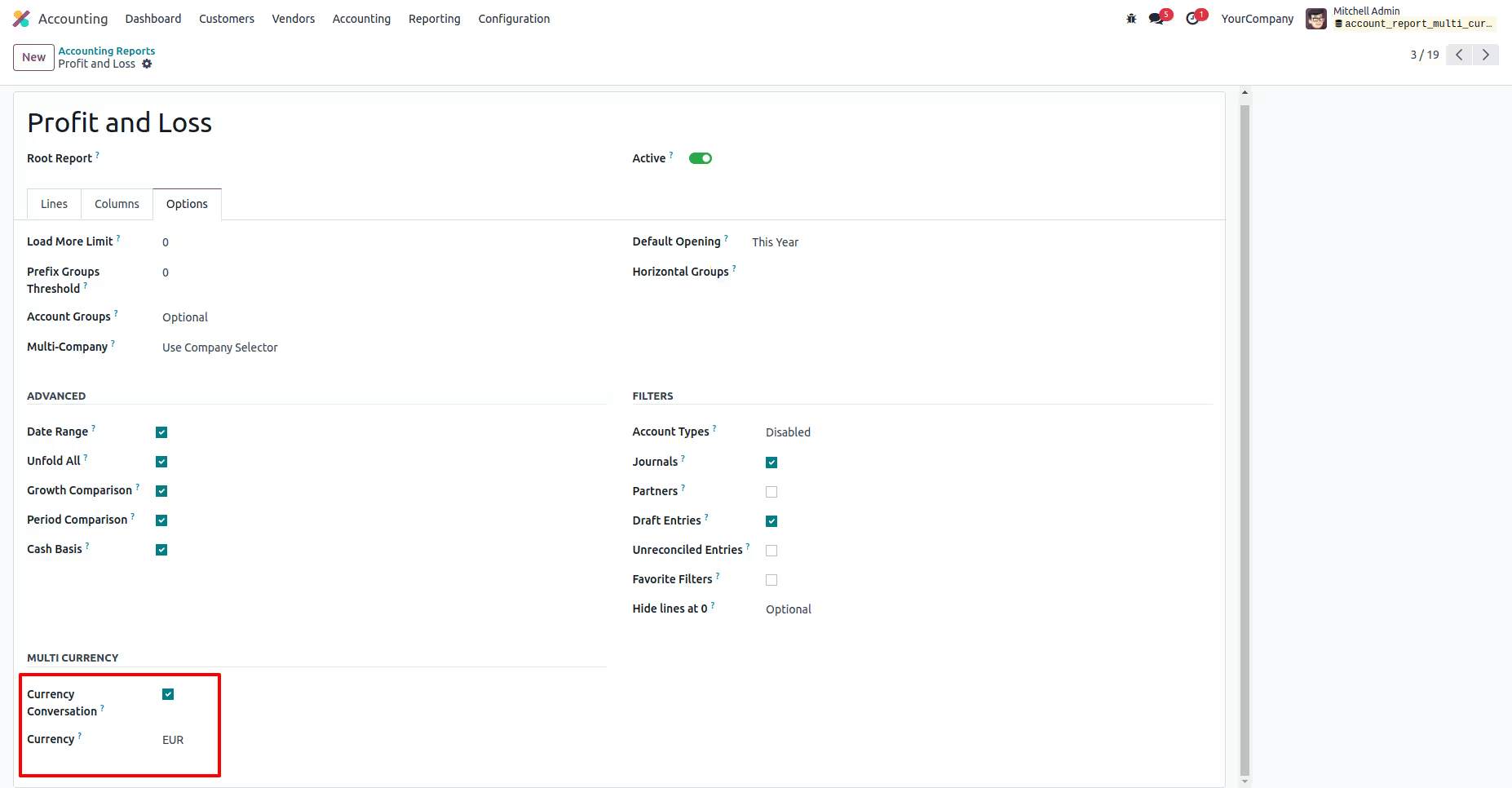
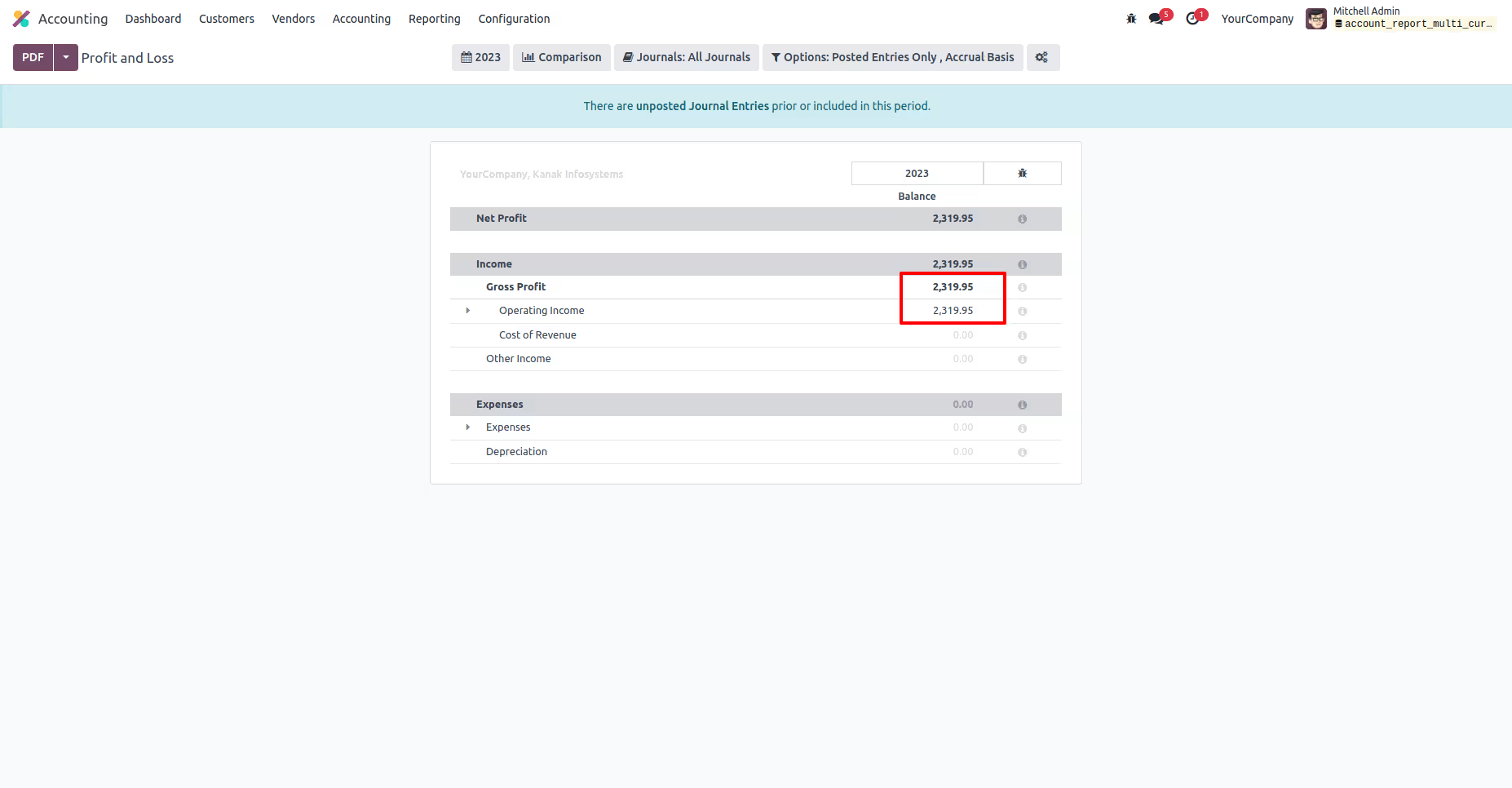
Now, Print Profit and Loss financial report.
Report is printed in EUR currency.